


Learn Korean
5억명 이상의 게이머가 신뢰하는 안드로이드 게임 플랫폼 BlueStacks으로 PC에서 플레이하세요.

Run Learn Korean - Grammar on PC or Mac
Why limit yourself to your small screen on the phone? Run Learn Korean – Grammar, an app by InnovationApps, best experienced on your PC or Mac with BlueStacks, the world’s #1 Android emulator.
About the App
Want to finally make sense of Korean grammar or get more comfortable speaking? “Learn Korean – Grammar” by InnovationApps is here to help you do exactly that, whether you’re prepping for a trip or brushing up for fun. You’ll have tons of phrases and lessons at your fingertips, all bundled in a super easy-to-use Education app. Expect bite-sized grammar help and practical expressions right when you need them—without hunting for a WiFi signal.
App Features
-
Massive Library of Phrases
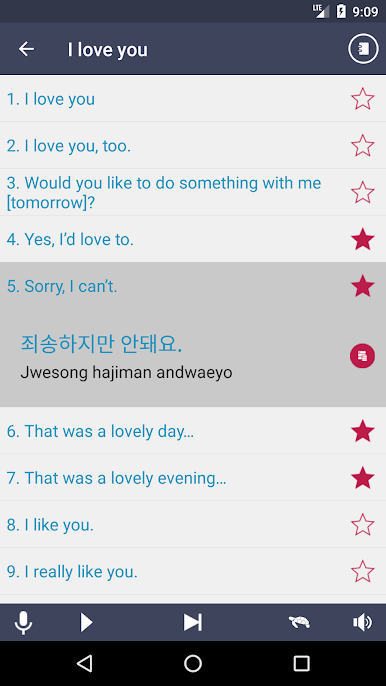
Find what you need in seconds—over 5,000 phrases spread across 60 categories. Need to order at a restaurant, chat at the hotel, or just make a friend? There’s a phrase for just about any situation you can think of. -
Grammar Lessons Made Simple
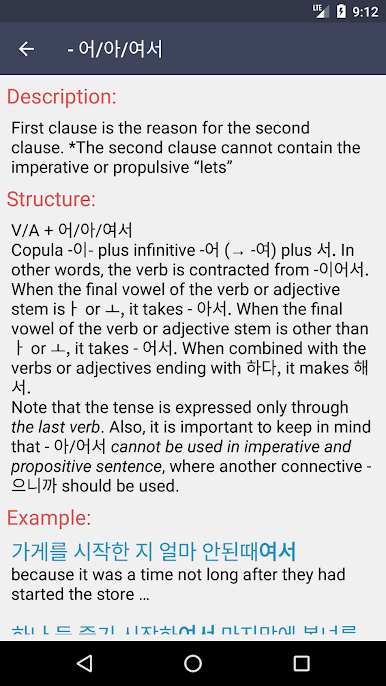
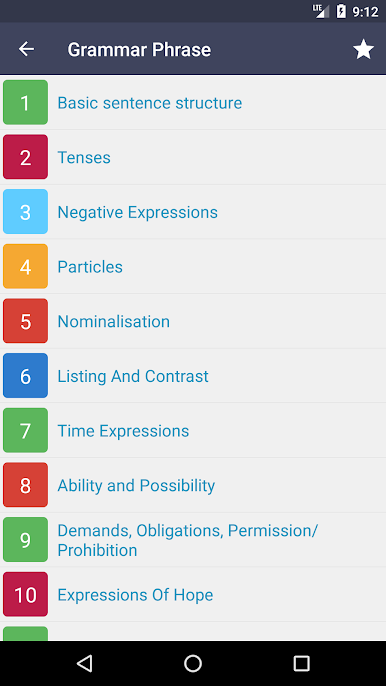
Tackle more than 200 grammar topics broken down into clear, quick lessons. Start at the basics or zero in on something specific—it’s like having a handy guide but a whole lot less intimidating. -
Fun Quiz Game
Love a little challenge? Check out the built-in quiz game to put your new words and phrases to the test. It’s a fun way to review and see your progress. -
No Internet Needed
Everything works offline, so you don’t have to worry about finding WiFi in the middle of practicing or traveling. -
Organized Categories
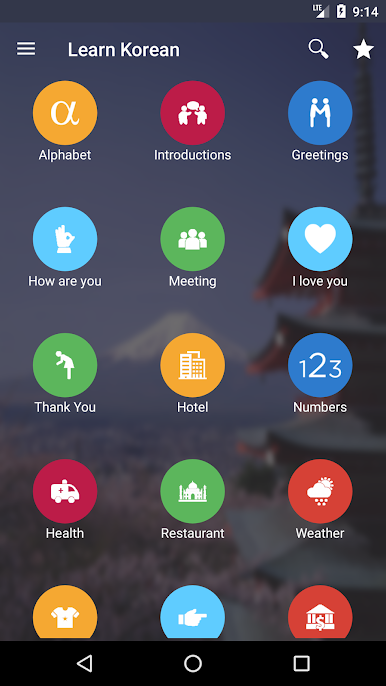
The app sorts content into everyday topics—getting around, shopping, weather, love and romance, and tons more—making it quick to find what you actually need. -
Handy on Any Device
Access “Learn Korean – Grammar” using BlueStacks if you’d rather brush up on a bigger screen or just want to switch between phone and computer.
BlueStacks brings your apps to life on a bigger screen—seamless and straightforward.
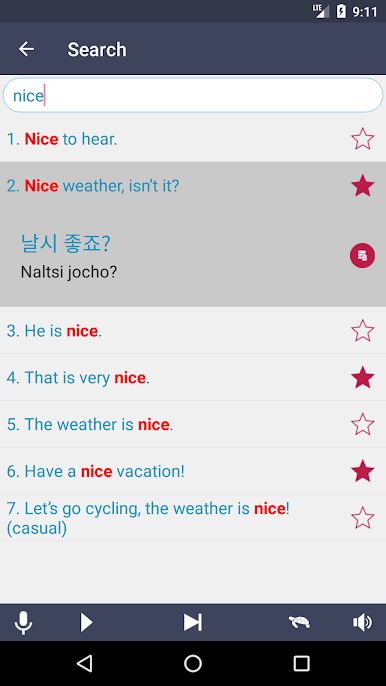
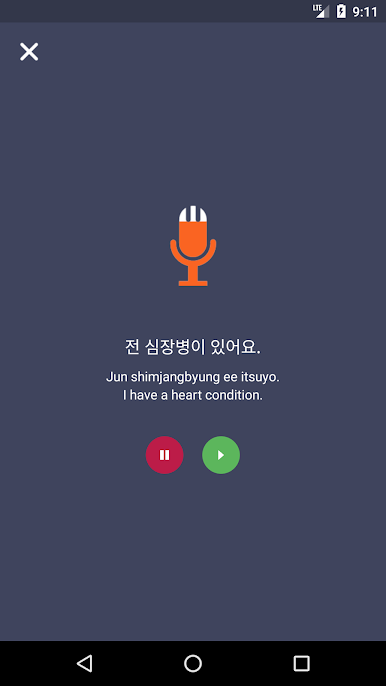
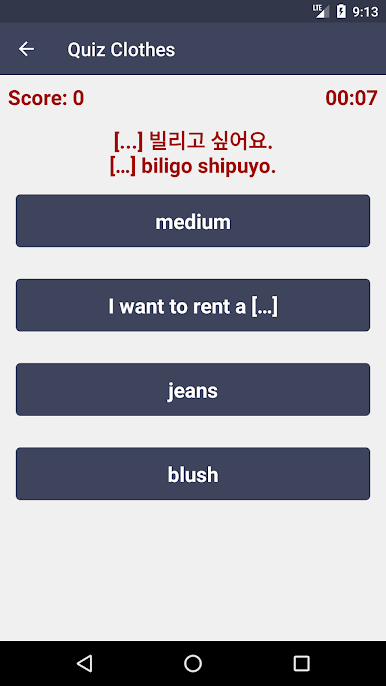
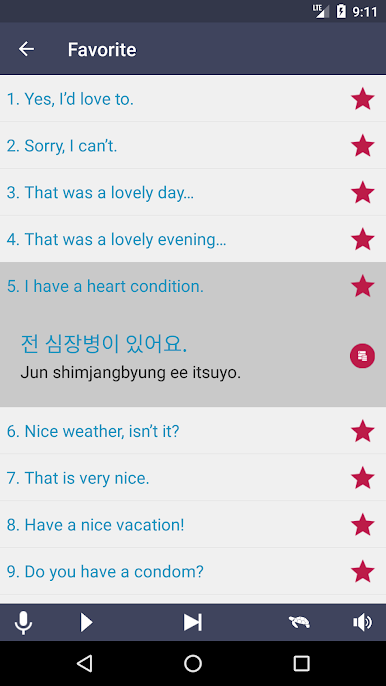
PC에서 Learn Korean 플레이해보세요.
-
BlueStacks 다운로드하고 설치
-
Google Play 스토어에 로그인 하기(나중에 진행가능)
-
오른쪽 상단 코너에 Learn Korean 검색
-
검색 결과 중 Learn Korean 선택하여 설치
-
구글 로그인 진행(만약 2단계를 지나갔을 경우) 후 Learn Korean 설치
-
메인 홈화면에서 Learn Korean 선택하여 실행

