

التقويم الاحترافي
العب على الكمبيوتر الشخصي مع BlueStacks - نظام أندرويد للألعاب ، موثوق به من قبل أكثر من 500 مليون لاعب.

Run Business Calendar 2 Pro on PC or Mac
Multitask effortlessly on your PC or Mac as you try out Business Calendar 2 Pro, a Productivity app by Appgenix Software on BlueStacks.
About the App
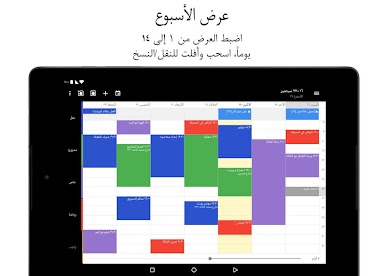
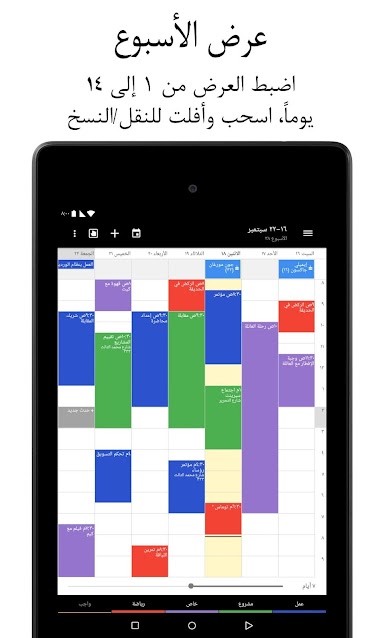
Looking to keep your schedule under control without all the usual headaches? Business Calendar 2 Pro from Appgenix Software is made for folks who need a smart, flexible way to handle both events and tasks. Whether you’re shuffling meetings, juggling work shifts, or just want a quick overview of what’s coming up, this productivity app keeps it all easy to manage. It’s customizable, fast, and—best part—actually pleasant to use, even if you’re buried under appointments.
App Features
-
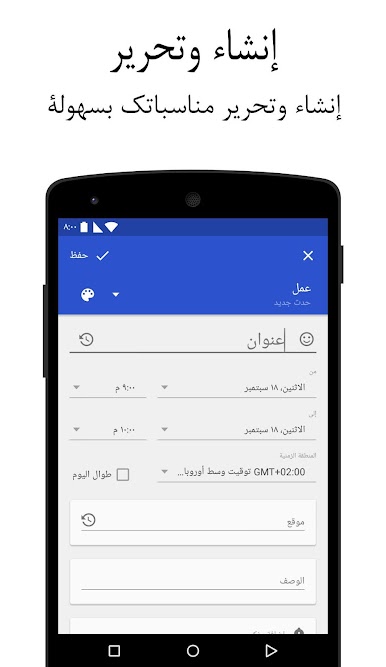
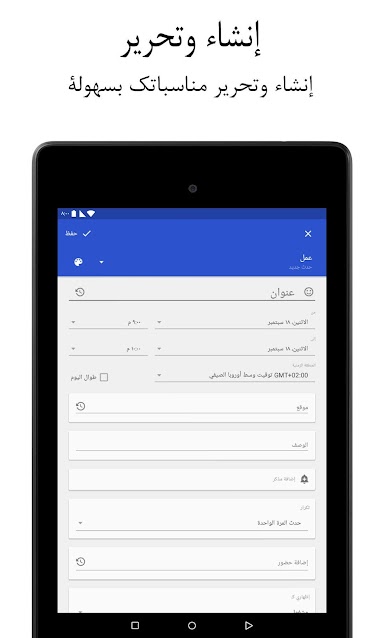
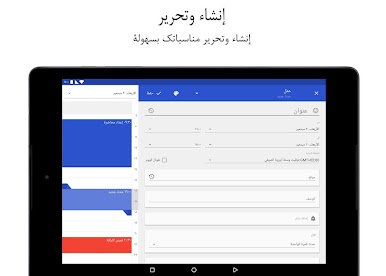
Lightning-Fast Event Creation
Tired of typing the same details over and over? Set up handy templates for those regular events or tasks, and enjoy place suggestions when adding a location, saving you tons of time. -
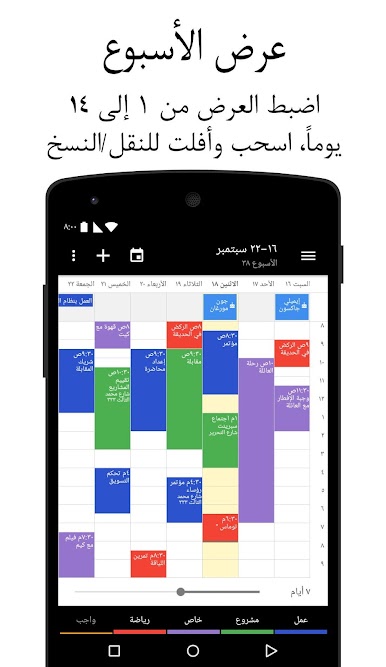
Intuitive Drag & Drop Planner
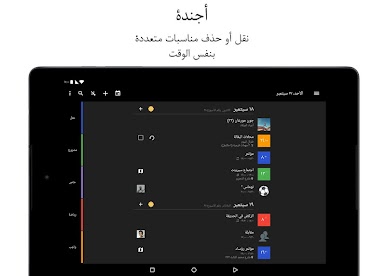
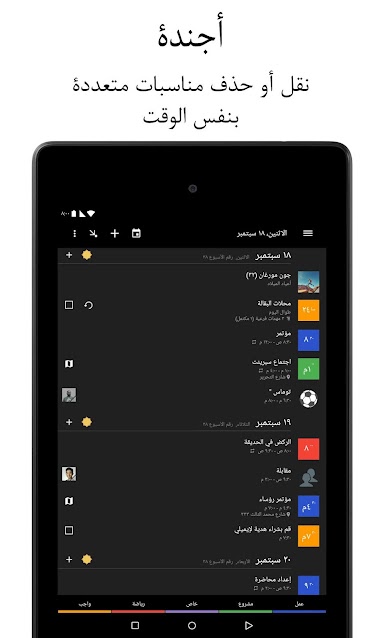
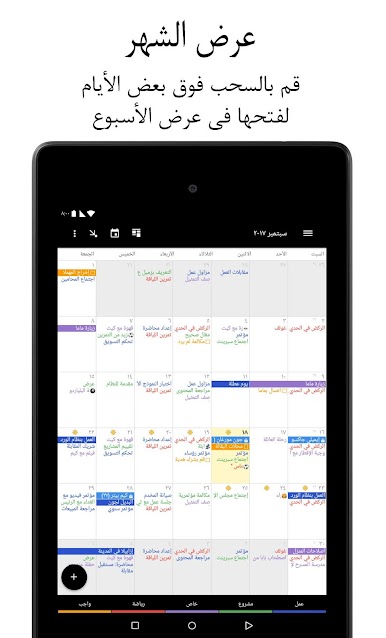
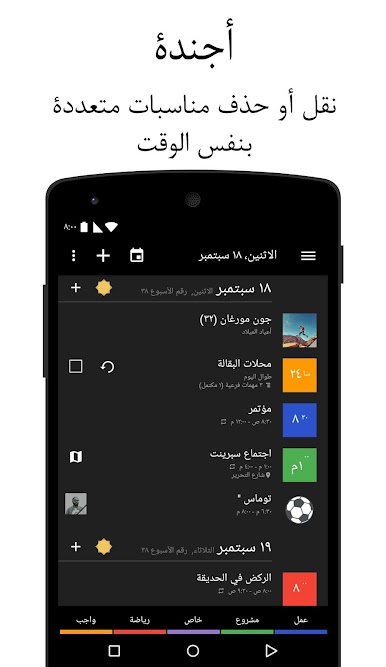
Shifting things around is a breeze. Just drag and drop events in your weekly plan, or, if you really need to, move or copy a bunch of events at once. Got a repeating shift? Paste it to multiple days in one go. -
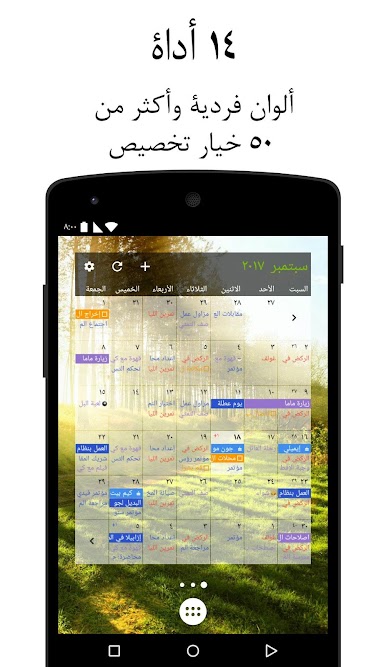
Visual Customization
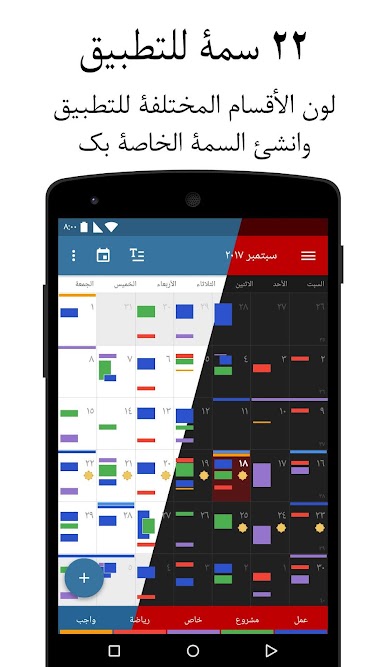
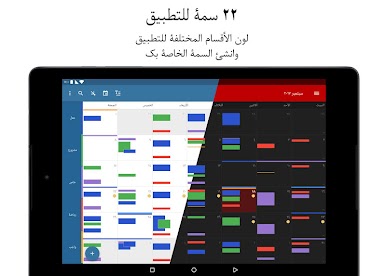
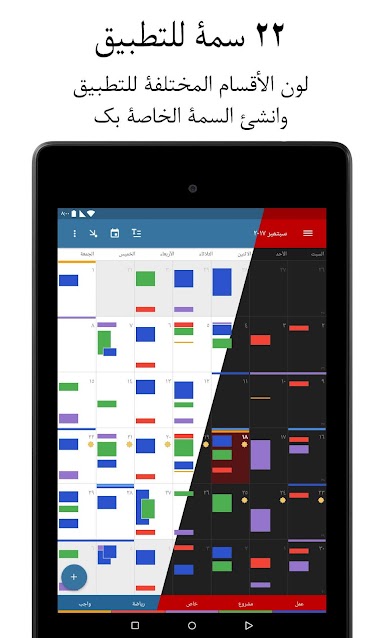
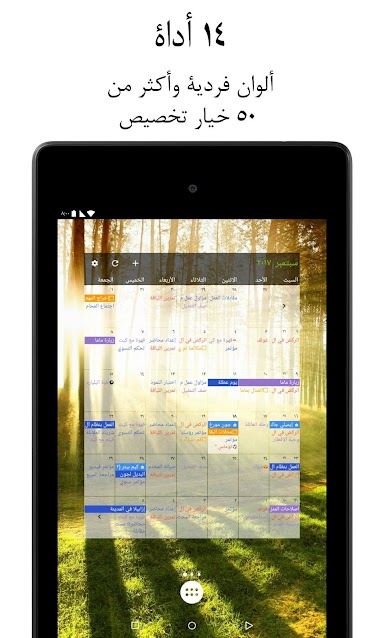
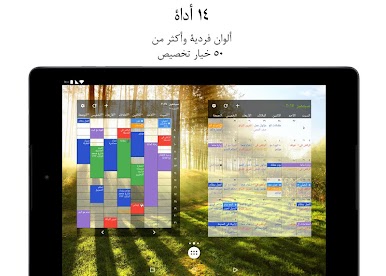
Pick from a bunch of creative themes (including a solid dark mode) to personalize the app’s look. Adjust widget designs and tweak font sizes so your calendar fits your vibe, not the other way around. -
Built-in Weather Updates
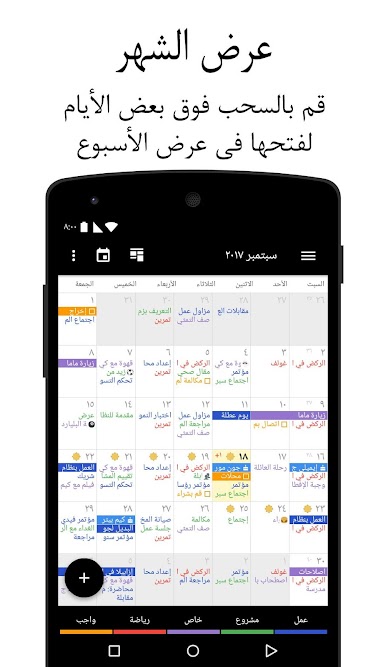
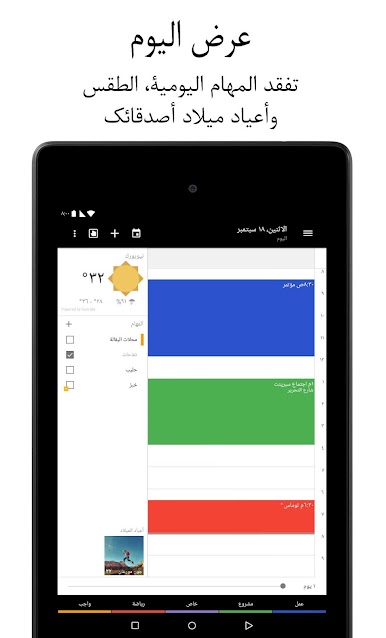
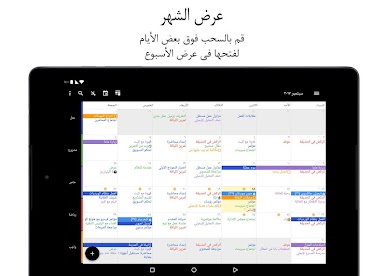
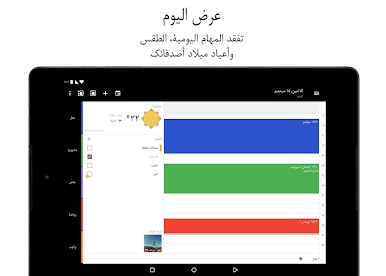
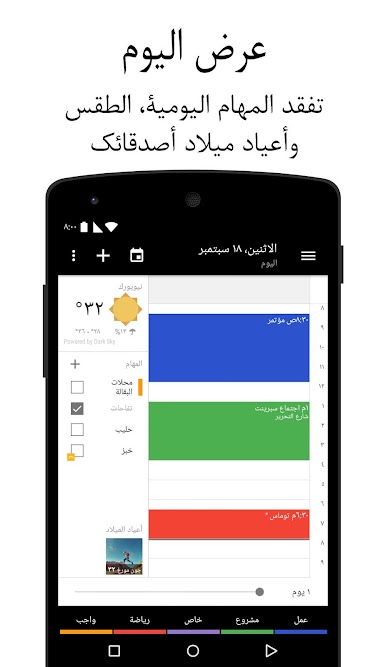
Need to double-check the weather before committing to an outdoor meeting? Integrated forecasts appear right in your daily, monthly, or agenda view. -
Alerts and Reminders
Never miss a beat—custom alarms (with different ringtones for separate calendars) and flexible notification settings make sure you’re on top of everything. -
Smarter Task Management
Attach files or photos to any appointment, break tasks down into subtasks, set priorities, and print your agenda out as a PDF. Import or export your calendar as needed—it’s all in your control. -
Supercharged Widgets
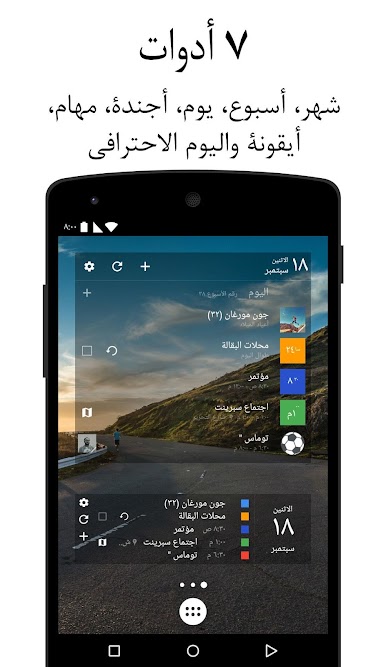
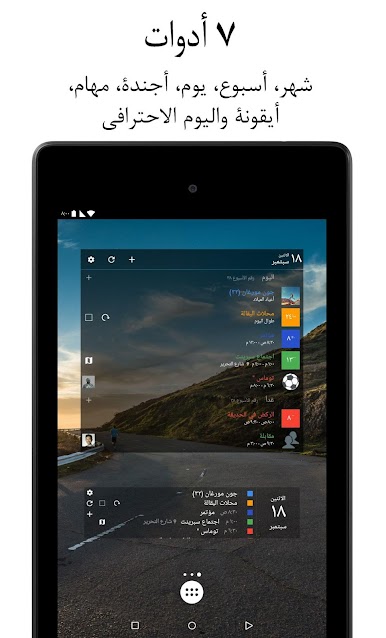
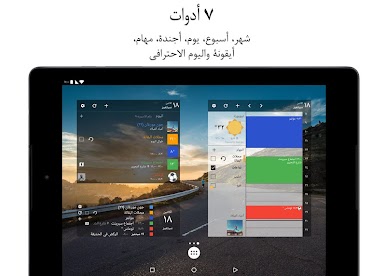
Keep your schedule within reach with several widgets, like the “Day Pro” widget, showing just what you need on your home screen for a quick glance. -
Seamless Sync
Syncs smoothly with Google Calendar, Microsoft Outlook, Exchange, and more—plus an option to keep things local if that’s your style. -
Handy Appointment Tools
Quickly add events with voice input, get smart suggestions based on your history, and navigate with just a swipe. Invite attendees, respond to invitations, share tasks—you get all the powerful tools you’d expect. -
No Ads, No Hassle
Enjoy an ad-free experience, so you can focus on planning, not distractions.
If you want to make the most out of its tools, you can try Business Calendar 2 Pro using BlueStacks for that extra bit of flexibility on your computer.
BlueStacks brings your apps to life on a bigger screen—seamless and straightforward.
العب التقويم الاحترافي على جهاز الكمبيوتر. من السهل البدء.
-
قم بتنزيل BlueStacks وتثبيته على جهاز الكمبيوتر الخاص بك
-
أكمل تسجيل الدخول إلى Google للوصول إلى متجر Play ، أو قم بذلك لاحقًا
-
ابحث عن التقويم الاحترافي في شريط البحث أعلى الزاوية اليمنى
-
انقر لتثبيت التقويم الاحترافي من نتائج البحث
-
أكمل تسجيل الدخول إلى Google (إذا تخطيت الخطوة 2) لتثبيت التقويم الاحترافي
-
انقر على أيقونة التقويم الاحترافي على الشاشة الرئيسية لبدء اللعب

