BabyFirst Vídeos para Crianças
Jogue no PC com BlueStacks - A Plataforma de Jogos Android, confiada por mais de 500 milhões de jogadores.

Página modificada em: 19 de dezembro de 2019
Run BabyFirst: Education Songs, Games & TV for Kids on PC or Mac
Upgrade your experience. Try BabyFirst: Education Songs, Games & TV for Kids, the fantastic Education app from BabyFirst, from the comfort of your laptop, PC, or Mac, only on BlueStacks.
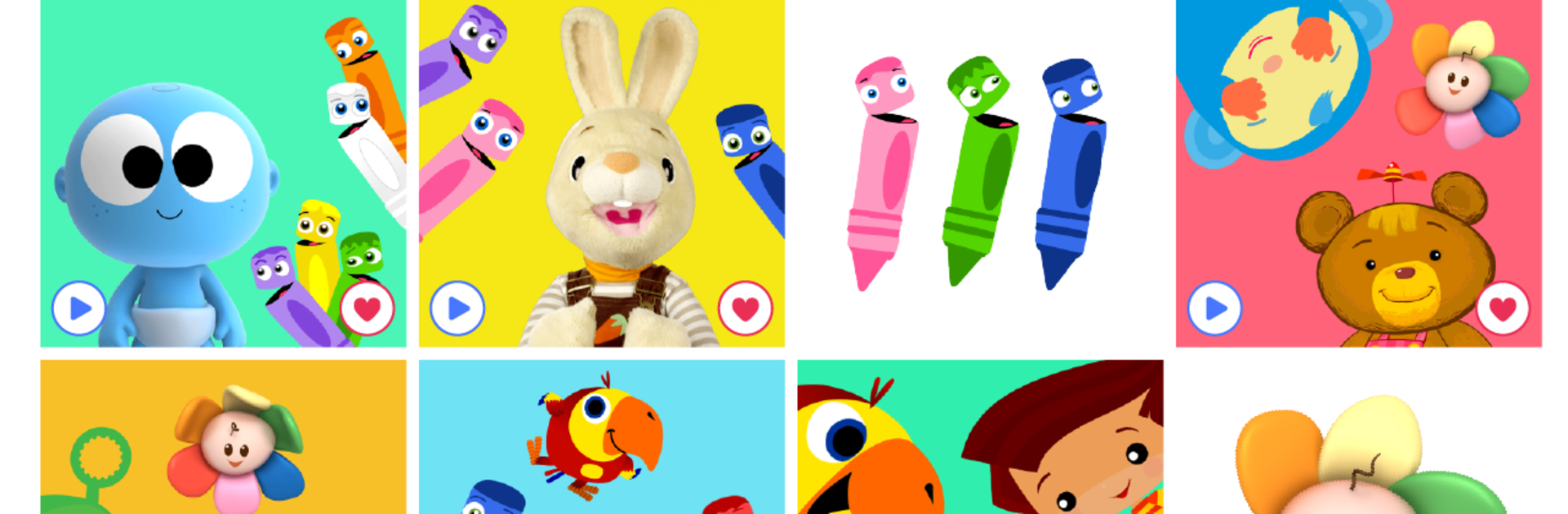
So, playing BabyFirst: Education Songs, Games & TV for Kids on PC (using something like BlueStacks) really feels like setting up a little safe kid zone right on your computer. The whole app is packed with videos and games made just for toddlers and preschoolers — all those bright, friendly BabyFirst characters like Harry the Bunny and VocabuLarry pop up, and there’s a ton of episodes and shows to pick from. It’s got a really simple setup, so even very young kids can poke around without getting lost or clicking on something random they shouldn’t see.
What stands out right away is that there aren’t any ads or weird pop-ups, and everything’s set up so parents have control over what’s available — it definitely feels thoughtfully designed for younger kids, not just some generic video app. There are constant new videos added, and the whole thing works in several languages, so it’s useful for families who want options beyond just English. The songs, little games, nursery rhymes, and shows are all educational but feel fun, not like schoolwork. It really does feel like tapping into a shared library of safe, colorful kid’s TV combined with simple interactive stuff, all without having to worry about anything inappropriate popping up. And everything plays easily on a big screen if you’re using BlueStacks, so it works just as well for more than one kid watching at the same time.
Big screen. Bigger performance. Use BlueStacks on your PC or Mac to run your favorite apps.


Jogue BabyFirst Vídeos para Crianças no PC. É fácil começar.
-
Baixe e instale o BlueStacks no seu PC
-
Conclua o login do Google para acessar a Play Store ou faça isso mais tarde
-
Procure por BabyFirst Vídeos para Crianças na barra de pesquisa no canto superior direito
-
Clique para instalar BabyFirst Vídeos para Crianças a partir dos resultados da pesquisa
-
Conclua o login do Google (caso você pulou a etapa 2) para instalar o BabyFirst Vídeos para Crianças
-
Clique no ícone do BabyFirst Vídeos para Crianças na tela inicial para começar a jogar

Jogos Semelhantes