


Spelling Bee - Spelling Test
在電腦上使用BlueStacks –受到5億以上的遊戲玩家所信任的Android遊戲平台。

Run Spelling Bee & Times Tables on PC or Mac
Why limit yourself to your small screen on the phone? Run Spelling Bee & Times Tables, an app by Smarter Apps and Brain Games, best experienced on your PC or Mac with BlueStacks, the world’s #1 Android emulator.
About the App
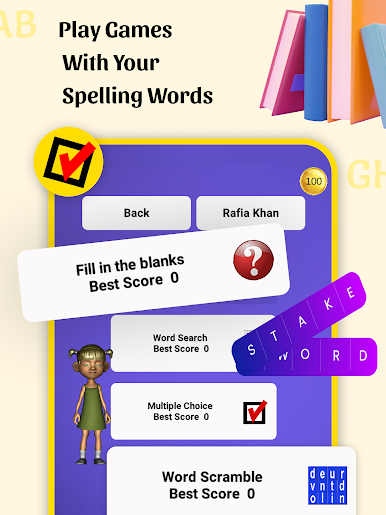
Looking for an easy way to help your child with those weekly spelling words and math tables? Spelling Bee & Times Tables by Smarter Apps and Brain Games offers a hands-on approach that lets you jump right in, whether you’re on the way to school, at home, or anywhere else. If you’ve got a busy schedule—or just need spelling and times tables practice to actually stick—this app’s all about giving kids and parents a smooth, straightforward experience.
App Features
-
Homework Made Simple
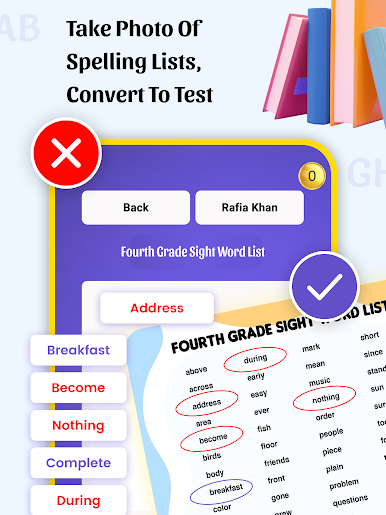
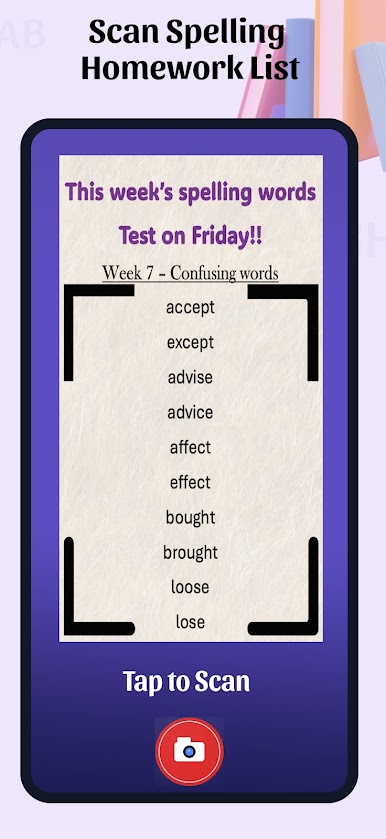
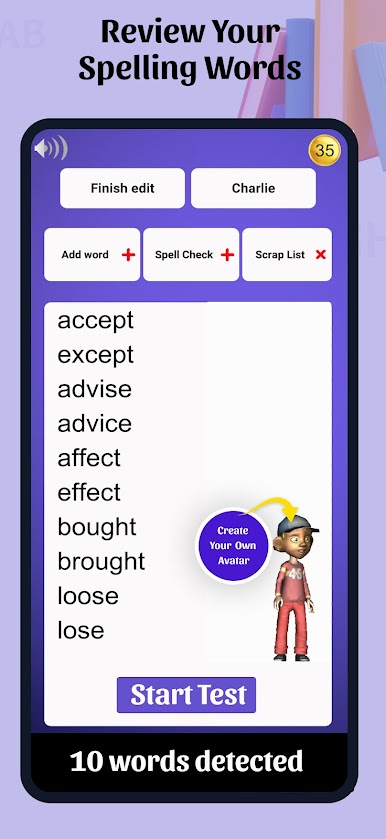
No more scrambling for paper lists. Snap in the week’s spelling homework, including custom lists or ones straight from teachers. -
Record & Replay
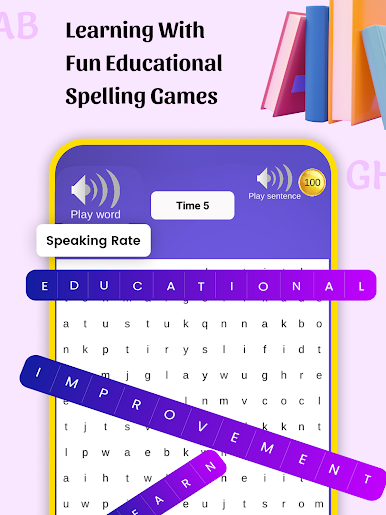
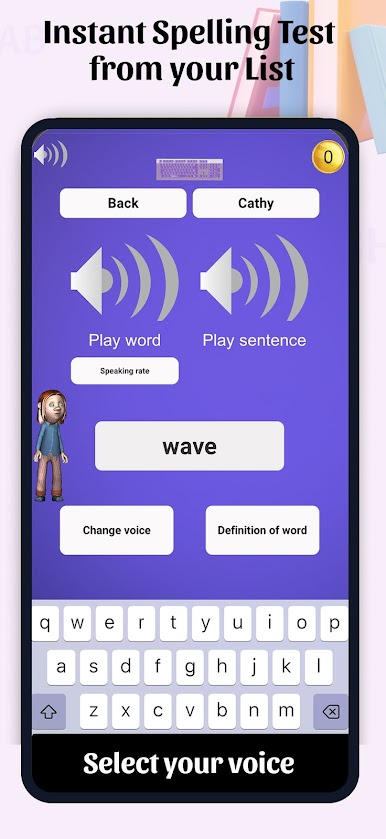
You can record each spelling word—plus a sentence to give it context or a little giggle. Kids can listen as they practice, which makes learning way less dry. -
Loads of Word Options
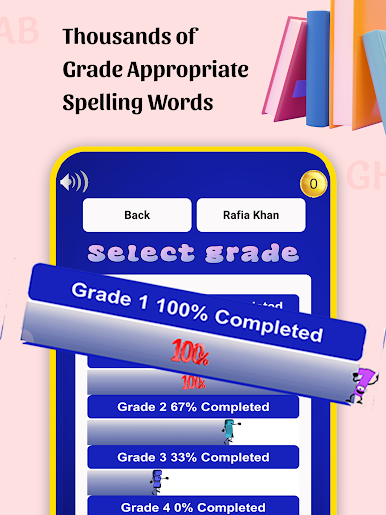
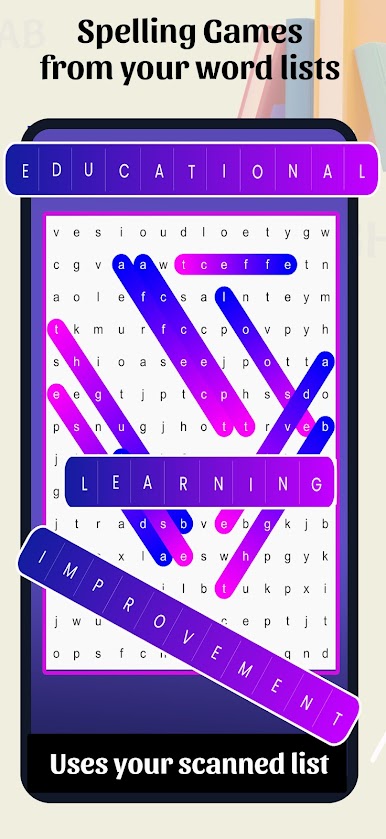
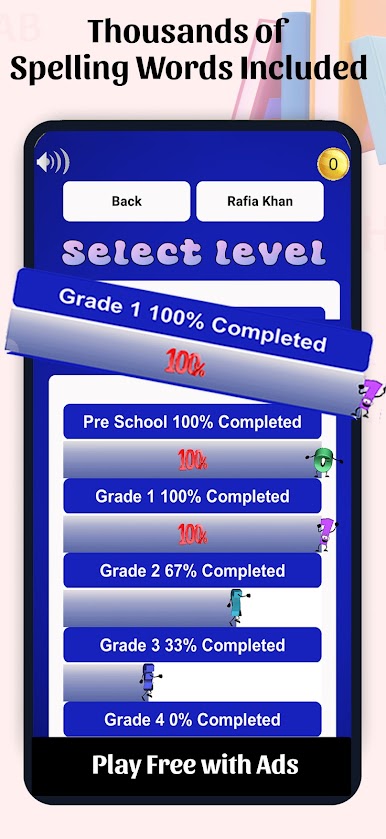
Access over a thousand grade-appropriate words, or mix things up and enter your own (helpful when the teacher switches it up). -
Math, Times Tables, & More
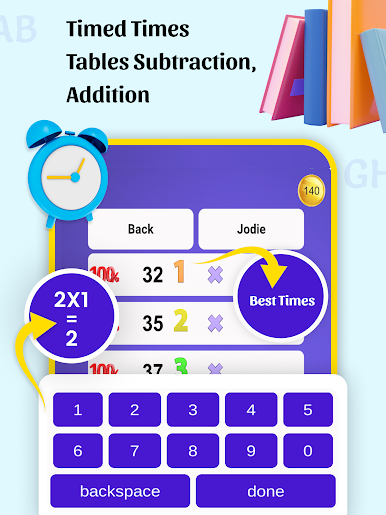
There’s a whole section just for times tables, covering everything from the basics to those trickier sets like 13 or even 175. Addition and subtraction get their own practice space, too. -
Progress Tracking
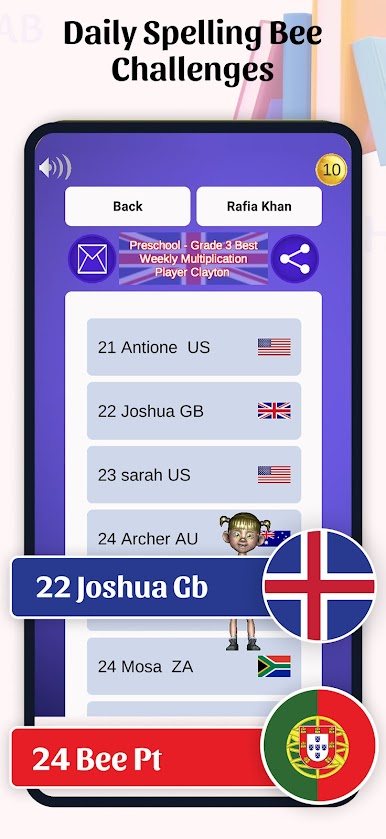
Want to know how your kid’s doing? The app records test results and time taken, so you always have a snapshot of progress. -
Share Results with Teachers
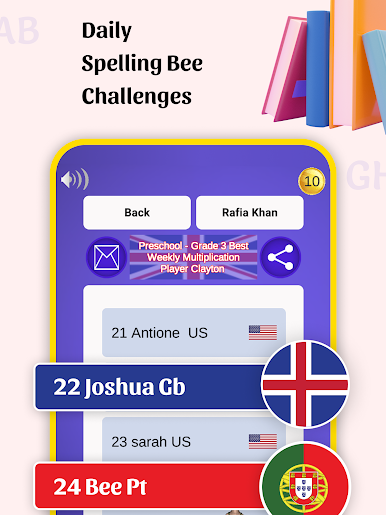
You can easily email or print out homework and test results—perfect if your teacher wants updates. -
Super Kid-Friendly
The layout’s simple and ad-free, so kids can focus on learning, not distractions—or you can use it with peace of mind on their (or your) device. -
Flexible for Real Life
Whether you’re practicing in the car, between activities, on your phone, or using BlueStacks for a bigger view, everything is ready when you are.
Spelling Bee & Times Tables makes tackling homework and brushing up on math and spelling a little more fun for everyone.
Eager to take your app experience to the next level? Start right away by downloading BlueStacks on your PC or Mac.


在電腦上遊玩Spelling Bee - Spelling Test . 輕易上手.
-
在您的電腦上下載並安裝BlueStacks
-
完成Google登入後即可訪問Play商店,或等你需要訪問Play商店十再登入
-
在右上角的搜索欄中尋找 Spelling Bee - Spelling Test
-
點擊以從搜索結果中安裝 Spelling Bee - Spelling Test
-
完成Google登入(如果您跳過了步驟2),以安裝 Spelling Bee - Spelling Test
-
在首頁畫面中點擊 Spelling Bee - Spelling Test 圖標來啟動遊戲

