

Developer Assistant
在電腦上使用BlueStacks –受到5億以上的遊戲玩家所信任的Android遊戲平台。

Run Developer Assistant on PC or Mac
Get freedom from your phone’s obvious limitations. Use Developer Assistant, made by Jarosław Wiśniewski, a Tools app on your PC or Mac with BlueStacks, and level up your experience.
About the App
Ever wished you could peek under the hood of your favorite Android apps as easily as you do with web pages? Developer Assistant by Jarosław Wiśniewski lets you see what’s really going on beneath the surface, right from your phone or tablet. Whether you’re a developer, tester, designer, or just a curious power user, this tool makes debugging and app inspection way less of a headache. It’s like having your own pocket inspector, ready when you need it—even on larger screens if you’re using BlueStacks.
App Features
-
One-Tap App Inspection
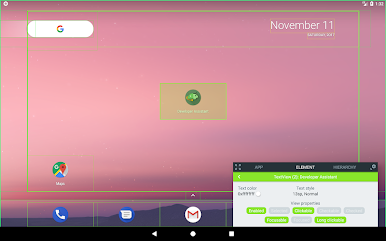
Instantly open Developer Assistant from anywhere using a quick gesture—just long-press your home button and start investigating the app on your screen. No need to dig through settings or jump through hoops. -
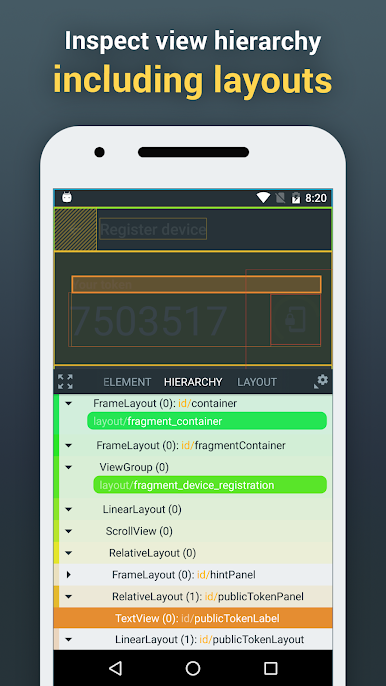
View Hierarchy Explorer
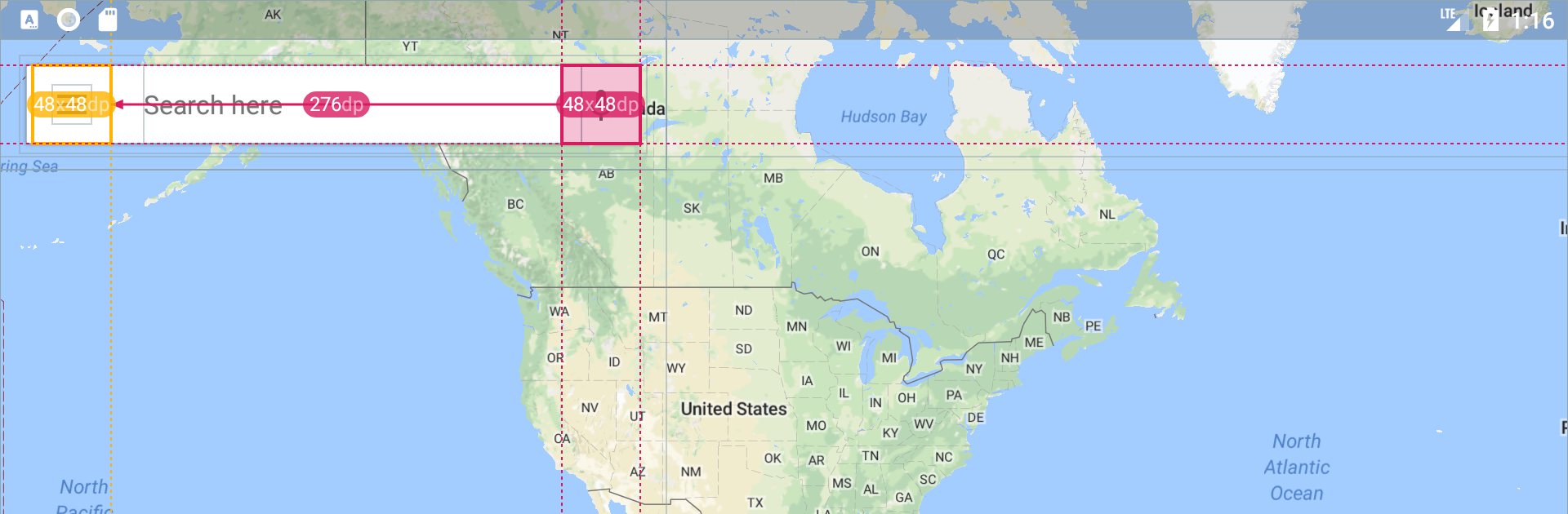
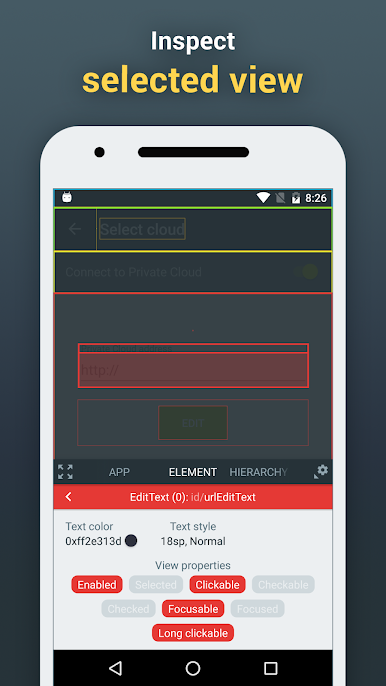
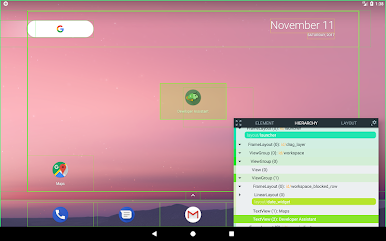
See every element laid out—text, buttons, images—you name it. You can check view IDs, class names, text styles, or even pick apart layout resources, all while the app is running. -
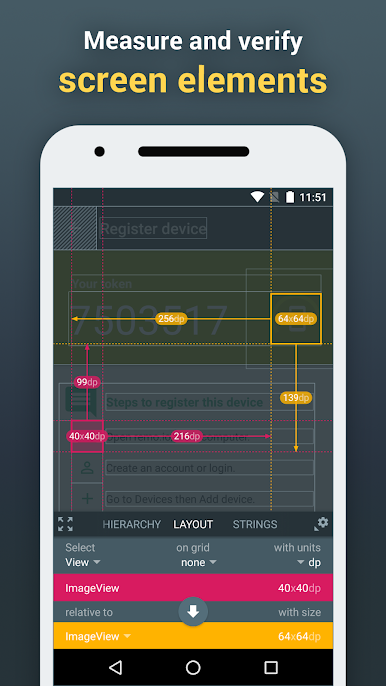
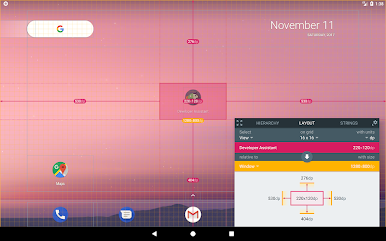
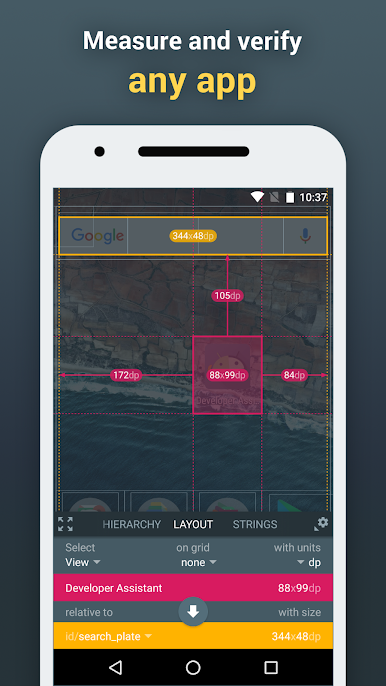
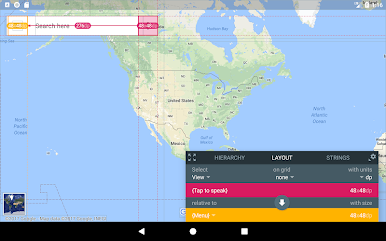
Layout & Spacing Checker
Trying to make sure everything lines up just right? Inspect the size, coordinates, and spacing of UI elements so you can catch off-by-one errors and pixel-pushing gremlins before your users do. -
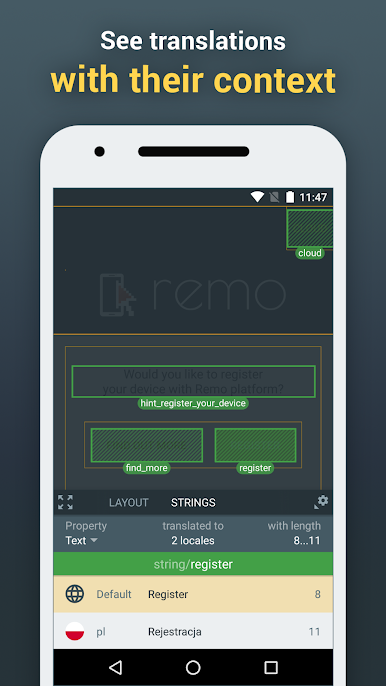
Translation Context
Preview translation keys right next to the actual text on your screen, see different languages without changing your device settings, and check the length limits at a glance—perfect for translators or anyone wrangling localization. -
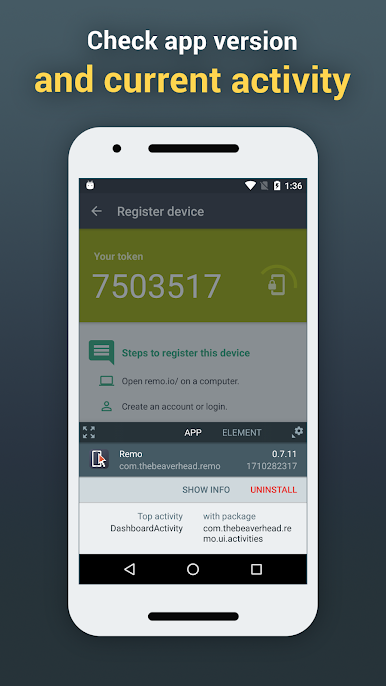
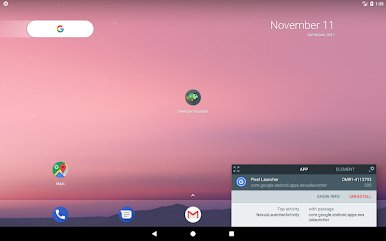
App & Activity Details
Curious about the current activity? Instantly reveal class names, version info, or hop straight into app info or uninstall options—handy for both large projects and day-to-day bug hunts. -
Privacy-Friendly by Design
Works offline and never snoops where it shouldn’t. No root required, your private data stays safe, and any secure app content is off limits—even Developer Assistant can’t peek. -
Flexible for Different Users
Try all the advanced features free for 30 days. Stick with the basics if you want, or jump in for a pro license if Developer Assistant becomes your go-to toolkit. -
Built for Multiple UI Types
Works with most Android apps and even web content inside Chrome. So whether you’re building native Android experiences or web-based interfaces, you’re covered. -
No Disruptions
You’re always in control—Developer Assistant only activates when you decide. Perfect for professionals who don’t like interruptions but do love efficiency.
Switch to BlueStacks and make the most of your apps on your PC or Mac.

在電腦上遊玩Developer Assistant . 輕易上手.
-
在您的電腦上下載並安裝BlueStacks
-
完成Google登入後即可訪問Play商店,或等你需要訪問Play商店十再登入
-
在右上角的搜索欄中尋找 Developer Assistant
-
點擊以從搜索結果中安裝 Developer Assistant
-
完成Google登入(如果您跳過了步驟2),以安裝 Developer Assistant
-
在首頁畫面中點擊 Developer Assistant 圖標來啟動遊戲

