

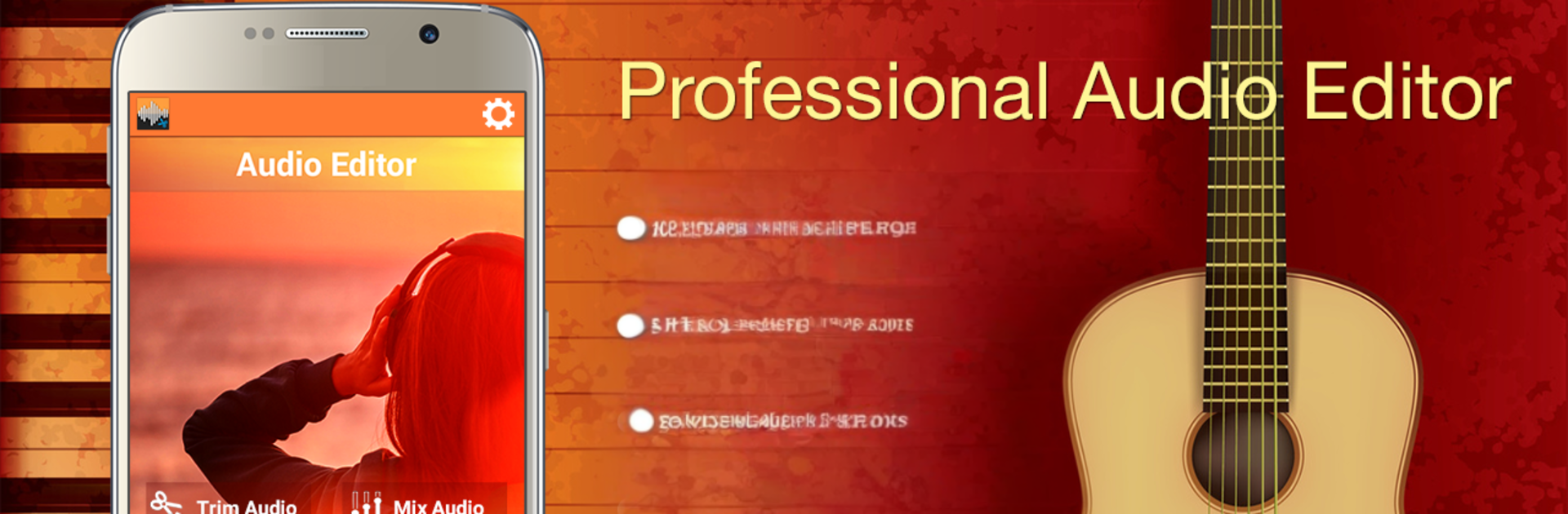
Audio MP3 Cutter Mix Converter
Jogue no PC com BlueStacks - A Plataforma de Jogos Android, confiada por mais de 500 milhões de jogadores.

Página modificada em: Oct 14, 2021
Run Audio MP3 Cutter Mix Converter on PC or Mac
Let BlueStacks turn your PC, Mac, or laptop into the perfect home for Audio MP3 Cutter Mix Converter, a fun Music & Audio app from AppzCloud Technologies.
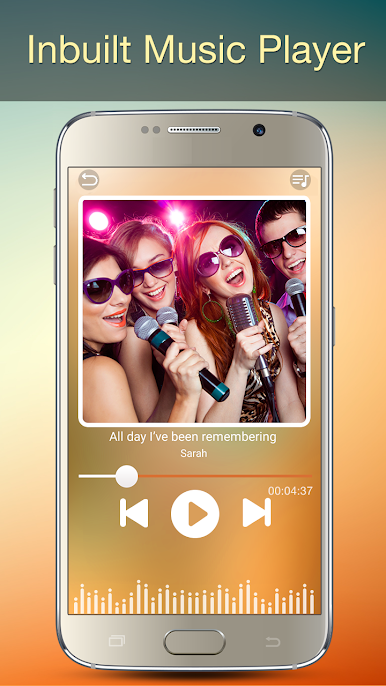
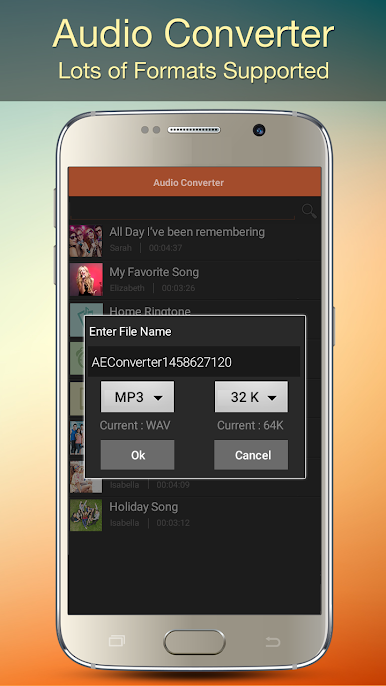
Audio MP3 Cutter Mix Converter feels like one of those all-in-one tools that actually covers the basics and the extra stuff without getting messy. It opens to a clean list of songs and tones, everything is sorted and searchable, and the built-in player shows a waveform so trimming a piece for a ringtone or alarm is simple. Picking start and end points is accurate, zooming in helps, and it handles a bunch of formats like MP3, AAC, WAV, M4A, even AMR. On a PC through BlueStacks, the bigger screen and a mouse make those tiny trim handles easier to grab, and exporting the finished clip is straightforward.
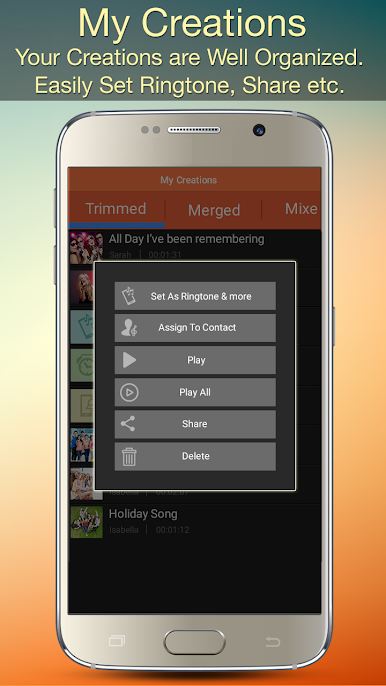
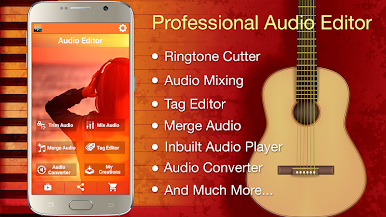
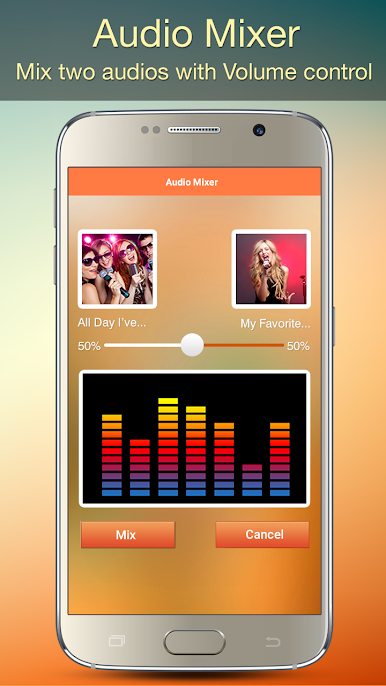
Beyond the cutting, it can merge several clips, mix two tracks together, and let the user set different volumes so one track sits under another. Fade in and fade out are there, which makes those mashups sound less abrupt. There is a full tag editor too, so album name, artist, title, year, track number, genre, even cover art can be fixed, with a photo from the gallery if needed. The converter is handy when something needs to be MP3 at a certain bitrate, 128 or 192 and so on. Record a quick voice bit, drop it into a mix, preview, done. Finished files are organised into tabs for trimmed, merged, converted, and edited, which keeps things from getting lost. It feels fast, the interface is modern but not flashy, and most tools are just there without weird limits. Setting as a ringtone or contact tone is available, though on PC it is mainly about creating the audio and then using it on the phone. Sharing out to friends is built in if someone wants to pass a clip along.
BlueStacks gives you the much-needed freedom to experience your favorite apps on a bigger screen. Get it now.


Jogue Audio MP3 Cutter Mix Converter no PC. É fácil começar.
-
Baixe e instale o BlueStacks no seu PC
-
Conclua o login do Google para acessar a Play Store ou faça isso mais tarde
-
Procure por Audio MP3 Cutter Mix Converter na barra de pesquisa no canto superior direito
-
Clique para instalar Audio MP3 Cutter Mix Converter a partir dos resultados da pesquisa
-
Conclua o login do Google (caso você pulou a etapa 2) para instalar o Audio MP3 Cutter Mix Converter
-
Clique no ícone do Audio MP3 Cutter Mix Converter na tela inicial para começar a jogar

