


Archos Video Player Free
视频播放和编辑 | Archos S.A.
在電腦上使用BlueStacks –受到5億以上的遊戲玩家所信任的Android遊戲平台。

總覽
The critically acclaimed Archos Video Player app offers an uncompromised video experience on tablets, phones and AndroidTV devices.
*** Play everything ***
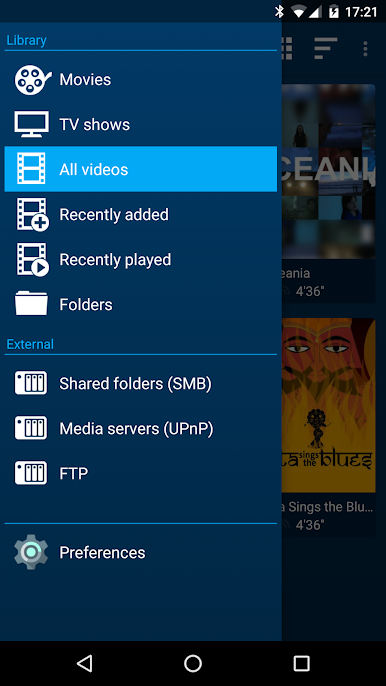
- Play videos from your computer / server / NAS (SMB, UPnP)
- Play videos from external USB storage
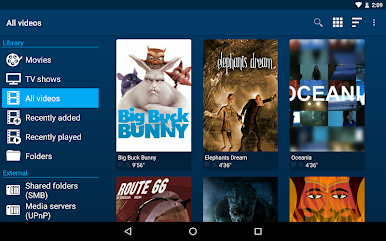
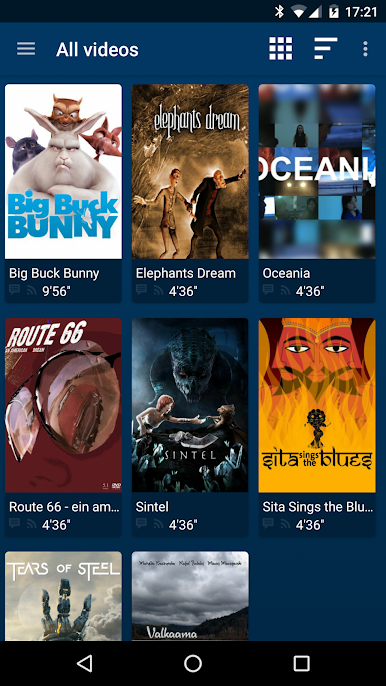
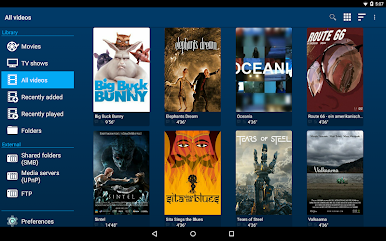
- Videos from all sources seamlessly integrated in a unified collection
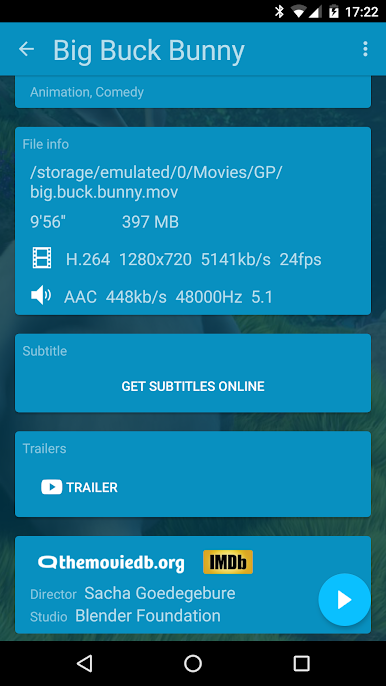
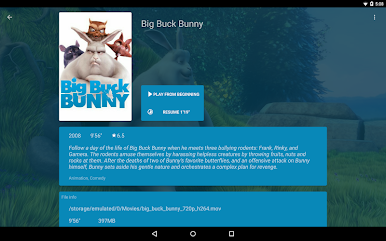
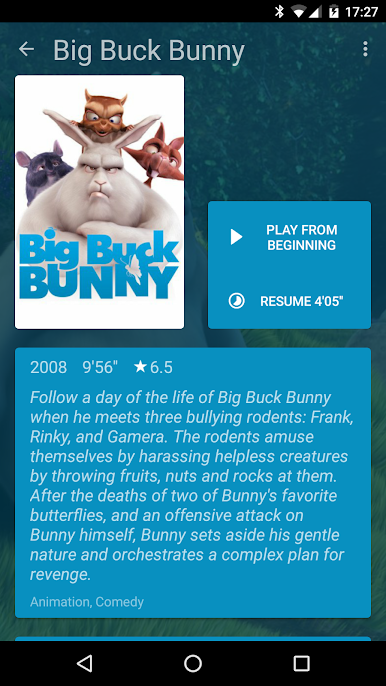
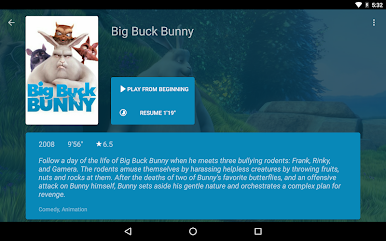
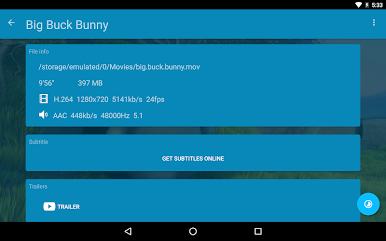
- Automatic online retrieval of Movie and TV show descriptions with poster and backdrop
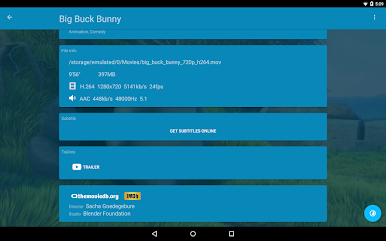
- Integrated subtitle download
*** Best Player ***
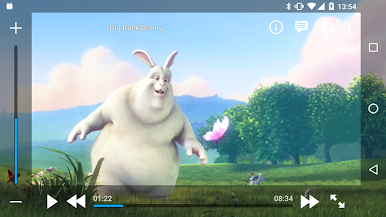
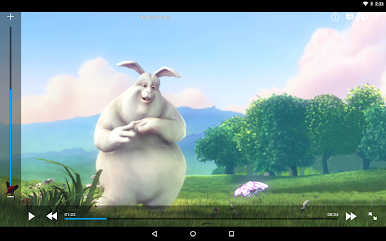
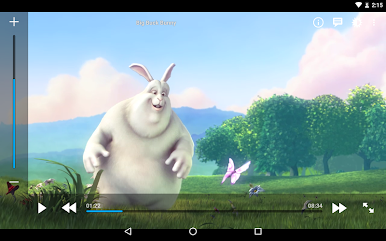
- Hardware accelerated video decoding for most devices and video formats
- Multi-audio track and mutli-subtitles support
- Supported file formats: MKV, MP4, AVI, WMV, FLV, etc.
- Supported subtitle file types: SRT, SUB, ASS, SMI, etc.
*** TV friendly ***
- Dedicated “leanback” user interface for Android TV
- AC3/DTS passthrough (HDMI or S/PDIF) on supported hardware: Nexus Player, NVidia SHIELD TV, Rockchip and AmLogic based tv-boxes
- 3D support with side-by-side and top-bottom playback modes for 3D TVs
- Audio Boost to increase the audio level of poorly encoded files
- Night Mode to dynamically adjust the audio level
*** Browse the way you like ***
- Instant access to recently added and recently played videos
- Browse movies by name, genre, year, duration, rating
- Browse TV shows by seasons
- Folder browsing supported, if you prefer it old-school style ;-)
*** And even more! ***
- Multi-device network video resume;
- Use descriptions and posters from NFO files when available
- Scheduled rescan of your network content (Leanback UI only)
- Private mode: temporarily disable playback history recording
- Manually adjust subtitles synchronization
- Manually adjust audio/video synchronization
To get the full version of the application (all features, no ads) you can either buy the Paid app or use the inApp purchase option in the free version (and continue to use the free version).
In case you have an issue or a request about this app, please check our Google+ support group at this address: https://goo.gl/PXyUfM
If you experience any issue with video hardware decoding you can force software decoding in the application preferences.
Archos Video Player is compatible with Android 4.0 and above
*** Play everything ***
- Play videos from your computer / server / NAS (SMB, UPnP)
- Play videos from external USB storage
- Videos from all sources seamlessly integrated in a unified collection
- Automatic online retrieval of Movie and TV show descriptions with poster and backdrop
- Integrated subtitle download
*** Best Player ***
- Hardware accelerated video decoding for most devices and video formats
- Multi-audio track and mutli-subtitles support
- Supported file formats: MKV, MP4, AVI, WMV, FLV, etc.
- Supported subtitle file types: SRT, SUB, ASS, SMI, etc.
*** TV friendly ***
- Dedicated “leanback” user interface for Android TV
- AC3/DTS passthrough (HDMI or S/PDIF) on supported hardware: Nexus Player, NVidia SHIELD TV, Rockchip and AmLogic based tv-boxes
- 3D support with side-by-side and top-bottom playback modes for 3D TVs
- Audio Boost to increase the audio level of poorly encoded files
- Night Mode to dynamically adjust the audio level
*** Browse the way you like ***
- Instant access to recently added and recently played videos
- Browse movies by name, genre, year, duration, rating
- Browse TV shows by seasons
- Folder browsing supported, if you prefer it old-school style ;-)
*** And even more! ***
- Multi-device network video resume;
- Use descriptions and posters from NFO files when available
- Scheduled rescan of your network content (Leanback UI only)
- Private mode: temporarily disable playback history recording
- Manually adjust subtitles synchronization
- Manually adjust audio/video synchronization
To get the full version of the application (all features, no ads) you can either buy the Paid app or use the inApp purchase option in the free version (and continue to use the free version).
In case you have an issue or a request about this app, please check our Google+ support group at this address: https://goo.gl/PXyUfM
If you experience any issue with video hardware decoding you can force software decoding in the application preferences.
Archos Video Player is compatible with Android 4.0 and above
在電腦上遊玩Archos Video Player Free . 輕易上手.
-
在您的電腦上下載並安裝BlueStacks
-
完成Google登入後即可訪問Play商店,或等你需要訪問Play商店十再登入
-
在右上角的搜索欄中尋找 Archos Video Player Free
-
點擊以從搜索結果中安裝 Archos Video Player Free
-
完成Google登入(如果您跳過了步驟2),以安裝 Archos Video Player Free
-
在首頁畫面中點擊 Archos Video Player Free 圖標來啟動遊戲

