


Puffel o pinguim
Jogue no PC com BlueStacks - A Plataforma de Jogos Android, confiada por mais de 500 milhões de jogadores.

Página modificada em: Sep 25, 2025
Play Puffel the Penguin on PC or Mac
Bring your A-game to Puffel the Penguin, the Casual game sensation from AsgardSoft. Give your gameplay the much-needed boost with precise game controls, high FPS graphics, and top-tier features on your PC or Mac with BlueStacks.
About the Game
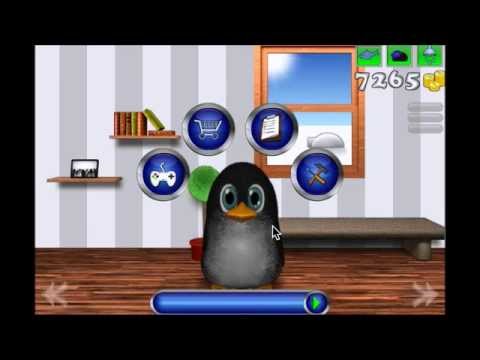
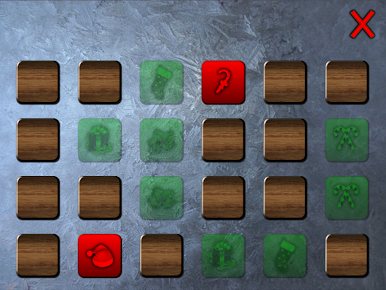
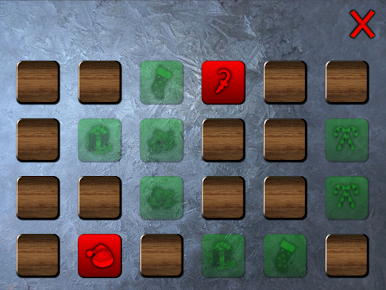
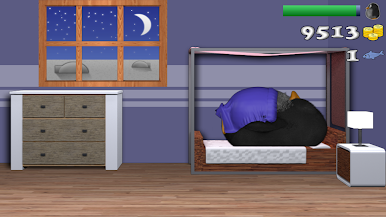
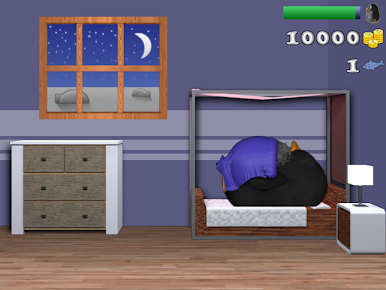
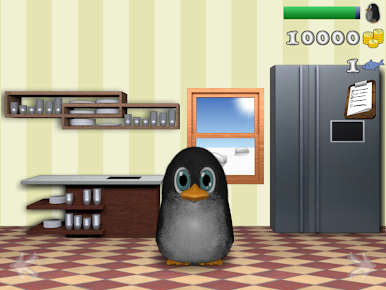
Meet Puffel the Penguin—a curious, playful little buddy who’s always up for company. In this casual game by AsgardSoft, you’ll step into Puffel’s chilly home and help him settle into penguin life. Whether you’re decorating his space, caring for his needs, or diving into quick mini-games, there’s always something fun to do alongside Puffel. Things never stay boring for long, especially with Puffel’s adorable antics and a variety of activities to keep you on your toes. And if you enjoy playing on different devices, BlueStacks can make it even smoother.
Game Features
-
Cozy Home Design
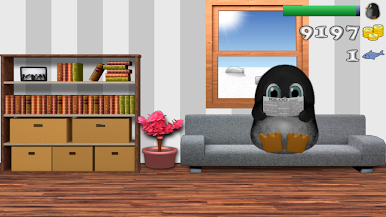
Spruce up Puffel’s place by arranging his living room, kitchen, bedroom, and even the bathroom. You can pick out décor and make every corner feel just right. -
Care and Nurture
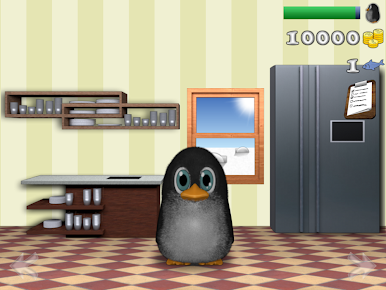
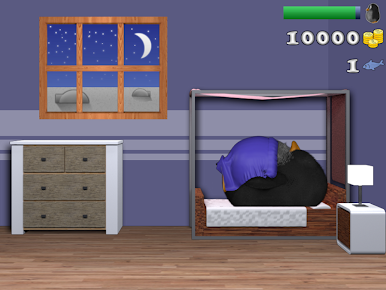
Puffel counts on you for daily routines—feed him his favorite treats, keep him squeaky clean, and make sure he gets plenty of sleep. -
Earn and Shop
Take on little tasks with Puffel to earn coins, then treat him to tasty fish or quirky new items that suit his style. -
Mini-Games Galore
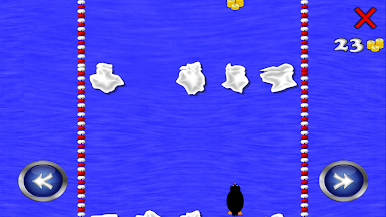
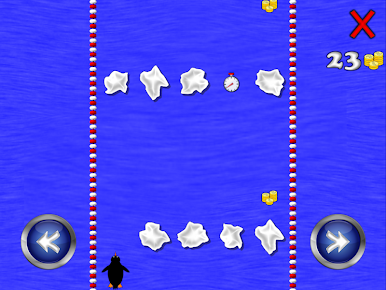
Take a break with lighthearted mini-games whenever you feel like switching things up—a handy way to stave off boredom and collect rewards. -
Playable Without Ads
If you want a pure, uninterrupted experience, there’s an option to play ad-free once unlocked.
Ready to top the leaderboard? We bet you do. Let precise controls and sharp visuals optimized on BlueStacks lead you to victory.


Jogue Puffel o pinguim no PC. É fácil começar.
-
Baixe e instale o BlueStacks no seu PC
-
Conclua o login do Google para acessar a Play Store ou faça isso mais tarde
-
Procure por Puffel o pinguim na barra de pesquisa no canto superior direito
-
Clique para instalar Puffel o pinguim a partir dos resultados da pesquisa
-
Conclua o login do Google (caso você pulou a etapa 2) para instalar o Puffel o pinguim
-
Clique no ícone do Puffel o pinguim na tela inicial para começar a jogar

