


Astraware CodeWords
5억명 이상의 게이머가 신뢰하는 안드로이드 게임 플랫폼 BlueStacks으로 PC에서 플레이하세요.

Play Astraware CodeWords on PC or Mac
Bring your A-game to Astraware CodeWords, the Word game sensation from Astraware Limited. Give your gameplay the much-needed boost with precise game controls, high FPS graphics, and top-tier features on your PC or Mac with BlueStacks.
About the Game
Looking for a brain-tickling twist on the classic crossword? Astraware CodeWords mixes up the usual word puzzle by swapping out clues for a little number-based mystery. Instead of reading hints, you’ll stare down a crossword-style grid packed with numbers — and it’s up to you to crack which letter matches each number and complete the puzzle. It’s one of those word games where you’ll catch yourself thinking, “Wait, is that an E or maybe an S?” before you get hooked for way longer than you’d planned.
Game Features
-
Fresh Take on Crosswords
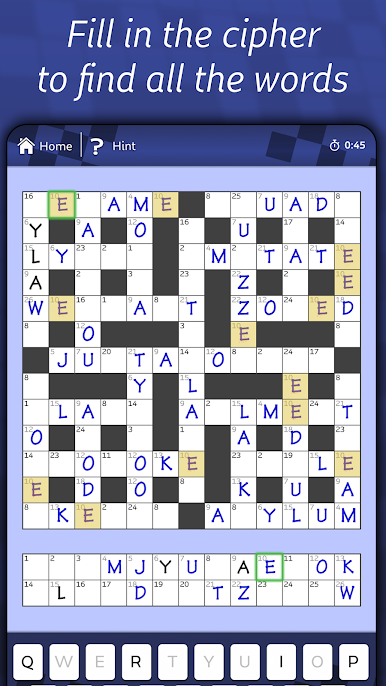
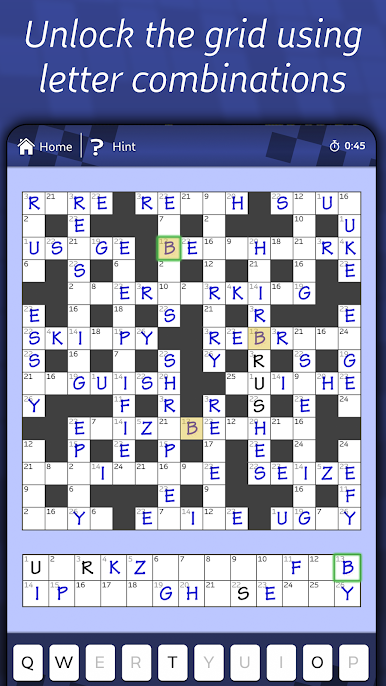
Fill in a grid where each number stands in for a different letter, from 1 to 26. It’s up to you to decode the grid using logic and your vocab skills — no clues, just good old-fashioned deduction. -
Jump-Start With a Few Letters
You’re never totally in the dark; three letters are already filled in, so you’ll always have a toehold to get started. -
Daily and Weekend Challenges
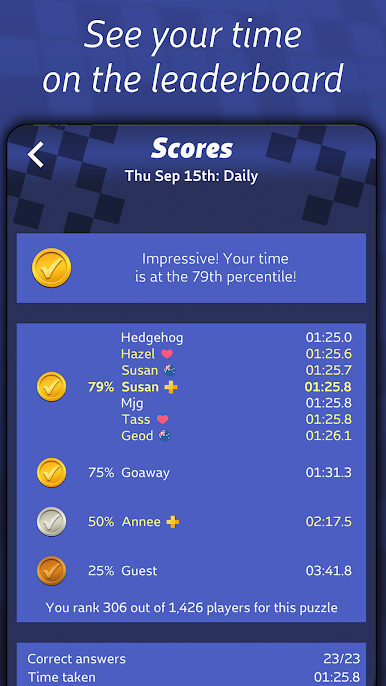
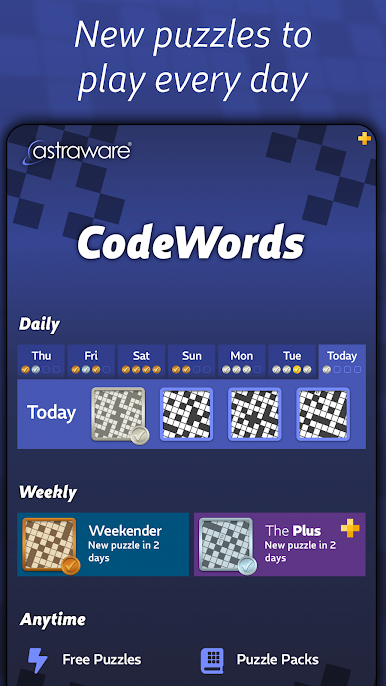
Tackle four brand-new daily puzzles every day and take a crack at a tougher “Weekender” puzzle each Friday. There’s even a global leaderboard to see how your time stacks up. -
Plenty of Built-In Puzzles
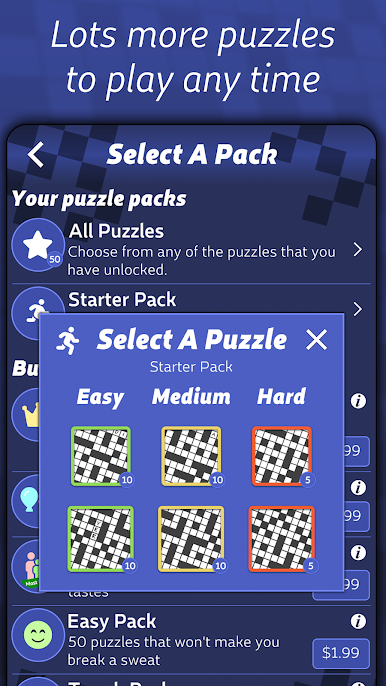
From bite-sized to brain-busters, there are 50 starter puzzles in different sizes and difficulties. Ideal if you’re just getting the hang of things, or need something to stump you. -
Unlimited Play With Endless Puzzles
Watch a quick ad or answer a survey to unlock even more puzzles, whenever you’re in the mood for a new challenge. -
Simple, Smart Controls
Navigate with an easy-to-use interface. If you spot a number that’s being used for different letters, the highlighting feature keeps you honest. -
Auto-Fill or Manual Letter Input
Want to speed things up? Choose to automatically enter a letter everywhere its number pops up, or do it step-by-step for that hands-on feeling. -
Play at Your Own Pace
Multiple save slots mean you can have several games on the go — start a tricky puzzle, take a break, and come back when you’re ready. -
Puzzle Packs and Subscription Options
Pick up extra puzzle packs for offline play, or grab a Puzzles Plus subscription for an ad-free ride with all the daily, weekly, and stream options. -
Seamless PC Play
For even more comfort, you can play Astraware CodeWords on your PC using BlueStacks, letting you swap between devices with ease.
Start your journey now. Download the game on BlueStacks, invite your friends, and march on a new adventure.
PC에서 Astraware CodeWords 플레이해보세요.
-
BlueStacks 다운로드하고 설치
-
Google Play 스토어에 로그인 하기(나중에 진행가능)
-
오른쪽 상단 코너에 Astraware CodeWords 검색
-
검색 결과 중 Astraware CodeWords 선택하여 설치
-
구글 로그인 진행(만약 2단계를 지나갔을 경우) 후 Astraware CodeWords 설치
-
메인 홈화면에서 Astraware CodeWords 선택하여 실행

