


Confluence Cloud
Jogue no PC com BlueStacks - A Plataforma de Jogos Android, confiada por mais de 500 milhões de jogadores.

Página modificada em: Dec 18, 2025
Run Confluence Cloud on PC or Mac
Get freedom from your phone’s obvious limitations. Use Confluence Cloud, made by Atlassian, a Productivity app on your PC or Mac with BlueStacks, and level up your experience.
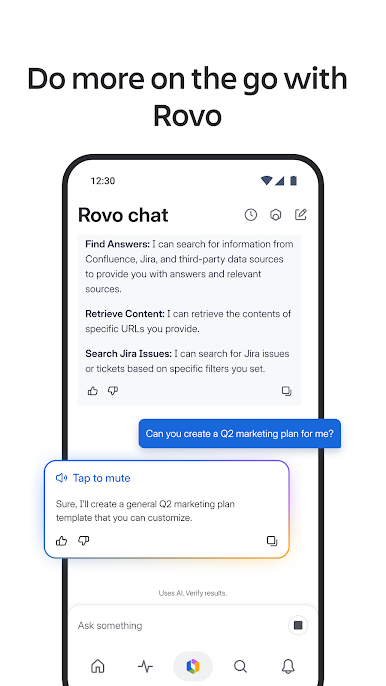
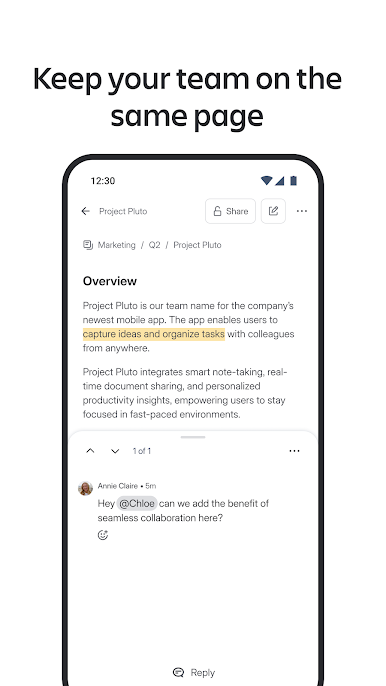
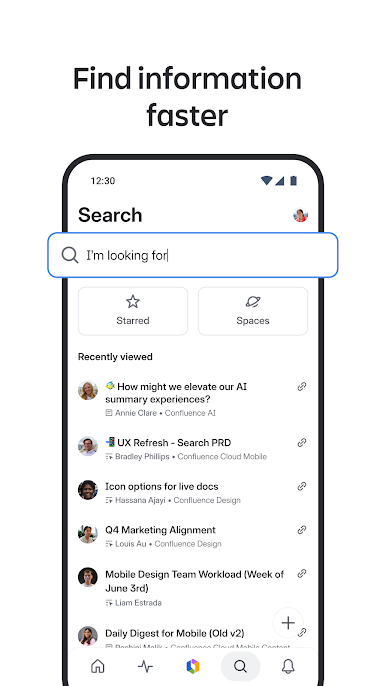
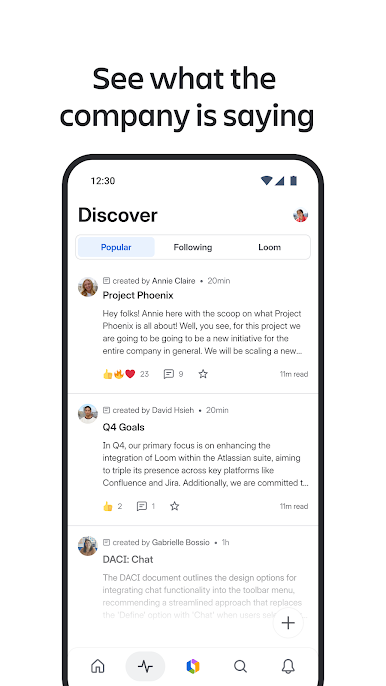
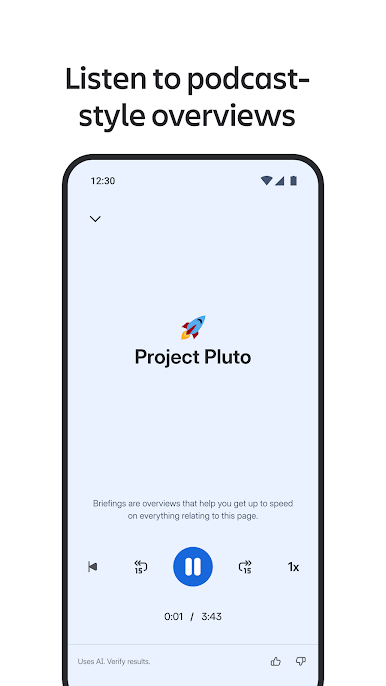
Confluence Cloud feels like a shared team notebook that actually stays organized. Pages are easy to spin up, edit, and rework, and the app keeps up when ideas change fast. On a PC with BlueStacks, the bigger screen and real keyboard make tables and long notes way less fussy, so typing feels closer to a normal desktop wiki. It handles photos and quick videos without hassle, and edits show up in real time so everyone can see what is happening as it happens. The Activity Feed is a simple catch‑up spot, and there is solid search across the whole site, with spaces laid out so users can jump between projects without digging.
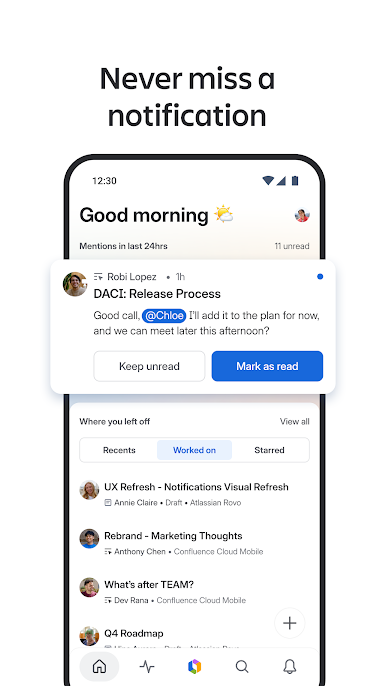
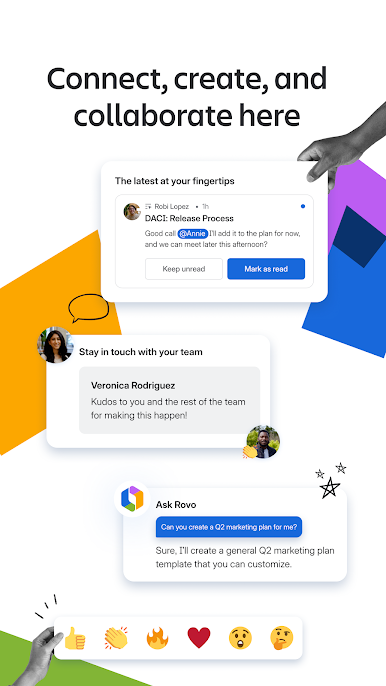
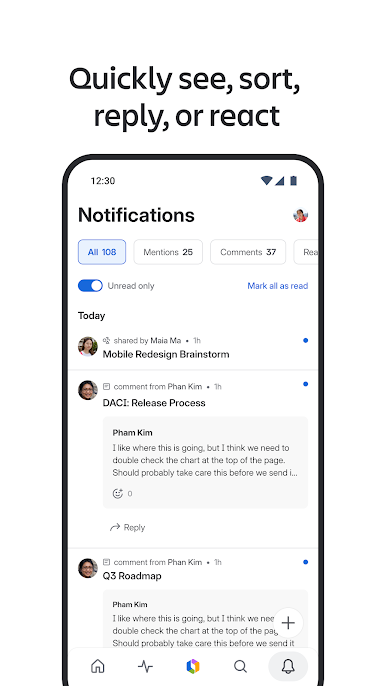
It keeps people looped in with the right nudges, like mentions, comments, tasks, likes, and page shares. A quick @ mention pulls the right teammate in, and reactions are just a tap, which helps decisions move along. Recent work and starred pages are easy to find, so picking up a thread after a break is not a scavenger hunt. Jira links open straight into the Jira app, and sharing a page into Slack works from the same place, which is handy when a team lives in those tools. There is even a shake gesture to send feedback to the makers, a tiny thing but kind of useful. One thing to know, there are two versions out there, Cloud and Server, and this one is only for Cloud accounts, so it is worth checking that before logging in.
BlueStacks brings your apps to life on a bigger screen—seamless and straightforward.

Jogue Confluence Cloud no PC. É fácil começar.
-
Baixe e instale o BlueStacks no seu PC
-
Conclua o login do Google para acessar a Play Store ou faça isso mais tarde
-
Procure por Confluence Cloud na barra de pesquisa no canto superior direito
-
Clique para instalar Confluence Cloud a partir dos resultados da pesquisa
-
Conclua o login do Google (caso você pulou a etapa 2) para instalar o Confluence Cloud
-
Clique no ícone do Confluence Cloud na tela inicial para começar a jogar

