


Confluence Cloud
在電腦上使用BlueStacks –受到5億以上的遊戲玩家所信任的Android遊戲平台。

Run Confluence Cloud on PC or Mac
Get freedom from your phone’s obvious limitations. Use Confluence Cloud, made by Atlassian, a Productivity app on your PC or Mac with BlueStacks, and level up your experience.
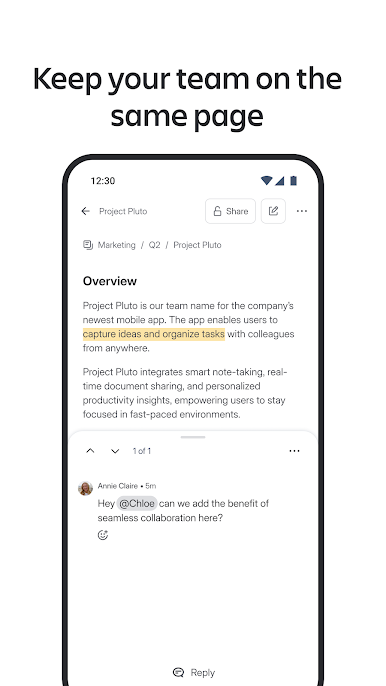
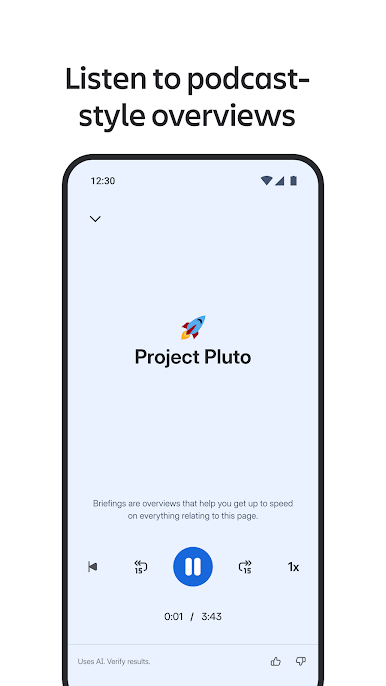
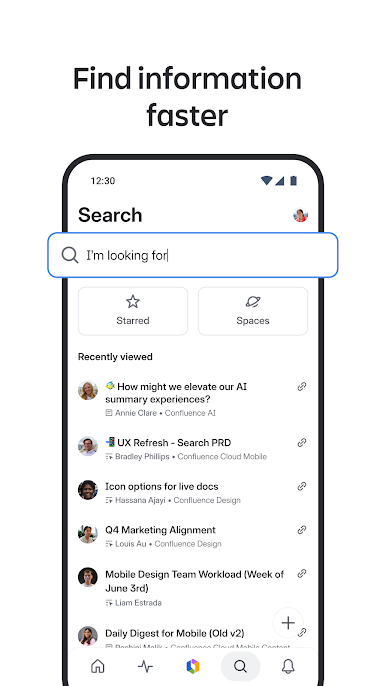
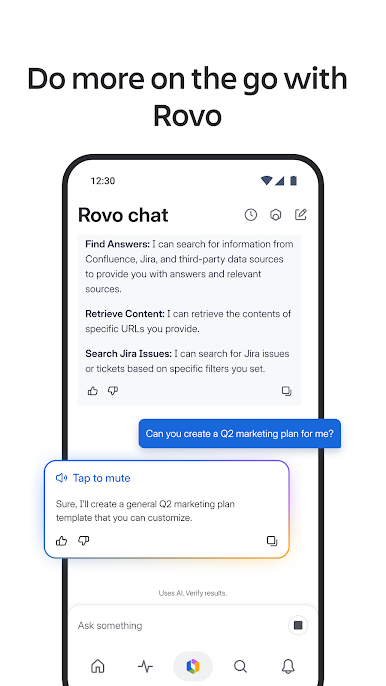
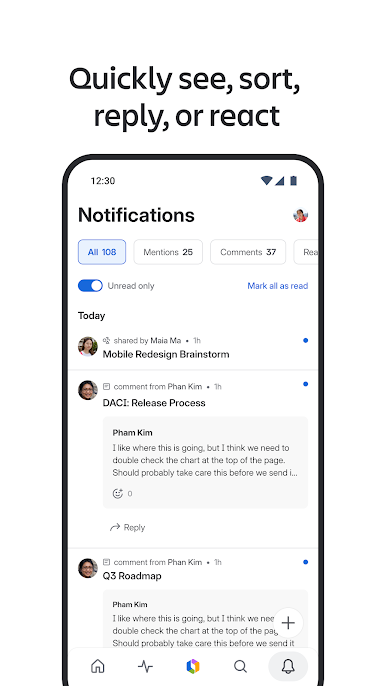
Confluence Cloud feels like a shared team notebook that actually stays organized. Pages are easy to spin up, edit, and rework, and the app keeps up when ideas change fast. On a PC with BlueStacks, the bigger screen and real keyboard make tables and long notes way less fussy, so typing feels closer to a normal desktop wiki. It handles photos and quick videos without hassle, and edits show up in real time so everyone can see what is happening as it happens. The Activity Feed is a simple catch‑up spot, and there is solid search across the whole site, with spaces laid out so users can jump between projects without digging.
It keeps people looped in with the right nudges, like mentions, comments, tasks, likes, and page shares. A quick @ mention pulls the right teammate in, and reactions are just a tap, which helps decisions move along. Recent work and starred pages are easy to find, so picking up a thread after a break is not a scavenger hunt. Jira links open straight into the Jira app, and sharing a page into Slack works from the same place, which is handy when a team lives in those tools. There is even a shake gesture to send feedback to the makers, a tiny thing but kind of useful. One thing to know, there are two versions out there, Cloud and Server, and this one is only for Cloud accounts, so it is worth checking that before logging in.
BlueStacks brings your apps to life on a bigger screen—seamless and straightforward.




在電腦上遊玩Confluence Cloud . 輕易上手.
-
在您的電腦上下載並安裝BlueStacks
-
完成Google登入後即可訪問Play商店,或等你需要訪問Play商店十再登入
-
在右上角的搜索欄中尋找 Confluence Cloud
-
點擊以從搜索結果中安裝 Confluence Cloud
-
完成Google登入(如果您跳過了步驟2),以安裝 Confluence Cloud
-
在首頁畫面中點擊 Confluence Cloud 圖標來啟動遊戲

