


Jira Data Center
العب على الكمبيوتر الشخصي مع BlueStacks - نظام أندرويد للألعاب ، موثوق به من قبل أكثر من 500 مليون لاعب.

Run Jira Data Center on PC or Mac
Why limit yourself to your small screen on the phone? Run Jira Data Center, an app by Atlassian, best experienced on your PC or Mac with BlueStacks, the world’s #1 Android emulator.
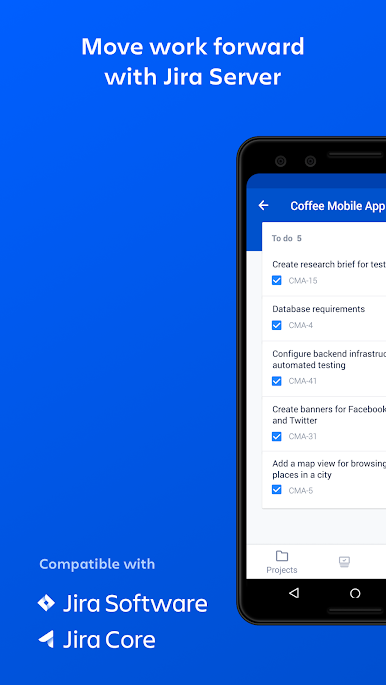
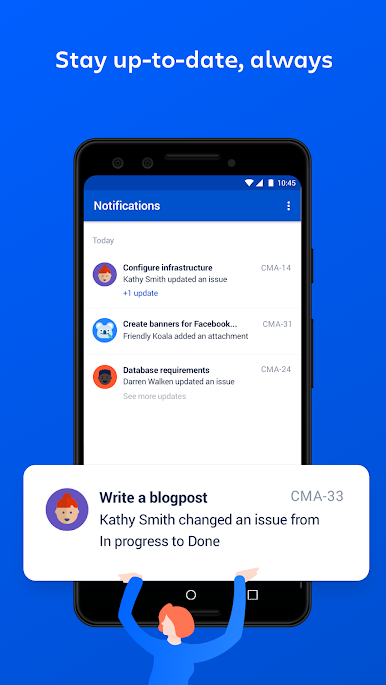
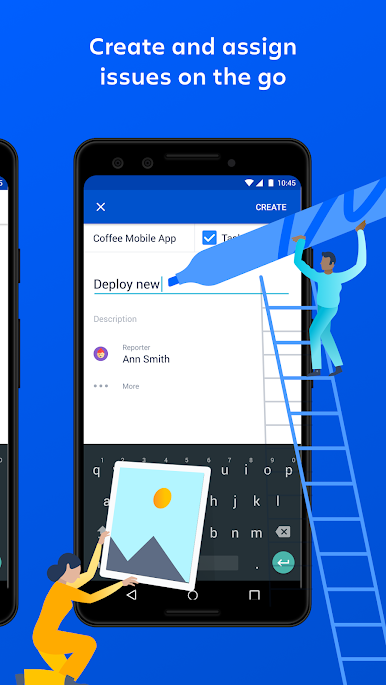
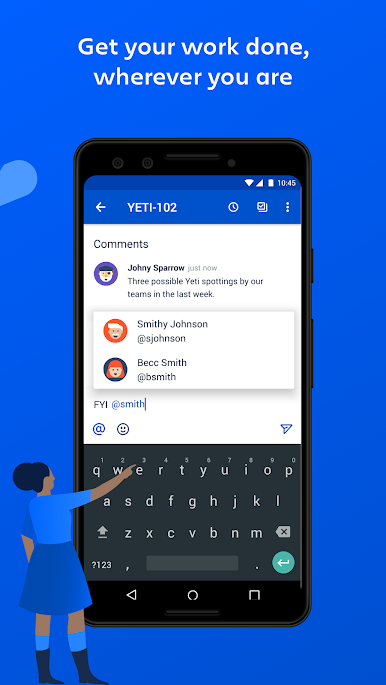
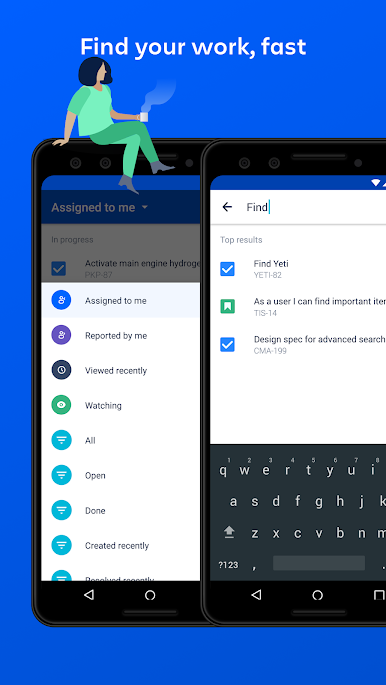
Jira Data Center on mobile feels like a clean, focused companion for teams that run Jira on their own servers, not the Cloud stuff. It is all about keeping issues moving without sitting at a desk all day. The app shows boards and issues in a simple layout, so scanning columns, opening an issue, dropping in a comment, or nudging a status forward feels quick and low stress. Mentions work well, so pulling a teammate into a thread is easy, and the notifications land fast when something changes. Creating or editing an issue does not feel cramped either, fields are tidy and it gets out of the way.
On a PC through BlueStacks it gets even more comfortable. The extra screen space makes boards easier to read, long descriptions do not feel like a chore, and clicking through updates with a mouse is smoother than thumb tapping. It is not flashy, but it is steady and reliable for day to day work.
It is built for self-hosted Jira Software Data Center 8.3 and up, and Jira Service Management Data Center 4.15 and up. If a site shows a version that starts with 1000, that is the Cloud track, so this one would not match. The app can collect some anonymous info before login to make sure things are running well, nothing personal. The whole point is simple: manage projects, respond to conversations, transition issues, and keep the team in sync without waiting for a laptop to boot.
Big screen. Bigger performance. Use BlueStacks on your PC or Mac to run your favorite apps.

العب Jira Data Center على جهاز الكمبيوتر. من السهل البدء.
-
قم بتنزيل BlueStacks وتثبيته على جهاز الكمبيوتر الخاص بك
-
أكمل تسجيل الدخول إلى Google للوصول إلى متجر Play ، أو قم بذلك لاحقًا
-
ابحث عن Jira Data Center في شريط البحث أعلى الزاوية اليمنى
-
انقر لتثبيت Jira Data Center من نتائج البحث
-
أكمل تسجيل الدخول إلى Google (إذا تخطيت الخطوة 2) لتثبيت Jira Data Center
-
انقر على أيقونة Jira Data Center على الشاشة الرئيسية لبدء اللعب

