


Tafseer-e-Baghwi
Jogue no PC com BlueStacks - A Plataforma de Jogos Android, confiada por mais de 500 milhões de jogadores.

Página modificada em: Sep 14, 2025
Run Tafseer-e-Baghwi Urdu - Husayn bin Masud al-Baghwi on PC or Mac
Upgrade your experience. Try Tafseer-e-Baghwi Urdu – Husayn bin Masud al-Baghwi, the fantastic Education app from UsmanPervez, from the comfort of your laptop, PC, or Mac, only on BlueStacks.
About the App
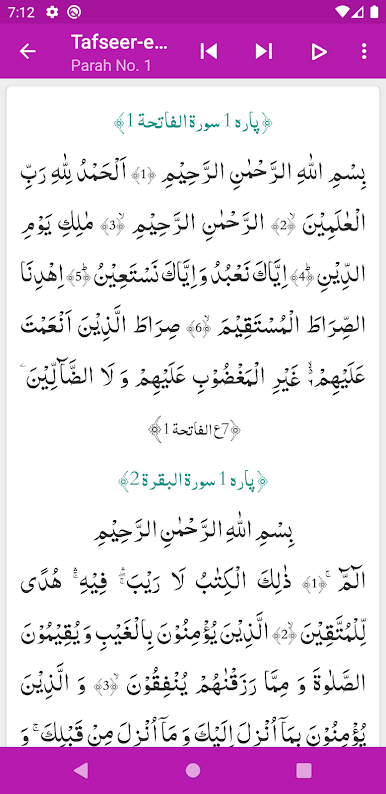
Tafseer-e-Baghwi Urdu – Husayn bin Masud al-Baghwi makes it easy to explore classical commentary of the Quran right from your device, all in clear and thoughtful Urdu. Whether you’re eager to study the meanings deeply or just want to read verse-by-verse with an authentic translation, this Education app by UsmanPervez offers a smooth and simple experience. Expect a modern look, plenty of customization, and seamless reading whether you’re relaxing at home or on the go.
App Features
-
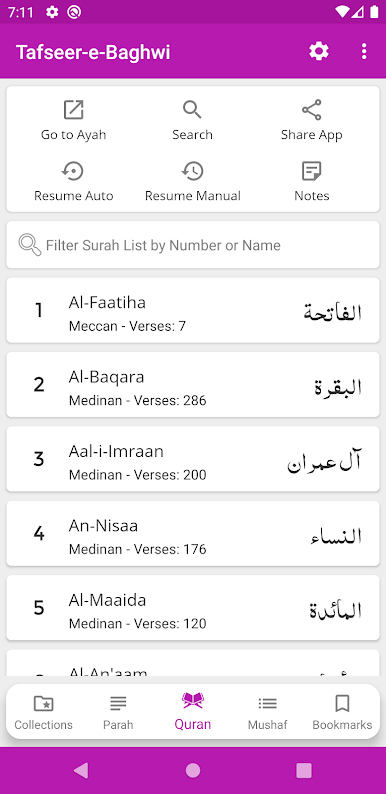
Complete Tafseer Collection
Access the full Tafseer-e-Baghwi with an Urdu translation by Ashrafiya Majlis-e-Tahqeeq, so every verse is at your fingertips. -
Word by Word Color Coded Translation
See each Quranic word matched with its Urdu meaning, highlighted in color—great for learning or digging a little deeper. -
Powerful Search Tools
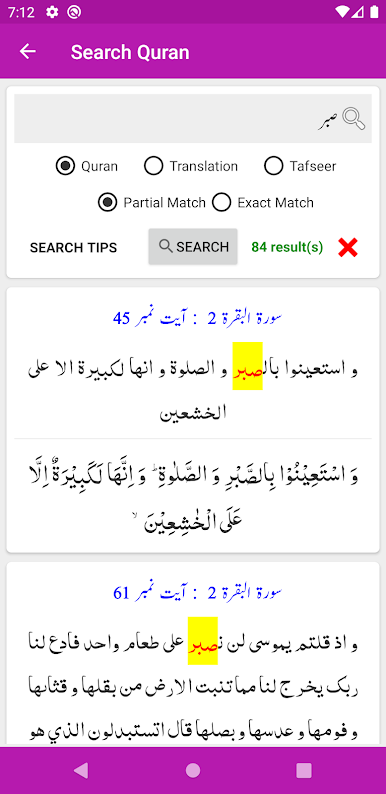
Need to find something specific? Search through the Quran, translation (Tarjuma), or Tafseer—super handy when you recall part of a verse but not all the details. -
Modern, Clean Design
The app feels fresh and is easy on the eyes, with a layout that works for both quick browsing and deep study. -
Font & Theme Customization
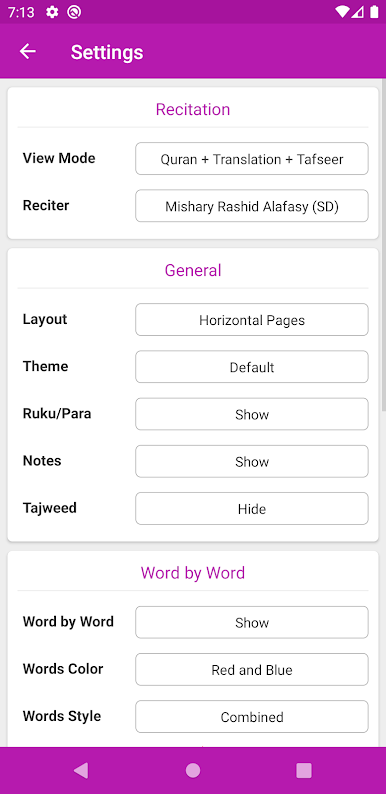
Choose from five Arabic fonts and four Urdu fonts, plus you can tweak sizes and colors. There are also several themes, including dark or night mode for late-night readers. -
Flexible Reading Modes
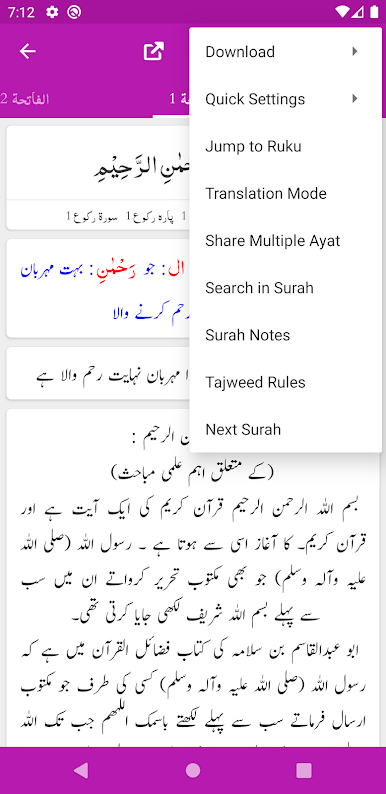
Switch between Translation, Tafseer, and Mushaf display modes—just the Quran, the translation, or both with commentary—the choice is yours. -
Effortless Navigation
Jump straight to any verse (Ayah) or section (Ruku). You can also continue from where you last stopped, no hassle. -
Unlimited Bookmarks
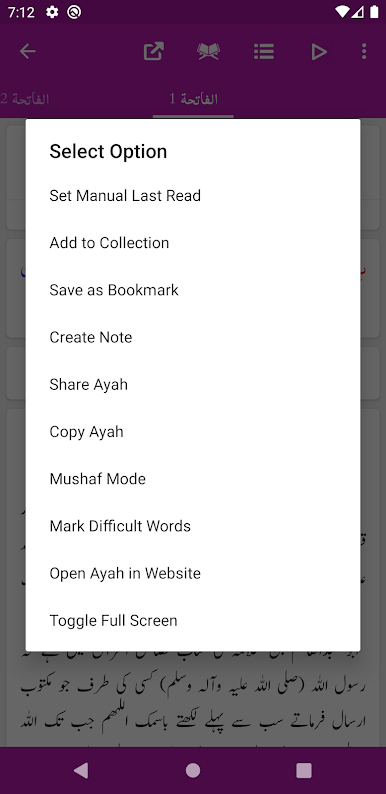
Save as many verses as you want, making it simple to mark important spots for later. -
Easy Sharing Options
Share any verse—by itself, with the translation, or complete Tafseer—with friends and family, perfect for discussions or a quick reminder. -
Customizable Layouts
Pick between a list or slider view, whichever suits your reading style. -
Para and Ruku Info at a Glance
See the Para and Ruku details for every Ayah, which helps if you follow along with divided recitations. -
No Ads or Fees
The app is completely free and free of ads, so no distractions—just you and the text, whether reading directly or using BlueStacks on your computer.
BlueStacks gives you the much-needed freedom to experience your favorite apps on a bigger screen. Get it now.


Jogue Tafseer-e-Baghwi no PC. É fácil começar.
-
Baixe e instale o BlueStacks no seu PC
-
Conclua o login do Google para acessar a Play Store ou faça isso mais tarde
-
Procure por Tafseer-e-Baghwi na barra de pesquisa no canto superior direito
-
Clique para instalar Tafseer-e-Baghwi a partir dos resultados da pesquisa
-
Conclua o login do Google (caso você pulou a etapa 2) para instalar o Tafseer-e-Baghwi
-
Clique no ícone do Tafseer-e-Baghwi na tela inicial para começar a jogar

