


Background Video Recorder
工具 | Rising Apps
在電腦上使用BlueStacks –受到5億以上的遊戲玩家所信任的Android遊戲平台。

Play Background Video Recorder on PC
Background Video Recorder is a versatile and powerful app designed to meet all your video recording and editing needs. With its intuitive interface and advanced features, this app is perfect for capturing, editing, and transforming your video content effortlessly.
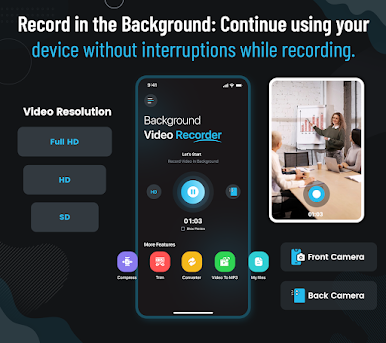
Background Video Recording: Record high-quality videos discreetly using the front or back camera, even with the screen off. Perfect for capturing moments without drawing attention.
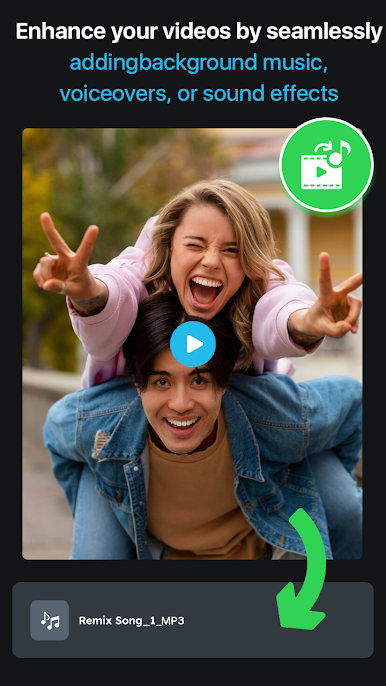
Video to MP3 Converter: Easily extract audio from your videos and save it as high-quality MP3 files, perfect for podcasts, music, or other audio projects.
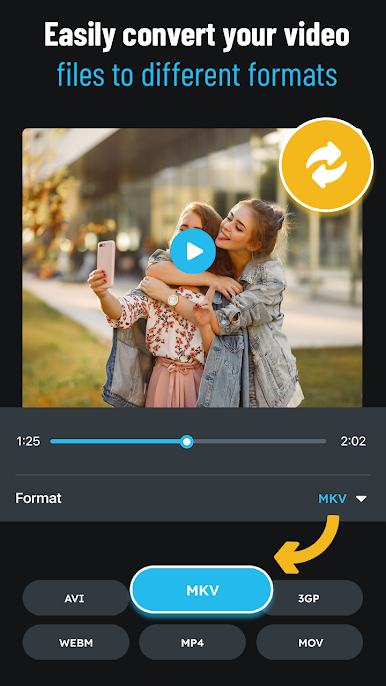
Video Format Converter: Convert your videos to various formats to ensure compatibility with different devices and platforms.
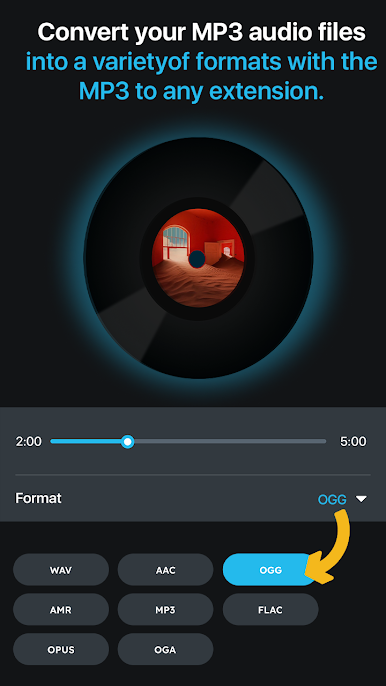
MP3 Format Converter: Convert audio files to MP3 format for universal playback.
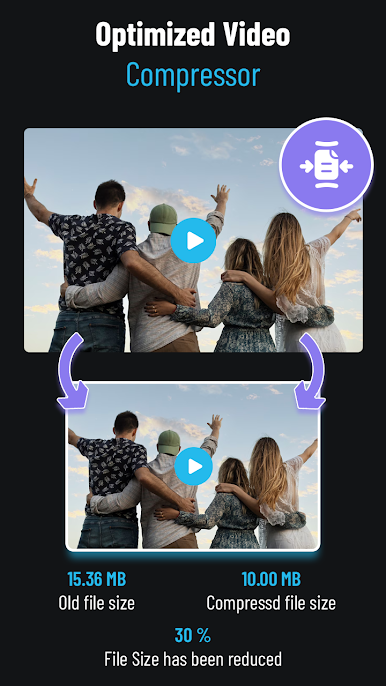
Video Compression: Reduce the file size of your videos without compromising quality, saving valuable storage space on your device.
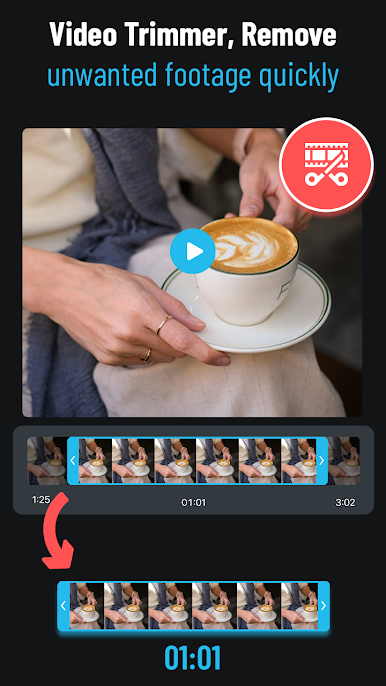
Video Trimming: Edit your videos by trimming unwanted sections to create precise and polished content.
Background Video Recording: Record high-quality videos discreetly using the front or back camera, even with the screen off. Perfect for capturing moments without drawing attention.
Video to MP3 Converter: Easily extract audio from your videos and save it as high-quality MP3 files, perfect for podcasts, music, or other audio projects.
Video Format Converter: Convert your videos to various formats to ensure compatibility with different devices and platforms.
MP3 Format Converter: Convert audio files to MP3 format for universal playback.
Video Compression: Reduce the file size of your videos without compromising quality, saving valuable storage space on your device.
Video Trimming: Edit your videos by trimming unwanted sections to create precise and polished content.

在電腦上遊玩Background Video Recorder . 輕易上手.
-
在您的電腦上下載並安裝BlueStacks
-
完成Google登入後即可訪問Play商店,或等你需要訪問Play商店十再登入
-
在右上角的搜索欄中尋找 Background Video Recorder
-
點擊以從搜索結果中安裝 Background Video Recorder
-
完成Google登入(如果您跳過了步驟2),以安裝 Background Video Recorder
-
在首頁畫面中點擊 Background Video Recorder 圖標來啟動遊戲

