


VoiceTooner - Voice changer
5억명 이상의 게이머가 신뢰하는 안드로이드 게임 플랫폼 BlueStacks으로 PC에서 플레이하세요.

Run VoiceTooner - Voice changer with cartoons on PC or Mac
What’s better than using VoiceTooner – Voice changer with cartoons by Baviux? Well, try it on a big screen, on your PC or Mac, with BlueStacks to see the difference.
About the App
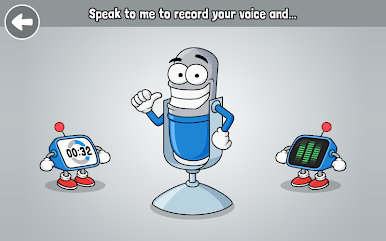
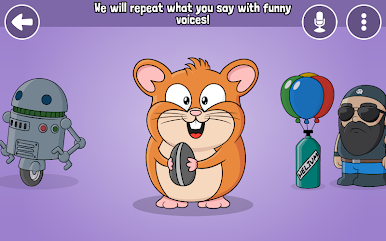
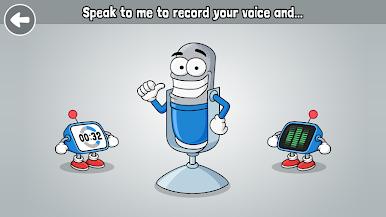
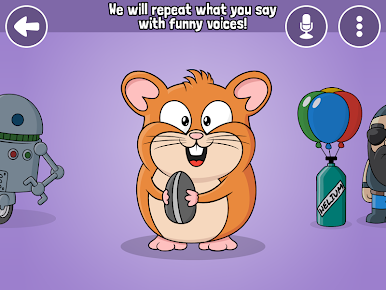
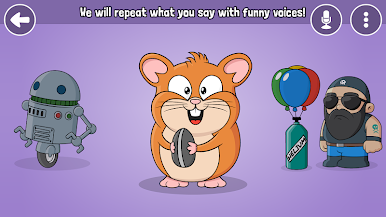
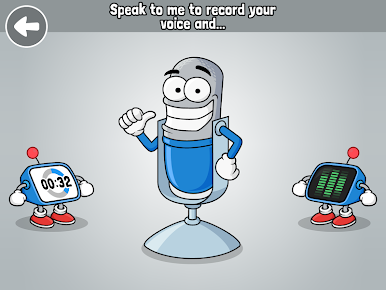
Got something silly to say or just in the mood for a laugh? VoiceTooner – Voice changer with cartoons from Baviux lets you play with your voice in the quirkiest ways possible. Picture this: you say something, and a wacky cartoon character bounces it back to you in its own unique, hilarious tone. No tricky menus or steps—just quick, goofy fun whenever you feel like making yourself (and probably your friends) grin.
App Features
-
Cartoon Voice Playground
Tap into a collection of wild and silly cartoon characters. Record yourself, pick a character, and listen as your words get a cartoon spin—each one sounds completely different! -
Tons of Effects
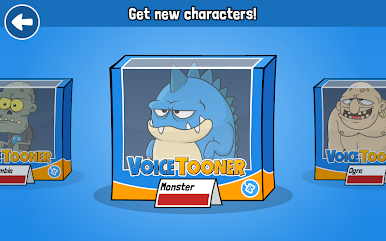
Feeling like a squirrel? Or more of a robot today? Flip through over 20 offbeat effects like helium, giant, monster, backward talk, alien, zombie, and more. The options are all over the place, in the best way. -
Save and Replay Your Creations
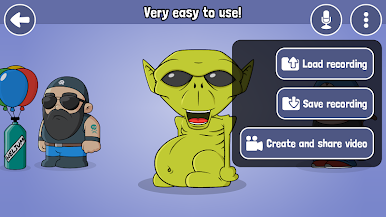
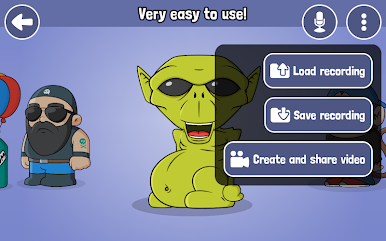
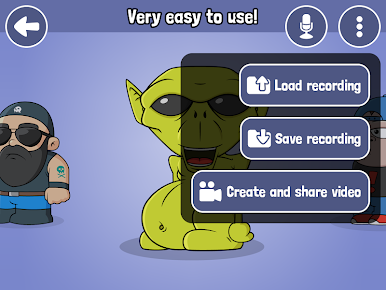
Love what you’ve made? You can save any of your recordings and bring them back up any time for a good chuckle (or to show someone new). -
Video Creation Made Simple
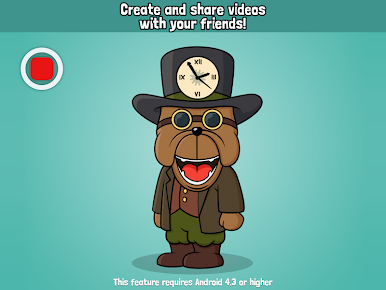
Turn your zaniest voice into a quick video. It’s super easy to send those videos off to friends, or just hoard them for your own amusement. -
Show Off and Share
Share your masterpieces straight from the app—whether it’s on Facebook, WhatsApp, or with whoever’s in your contacts list. Get ready for some funny reactions. -
Collect and Unlock Characters
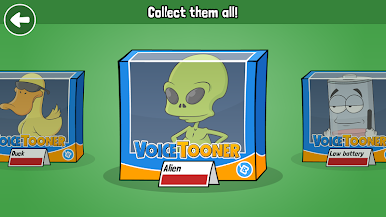
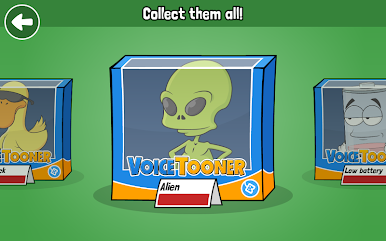
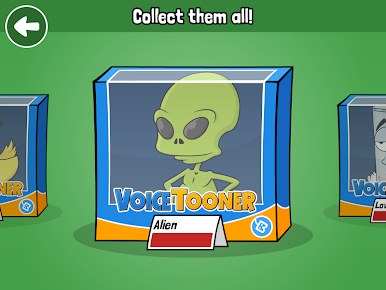
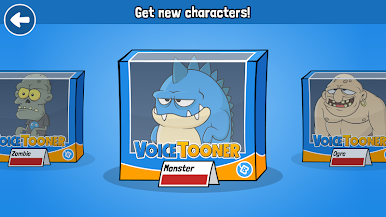
There’s a whole crew of cartoon voices to unlock—and you don’t need to spend a dime to snag every last one.
VoiceTooner – Voice changer with cartoons is part of the Entertainment genre and works without a fuss on a wide range of Android devices. If you want a bigger screen or just love using BlueStacks, it fits right in.
Switch to BlueStacks and make the most of your apps on your PC or Mac.




PC에서 VoiceTooner - Voice changer 플레이해보세요.
-
BlueStacks 다운로드하고 설치
-
Google Play 스토어에 로그인 하기(나중에 진행가능)
-
오른쪽 상단 코너에 VoiceTooner - Voice changer 검색
-
검색 결과 중 VoiceTooner - Voice changer 선택하여 설치
-
구글 로그인 진행(만약 2단계를 지나갔을 경우) 후 VoiceTooner - Voice changer 설치
-
메인 홈화면에서 VoiceTooner - Voice changer 선택하여 실행

