


TalkCampus
Jogue no PC com BlueStacks - A Plataforma de Jogos Android, confiada por mais de 500 milhões de jogadores.

Página modificada em: Dec 17, 2025
Play TalkCampus on PC
Feeling overwhelmed, isolated, or just need someone to talk to?
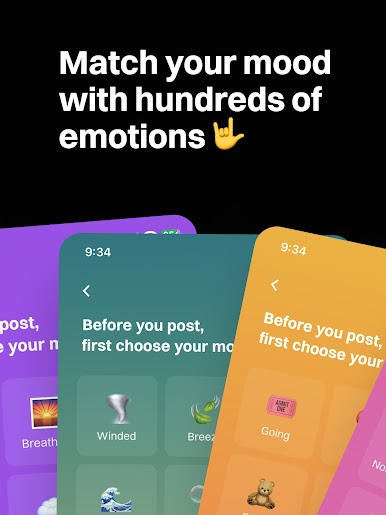
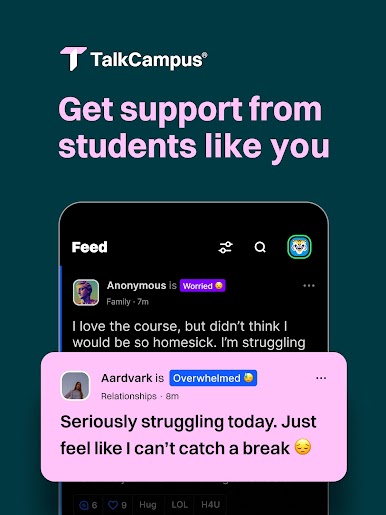
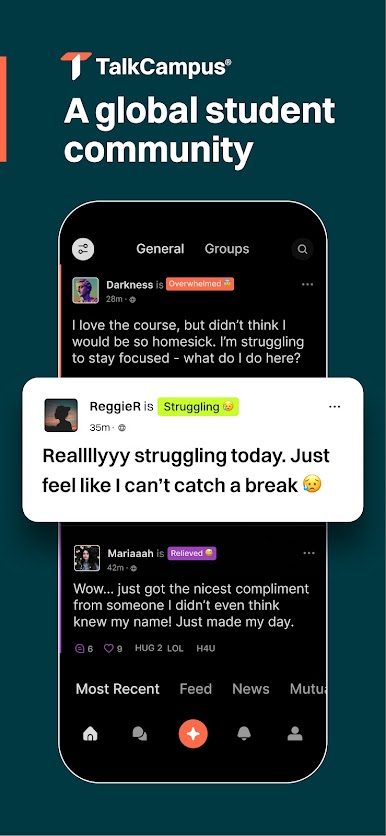
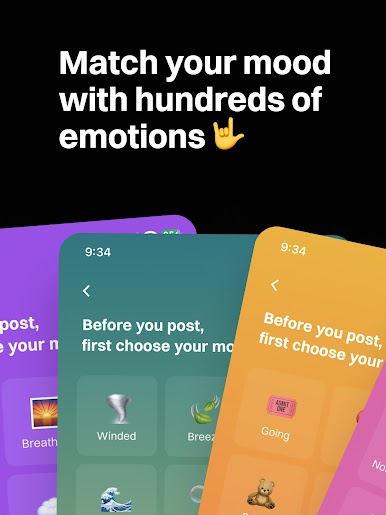
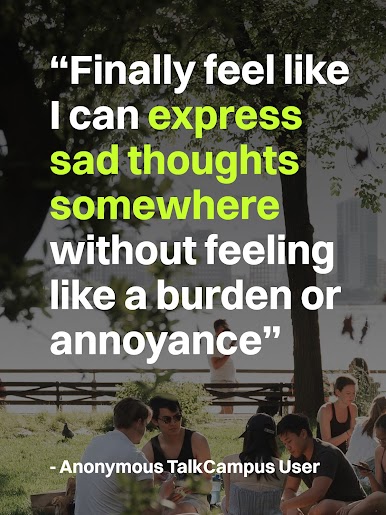
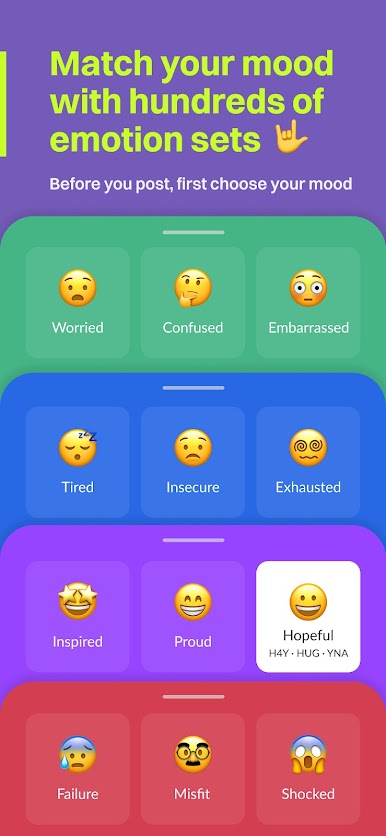
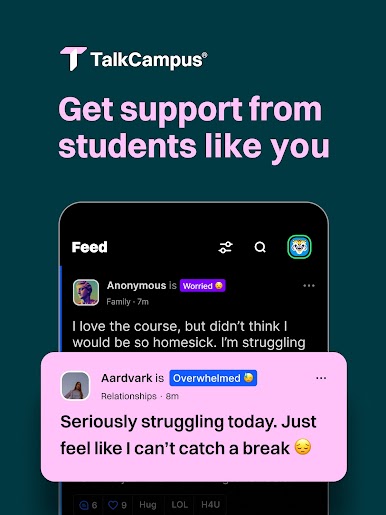
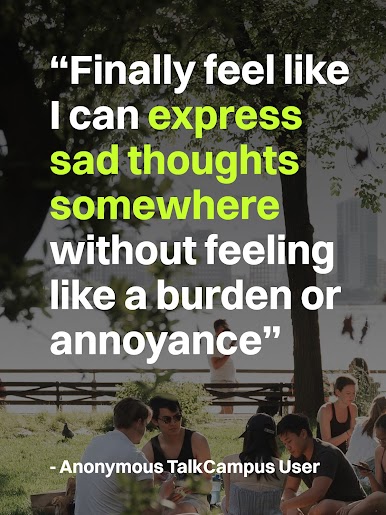
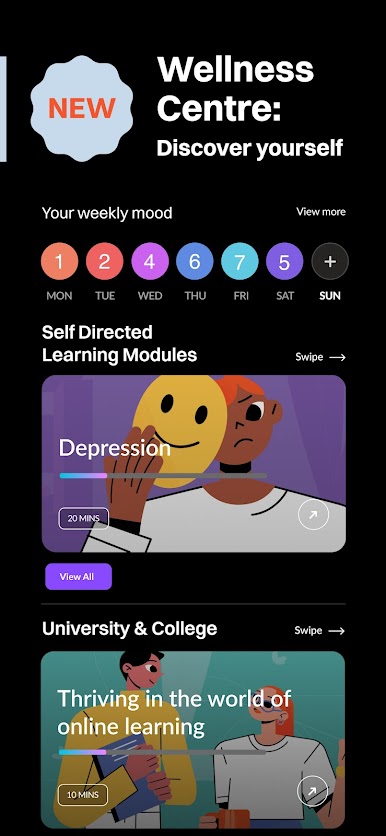
TalkCampus is a global peer support network designed just for students, offering a safe space to share what you’re going through, connect with others who get it, and feel heard any time of day or night.
Join students worldwide who use TalkCampus to find connection, support, and a sense of belonging. Whether you're dealing with academic pressure, personal challenges, or just want to talk about life, you're not alone.
Why TalkCampus?
+Built for Students – This is your space. Only students can join.
+24/7 Global Community – There’s always someone around to listen and support.
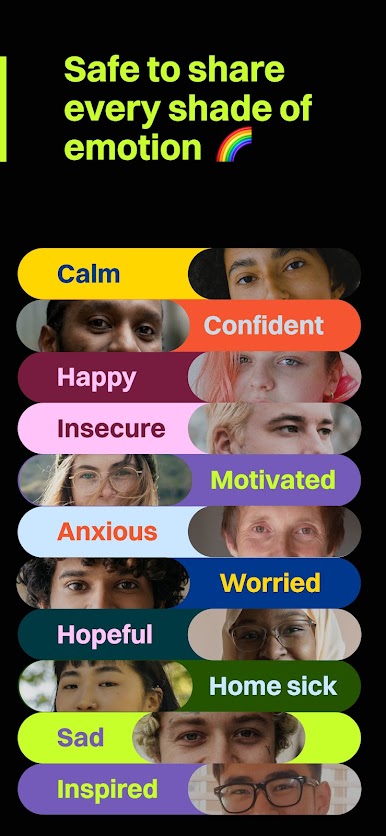
+Real Talk, No Judgment – Share what’s on your mind and be met with empathy.
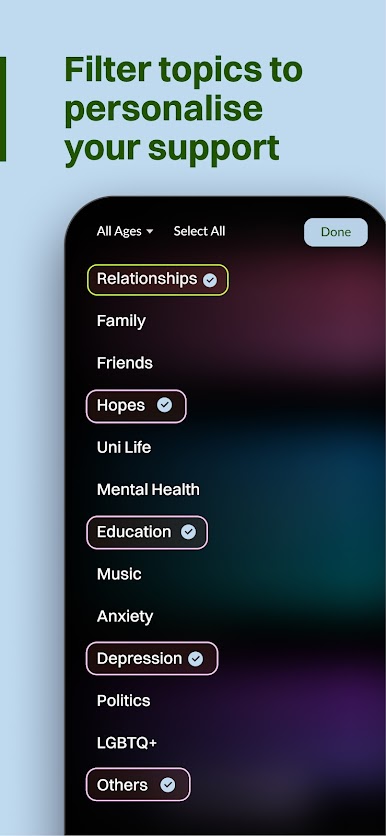
+Multiple Ways to Connect – Group chats, private messages, and public posts – choose how you want to engage.
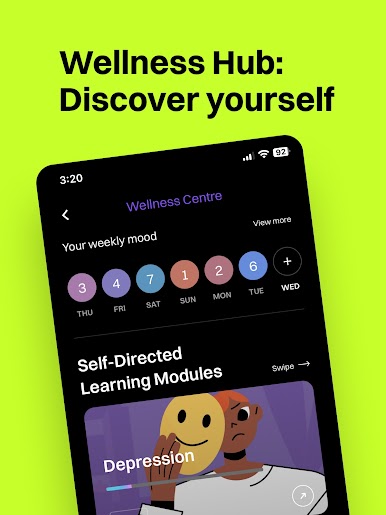
+Support Through the Highs and Lows – Celebrate wins, talk through struggles, and be part of a supportive student network.
Important Information
TalkCampus is a peer support platform, not a substitute for professional mental health services. If you’re in crisis or need expert guidance, please contact a mental health professional or crisis service in your area.






Jogue TalkCampus no PC. É fácil começar.
-
Baixe e instale o BlueStacks no seu PC
-
Conclua o login do Google para acessar a Play Store ou faça isso mais tarde
-
Procure por TalkCampus na barra de pesquisa no canto superior direito
-
Clique para instalar TalkCampus a partir dos resultados da pesquisa
-
Conclua o login do Google (caso você pulou a etapa 2) para instalar o TalkCampus
-
Clique no ícone do TalkCampus na tela inicial para começar a jogar

