


Tiny Calendar: Planner & Tasks
Jogue no PC com BlueStacks - A Plataforma de Jogos Android, confiada por mais de 500 milhões de jogadores.

Página modificada em: Oct 15, 2025
Play Tiny Calendar: Planner & Tasks on PC
SMART ENOUGH TO CREATE
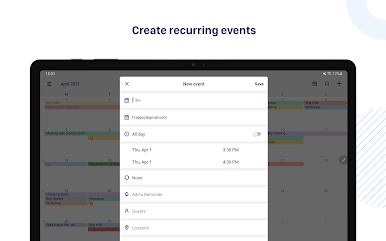
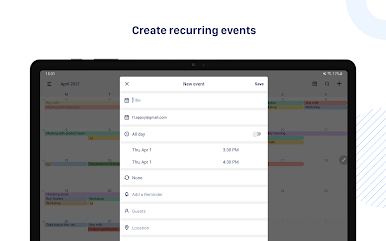
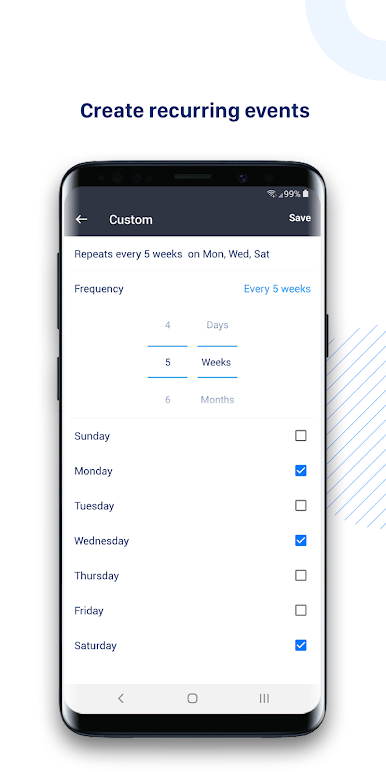
Tiny Calendar has features like drag and drop, gestures and other smart methods to predict your intention and help you create and edit your events more easily.
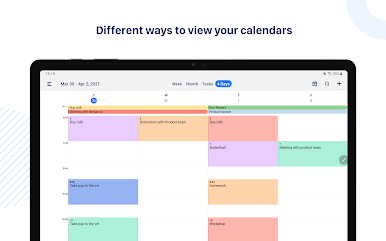
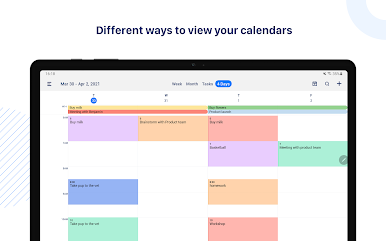
MULTIPLE WAYS TO VIEW
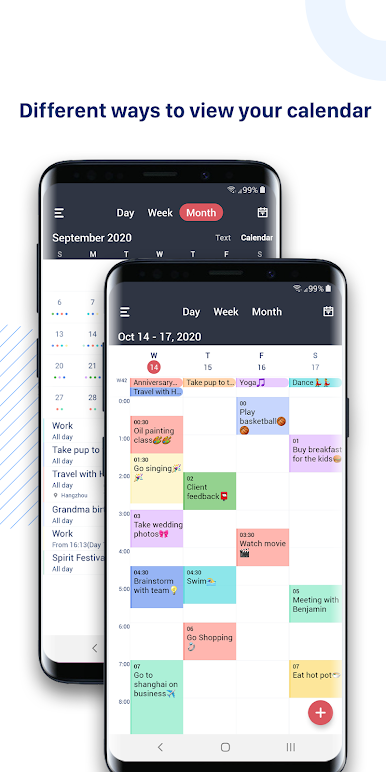
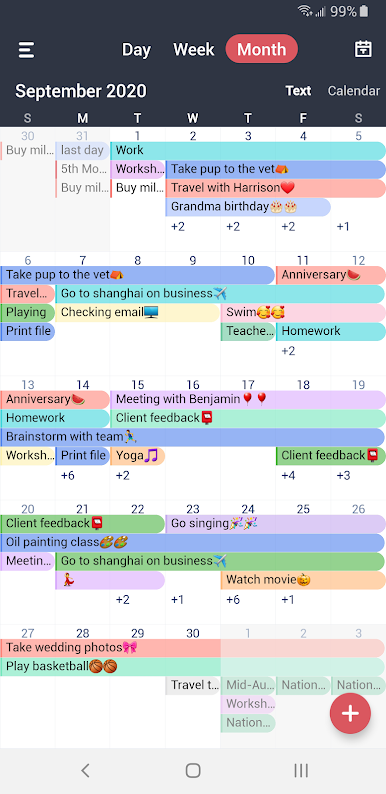
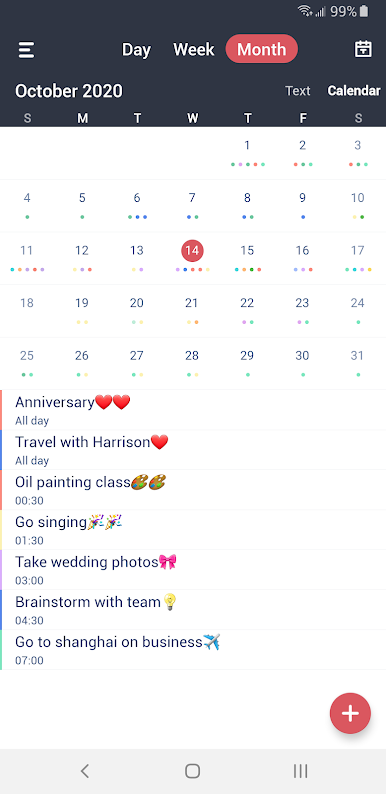
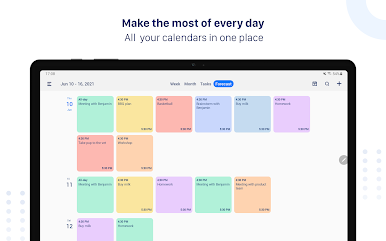
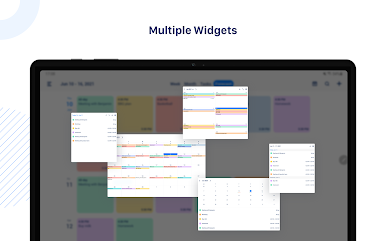
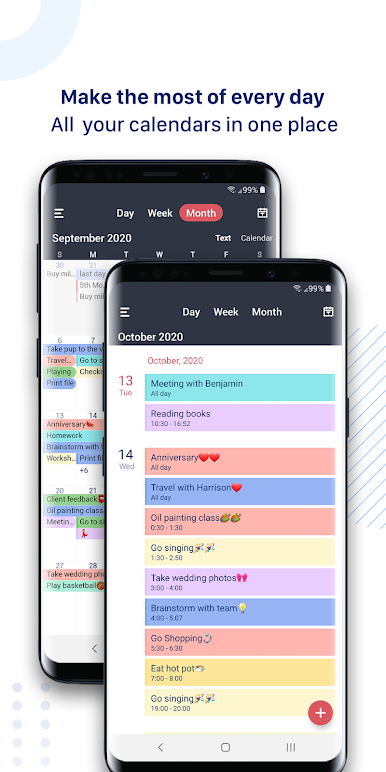
Tiny Calendar supports 8 standard views - day, week, month, 4-days, year, mini-month, week agenda and agenda. You can instantly switch views to discover events or find a time you're looking for.
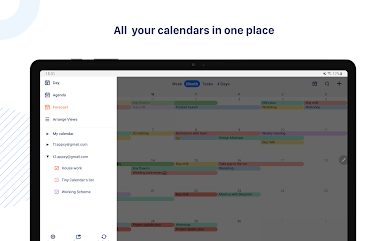
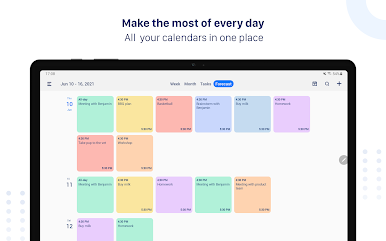
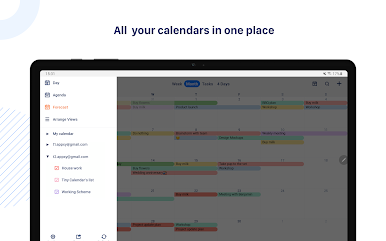
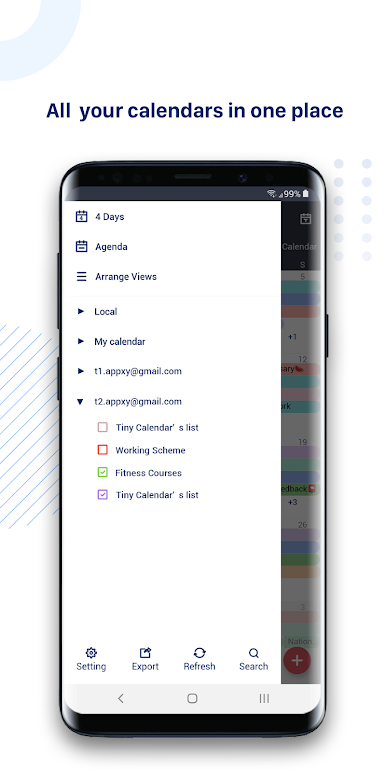
CONNECT ALL YOUR CALENDARS
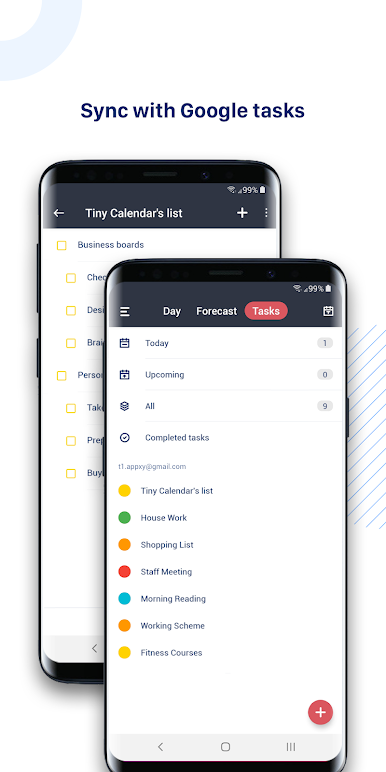
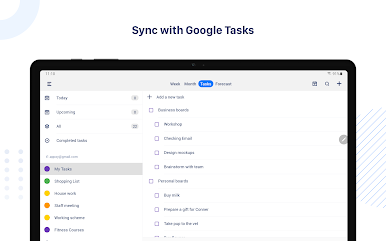
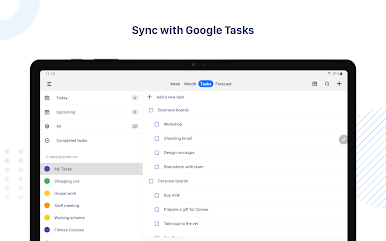
Tiny Calendar supports to read events from Google Calendar directly via Google OAuth, it also reads events from local calendar to supports events on Microsoft Outlook, Exchange and other calendars.
WORKS OFFLINE
You can still create, edit and delete events when you don't have an Internet connection.
ADVANCED REMINDER SYSTEM
Never forget about a meeting! Tiny Calendar allows you to set multiple reminders for an event.
Permissions Used in Tiny Calendar:
1. Calendar: Tiny Calendar needs this permission to read events from local calendars.
2. Contacts: Tiny Calendar needs this permission to read Google Accounts from your device for adding Google account within app. Also Tiny Calendar needs this permission to read contacts from local when you choose to add attendees for an event.
Jogue Tiny Calendar: Planner & Tasks no PC. É fácil começar.
-
Baixe e instale o BlueStacks no seu PC
-
Conclua o login do Google para acessar a Play Store ou faça isso mais tarde
-
Procure por Tiny Calendar: Planner & Tasks na barra de pesquisa no canto superior direito
-
Clique para instalar Tiny Calendar: Planner & Tasks a partir dos resultados da pesquisa
-
Conclua o login do Google (caso você pulou a etapa 2) para instalar o Tiny Calendar: Planner & Tasks
-
Clique no ícone do Tiny Calendar: Planner & Tasks na tela inicial para começar a jogar

