


Circulus: material-style icons
Jogue no PC com BlueStacks - A Plataforma de Jogos Android, confiada por mais de 500 milhões de jogadores.

Página modificada em: Jun 19, 2023
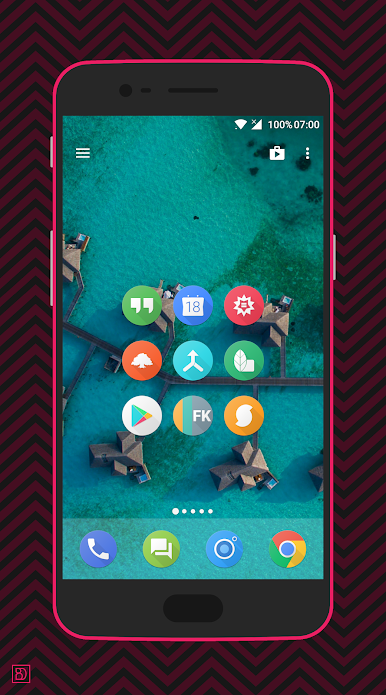
Play Circulus: material-style icons on PC
I have been creating and maintaining icon packs since 2014, but I feel it is time to move on soon. The amount of free time I have and how I use it has changed.
The expected discontinuation is set for sometime in 2024, and as a result, this icon pack is currently available at a reduced price. Thank you for your (long-term) support!
⚙️ FEATURES
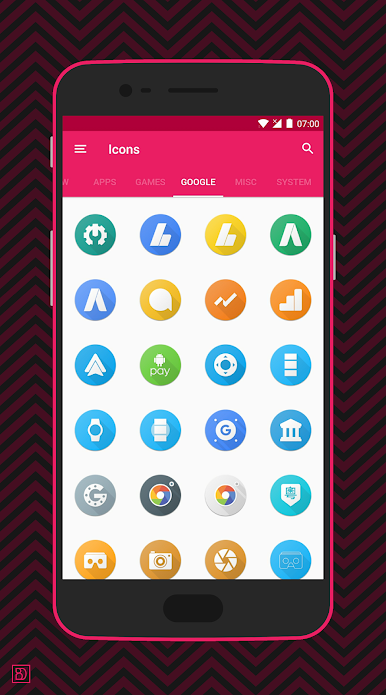
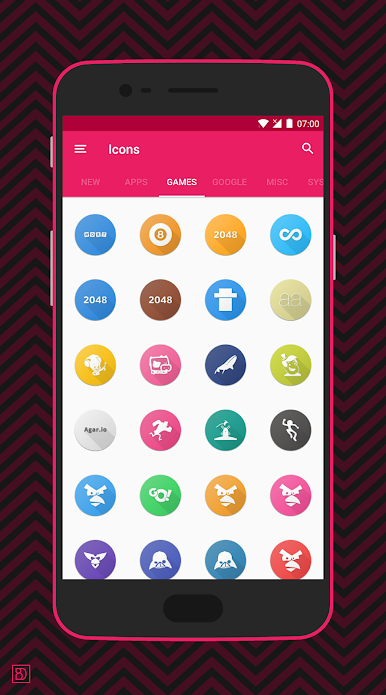
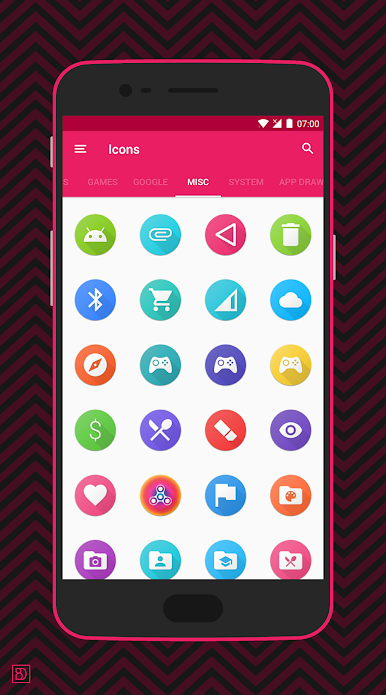
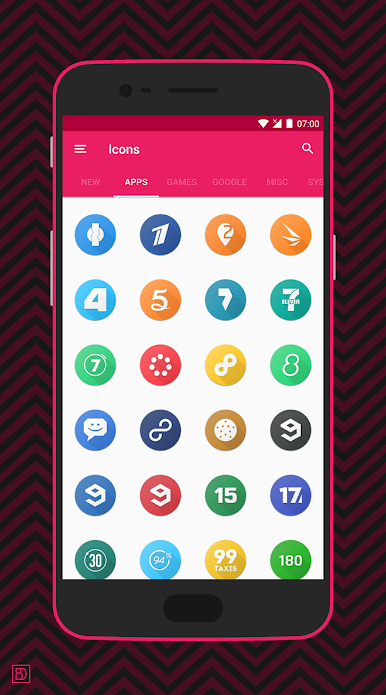
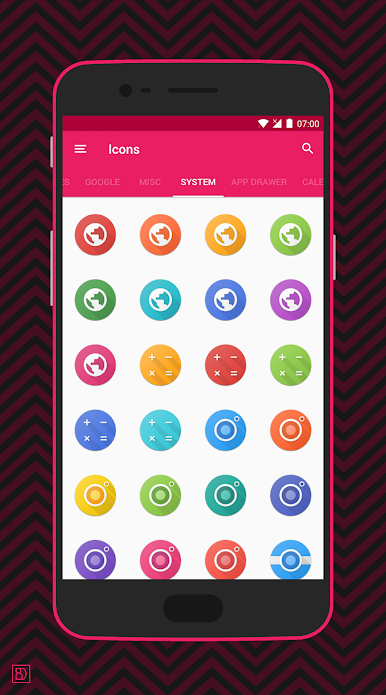
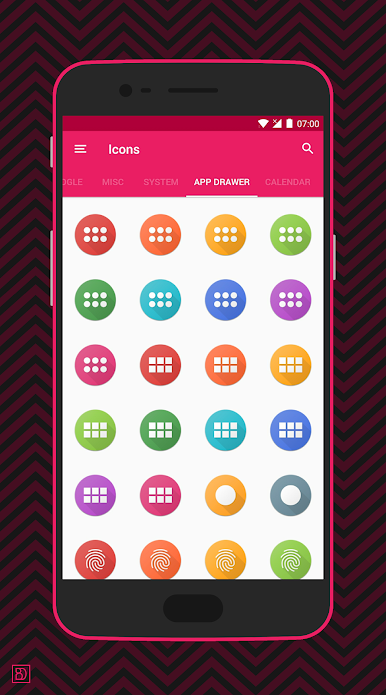
5000+ icons at crisp 192x192 resolution
• Active support since 2017
• 25 different icon categories
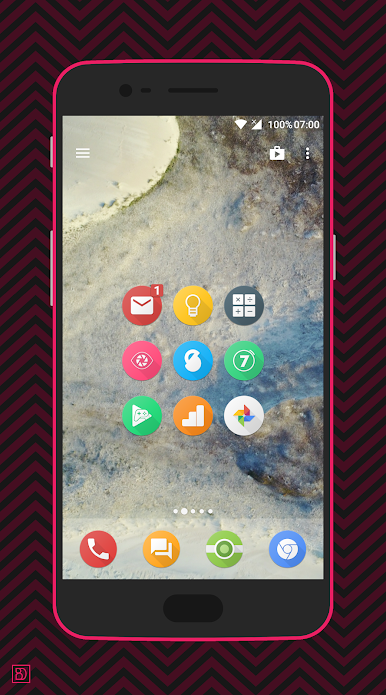
• Unthemed icon mask
• 17 wallpapers
💶 DONATION
I have spent since 2014 creating & maintaining icon packs. That is a lot of effort and care spent on a small product. Your donations are highly appreciated! 💜 They will be spent on purchasing books or resources for my design business.
📱 SUPPORTED LAUNCHERS
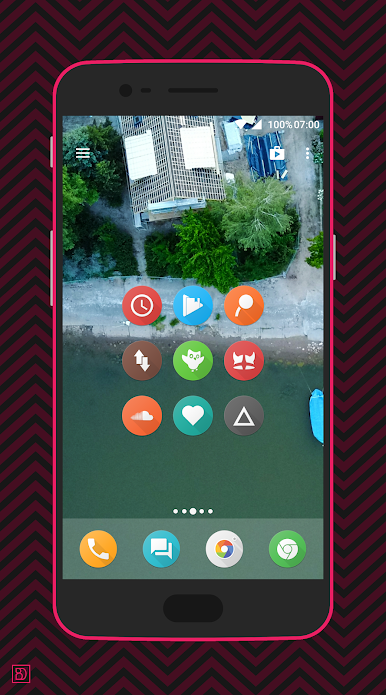
This icon pack supports a wide variety of launchers, both OEM and custom.
Easy apply from dashboard:
• Action
• ADW
• Apex
• Evie
• GO
• Holo
• Holo HD
• Lawnchair
• LG Home
• LineageOS
• Lucid
• M
• Mi
• Microsoft
• Niagara
• Nougat
• Nova
• POCO
• Posidon
• Smart
• Solo
• Zen UI
💬 SUPPORT
Questions? Noticed any bugs? Send me an email!
👥 LET'S GET SOCIAL!
Follow me to be always up to date with updates and ongoing projects: https://linktr.ee/benasdzimidas
With 💜 from 🇱🇹🇳🇱!
Jogue Circulus: material-style icons no PC. É fácil começar.
-
Baixe e instale o BlueStacks no seu PC
-
Conclua o login do Google para acessar a Play Store ou faça isso mais tarde
-
Procure por Circulus: material-style icons na barra de pesquisa no canto superior direito
-
Clique para instalar Circulus: material-style icons a partir dos resultados da pesquisa
-
Conclua o login do Google (caso você pulou a etapa 2) para instalar o Circulus: material-style icons
-
Clique no ícone do Circulus: material-style icons na tela inicial para começar a jogar

