


鬧鐘聲音和鈴聲
在電腦上使用BlueStacks –受到5億以上的遊戲玩家所信任的Android遊戲平台。

Run Alarm Sounds & Ringtones on PC or Mac
What’s better than using Alarm Sounds & Ringtones by Peaksel Ringtones Apps? Well, try it on a big screen, on your PC or Mac, with BlueStacks to see the difference.
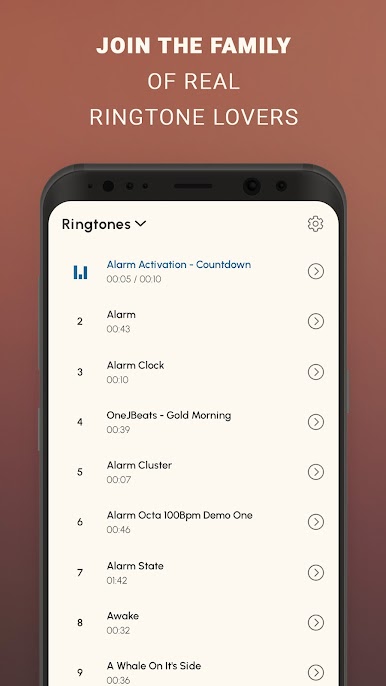
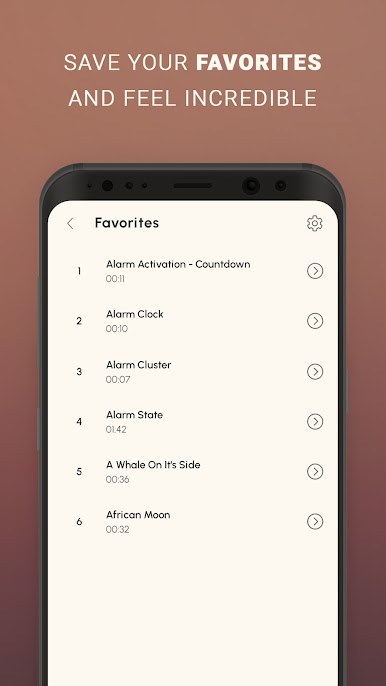
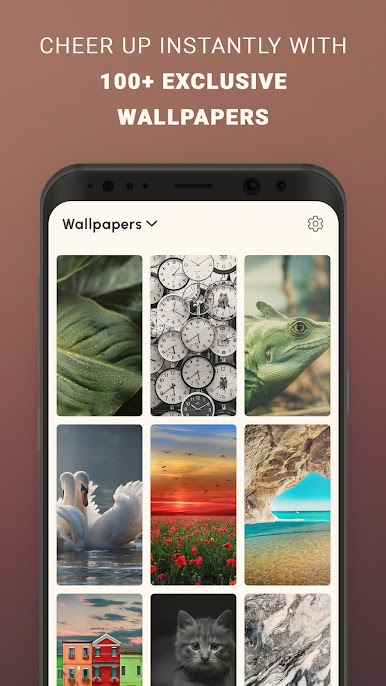
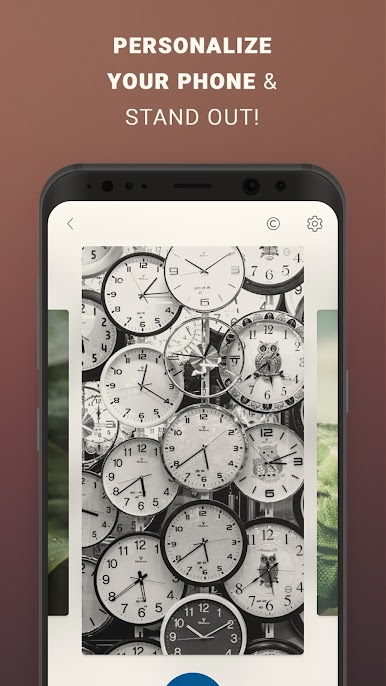
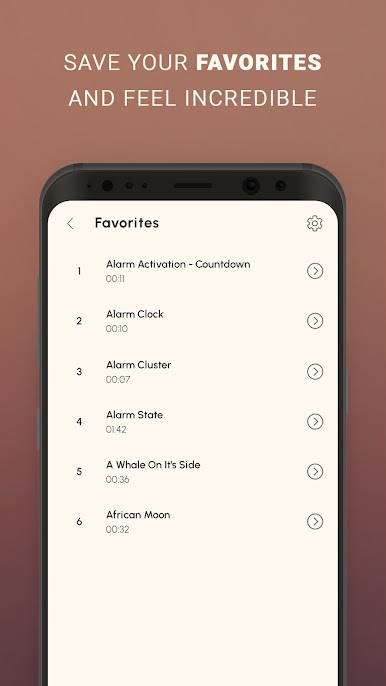
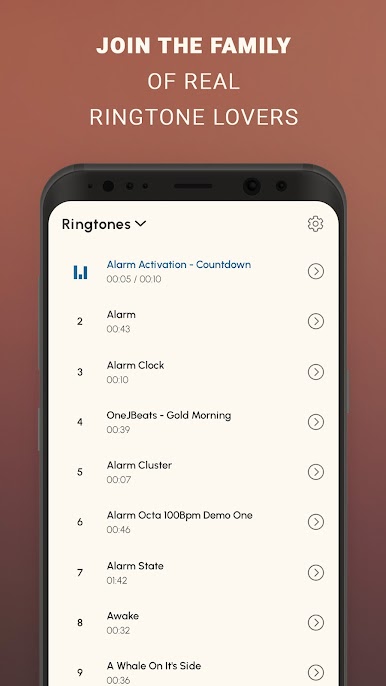
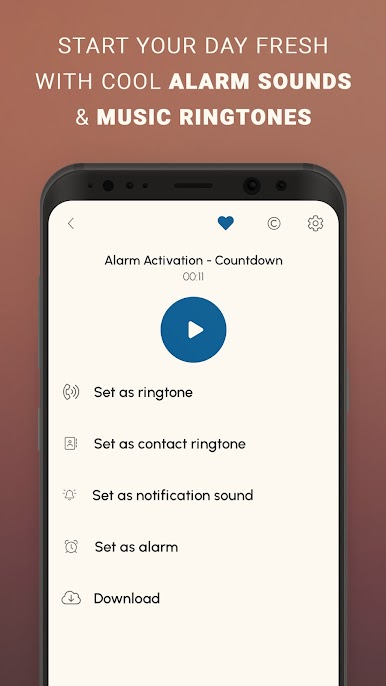
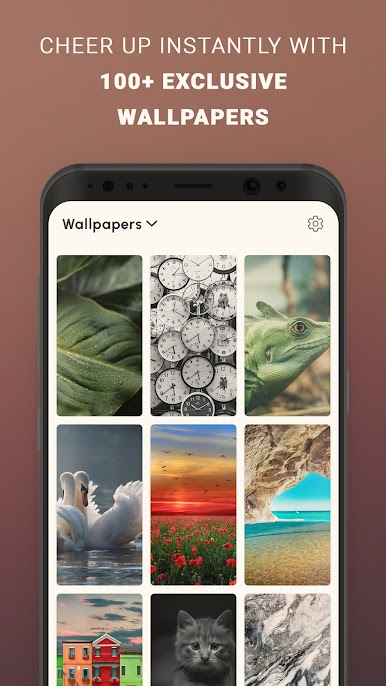
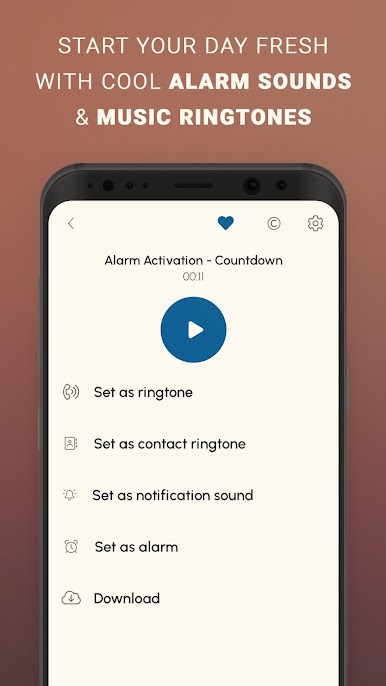
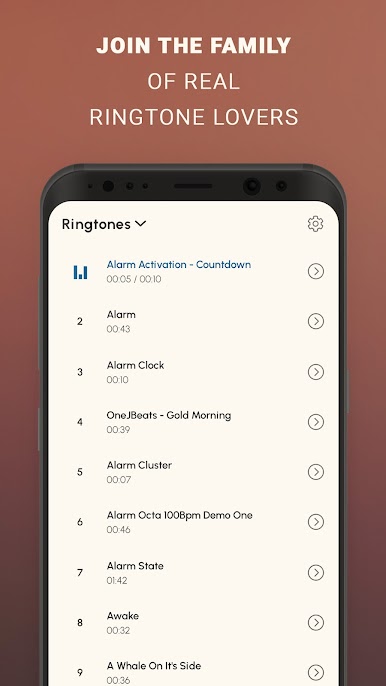
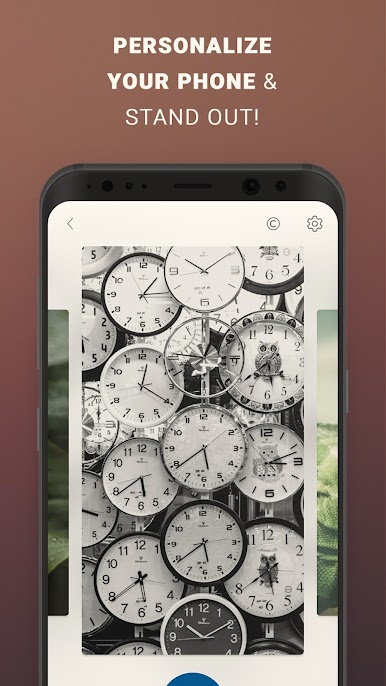
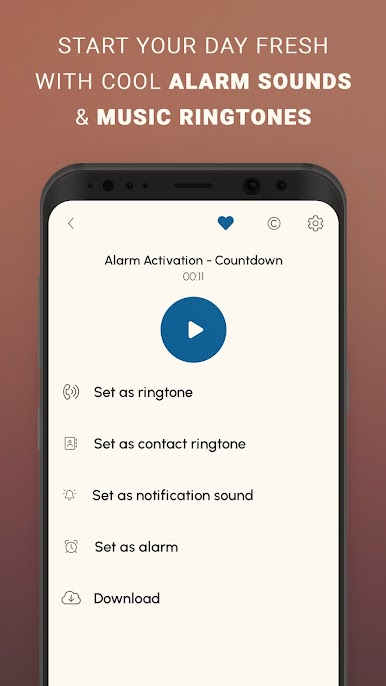
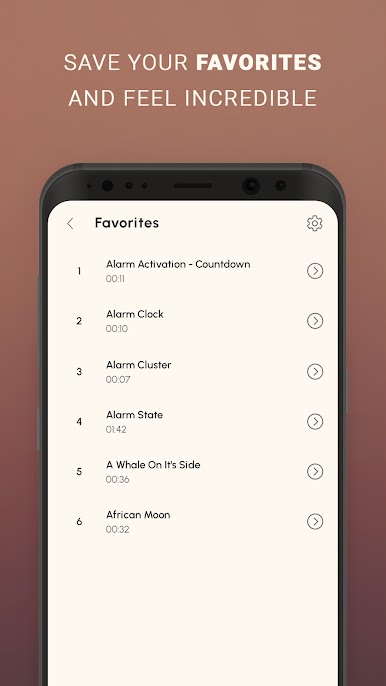
Alarm Sounds & Ringtones is basically a giant toolbox of wake up sounds and phone tones, with a surprise pile of wallpapers on the side. It opens to clean, simple lists that are easy to skim, from super calm chimes and nature loops to loud buzzers and straight up emergency sirens. Tapping one plays it right away, and setting it as an alarm, ringtone, text tone, or contact tone is just a quick tap path. There is also a download option if someone wants the file saved for later. Running it on BlueStacks feels nice since the bigger screen makes scrolling through dozens of clips less annoying, and picking a wallpaper actually feels doable without pinching around on a tiny screen.
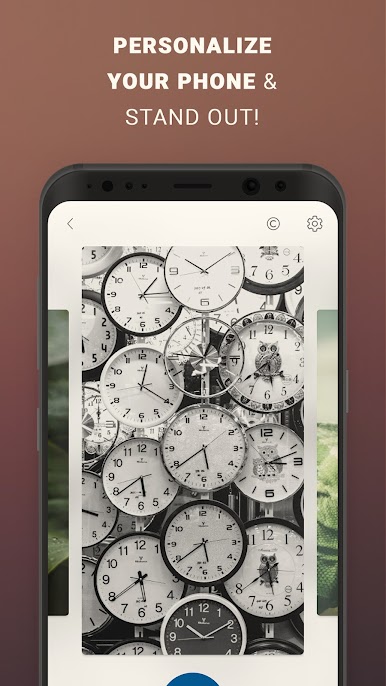
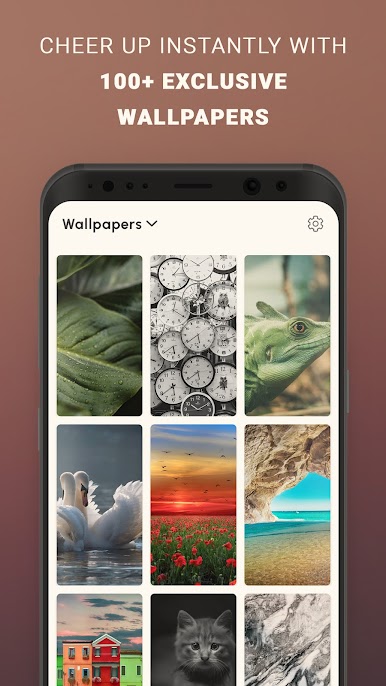
What stands out is the range. Light sleepers can go for soft piano or zen bells, while heavy sleepers get those intense digital beeps that no one can sleep through. The tones are short and trimmed so they do not drag forever, and volume on desktop speakers lets someone test how loud they really want to go. The wallpaper part is simple but handy if someone wants the lock screen to match the alarm mood. It does not bury anyone in settings or weird menus. It just focuses on getting a sound picked and applied fast, whether that is for mornings, calls, or quick message pings.
BlueStacks brings your apps to life on a bigger screen—seamless and straightforward.
在電腦上遊玩鬧鐘聲音和鈴聲 . 輕易上手.
-
在您的電腦上下載並安裝BlueStacks
-
完成Google登入後即可訪問Play商店,或等你需要訪問Play商店十再登入
-
在右上角的搜索欄中尋找 鬧鐘聲音和鈴聲
-
點擊以從搜索結果中安裝 鬧鐘聲音和鈴聲
-
完成Google登入(如果您跳過了步驟2),以安裝 鬧鐘聲音和鈴聲
-
在首頁畫面中點擊 鬧鐘聲音和鈴聲 圖標來啟動遊戲

