


Toques de Notificação
Jogue no PC com BlueStacks - A Plataforma de Jogos Android, confiada por mais de 500 milhões de jogadores.

Página modificada em: Dec 2, 2025
Run Notification Sounds on PC or Mac
Multitask effortlessly on your PC or Mac as you try out Notification Sounds, a Music & Audio app by Peaksel Ringtones Apps on BlueStacks.
About the App
Looking to spice up the way your phone gets your attention? Notification Sounds by Peaksel Ringtones Apps is all about making your messages, emails, and other notifications stand out. Whether you’re after a little humor, cool tones, or something just totally different, this Music & Audio app packs a bunch of unique sounds and wallpapers to play around with. You can mix things up however you want—or keep things simple. Either way, it’s easy to make sure you never mistake someone else’s notification for yours again.
App Features
-
Wide Variety of Sounds
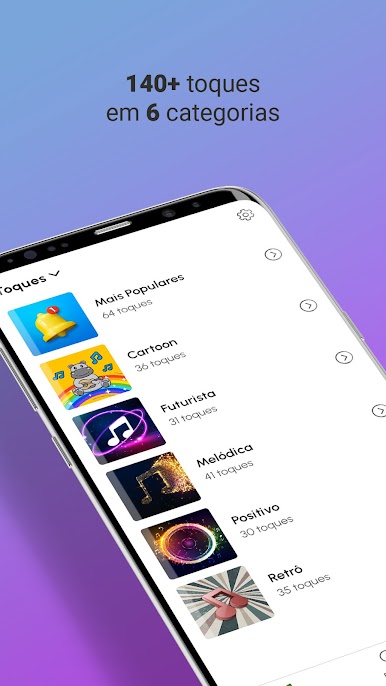
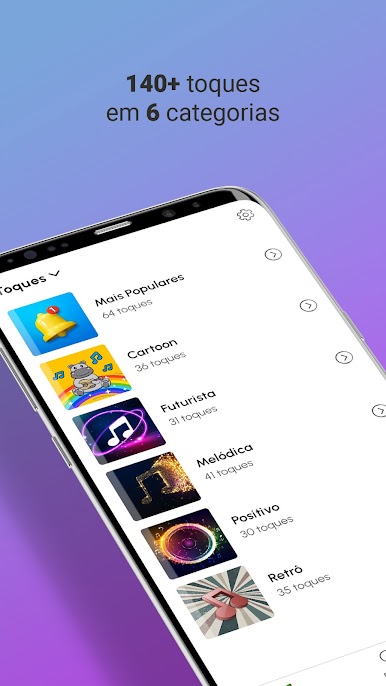
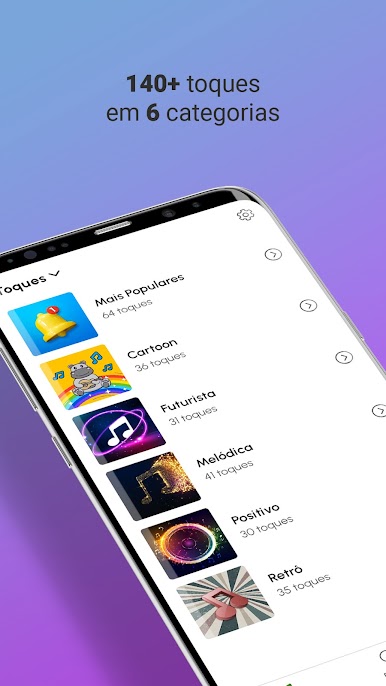
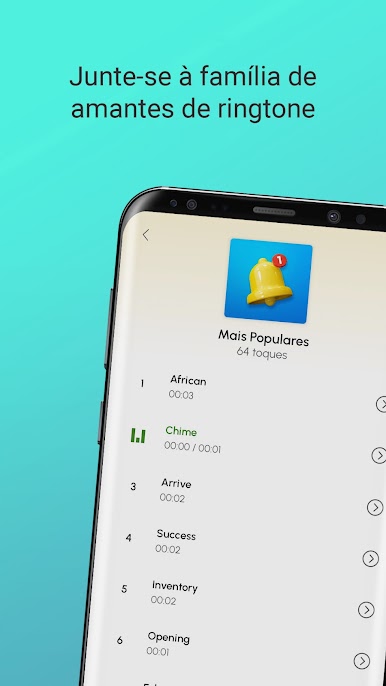
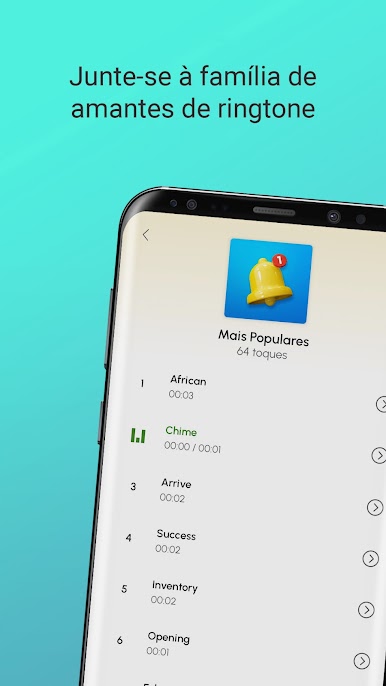
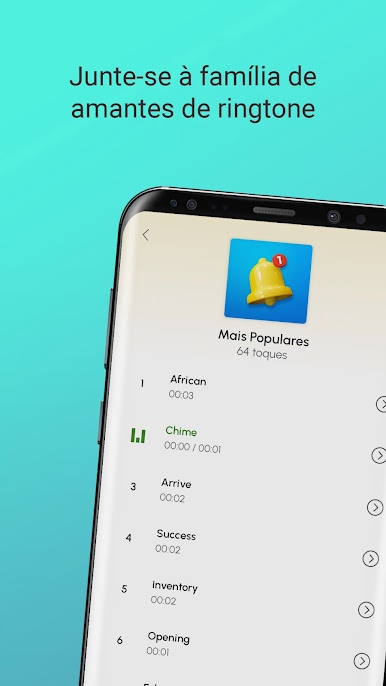
Choose from more than 140 different sounds, neatly organized in six categories. There’s something for every mood—quirky pings, sharp alerts, soothing signals, and everything in between. -
Custom Notifications
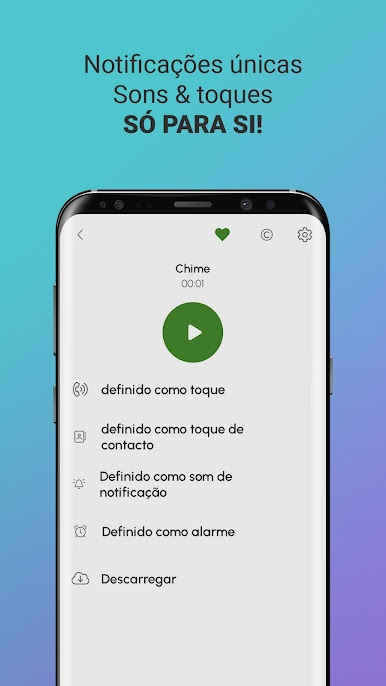
Pick the right sound for any occasion. Want your email to beep one way but your text message another? You’ve got plenty of options. Assign specific ringtones for messages, calls, alarms, or pretty much any notification category. -
Set Ringtones in a Flash
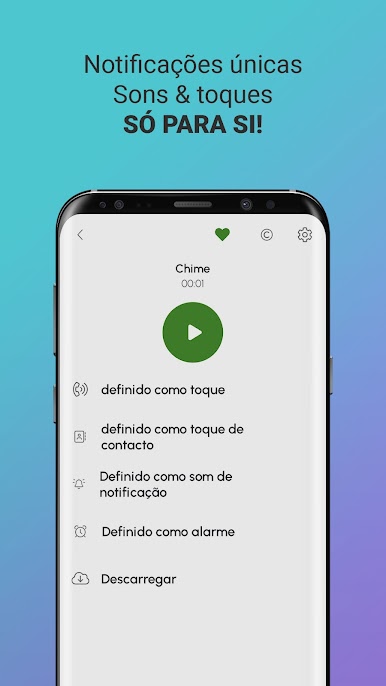
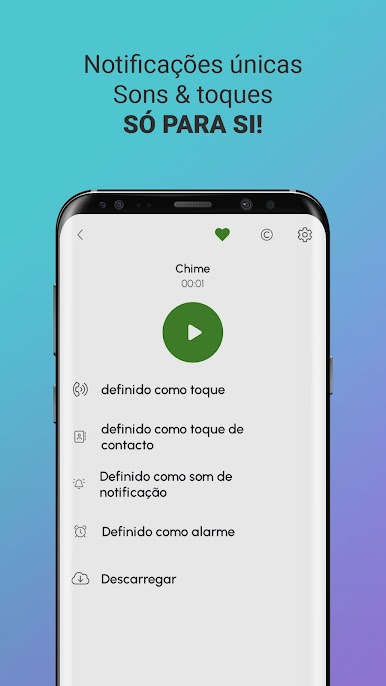
With just a few taps, you can set your favorite sound as your ringtone, SMS tone, alarm, or even a contact-specific alert. No need to dig around your phone settings—with Notification Sounds, the process feels seamless. -
Handy Download Feature
If there’s a sound you just can’t get enough of, you can download it directly from the app. Keep your top tones handy, even if you swap devices later. -
Fresh Wallpapers
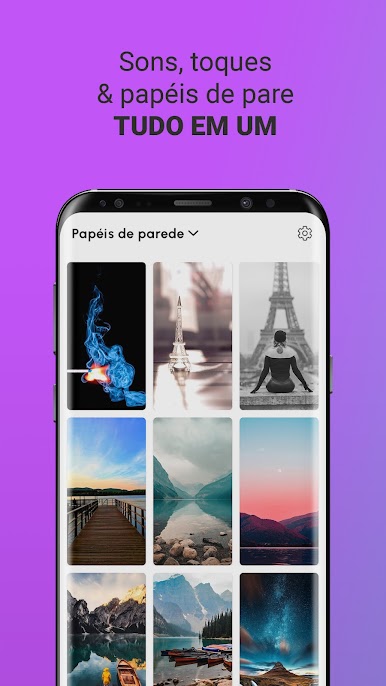
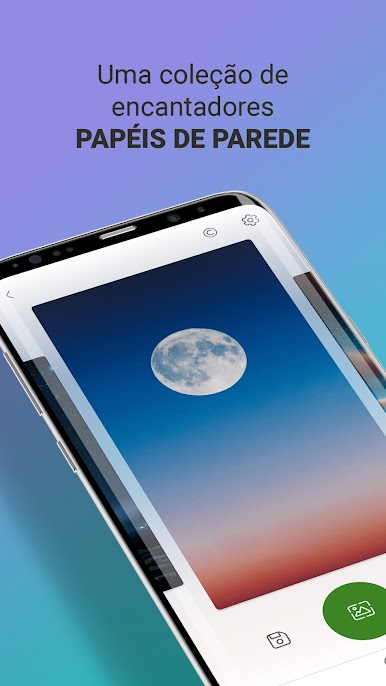
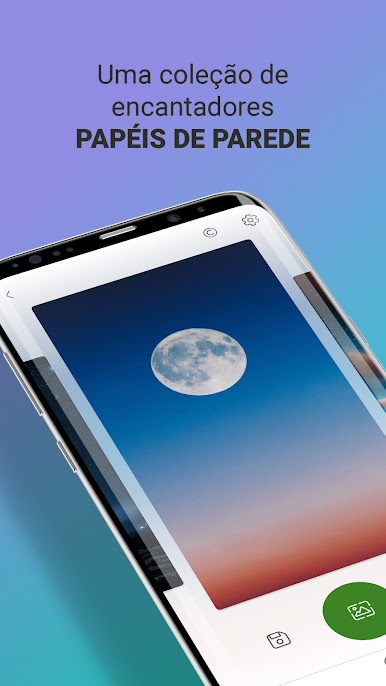
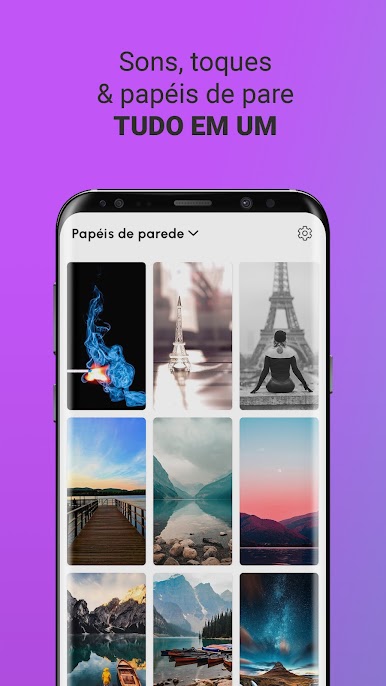
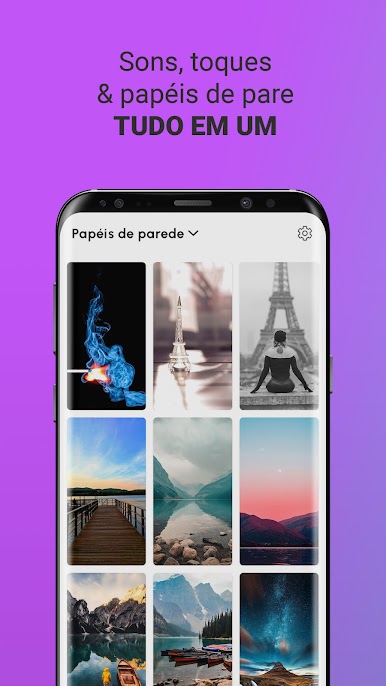
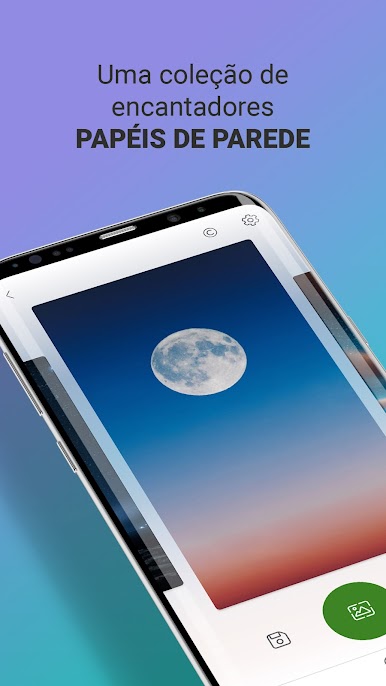
It’s not just about sound. Give your screen a new look by choosing from a collection of creative wallpapers within the app. Swap your background whenever you like for a little extra flair. -
Professional Quality Content
Every tone is crafted or covered by pro musicians and voice talents, ensuring everything sounds crisp and stands out—certainly not your average generic beep. -
Easy Setup on Any Device
Works great on phones and, if you’re using BlueStacks, you can enjoy those sounds and wallpapers even on your PC.
With Notification Sounds, your phone’s style and alerts feel as individual as you are.
Ready to experience Notification Sounds on a bigger screen, in all its glory? Download BlueStacks now.
Jogue Toques de Notificação no PC. É fácil começar.
-
Baixe e instale o BlueStacks no seu PC
-
Conclua o login do Google para acessar a Play Store ou faça isso mais tarde
-
Procure por Toques de Notificação na barra de pesquisa no canto superior direito
-
Clique para instalar Toques de Notificação a partir dos resultados da pesquisa
-
Conclua o login do Google (caso você pulou a etapa 2) para instalar o Toques de Notificação
-
Clique no ícone do Toques de Notificação na tela inicial para começar a jogar

