


Ultimate Werewolf Timer
Jogue no PC com BlueStacks - A Plataforma de Jogos Android, confiada por mais de 500 milhões de jogadores.

Página modificada em: Oct 16, 2025
Run Ultimate Werewolf Timer on PC or Mac
What’s better than using Ultimate Werewolf Timer by Bezier Games? Well, try it on a big screen, on your PC or Mac, with BlueStacks to see the difference.
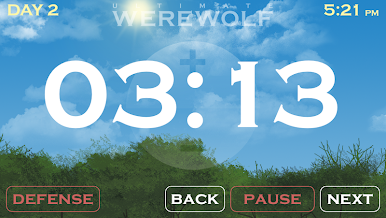
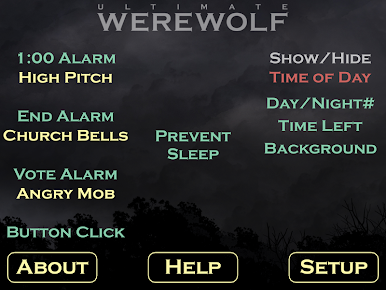
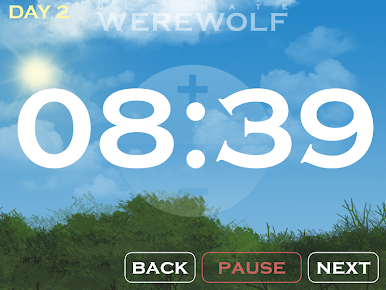
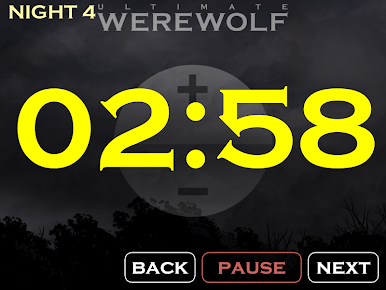
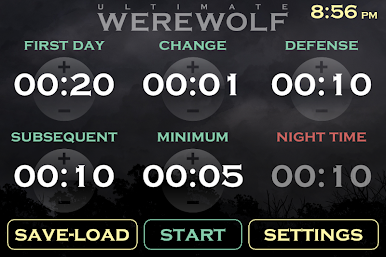
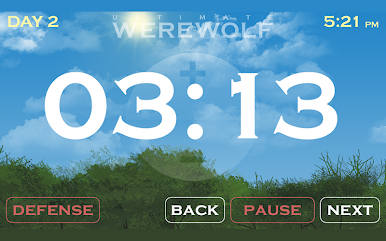
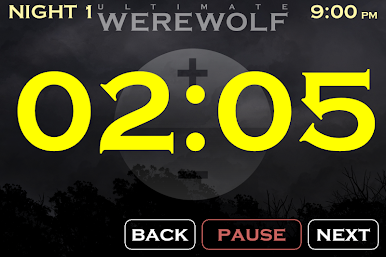
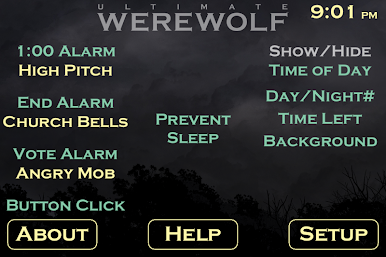
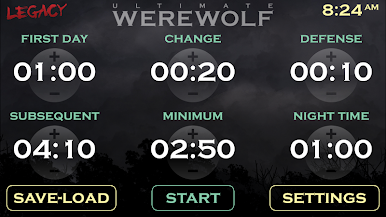
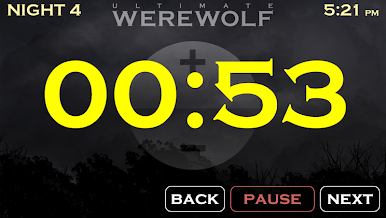
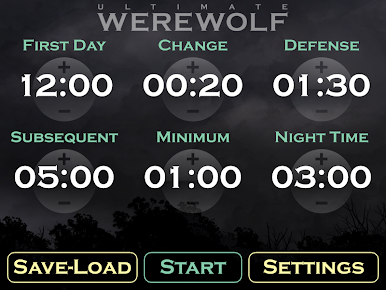
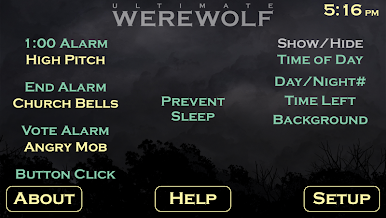
Ultimate Werewolf Timer is basically a clean set of tools that keeps a Werewolf game moving without the usual clock watching and arguing. It lets a moderator set up separate timers for the first day, later days that get shorter as the village gets smaller, night time, and even a dedicated defense timer for the poor soul on the chopping block. There are simple sound cues for the last minute and the end of the phase, so everyone hears it and knows when to wrap up. If the group gets anxious staring at a countdown, the host can hide the numbers and run a little sunrise or sunset animation instead, which oddly adds some tension while keeping people focused on the debate. Nothing flashy, just sensible controls that do not get in the way.
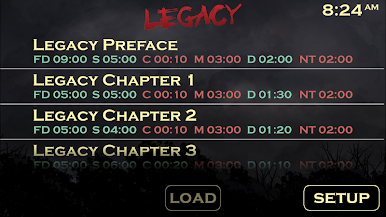
What stands out is how easy it is to tune the timing to match group size and play style. A long opener for day one, tighter days later, a crisp night phase that does not drag, and that separate defense window that feels fair. On a PC with BlueStacks it is nice having the timer big and visible so a whole table can glance at it, and the clicks feel quick when switching phases. It is built for moderators, but players benefit too, since the pacing stays consistent and the mood stays dramatic without anyone babysitting a phone stopwatch or counting down out loud.
Switch to BlueStacks and make the most of your apps on your PC or Mac.

Jogue Ultimate Werewolf Timer no PC. É fácil começar.
-
Baixe e instale o BlueStacks no seu PC
-
Conclua o login do Google para acessar a Play Store ou faça isso mais tarde
-
Procure por Ultimate Werewolf Timer na barra de pesquisa no canto superior direito
-
Clique para instalar Ultimate Werewolf Timer a partir dos resultados da pesquisa
-
Conclua o login do Google (caso você pulou a etapa 2) para instalar o Ultimate Werewolf Timer
-
Clique no ícone do Ultimate Werewolf Timer na tela inicial para começar a jogar

