Merge Block: Star Finders
5억명 이상의 게이머가 신뢰하는 안드로이드 게임 플랫폼 BlueStacks으로 PC에서 플레이하세요.

Play Merge Block: Star Finders on PC or Mac
Join millions to experience Merge Block: Star Finders, an exciting Puzzle game from BitMango. With BlueStacks App Player, you are always a step ahead of your opponent, ready to outplay them with faster gameplay and better control with the mouse and keyboard on your PC or Mac.
About the Game
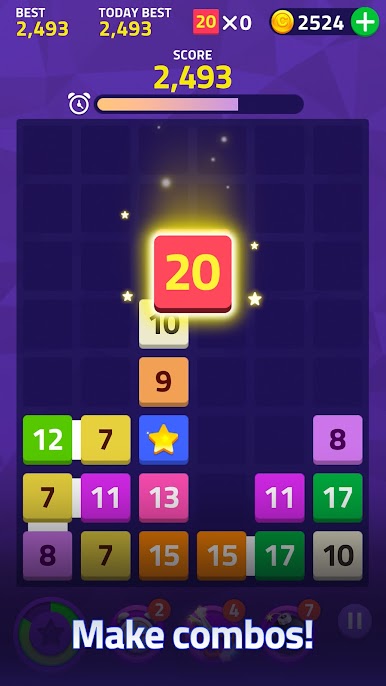
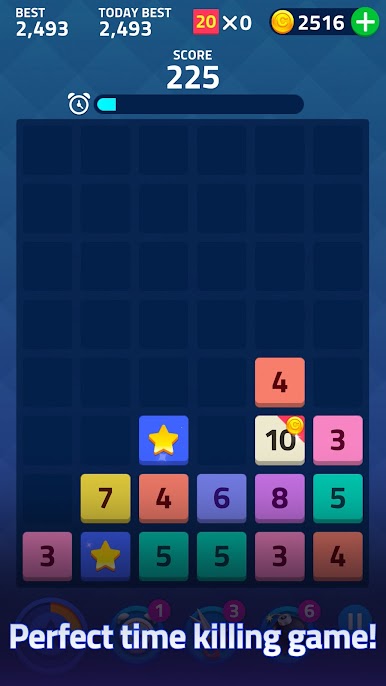
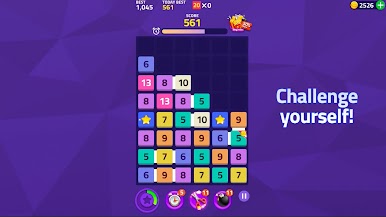
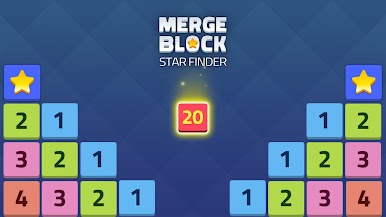
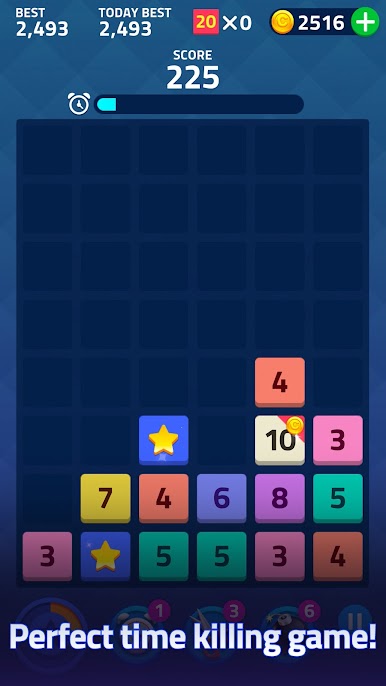
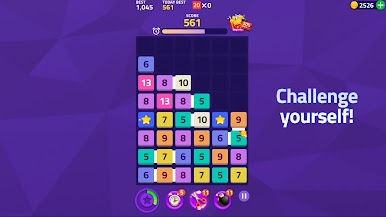
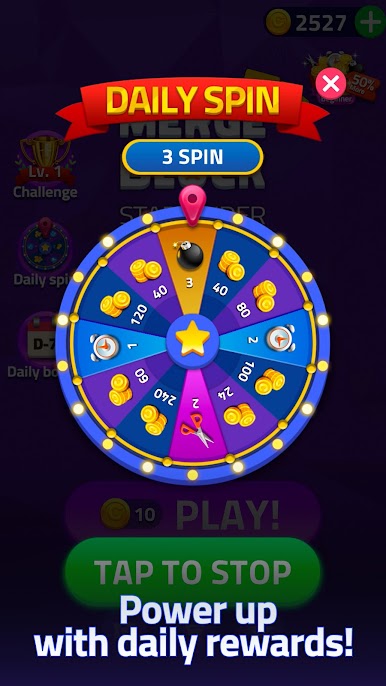
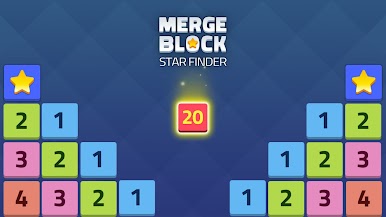
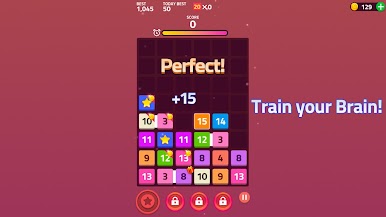
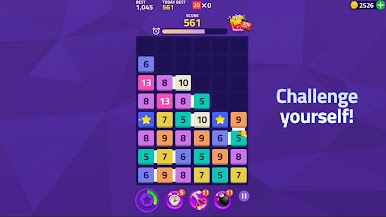
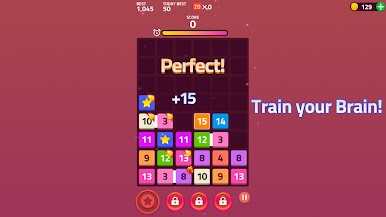
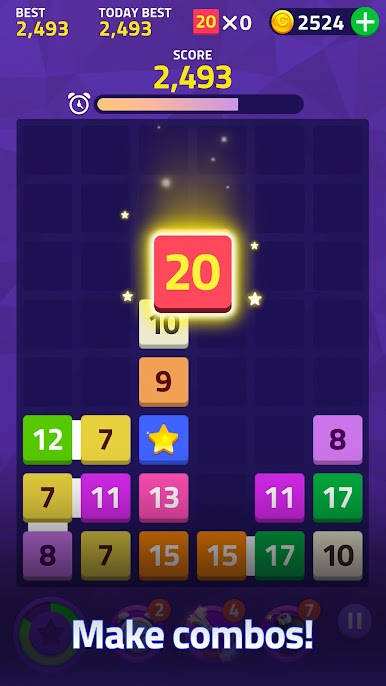
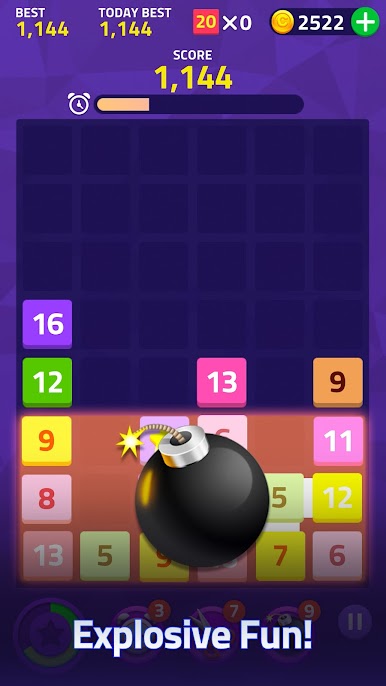
Merge Block: Star Finders from BitMango is one of those Puzzle games that’s relaxed, oddly competitive, and surprisingly hard to put down. You get to merge number blocks by dragging them together, all in the hopes of making bigger and bigger numbers. There’s no rush, no looming clock — just a satisfying challenge that’s perfect whether you’ve got a free afternoon or just a minute to spare.
Game Features
-
Easy-to-Learn Merging
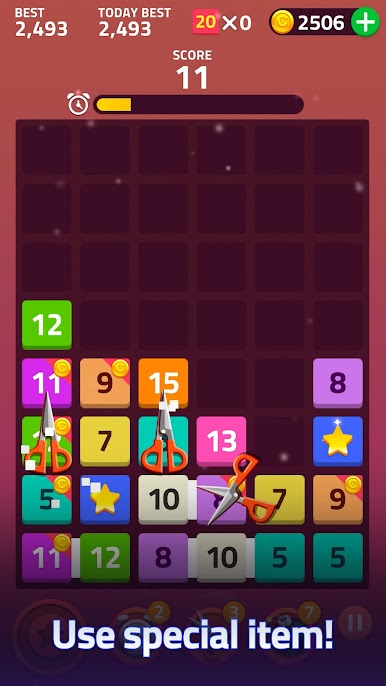
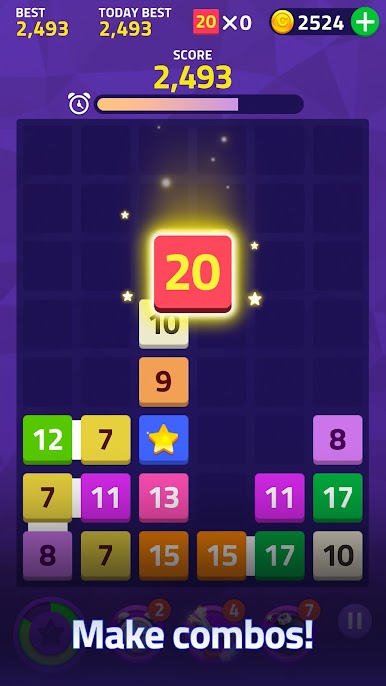
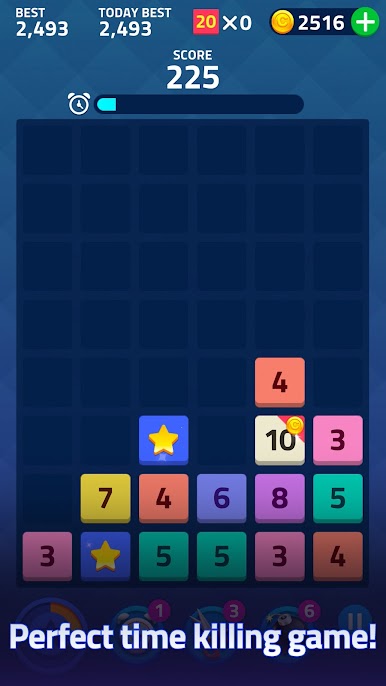
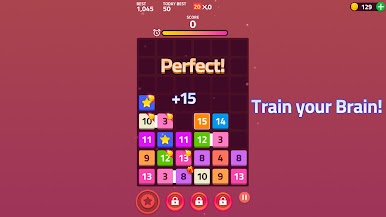
Just drag blocks with matching numbers together and watch them combine. It’s a quick-to-grasp concept, but you’ll find yourself really thinking a few moves ahead! -
Boosters with a Twist
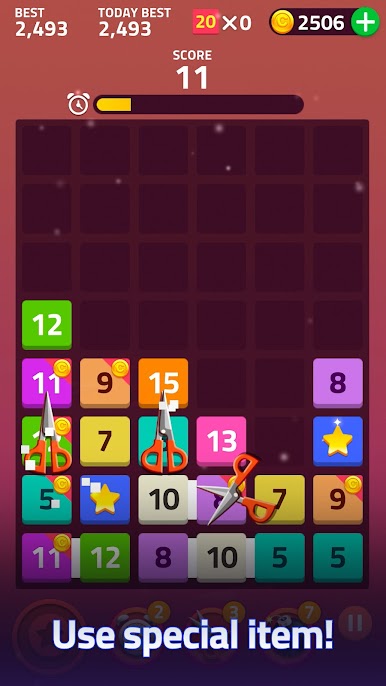
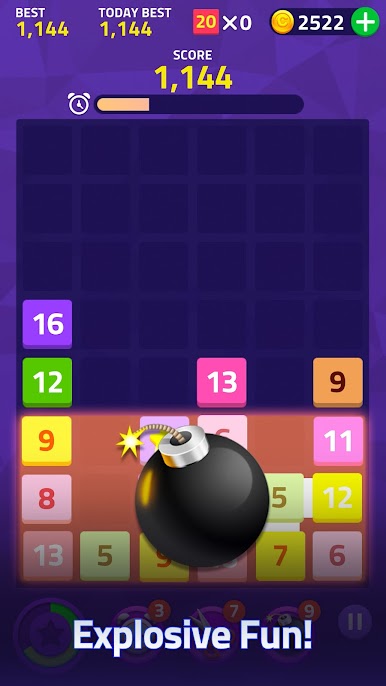
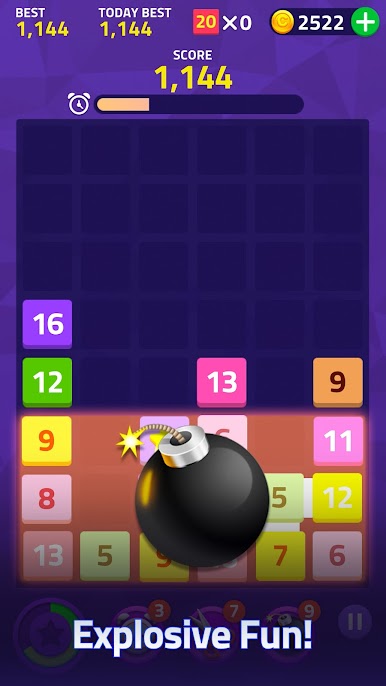
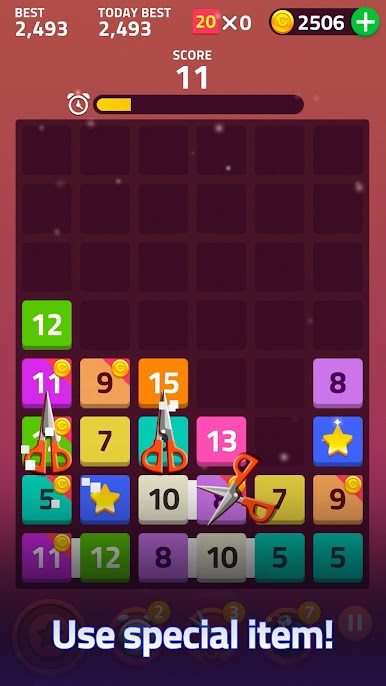
Got a board full of tricky blocks? Build up your booster gauge and clear them out — it adds a nice little jolt when you need it most. -
Chilled-Out Vibe
No time limits, no penalties, and honestly, no stress. Play at your own speed, whether you’re taking a quick break or settling in for a longer session. -
Offline Play
No WiFi? Not a problem. Puzzle away from wherever you want, without worrying about losing your spot. -
Universal Fun
Works great on phones and tablets, or crank it up a notch with BlueStacks for a smoother, bigger screen experience. -
Customization and Extras
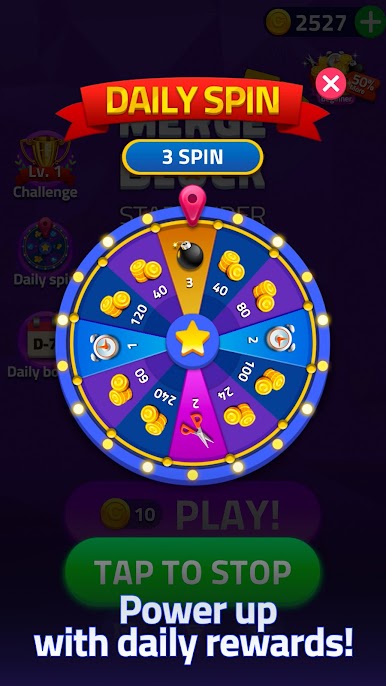
While it’s free to play, there are cool perks like booster items and ad-free options if you want to tweak things a bit.
Fans of Puzzle games or folks just looking for a screen break will find Merge Block: Star Finders to be a little more rewarding than it looks at first glance.
Slay your opponents with your epic moves. Play it your way on BlueStacks and dominate the battlefield.

PC에서 Merge Block: Star Finders 플레이해보세요.
-
BlueStacks 다운로드하고 설치
-
Google Play 스토어에 로그인 하기(나중에 진행가능)
-
오른쪽 상단 코너에 Merge Block: Star Finders 검색
-
검색 결과 중 Merge Block: Star Finders 선택하여 설치
-
구글 로그인 진행(만약 2단계를 지나갔을 경우) 후 Merge Block: Star Finders 설치
-
메인 홈화면에서 Merge Block: Star Finders 선택하여 실행