

BlackBerry+ 工作
在電腦上使用BlueStacks –受到5億以上的遊戲玩家所信任的Android遊戲平台。

Run BlackBerry Hub+ Tasks on PC or Mac
Get freedom from your phone’s obvious limitations. Use BlackBerry Hub+ Tasks, made by BlackBerry Limited, a Productivity app on your PC or Mac with BlueStacks, and level up your experience.
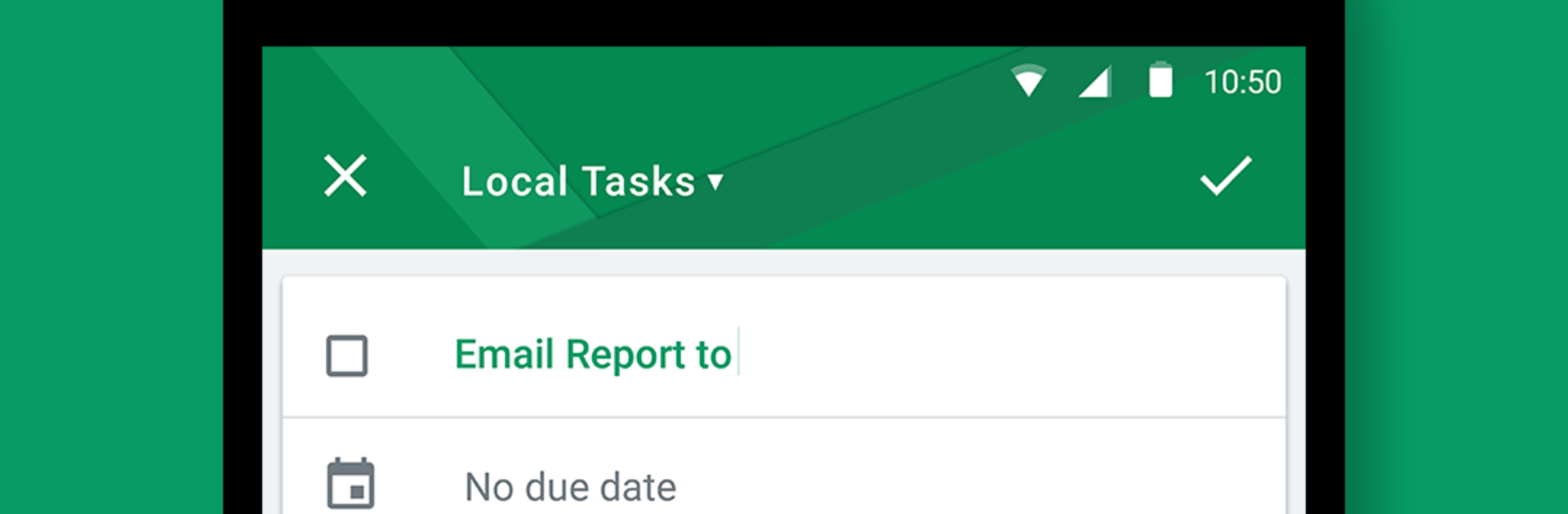
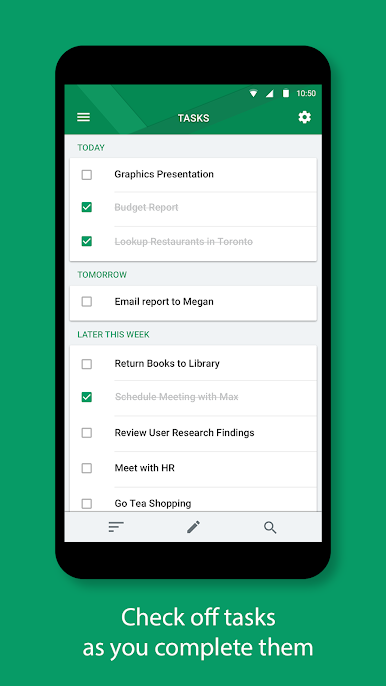
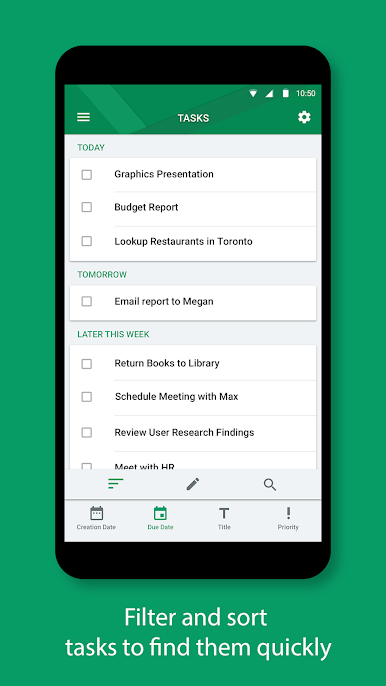
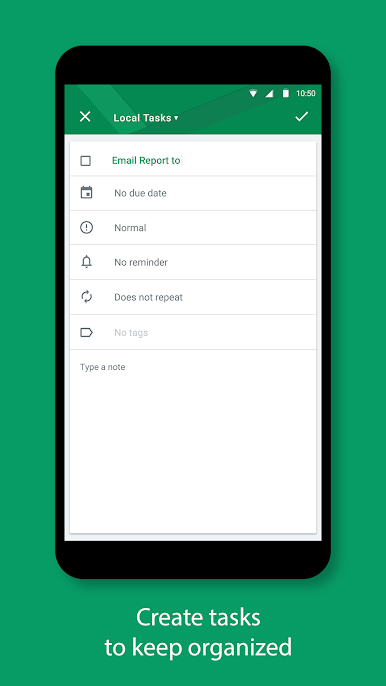
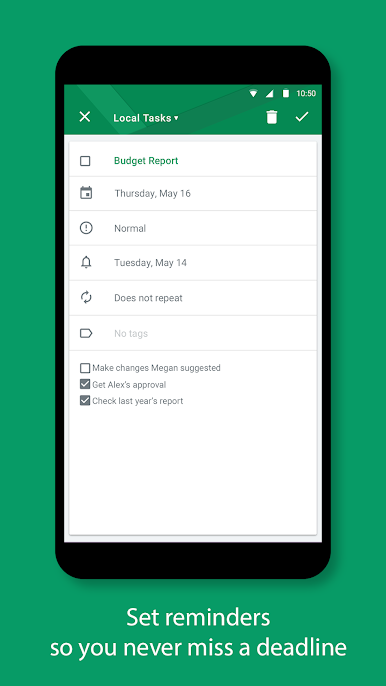
BlackBerry Hub+ Tasks feels like a focused checklist that stays out of the way. It lets people set one time or repeating tasks, add due dates, and get reminder notifications that actually land when they are needed. Sorting by due date, priority, or creation date keeps long lists from turning into a mess. Custom tags are easy to throw on, so errands, work, and home stuff sit in their own buckets. There is a dark theme for late nights, and it looks clean without trying to be fancy.
Sync is the quiet star here. It works with Outlook.com and other accounts that use Microsoft Exchange ActiveSync 12.x or newer, so tasks can follow across devices without fiddling. In work setups it supports Android Enterprise, and when the admin allows it, personal and work tasks can live together while data stays separate.
Running it on a PC with BlueStacks is smooth. The layout stretches nicely, typing longer notes with a keyboard is faster, and clicking dates or priorities beats tiny phone taps. It is not flashy, but it feels steady and dependable, which is the point for a to do app.
It does need the BlackBerry Hub+ Services app to tie everything together. On non BlackBerry phones there is a full 30 day tryout, then a monthly sub that removes ads and opens the rest of the Hub+ suite like Calendar, Contacts, Inbox, Notes, and Launcher. For anyone who wants a tidy list with solid reminders and straight forward sync, this fits well.
Big screen. Bigger performance. Use BlueStacks on your PC or Mac to run your favorite apps.
在電腦上遊玩BlackBerry+ 工作 . 輕易上手.
-
在您的電腦上下載並安裝BlueStacks
-
完成Google登入後即可訪問Play商店,或等你需要訪問Play商店十再登入
-
在右上角的搜索欄中尋找 BlackBerry+ 工作
-
點擊以從搜索結果中安裝 BlackBerry+ 工作
-
完成Google登入(如果您跳過了步驟2),以安裝 BlackBerry+ 工作
-
在首頁畫面中點擊 BlackBerry+ 工作 圖標來啟動遊戲

