


Board
الأدوات | bliss
العب على الكمبيوتر الشخصي مع BlueStacks - نظام أندرويد للألعاب ، موثوق به من قبل أكثر من 500 مليون لاعب.

Play Board on PC
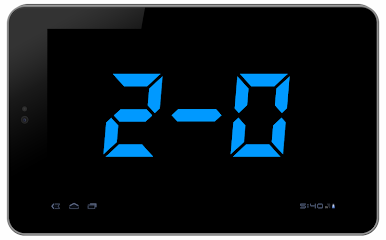
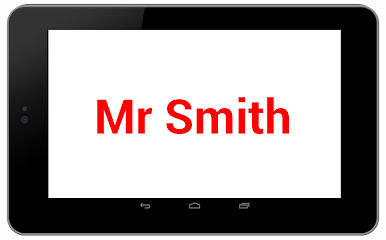
Ever wanted to display a message full screen on your device? Like on a billboard? This app is for you.
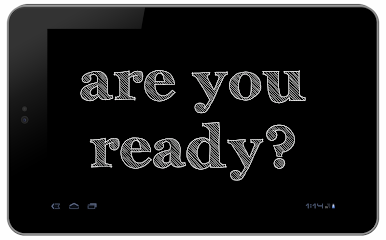
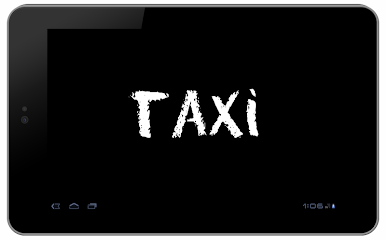
Catch someone at airport. Catch a taxi. Broadcast a message across the crowd. Set-up a messages slideshow. Play with your friends.
This app allows you to easily display a message full screen: write your message, click launch button and your message is displayed full screen.
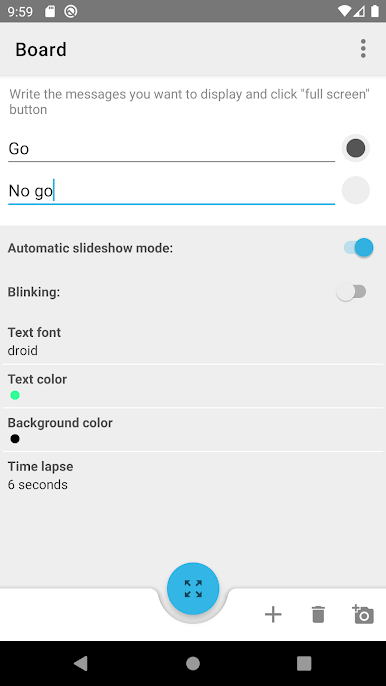
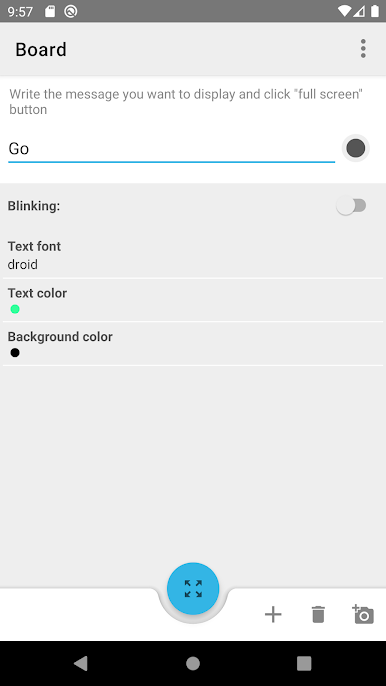
You can also create multi-messages slideshow: click on icon "+" to write more than one message. Once in fullscreen mode, swipe screen horizontally to go to next message (right direction) or previous message (left direction) if you are in manual mode. On automatic mode, the messages will be displayed one after another.
Features:
- Start automatic or manual display mode via toggle button.
- Change text size via screen pinch or via volume buttons in full screen mode.
- Change text color, text font (droid, led, chalk, archistico), background color, time duration between messages in automatic mode.
- Activate blinking
- Share message screenshot
Lock screen is disabled in fullscreen mode.
Catch someone at airport. Catch a taxi. Broadcast a message across the crowd. Set-up a messages slideshow. Play with your friends.
This app allows you to easily display a message full screen: write your message, click launch button and your message is displayed full screen.
You can also create multi-messages slideshow: click on icon "+" to write more than one message. Once in fullscreen mode, swipe screen horizontally to go to next message (right direction) or previous message (left direction) if you are in manual mode. On automatic mode, the messages will be displayed one after another.
Features:
- Start automatic or manual display mode via toggle button.
- Change text size via screen pinch or via volume buttons in full screen mode.
- Change text color, text font (droid, led, chalk, archistico), background color, time duration between messages in automatic mode.
- Activate blinking
- Share message screenshot
Lock screen is disabled in fullscreen mode.
العب Board على جهاز الكمبيوتر. من السهل البدء.
-
قم بتنزيل BlueStacks وتثبيته على جهاز الكمبيوتر الخاص بك
-
أكمل تسجيل الدخول إلى Google للوصول إلى متجر Play ، أو قم بذلك لاحقًا
-
ابحث عن Board في شريط البحث أعلى الزاوية اليمنى
-
انقر لتثبيت Board من نتائج البحث
-
أكمل تسجيل الدخول إلى Google (إذا تخطيت الخطوة 2) لتثبيت Board
-
انقر على أيقونة Board على الشاشة الرئيسية لبدء اللعب

