


Science News & Discoveries
在電腦上使用BlueStacks –受到5億以上的遊戲玩家所信任的Android遊戲平台。

Run Science News & Discoveries - NF on PC or Mac
What’s better than using Science News & Discoveries – NF by Newsfusion? Well, try it on a big screen, on your PC or Mac, with BlueStacks to see the difference.
About the App
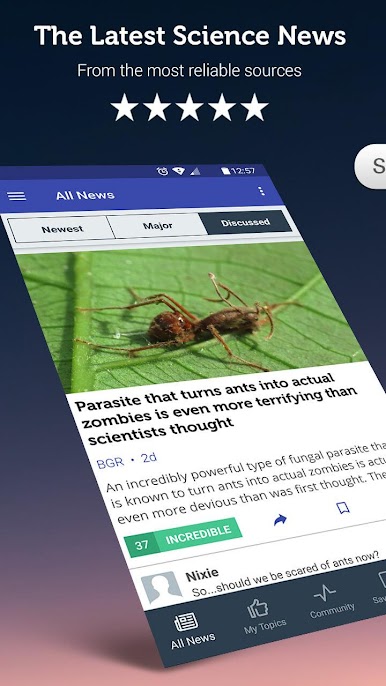
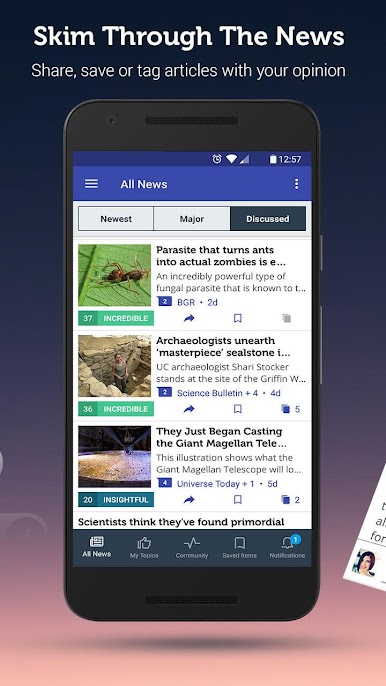
Science News & Discoveries – NF is a friendly, no-nonsense way to keep up with science stories that actually matter. Built by Newsfusion, it gathers fresh research, interviews, and videos into a single, easy-to-scan feed so you can spend more time reading and less time searching. Expect clear summaries, quick access to original sources, and ways to shape the feed to your tastes.
App Features
- Curated digest: Get a tight roundup of the day’s most interesting science stories, boiled down so you can catch up fast.
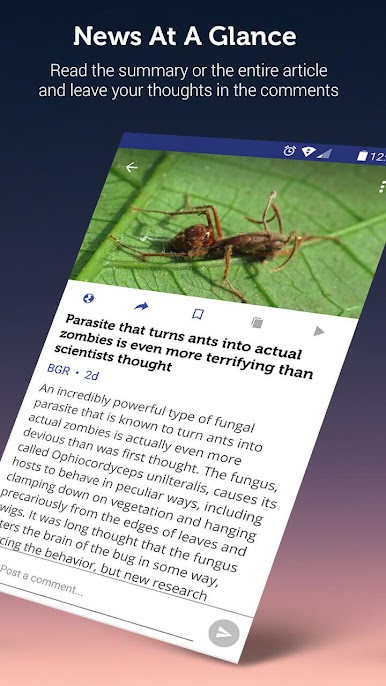
- Source transparency: Tap any item to see which outlets covered the same story — no guessing where a claim came from.
- Optional alerts: Turn on push notifications for major developments you don’t want to miss; stay in control of what pings you.
- Video and talks: Shortcuts to interviews, lectures, and channel content from leading science creators, all in one place.
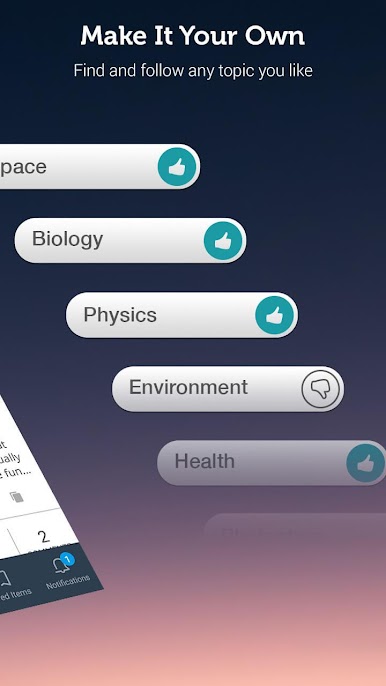
- Personalized feed controls: Follow topics you love and mute ones you don’t. You can even block individual sources with a long press.
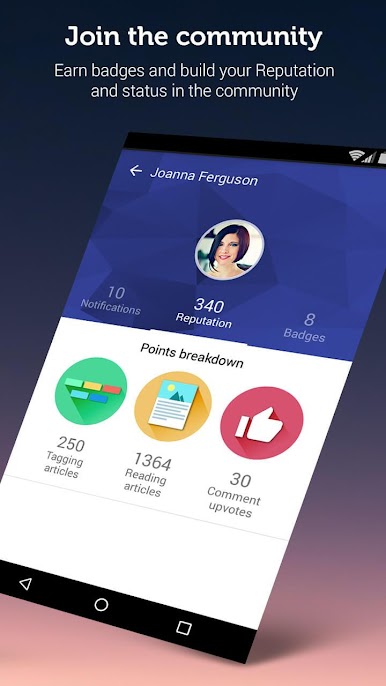
- Community tools: Post, comment, tag articles, and earn reputation points and badges while chatting with other science fans.
- Broad coverage: From space and astronomy to biology, climate, Earth sciences, and physics — find work from across the whole scientific spectrum.
- Read-later library: Save articles to read offline or when you’ve got the time.
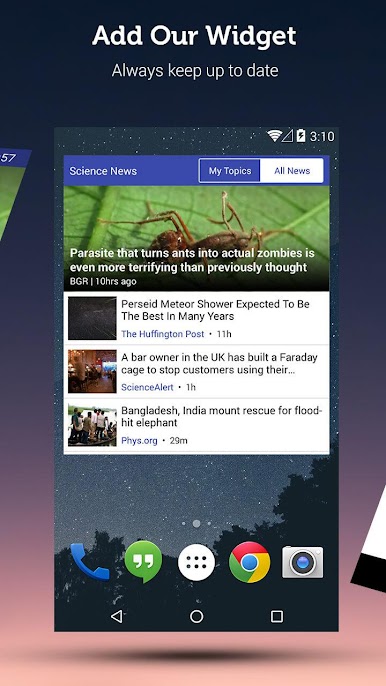
- Handy widget: Quick access to headlines right from your home screen.
- Free to use: All features are available without a paywall.
You can also run Science News & Discoveries – NF on BlueStacks if you prefer reading on a larger screen.
Big screen. Bigger performance. Use BlueStacks on your PC or Mac to run your favorite apps.

在電腦上遊玩Science News & Discoveries . 輕易上手.
-
在您的電腦上下載並安裝BlueStacks
-
完成Google登入後即可訪問Play商店,或等你需要訪問Play商店十再登入
-
在右上角的搜索欄中尋找 Science News & Discoveries
-
點擊以從搜索結果中安裝 Science News & Discoveries
-
完成Google登入(如果您跳過了步驟2),以安裝 Science News & Discoveries
-
在首頁畫面中點擊 Science News & Discoveries 圖標來啟動遊戲

