

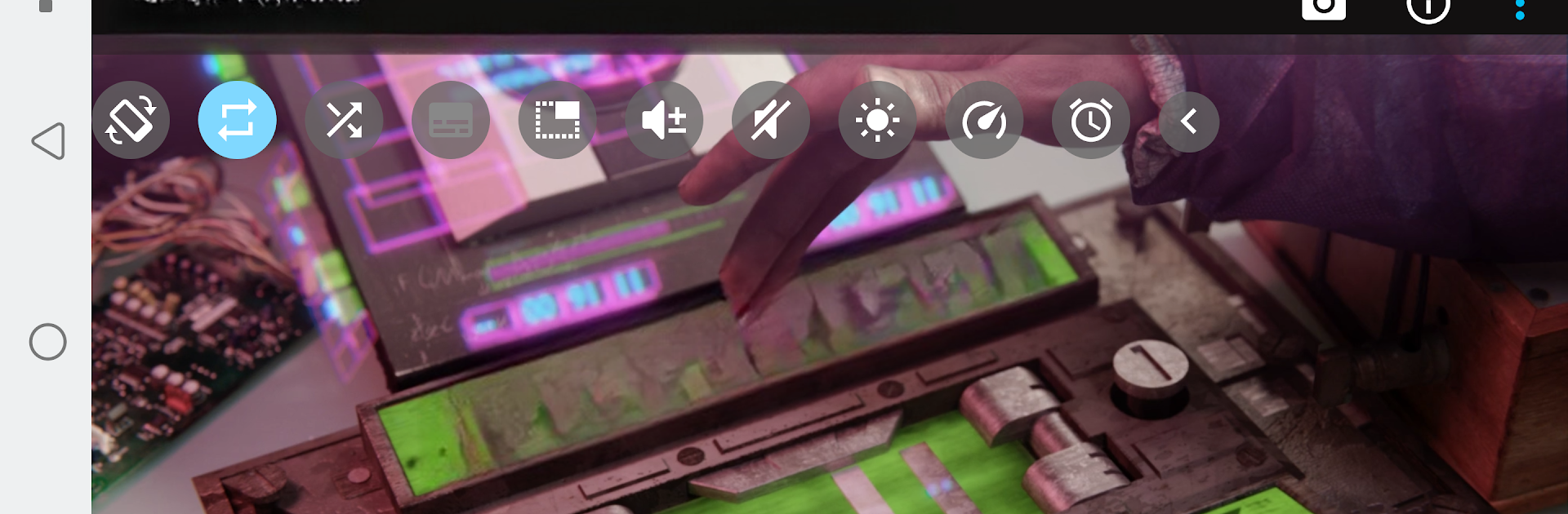
BSPlayer
Jogue no PC com BlueStacks - A Plataforma de Jogos Android, confiada por mais de 500 milhões de jogadores.

Página modificada em: Oct 31, 2025
Run BSPlayer on PC or Mac
Get freedom from your phone’s obvious limitations. Use BSPlayer, made by BSPlayer media, a Video Players & Editors app on your PC or Mac with BlueStacks, and level up your experience.
About the App
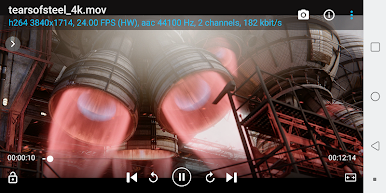
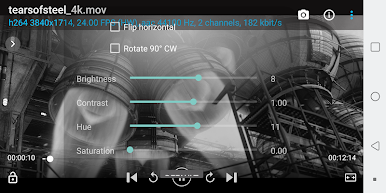
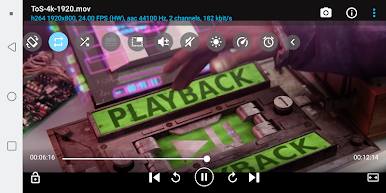
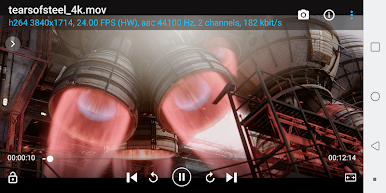
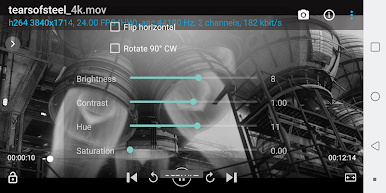
Looking for a hassle-free way to watch your favorite videos on your Android device? BSPlayer, crafted by BSPlayer media, brings smooth, no-nonsense playback whether you’re binging shows or sorting home videos. It’s designed with a bunch of smart features, so you don’t need to waste time fumbling with file conversions or slow-loading videos. Expect speedy playback, loads of customization, and support for nearly any media format you throw at it. You can even check it out on your computer with BlueStacks if you’re into big-screen viewing.
App Features
-
Effortless Hardware Acceleration
Enjoy videos with less lag and cleaner visuals thanks to hardware-boosted playback, which also goes easy on your battery. -
Smooth Multi-core Decoding
Got a dual or quad-core device? BSPlayer knows how to use your phone’s power to keep playback fast and smooth, even on heavy files. -
Pop-up and Background Play
Want to reply to a text while your movie’s still going? Pop your video out into a little window and multitask away—super handy! -
Subtitles? No Problem
Supports tons of subtitle formats like srt, ass, and more. Plus, it automatically hunts down subtitles for you if you’d rather not bother. -
Multiple Audio and Subtitle Tracks
Switch between audio tracks or different subtitles without missing a beat—great for movies with commentary or multiple languages. -
Playlist and Playback Modes
Build playlists, shuffle, repeat, and switch up how you watch. Handle long music mixes or full TV seasons with less tapping. -
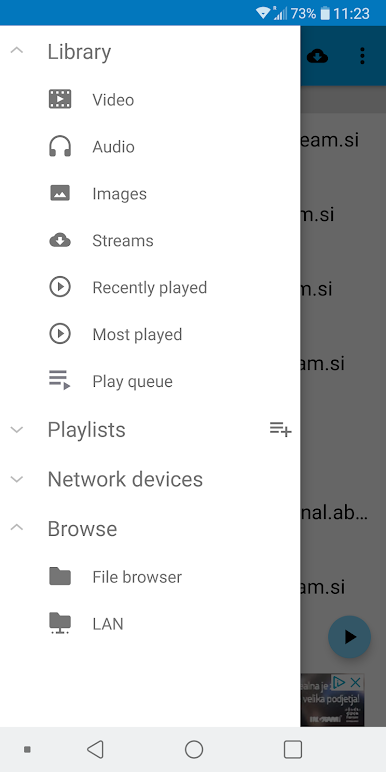
Stream from Your Network
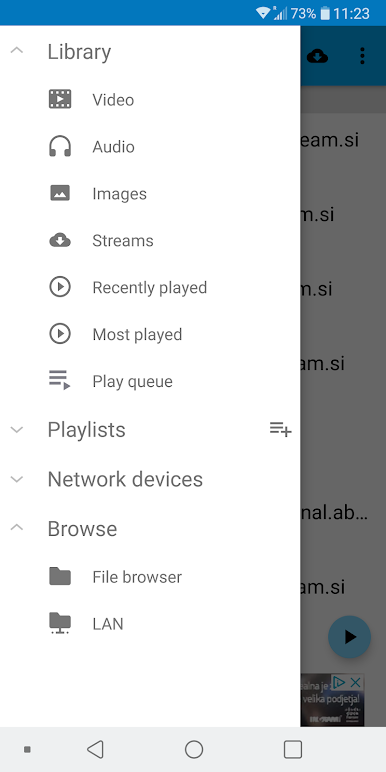
Connect right to your home network—watch videos or listen to music stored on shared drives, NAS servers, or even unzipped RAR archives, no file copying required. -
USB OTG Support
Plug your USB drive directly into your Android device and hit play. Great for road trips or sharing videos quickly. -
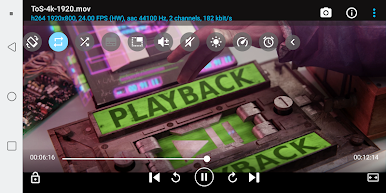
Child-friendly Lock
Tired of little fingers stopping your videos? Lock the screen and keep paw prints at bay.
If you want to try BSPlayer on PC or Mac, it also plays nicely with BlueStacks, letting you enjoy your media with the same fluid experience—only bigger.
BlueStacks brings your apps to life on a bigger screen—seamless and straightforward.
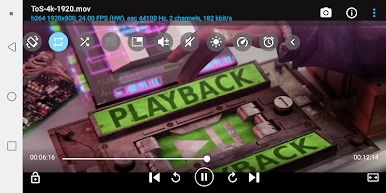
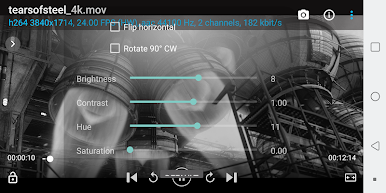
Jogue BSPlayer no PC. É fácil começar.
-
Baixe e instale o BlueStacks no seu PC
-
Conclua o login do Google para acessar a Play Store ou faça isso mais tarde
-
Procure por BSPlayer na barra de pesquisa no canto superior direito
-
Clique para instalar BSPlayer a partir dos resultados da pesquisa
-
Conclua o login do Google (caso você pulou a etapa 2) para instalar o BSPlayer
-
Clique no ícone do BSPlayer na tela inicial para começar a jogar

