


BuildCores: PC Builder & Part Picker
购物 | Harshdeep Kahlon
在電腦上使用BlueStacks –受到5億以上的遊戲玩家所信任的Android遊戲平台。

總覽
BuildCores captures the essence of the desktop PC's flexibility through mix and matching endless combinations of PC parts. It is designed for enthusiasts, scientists, professionals, or just anyone interested in building their own PC. In short terms, BuildCores is similar to PCPartPicker, except that it is designed for mobile devices. BuildCores is designed to be the best and easiest to use PC Builder / Part Picker on Android.
You can:
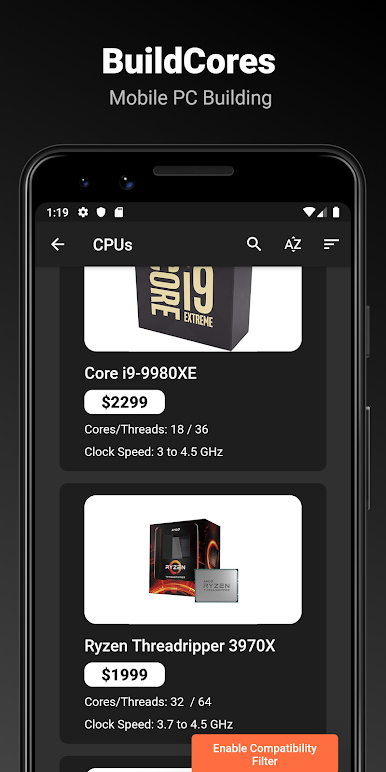
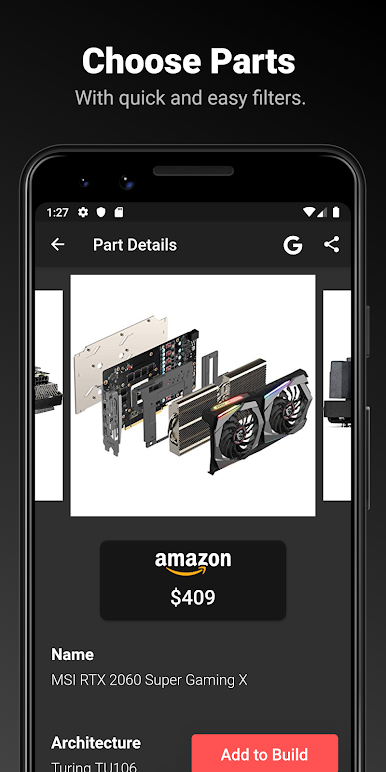
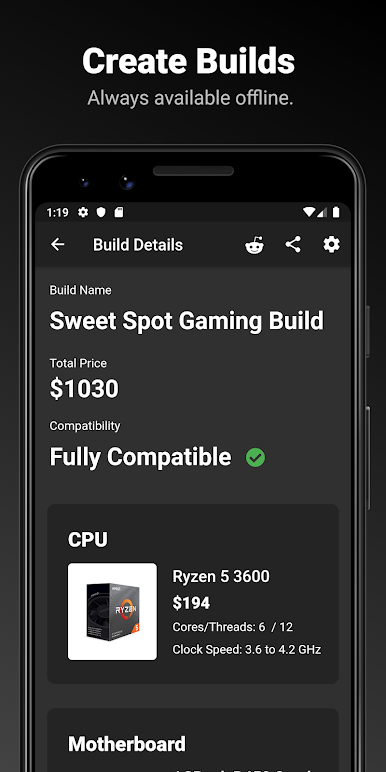
• View specifications of a large collection of modern PC components that is updated hourly with the latest pricing data.
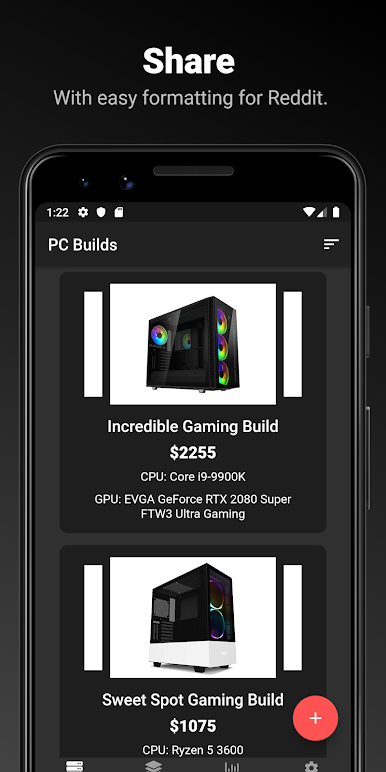
• Pick PC parts and add them to an unlimited amount of custom builds, which are stored locally and available offline.
• See what parts are compatible with your PC build.
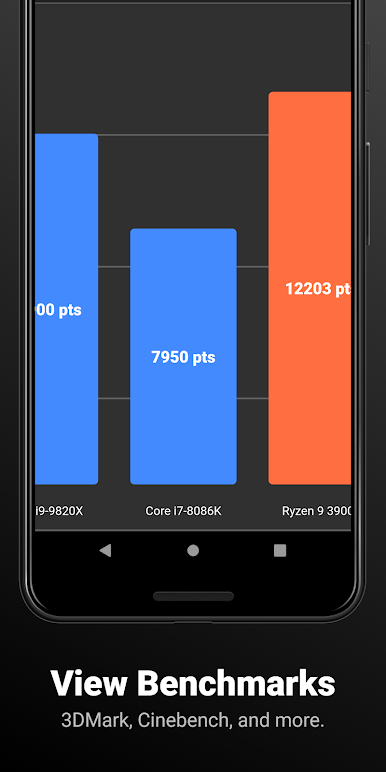
• View AMD and Intel CPU benchmarks results from 3DMark and Cinebench.
• View Nvidia and AMD GPU benchmarks results from 3DMark and Passmark.
• Share individual parts or entire PC builds through text or a table format designed for Reddit (great for /r/buildapc).
All of these features are enhanced by the speed of a native application on your phone. Unlike web solutions, BuildCores is incredibly fast with nonexistent lag and light data usage. BuildCores is also completely usable when you're offline!
Note: This is an early version of BuildCores on Android. Features like custom parts, more retailers (like Newegg and related), more regions, and a bigger database will arrive in the coming updates! Also, BuildCores is entirely ad-free on Android.
You can:
• View specifications of a large collection of modern PC components that is updated hourly with the latest pricing data.
• Pick PC parts and add them to an unlimited amount of custom builds, which are stored locally and available offline.
• See what parts are compatible with your PC build.
• View AMD and Intel CPU benchmarks results from 3DMark and Cinebench.
• View Nvidia and AMD GPU benchmarks results from 3DMark and Passmark.
• Share individual parts or entire PC builds through text or a table format designed for Reddit (great for /r/buildapc).
All of these features are enhanced by the speed of a native application on your phone. Unlike web solutions, BuildCores is incredibly fast with nonexistent lag and light data usage. BuildCores is also completely usable when you're offline!
Note: This is an early version of BuildCores on Android. Features like custom parts, more retailers (like Newegg and related), more regions, and a bigger database will arrive in the coming updates! Also, BuildCores is entirely ad-free on Android.
在電腦上遊玩BuildCores: PC Builder & Part Picker . 輕易上手.
-
在您的電腦上下載並安裝BlueStacks
-
完成Google登入後即可訪問Play商店,或等你需要訪問Play商店十再登入
-
在右上角的搜索欄中尋找 BuildCores: PC Builder & Part Picker
-
點擊以從搜索結果中安裝 BuildCores: PC Builder & Part Picker
-
完成Google登入(如果您跳過了步驟2),以安裝 BuildCores: PC Builder & Part Picker
-
在首頁畫面中點擊 BuildCores: PC Builder & Part Picker 圖標來啟動遊戲

