


Huge Digital Clock Pro
在電腦上使用BlueStacks –受到5億以上的遊戲玩家所信任的Android遊戲平台。

Run Huge 80s Clock Pro on PC or Mac
Let BlueStacks turn your PC, Mac, or laptop into the perfect home for Huge 80s Clock Pro, a fun Tools app from Riccardo Camattari.
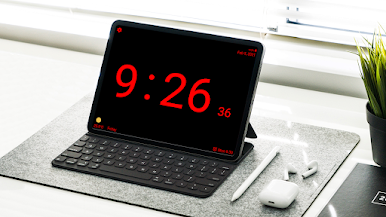
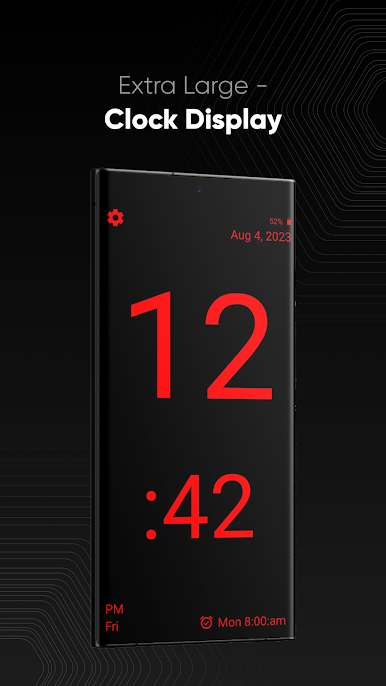
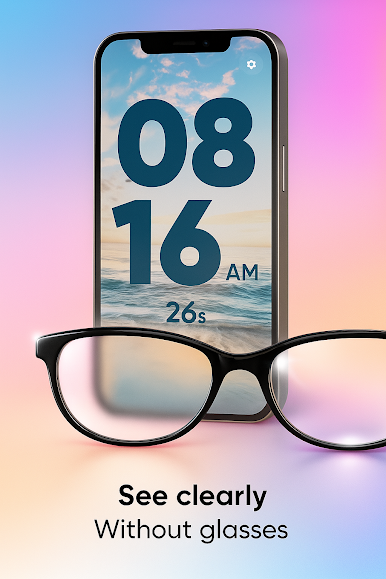
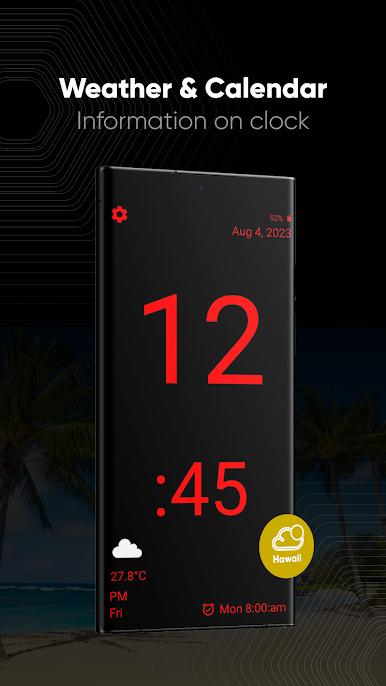
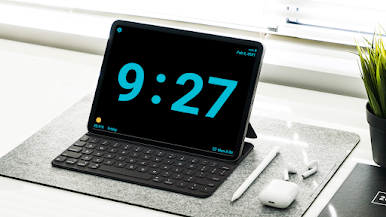
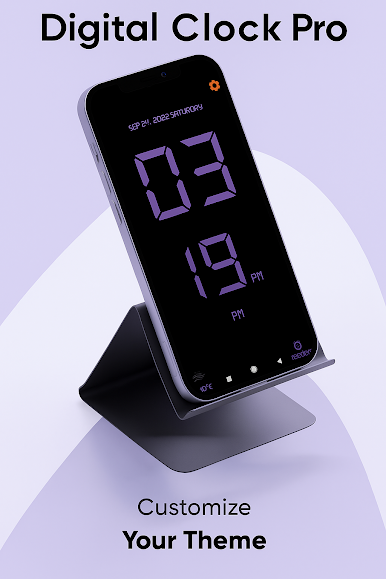
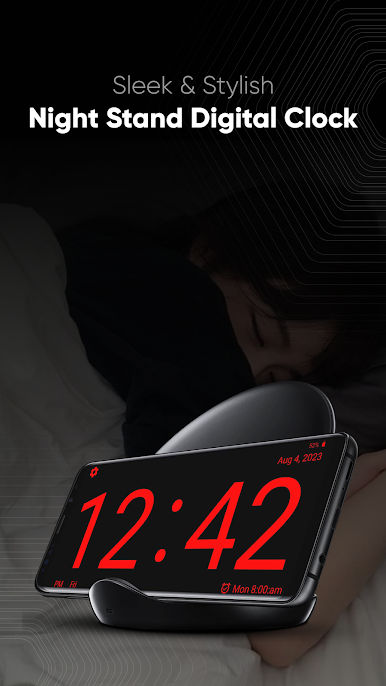
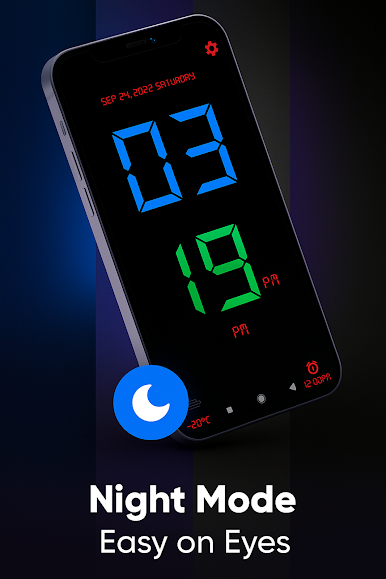
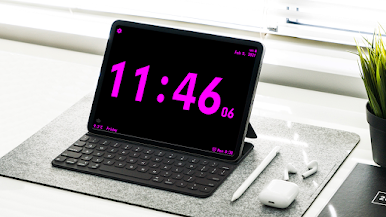
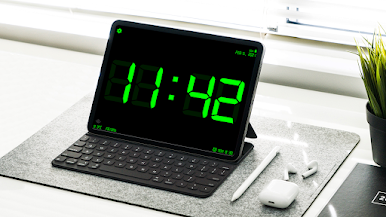
Huge 80s Clock Pro is basically a big, bold digital clock that takes over the screen and turns any device into a retro bedside clock. The digits are massive, clean, and easy to read from across a room, and the whole thing has that old-school 80s look without feeling messy. The Pro version keeps it ad free and adds useful touches like a home screen widget, a night brightness slider so the display is not blinding at 2 am, battery status on the screen, and a control for how huge the numbers should be.
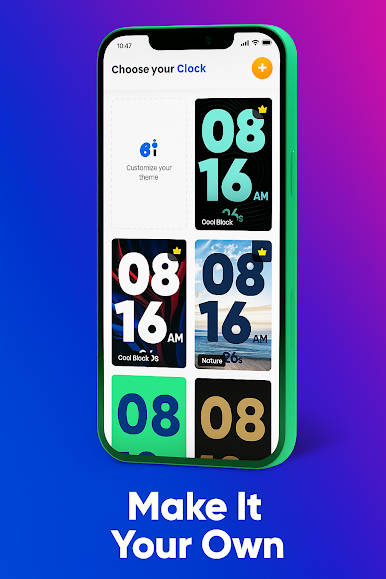
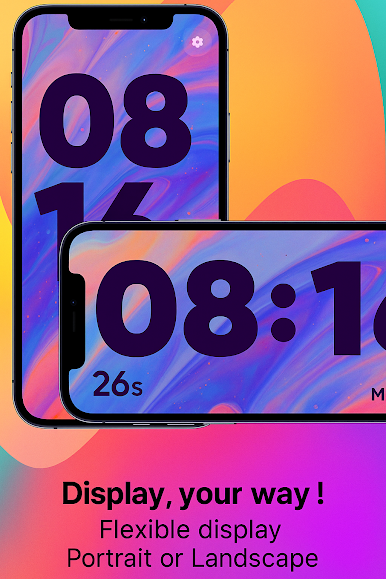
There is a bunch of tweaking available. Day of week and date can be shown or hidden, 12 or 24 hour time is handled automatically on first run, and the font and color can be changed to match whatever style someone likes. It runs in portrait or landscape and can auto-rotate, and the status bar can be hidden for that clean, all-clock look. The alarm still rings even if the app is in the background or the device is locked, which is the whole point. On Android devices that support the old Daydream screensaver, it can act as a screensaver and there is a quick brightness button there too. Running it on a PC through BlueStacks is surprisingly handy, since a spare monitor becomes a giant wall clock while working or studying. Simple idea, steady execution, and it just does what a giant clock should do without fuss.
Big screen. Bigger performance. Use BlueStacks on your PC or Mac to run your favorite apps.
在電腦上遊玩Huge Digital Clock Pro . 輕易上手.
-
在您的電腦上下載並安裝BlueStacks
-
完成Google登入後即可訪問Play商店,或等你需要訪問Play商店十再登入
-
在右上角的搜索欄中尋找 Huge Digital Clock Pro
-
點擊以從搜索結果中安裝 Huge Digital Clock Pro
-
完成Google登入(如果您跳過了步驟2),以安裝 Huge Digital Clock Pro
-
在首頁畫面中點擊 Huge Digital Clock Pro 圖標來啟動遊戲

