


Month: 日曆小工具
在電腦上使用BlueStacks –受到5億以上的遊戲玩家所信任的Android遊戲平台。

Run Month: Calendar Widget on PC or Mac
Upgrade your experience. Try Month: Calendar Widget, the fantastic Productivity app from Candl Apps, from the comfort of your laptop, PC, or Mac, only on BlueStacks.
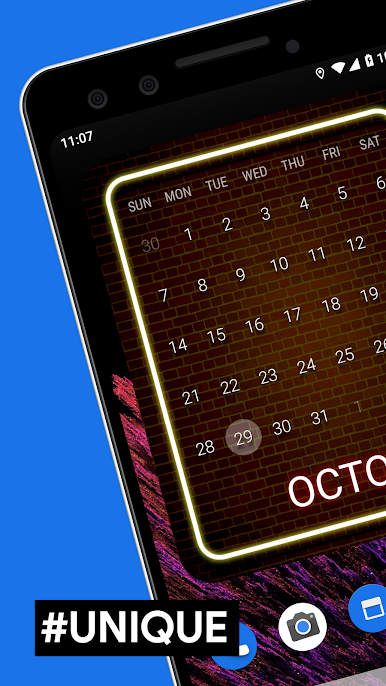
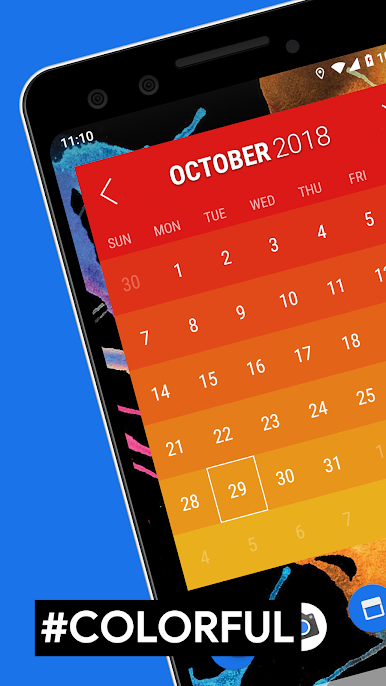
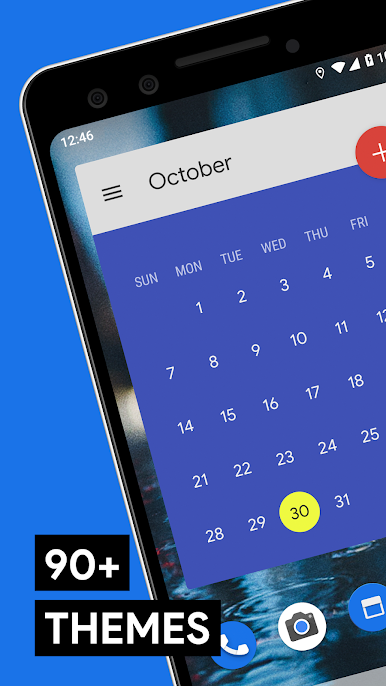
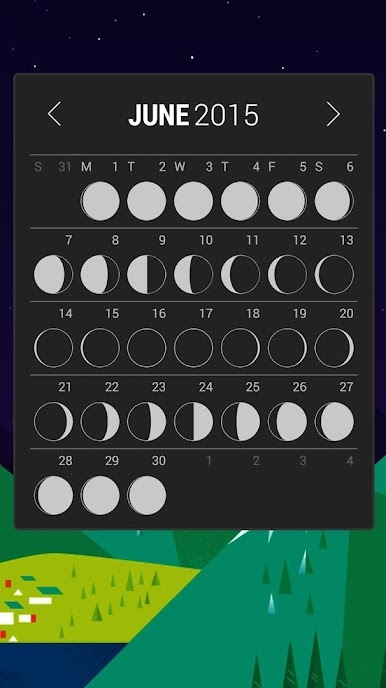
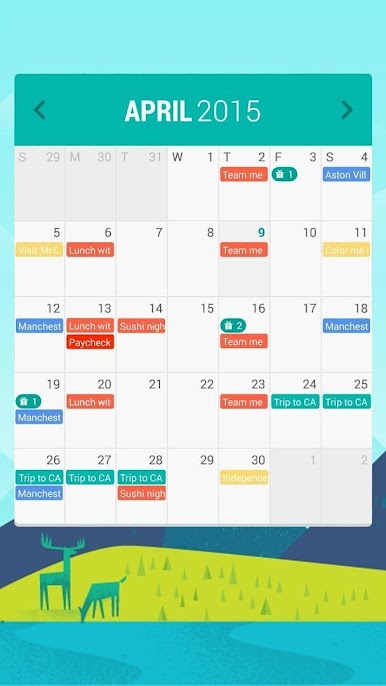
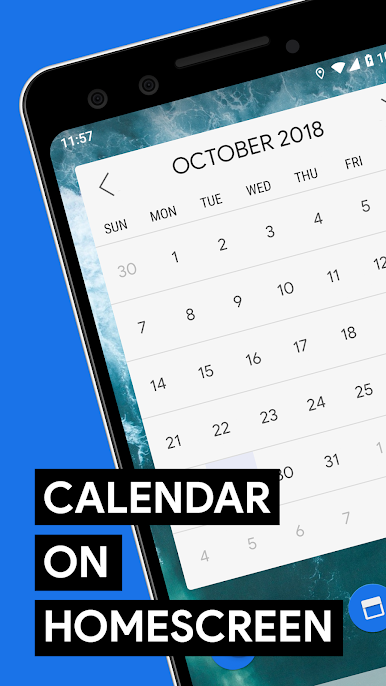
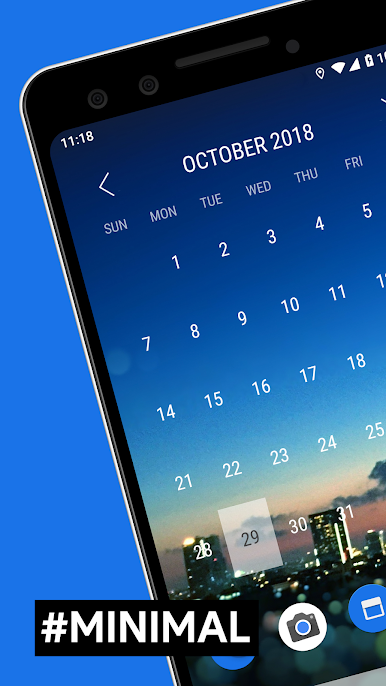
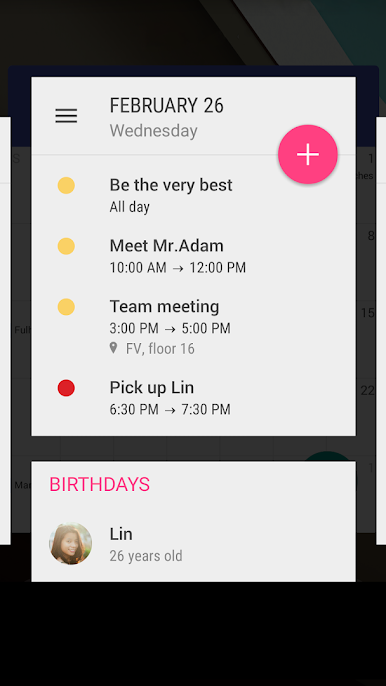
So, this Month: Calendar Widget app is all about making your calendar actually useful and nice to look at. There are a ton of widget styles — like, more than 80 — so you can get one that fits with whatever wallpaper or theme is on your home screen. It isn’t just for showing your events either; it also handles birthdays and even supports lunar calendars, if that’s something you use. All your calendars can be shown or hidden, so if you have work and personal stuff, or random shared calendars, it’s easy to switch between them right from the widget. Feels clean and pretty smooth, definitely has that modern design, nothing cluttered or confusing.
What’s cool is how quickly you can just glance at your agenda or tasks without opening a bunch of different apps. The widget updates on its own and fits with whatever home screen setup someone already has. On PC, especially if you’re running this with BlueStacks, you’ve got all the info right there while working without grabbing your phone. The way it all ties together makes it useful for actually staying organized, not just as a decoration. And if you like your apps to actually look put together, all the themes make a difference — it doesn’t feel like an afterthought. For anyone tired of basic, clunky calendar widgets, this lays everything out clearly and with a bit of personality.
Big screen. Bigger performance. Use BlueStacks on your PC or Mac to run your favorite apps.
在電腦上遊玩Month: 日曆小工具 . 輕易上手.
-
在您的電腦上下載並安裝BlueStacks
-
完成Google登入後即可訪問Play商店,或等你需要訪問Play商店十再登入
-
在右上角的搜索欄中尋找 Month: 日曆小工具
-
點擊以從搜索結果中安裝 Month: 日曆小工具
-
完成Google登入(如果您跳過了步驟2),以安裝 Month: 日曆小工具
-
在首頁畫面中點擊 Month: 日曆小工具 圖標來啟動遊戲

