


EO App
Jogue no PC com BlueStacks - A Plataforma de Jogos Android, confiada por mais de 500 milhões de jogadores.

Página modificada em: Dec 7, 2023
Play EO App on PC
Key Features:
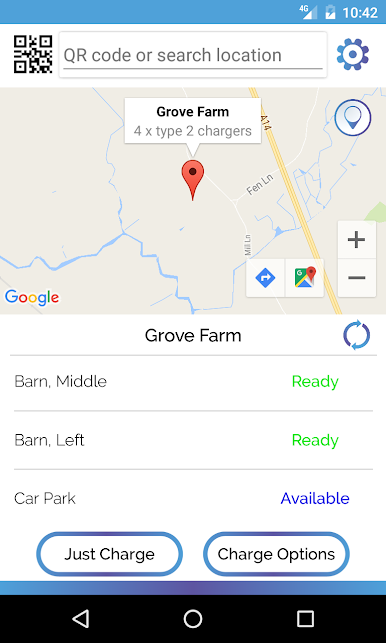
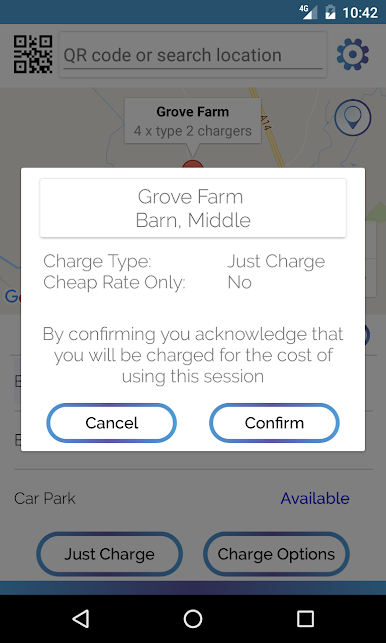
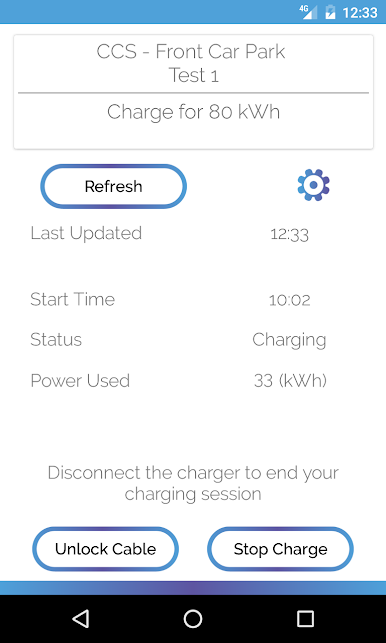
• Start, Stop and Pay-for-Charge; all from the palm of your hand.
• Simply scan the QR code on the side of the EO charger to authenticate charging
• View detailed information about your charging history
• Find your Nearest EO Charger
• Get directions to your nearest EO charger
• Keep a record of your electricity usage
• Report a Problem with an EO Charger and we will get someone to resolve the issue urgently
For more information on EO Charging, you can visit www.eocharging.com or email hello@eocharging.com
Jogue EO App no PC. É fácil começar.
-
Baixe e instale o BlueStacks no seu PC
-
Conclua o login do Google para acessar a Play Store ou faça isso mais tarde
-
Procure por EO App na barra de pesquisa no canto superior direito
-
Clique para instalar EO App a partir dos resultados da pesquisa
-
Conclua o login do Google (caso você pulou a etapa 2) para instalar o EO App
-
Clique no ícone do EO App na tela inicial para começar a jogar

