

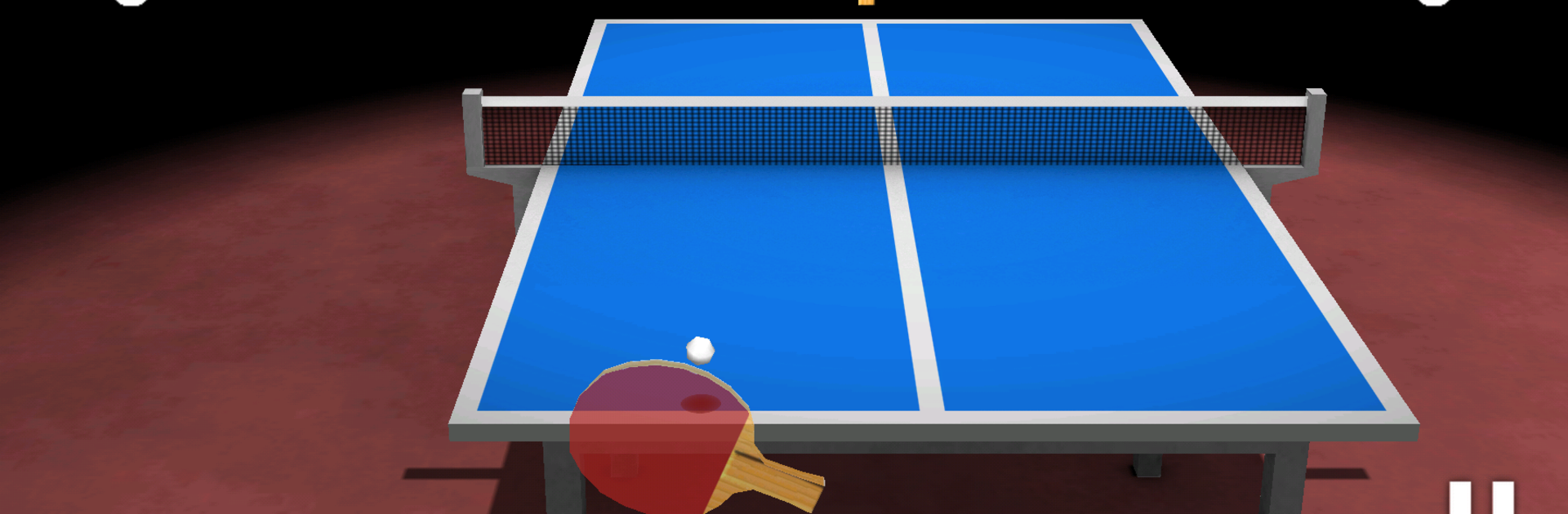
Virtual Table Tennis 3D Pro
5억명 이상의 게이머가 신뢰하는 안드로이드 게임 플랫폼 BlueStacks으로 PC에서 플레이하세요.

Play Virtual Table Tennis 3D Pro on PC or Mac
Bring your A-game to Virtual Table Tennis 3D Pro, the Sports game sensation from Clapfoot Inc.. Give your gameplay the much-needed boost with precise game controls, high FPS graphics, and top-tier features on your PC or Mac with BlueStacks.
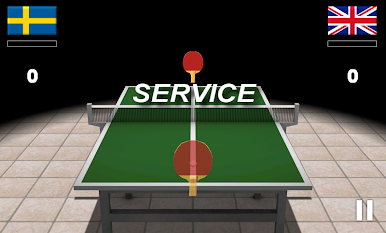
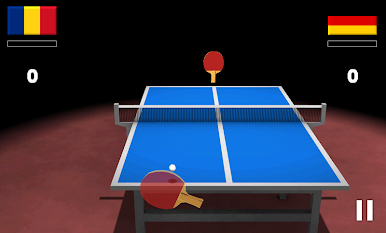
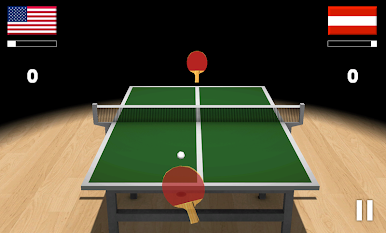
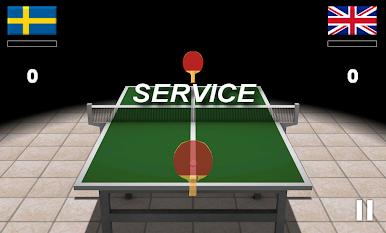
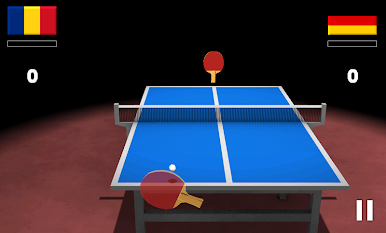
Virtual Table Tennis 3D Pro feels a lot like picking up a paddle and just getting into the action right away. The pace is fast – expect quick rallies from the start, so the game doesn’t waste any time introducing table tennis basics. The controls are straightforward when playing on a phone, but switching to BlueStacks on a PC with a mouse adds a nice layer of precision. It’s easy to direct shots, adding angles or spins, and that makes each point feel satisfying. The AI has three difficulty levels, so the early matches give some space to get used to the gameplay, but things can get surprisingly challenging. There are 30 levels to work through and the increase in skill from the computer opponents is noticeable. Every match has a bit of tension, but it never feels overwhelming.
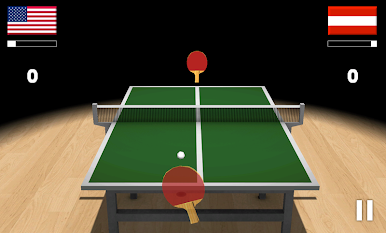
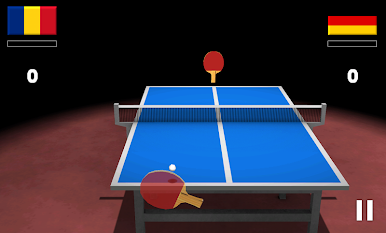
The 3D graphics do a good job keeping matches clear — the table and paddles look nice without any distractions, making it easy to follow the ball. There’s a bit of rumble feedback if you’re on a phone, but on PC, everything just runs smoothly with BlueStacks, letting players focus completely on timing and shot placement. It’s table tennis stripped down to the part that’s fun: picking your spot, reacting quickly, and trying to outplay the computer in short bursts. Anyone after a simple sports game that’s easy to pick up but still has some depth with shot variety and challenge would probably enjoy this.
Ready to top the leaderboard? We bet you do. Let precise controls and sharp visuals optimized on BlueStacks lead you to victory.

PC에서 Virtual Table Tennis 3D Pro 플레이해보세요.
-
BlueStacks 다운로드하고 설치
-
Google Play 스토어에 로그인 하기(나중에 진행가능)
-
오른쪽 상단 코너에 Virtual Table Tennis 3D Pro 검색
-
검색 결과 중 Virtual Table Tennis 3D Pro 선택하여 설치
-
구글 로그인 진행(만약 2단계를 지나갔을 경우) 후 Virtual Table Tennis 3D Pro 설치
-
메인 홈화면에서 Virtual Table Tennis 3D Pro 선택하여 실행

