


GX IPTV Player
العب على الكمبيوتر الشخصي مع BlueStacks - نظام أندرويد للألعاب ، موثوق به من قبل أكثر من 500 مليون لاعب.

Run GX IPTV Player on PC or Mac
Multitask effortlessly on your PC or Mac as you try out GX IPTV Player, a Video Players & Editors app by Cloud Curry Studio on BlueStacks.
About the App
GX IPTV Player is all about bringing your favorite IPTV and radio streams right to your screen, whether you’re relaxing at home or catching up on the go. Designed by Cloud Curry Studio specifically for the Video Players & Editors crowd, this app offers a welcoming, TV-friendly interface and tons of ways to organize and enjoy your playlists. Want to customize your streams, flip through channels with simple controls, or keep your content private? GX IPTV Player has you covered, and it’ll even run smoothly on BlueStacks if you’re more the keyboard-and-mouse type.
App Features
-
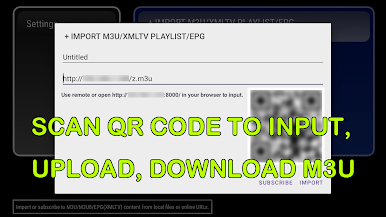
Flexible Playlist Imports
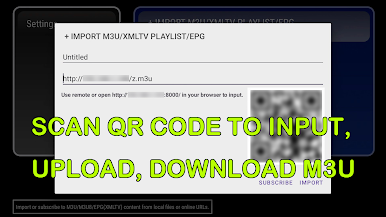
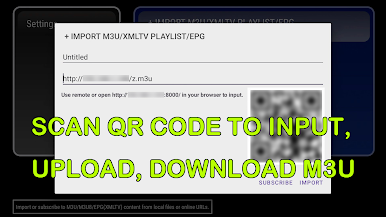
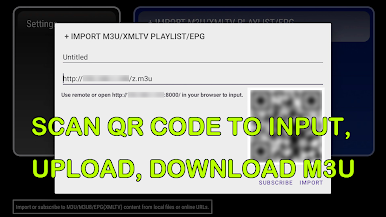
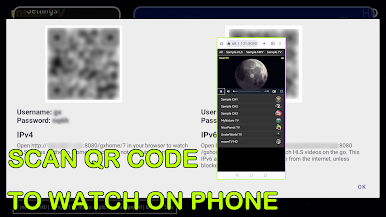
Import your media any way you like—upload M3U playlists from the web, pop in a direct video URL, load files from your device, or just scan a QR code using your camera. -
Auto-Reload for Subscriptions
Stay up to date without lifting a finger. The app refreshes your M3U and EPG subscriptions automatically. -
Privacy & Channel Security
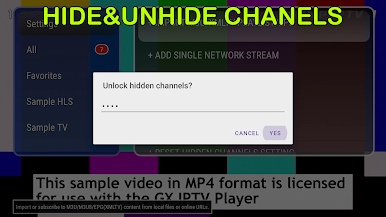
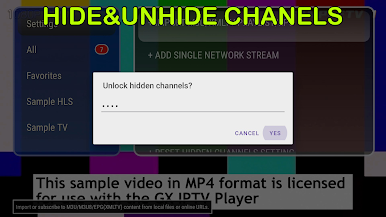
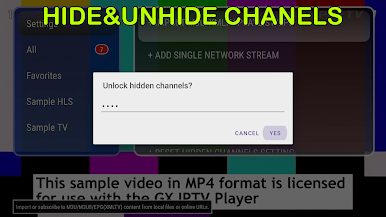
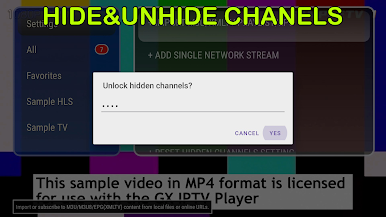
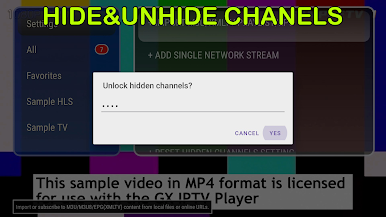
Want to hide certain groups or lock down access? You can password-protect your channels and even hide entire video categories for extra peace of mind. -
Picture-in-Picture Viewing
Multitask your entertainment—watch two streams at once, with audio switching and resizable windows. -
Easy TV & QR Code Streaming
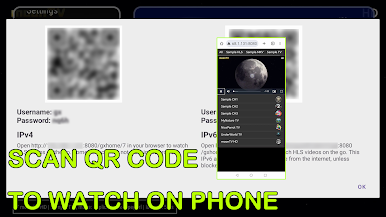
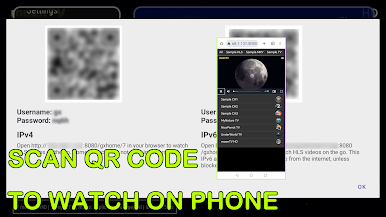
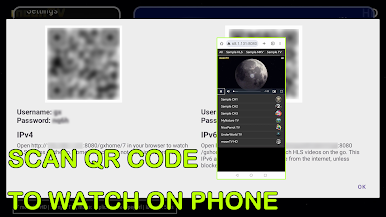
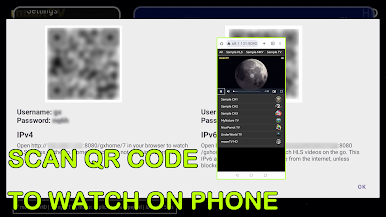
Scanning TV QR codes lets you watch new streams in your browser or on your device, working across iOS, Android, PC, and yes, BlueStacks. -
IPv6 Ready
Supporting the latest networking, you can stream from modern IPv6 addresses for almost worldwide access. -
Demo Mode
Turn on demo mode for clean presentations by hiding icons and video titles—great for a tidy interface. -
Extensive File Format Support
Play just about anything: HLS, DASH, FLV, TS, MKV, MP4, and more. Both video and radio (audio) IPTV content work smoothly. -
Playback Customization
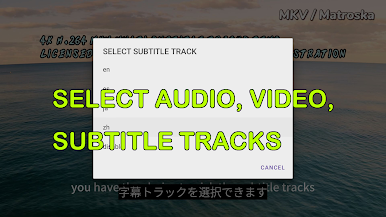
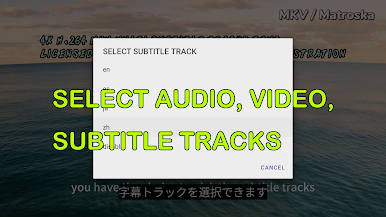
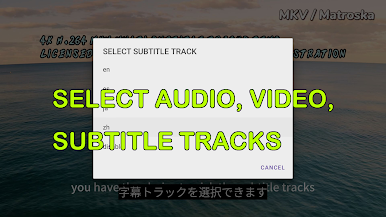
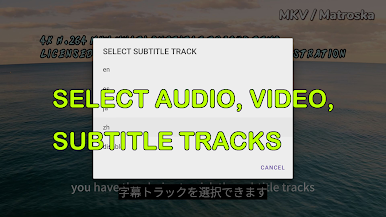
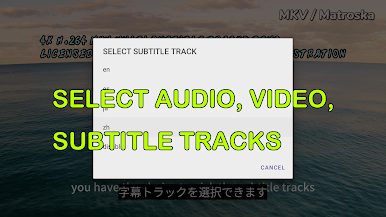
Tweak your experience by choosing video, audio, or subtitle tracks while you watch. -
Playlist & Channel Management
Rename, delete, tag favorites, merge groups, search channels, or export your playlists—managing tons of channels is a breeze. -
Stream Verification Tools
Double-check your M3U playlist to make sure channels work before you settle in for a marathon. -
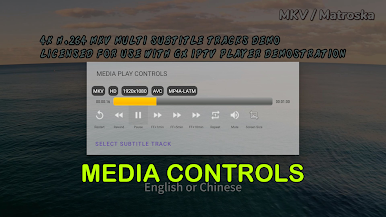
Media Controls Galore
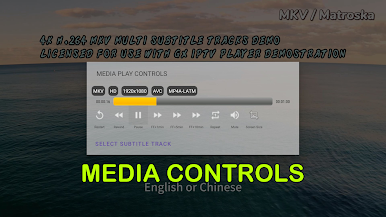
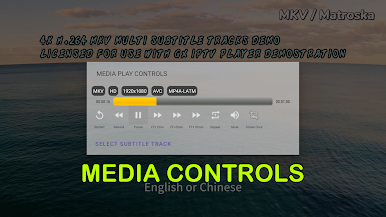
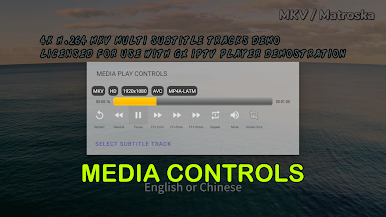
Pause, play, mute, rewind, fast-forward, adjust aspect ratio, and track your progress, all from a straightforward interface. -
EPG Information Built In
See what’s playing at a glance with EPG support for program details—no more mystery channels. -
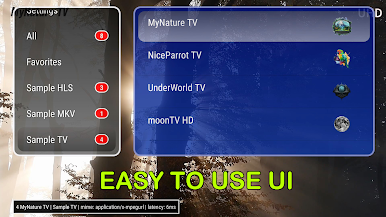
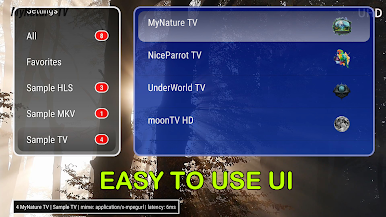
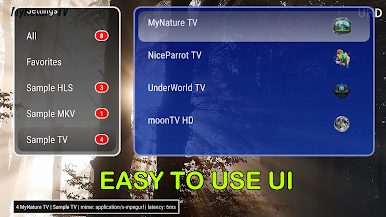
Intuitive Navigation
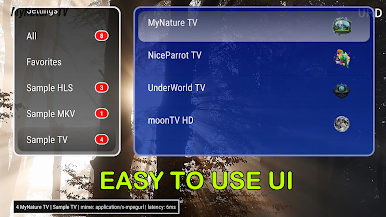
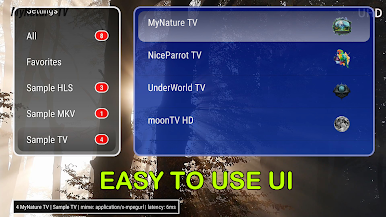
Whether you’re tapping the screen or using a physical controller, switching channels and groups is quick and painless. -
Web Player Access
The built-in web player organizes your video groups, channel lists, and playback options with an easy-to-read layout.
Ready to experience GX IPTV Player on a bigger screen, in all its glory? Download BlueStacks now.





العب GX IPTV Player على جهاز الكمبيوتر. من السهل البدء.
-
قم بتنزيل BlueStacks وتثبيته على جهاز الكمبيوتر الخاص بك
-
أكمل تسجيل الدخول إلى Google للوصول إلى متجر Play ، أو قم بذلك لاحقًا
-
ابحث عن GX IPTV Player في شريط البحث أعلى الزاوية اليمنى
-
انقر لتثبيت GX IPTV Player من نتائج البحث
-
أكمل تسجيل الدخول إلى Google (إذا تخطيت الخطوة 2) لتثبيت GX IPTV Player
-
انقر على أيقونة GX IPTV Player على الشاشة الرئيسية لبدء اللعب

