

Learn HTML
5억명 이상의 게이머가 신뢰하는 안드로이드 게임 플랫폼 BlueStacks으로 PC에서 플레이하세요.

Run Learn HTML on PC or Mac
Get freedom from your phone’s obvious limitations. Use Learn HTML, made by Codeliber, a Education app on your PC or Mac with BlueStacks, and level up your experience.
About the App
Ever wondered how websites are made? Learn HTML by Codeliber is an easygoing way to pick up all the essentials of web page building, at your own pace. Whether you’re just starting out or want to get a bit more hands-on experience, this Education app makes learning HTML feel straightforward—and maybe even a little fun.
App Features
-
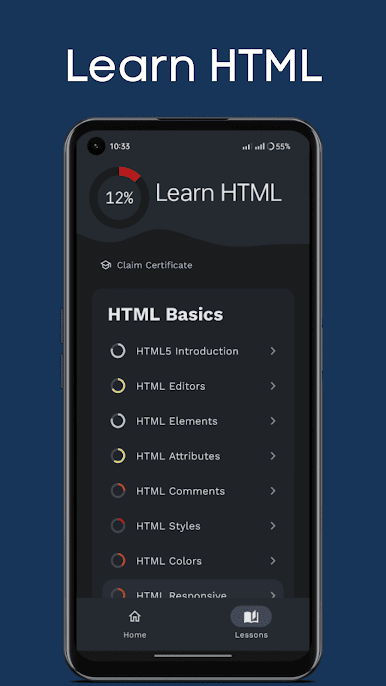
Step-by-Step Lessons
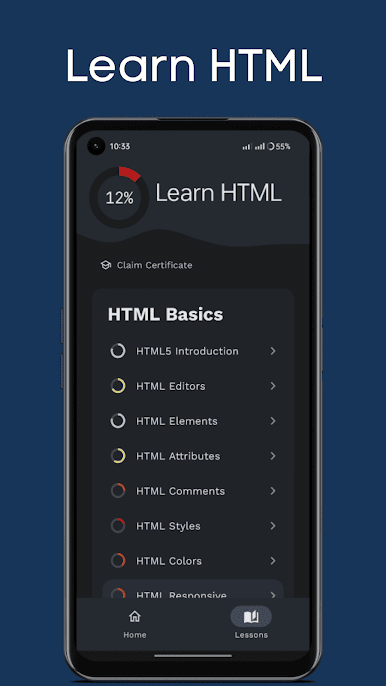
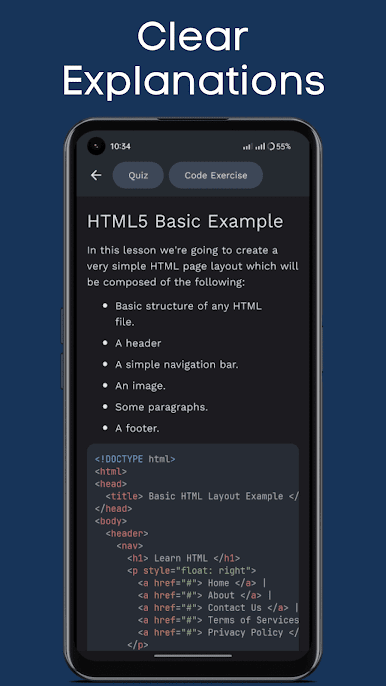
Get walking through HTML with clear, bite-sized lessons. Each one explains things in everyday language, so there’s no getting lost in confusing jargon. -
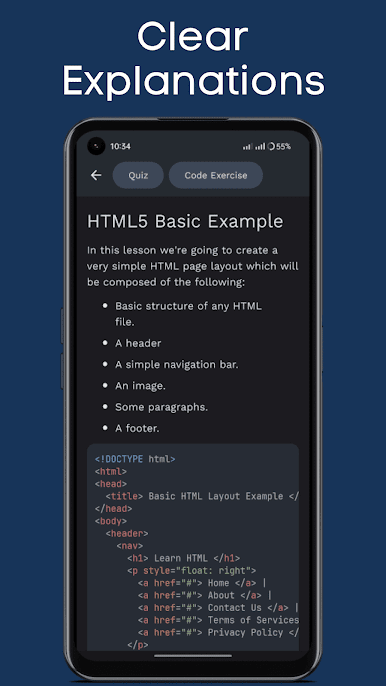
Loads of Real Examples
Over 130 examples show you how things actually work. See the code in action and figure out what does what, without guessing. -
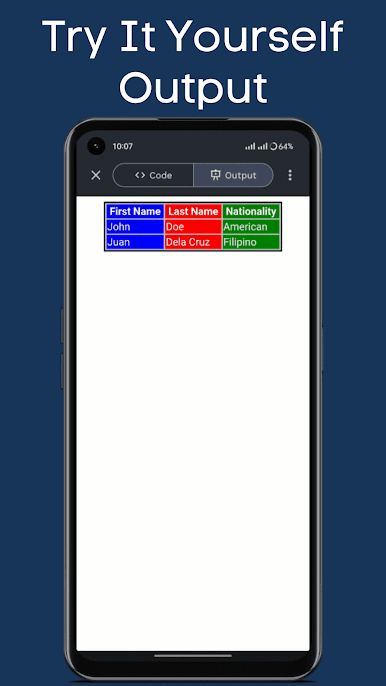
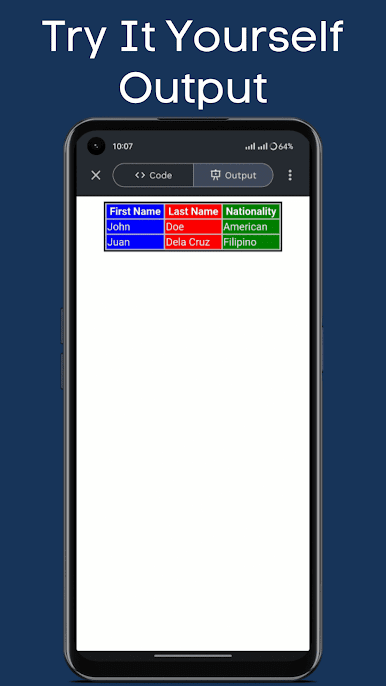
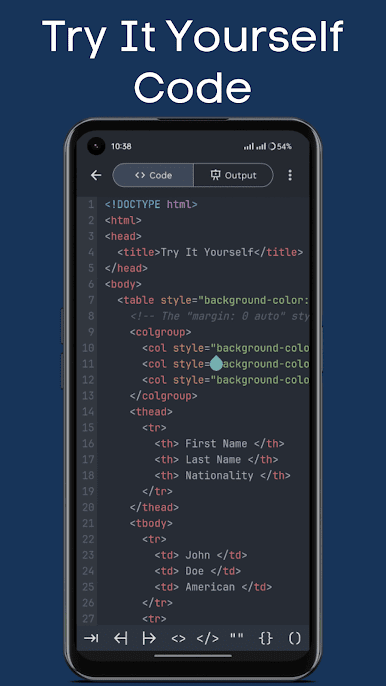
Try It Yourself Editor
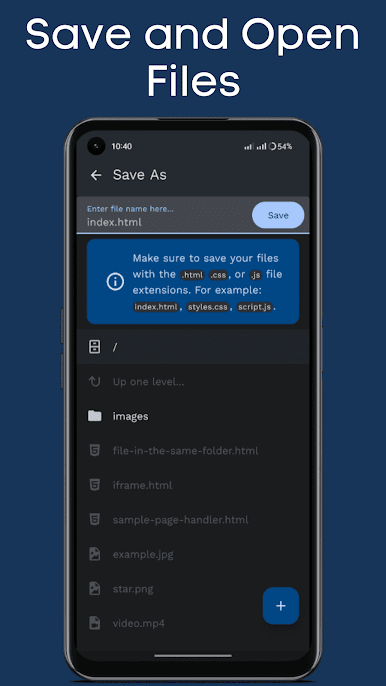
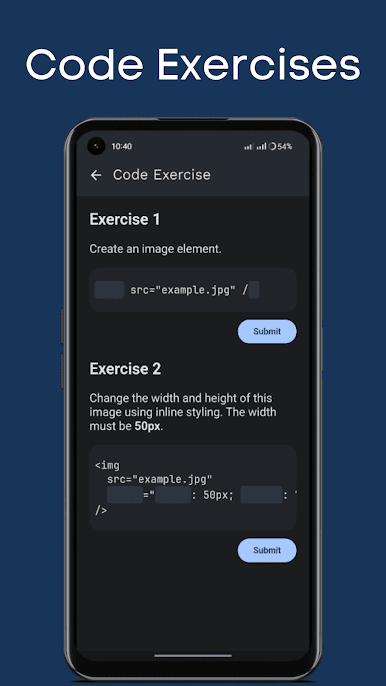
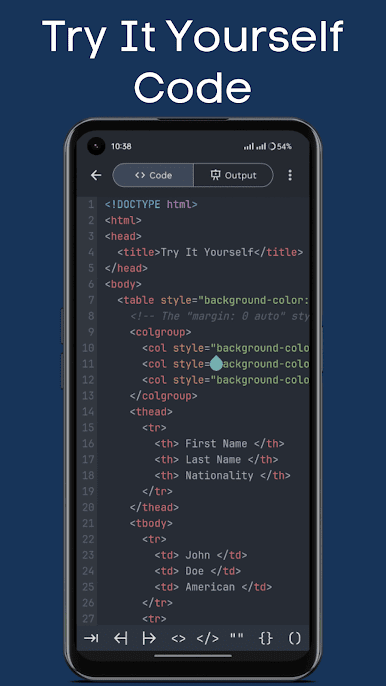
Got an idea or just want to see if you’ve really got it? Mess around with the built-in code editor—it’s got syntax highlighting and even lets you open or save your files. -
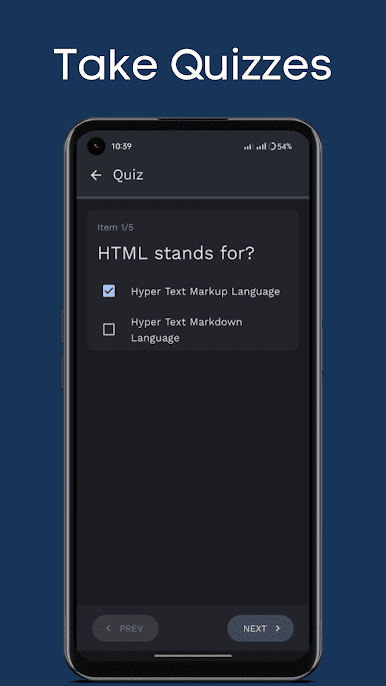
Quizzes and Progress Tracking
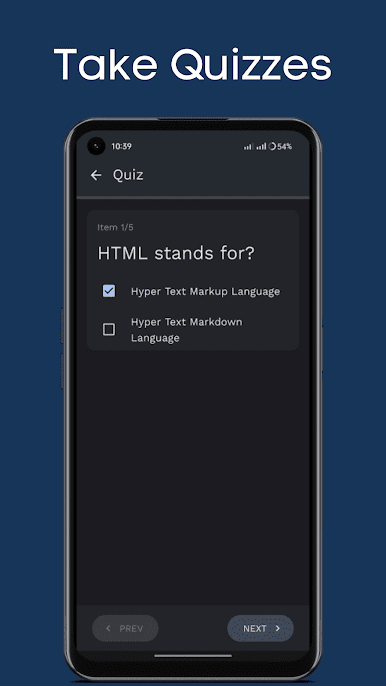
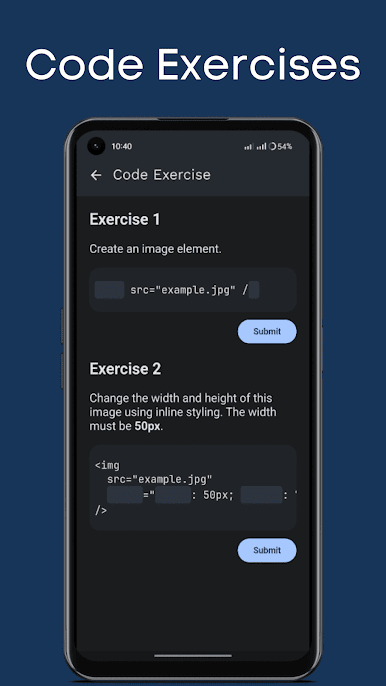
After every lesson, check what you remember with short quizzes. There are over 210 quiz items to keep you challenged and track your progress as you go. -
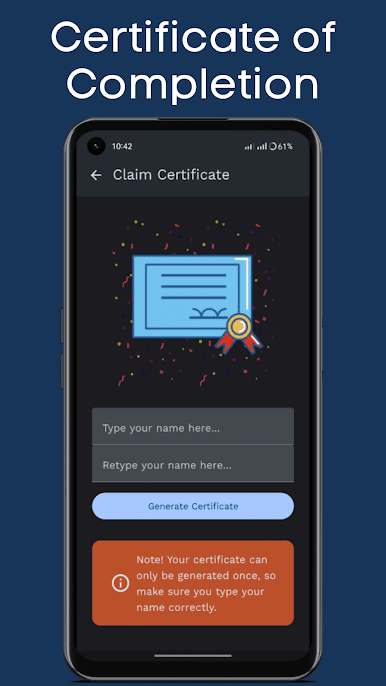
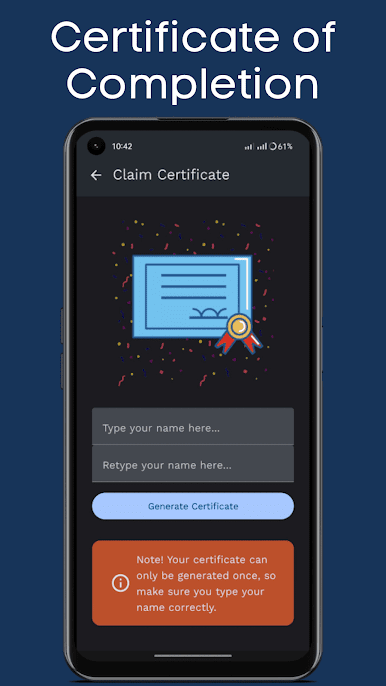
Earn a Certificate
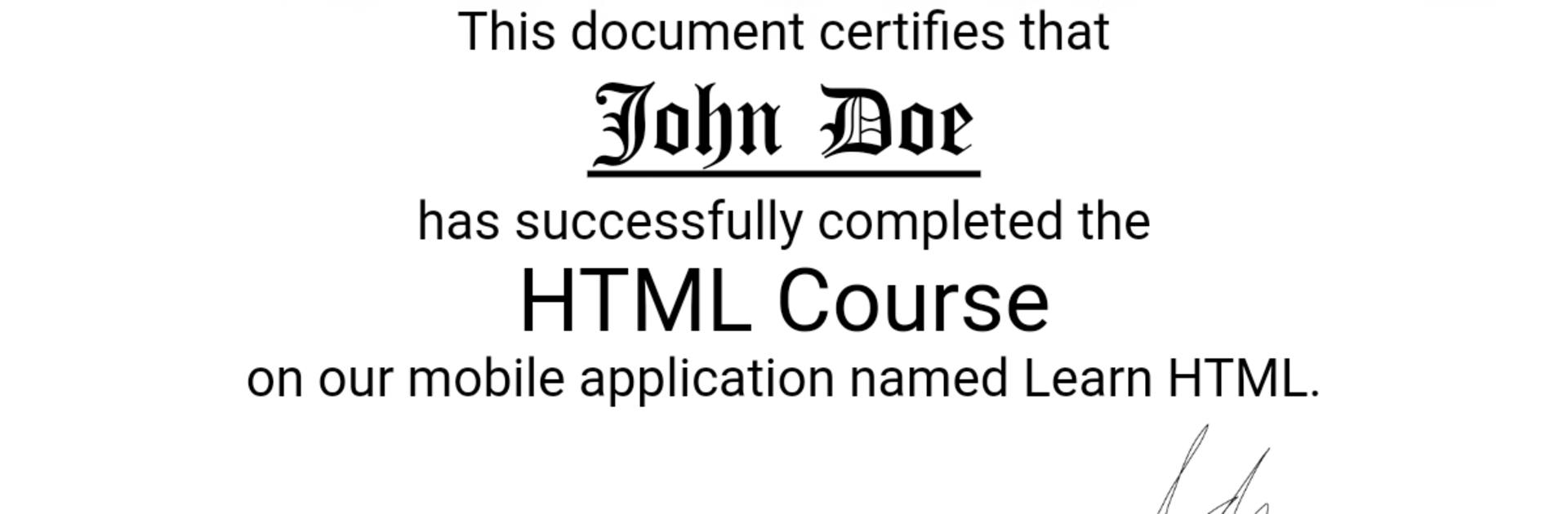
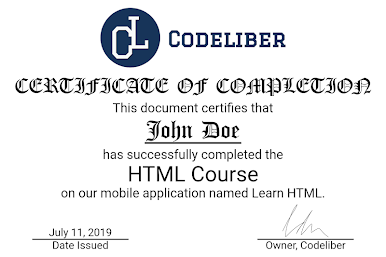
Master the material and grab your certificate of completion—great if you like seeing your hard work pay off (and yes, you can share it). -
Share Your Results
Like showing your wins? Share your quiz results or even your certificate right from the app. -
Offline Access
No internet? No problem. All lessons and tools work offline, so you can learn HTML whenever and wherever.
P.S. The app feels right at home whether you’re on your phone or using BlueStacks on your computer.
Eager to take your app experience to the next level? Start right away by downloading BlueStacks on your PC or Mac.

PC에서 Learn HTML 플레이해보세요.
-
BlueStacks 다운로드하고 설치
-
Google Play 스토어에 로그인 하기(나중에 진행가능)
-
오른쪽 상단 코너에 Learn HTML 검색
-
검색 결과 중 Learn HTML 선택하여 설치
-
구글 로그인 진행(만약 2단계를 지나갔을 경우) 후 Learn HTML 설치
-
메인 홈화면에서 Learn HTML 선택하여 실행

