

CLZ Music, CD/vinyl collection
5억명 이상의 게이머가 신뢰하는 안드로이드 게임 플랫폼 BlueStacks으로 PC에서 플레이하세요.

Run CLZ Music, CD/vinyl collection on PC or Mac
Let BlueStacks turn your PC, Mac, or laptop into the perfect home for CLZ Music, CD/vinyl collection, a fun Music & Audio app from CLZ.
About the App
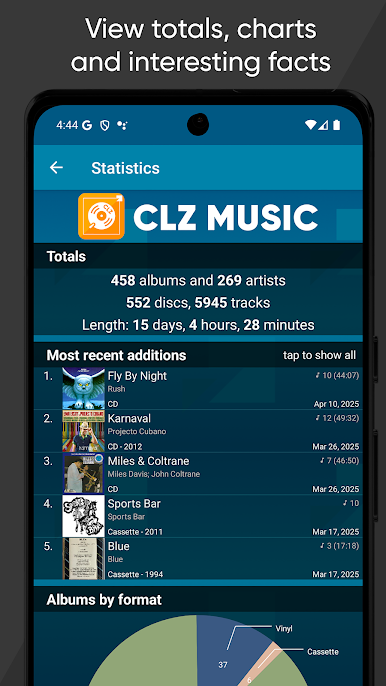
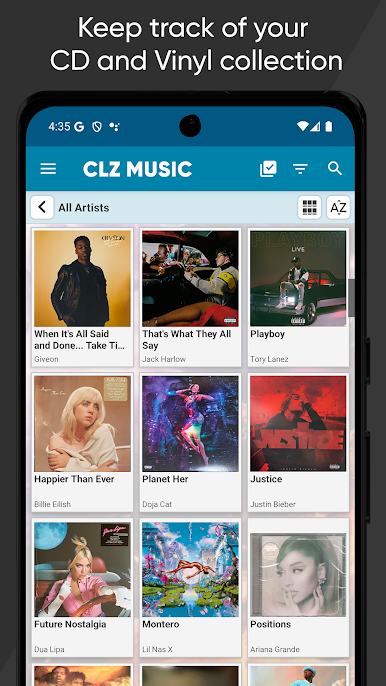
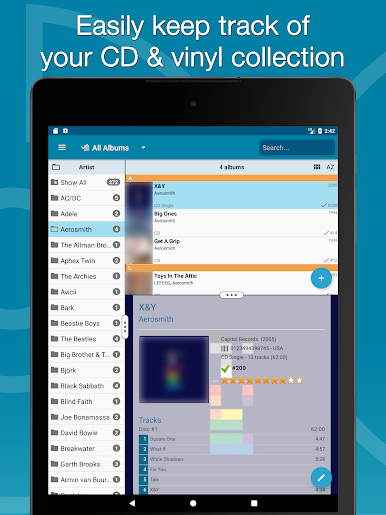
CLZ Music, CD/vinyl collection is your no-fuss way to keep track of every album you own, from rare pressings to everyday CDs. Made by CLZ in the Music & Audio genre, it helps you build a clean, accurate catalog in minutes and keeps it tidy as your collection grows. It feels simple, flexible, and built for collectors who care about details.
App Features
-
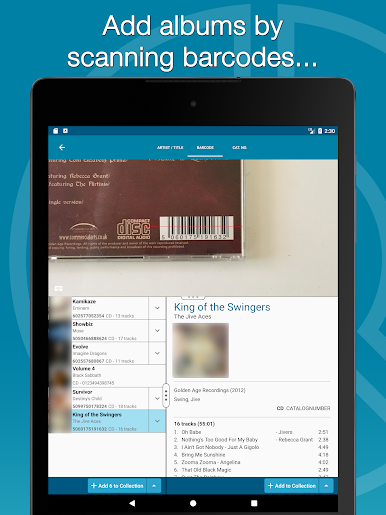
Fast barcode scanning: Point your camera at a CD or vinyl barcode and add it on the spot. It’s quick and surprisingly reliable.
-
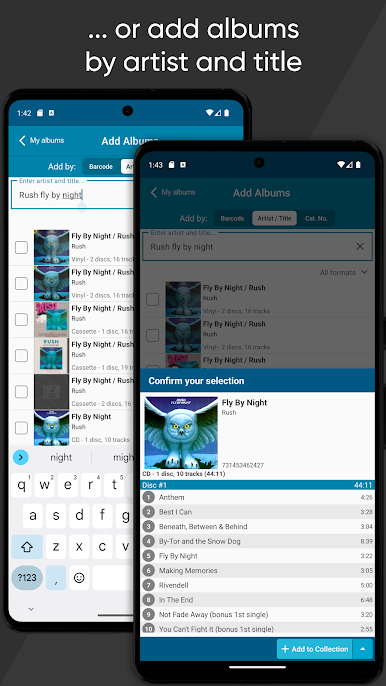
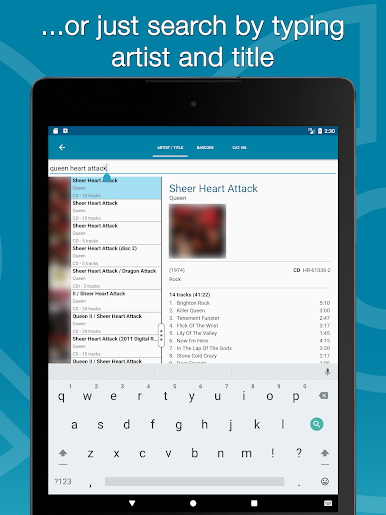
Smart searching: No barcode? Search by artist, title, or catalog number to match the exact release you have, including Discogs entries.
-
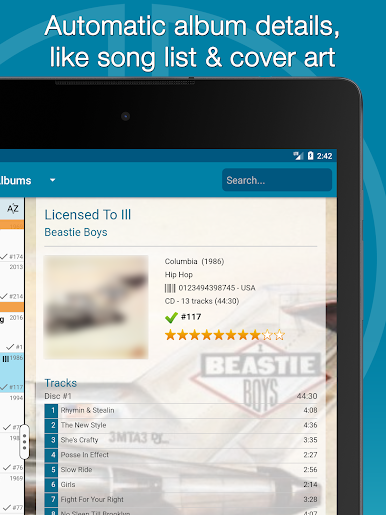
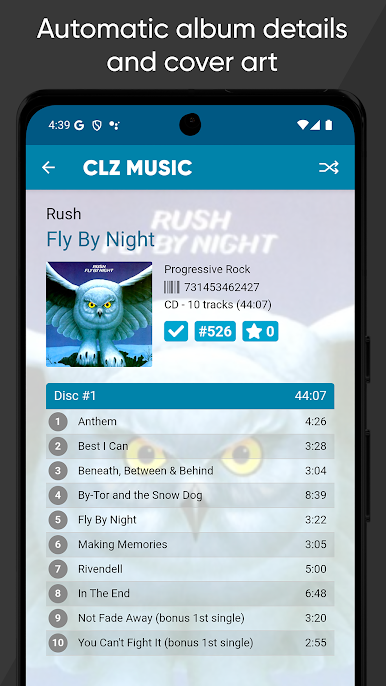
Automatic album details: Get full metadata pulled in for you—track lists, release info, cover art, and more—sourced from CLZ Core and Discogs.
-
Edit everything: Fine-tune any field. Change artist or label, fix release dates, rearrange tracks, or upload your own front/back artwork.
-
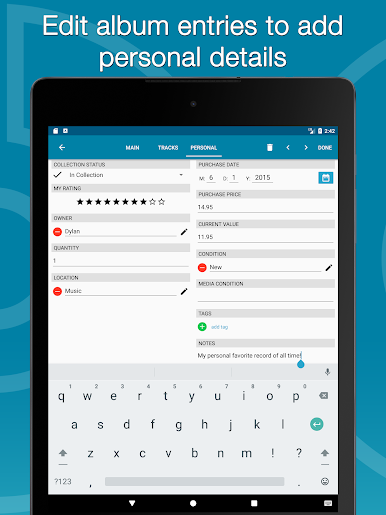
Add personal notes: Track condition, where it’s stored, purchase date and price, the store you bought it from, and any notes you want to remember.
-
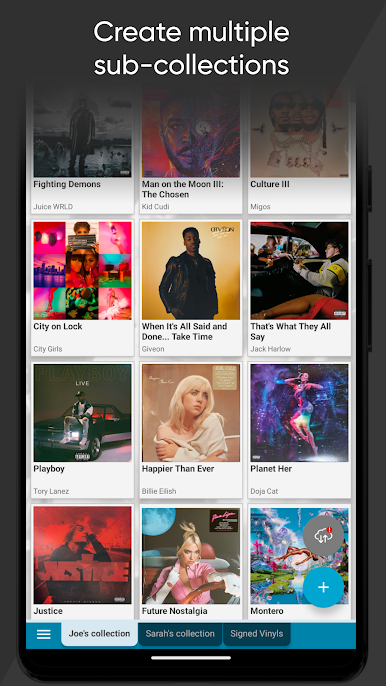
Multiple collections: Create separate libraries for CDs, vinyl, and even items you’ve sold or plan to sell, then switch between them with simple tabs.
-
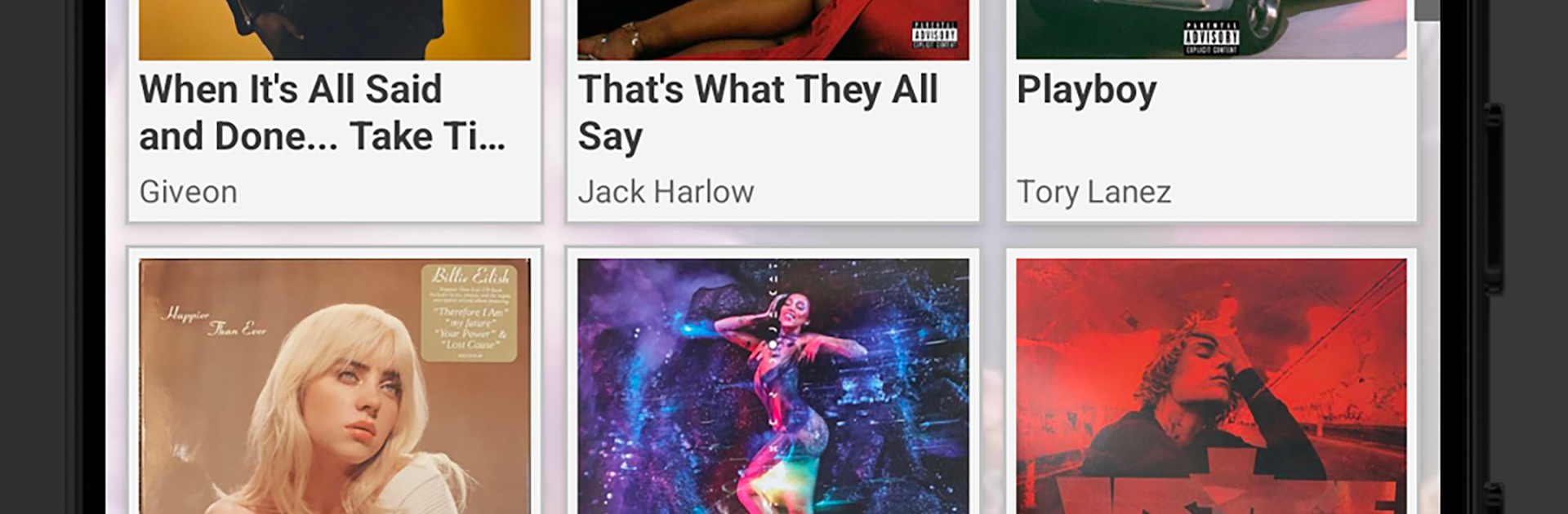
Custom views and sorting: Browse as a clean list or big-image cards. Sort by artist, title, release date, length, or date added. Group albums by composer, label, genre, format, location, and more.
-
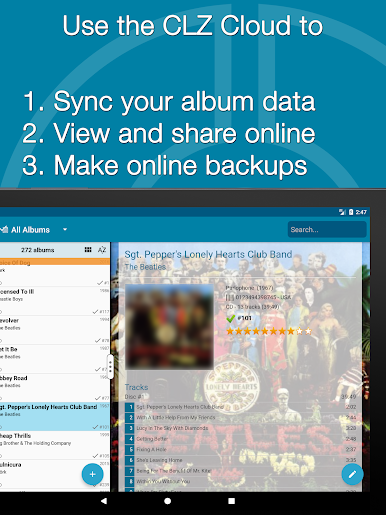
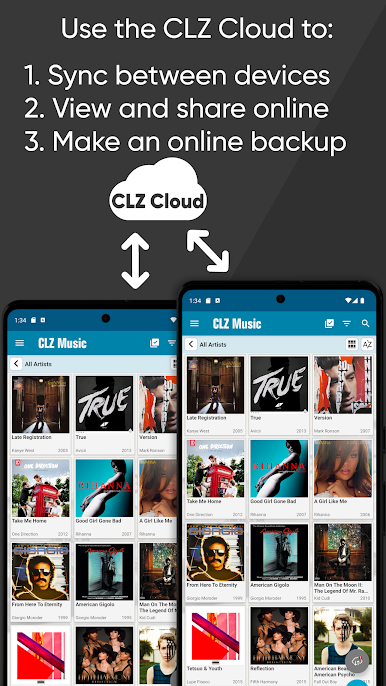
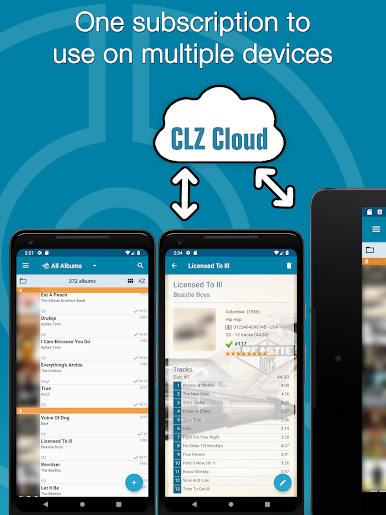
CLZ Cloud sync: Keep a secure online backup, sync changes between your phone and tablet, and optionally share your collection online.
-
Friendly in-app support: Got a question? Use Contact Support or the CLZ Club forum right from the menu—help’s available all week.
-
Subscription with trial: Works with an affordable subscription, and there’s a 7‑day free trial so you can try everything first.
-
Nice on a bigger screen: Prefer desktop? Run the app on your PC with BlueStacks and manage your catalog with more room to breathe.
Eager to take your app experience to the next level? Start right away by downloading BlueStacks on your PC or Mac.



PC에서 CLZ Music, CD/vinyl collection 플레이해보세요.
-
BlueStacks 다운로드하고 설치
-
Google Play 스토어에 로그인 하기(나중에 진행가능)
-
오른쪽 상단 코너에 CLZ Music, CD/vinyl collection 검색
-
검색 결과 중 CLZ Music, CD/vinyl collection 선택하여 설치
-
구글 로그인 진행(만약 2단계를 지나갔을 경우) 후 CLZ Music, CD/vinyl collection 설치
-
메인 홈화면에서 CLZ Music, CD/vinyl collection 선택하여 실행

