

Cross Stitch Book
在電腦上使用BlueStacks –受到5億以上的遊戲玩家所信任的Android遊戲平台。

Run Cross Stitch Book on PC or Mac
Upgrade your experience. Try Cross Stitch Book, the fantastic Entertainment app from Colorfeel, from the comfort of your laptop, PC, or Mac, only on BlueStacks.
About the App
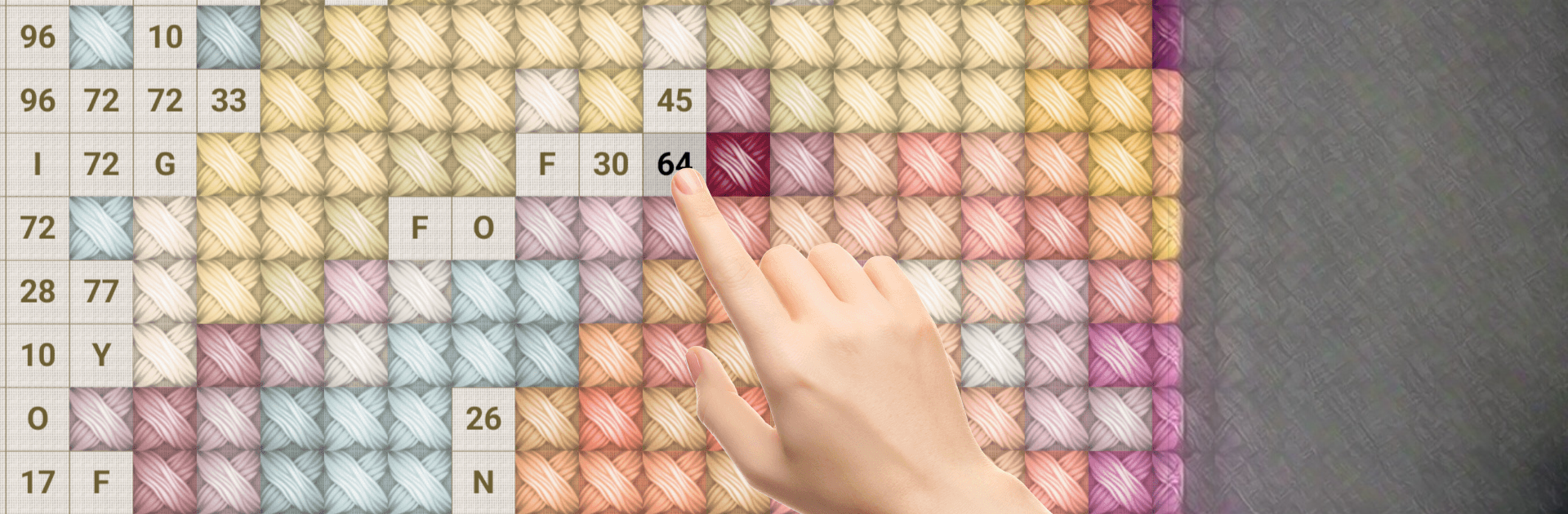
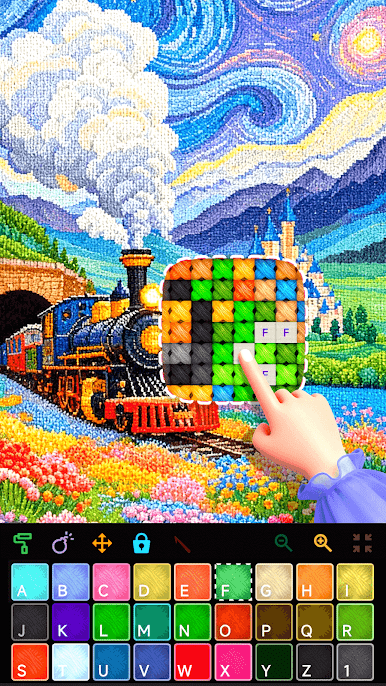
Ready to get cozy with some cross stitching—without rummaging for needles or thread? Cross Stitch Book from Colorfeel brings the soothing world of embroidery straight to your device. Whether you’re kicking back after a long day or just looking to pass a quiet afternoon, this Entertainment app gives you an easy and fun way to tap, color, and watch your designs come alive. It’s all the relaxing, creative fun of traditional cross stitch, boiled down into a few taps and swipes.
App Features
-
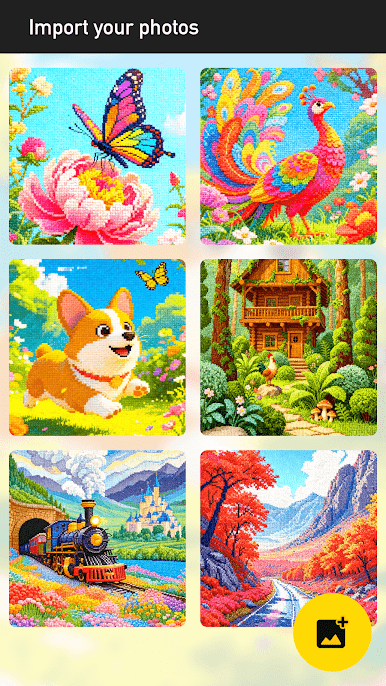
Hundreds of Designs
There’s no shortage of inspiration here! Choose from a big collection of photos and patterns, each ready for you to make your own. -
Big Canvas, More Colors
Want to go detailed? You’ve got up to 240×240 stitches and as many as 128 different thread colors to play with—way more than most old-school kits. -
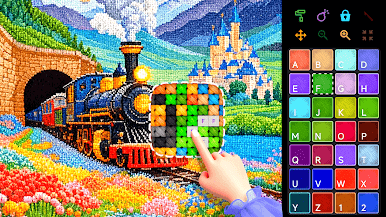
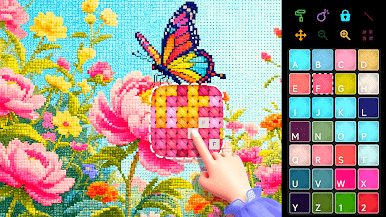
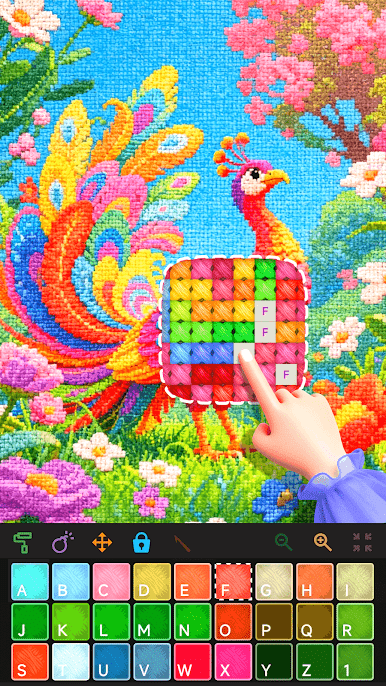
Simple Color-by-Number System
No stress, just relaxing fun. Tap a color, find the matching number, and fill in your pattern—it’s easy, satisfying, and totally mess-free. -
Realistic Stitching Feel
Tapping each pixel gives a real cross-stitch vibe. Missing the feeling of regular stitching? This comes pretty close. -
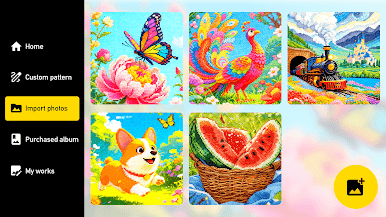
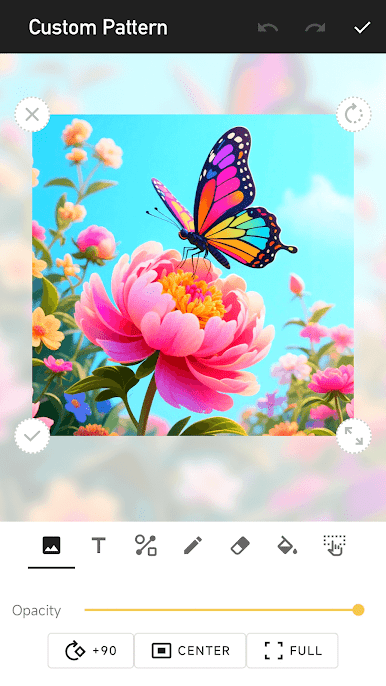
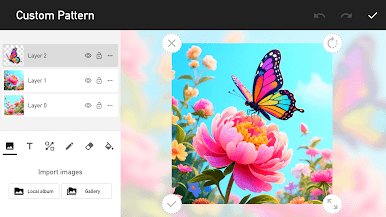
Photo Import Tool
Got a special image you’d love to turn into needlework? Bring your own photos into the app and instantly turn them into new cross stitch projects. -
Play Your Way, Anytime
Take your stitching with you—work on a colorful piece whenever you get a free moment, whether it’s at home or on the go. -
Great on Any Size Screen
The app’s designs look fantastic, and for an even bigger view, you can try working on your cross stitch creations with BlueStacks for more room to get creative.
BlueStacks brings your apps to life on a bigger screen—seamless and straightforward.


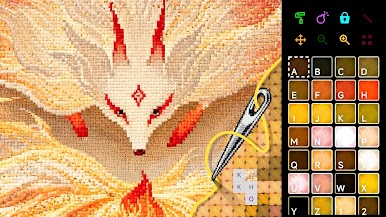
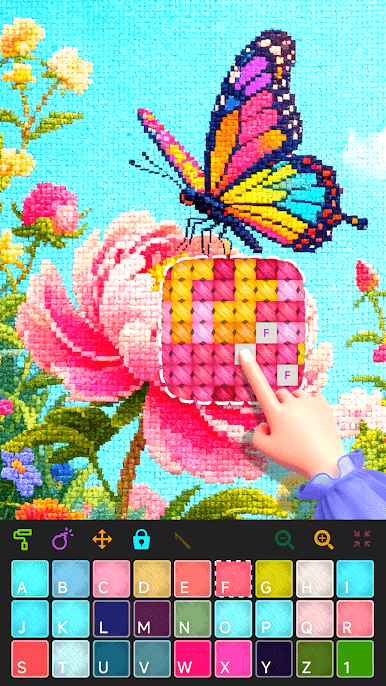
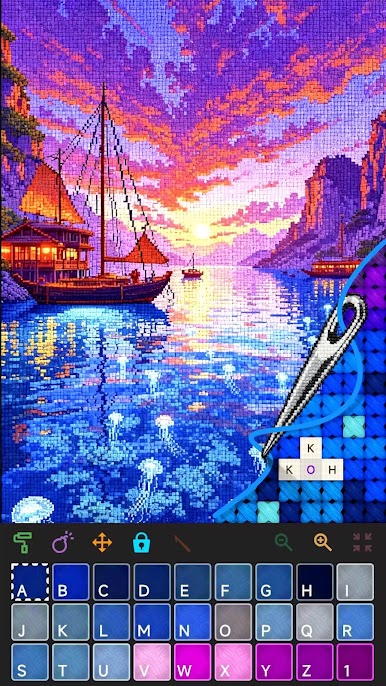


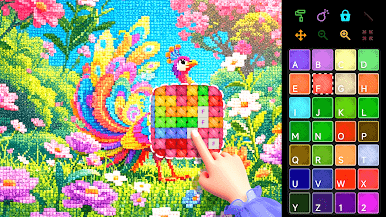
在電腦上遊玩Cross Stitch Book . 輕易上手.
-
在您的電腦上下載並安裝BlueStacks
-
完成Google登入後即可訪問Play商店,或等你需要訪問Play商店十再登入
-
在右上角的搜索欄中尋找 Cross Stitch Book
-
點擊以從搜索結果中安裝 Cross Stitch Book
-
完成Google登入(如果您跳過了步驟2),以安裝 Cross Stitch Book
-
在首頁畫面中點擊 Cross Stitch Book 圖標來啟動遊戲

