


ElePant: Aplicativo de desenho
Jogue no PC com BlueStacks - A Plataforma de Jogos Android, confiada por mais de 500 milhões de jogadores.

Página modificada em: Dec 3, 2025
Play ElePant: Drawing apps for kids on PC or Mac
Join millions to experience ElePant: Drawing apps for kids, an exciting Educational game from GunjanApps Studios. With BlueStacks App Player, you are always a step ahead of your opponent, ready to outplay them with faster gameplay and better control with the mouse and keyboard on your PC or Mac.
About the Game
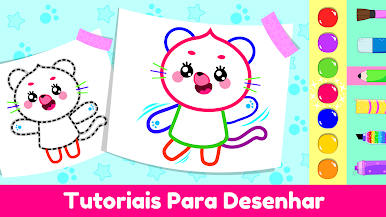
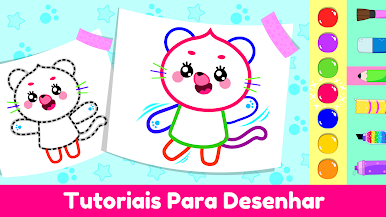
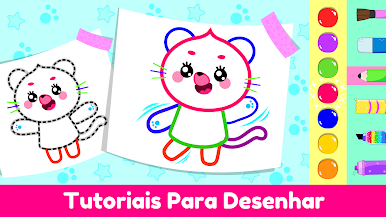
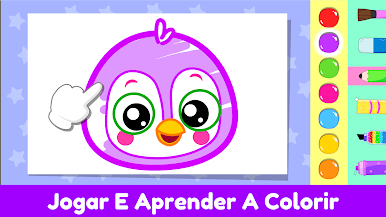
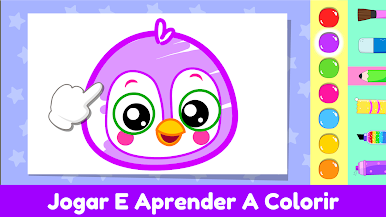
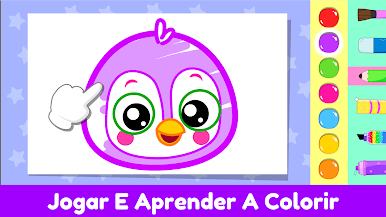
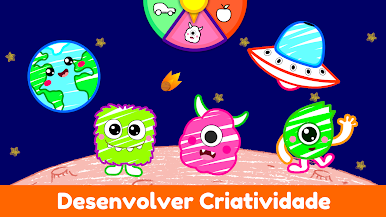
Ever catch your kid doodling all over your walls? With ElePant: Drawing apps for kids, you can hand them a digital canvas made just for them. This playful educational game from GunjanApps Studios lets little ones unleash their creativity with a splash of fun, friendly colors. Kids ages 2 to 5 will find coloring, drawing, and exploring new ideas super easy and seriously entertaining, all in a safe app that grows with their imagination.
Game Features
-
Colorful Pages Galore
There are loads of coloring pages featuring everything from cute animals to magical unicorns. Each page gives your child the space to experiment with color and style—no mess to clean up after! -
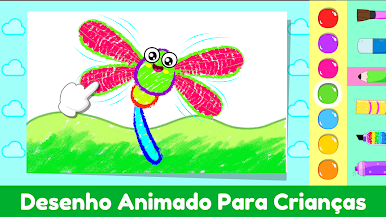
Interactive Animations
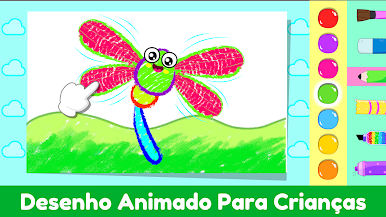
Once your kid’s done with their masterpiece, watch as their creations pop to life with simple animations. It’s an instant, delightful reward that keeps them coming back for more. -
Super Simple Controls
Designed for tiny hands and curious minds, ElePant: Drawing apps for kids has buttons and tools that make sense for preschoolers. Even the youngest artists can navigate all by themselves. -
Learning Sneaked In
Kids boost their concentration, start recognizing colors, and practice making choices. The game works some educational magic behind the scenes while kids are just having fun. -
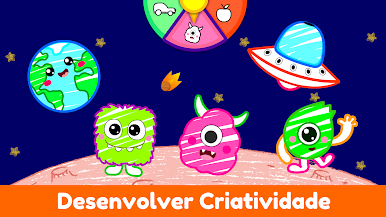
Style and Creativity
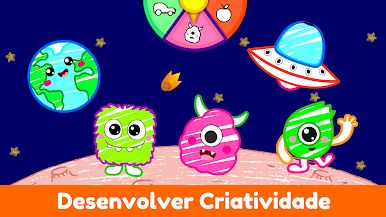
There’s a full palette, glitter, stickers, and even crayons to play with. Kids get to experiment and show off their sense of style in so many different ways. -
Safe and Educator-Approved
You don’t have to worry—this app is made to be a secure, positive space. It’s packed with teacher-approved activities that encourage growth without any weird surprises. -
Motivating Rewards
Little achievements and animated surprises pop up as kids color, keeping them interested and excited to see what happens next.
Want to see all the colors come alive on a bigger screen? With BlueStacks, you can let your young artist play ElePant: Drawing apps for kids right on your PC.
Slay your opponents with your epic moves. Play it your way on BlueStacks and dominate the battlefield.









Jogue ElePant: Aplicativo de desenho no PC. É fácil começar.
-
Baixe e instale o BlueStacks no seu PC
-
Conclua o login do Google para acessar a Play Store ou faça isso mais tarde
-
Procure por ElePant: Aplicativo de desenho na barra de pesquisa no canto superior direito
-
Clique para instalar ElePant: Aplicativo de desenho a partir dos resultados da pesquisa
-
Conclua o login do Google (caso você pulou a etapa 2) para instalar o ElePant: Aplicativo de desenho
-
Clique no ícone do ElePant: Aplicativo de desenho na tela inicial para começar a jogar

