

艾諾迪亞4 (Inotia 4)
在電腦上使用BlueStacks –受到5億以上的遊戲玩家所信任的Android遊戲平台。

Play Inotia 4 on PC or Mac
Step into the World of Inotia 4, a thrilling Role Playing game from the house of Com2uS. Play this Android game on BlueStacks App Player and experience immersive gaming on PC or Mac.
About the Game
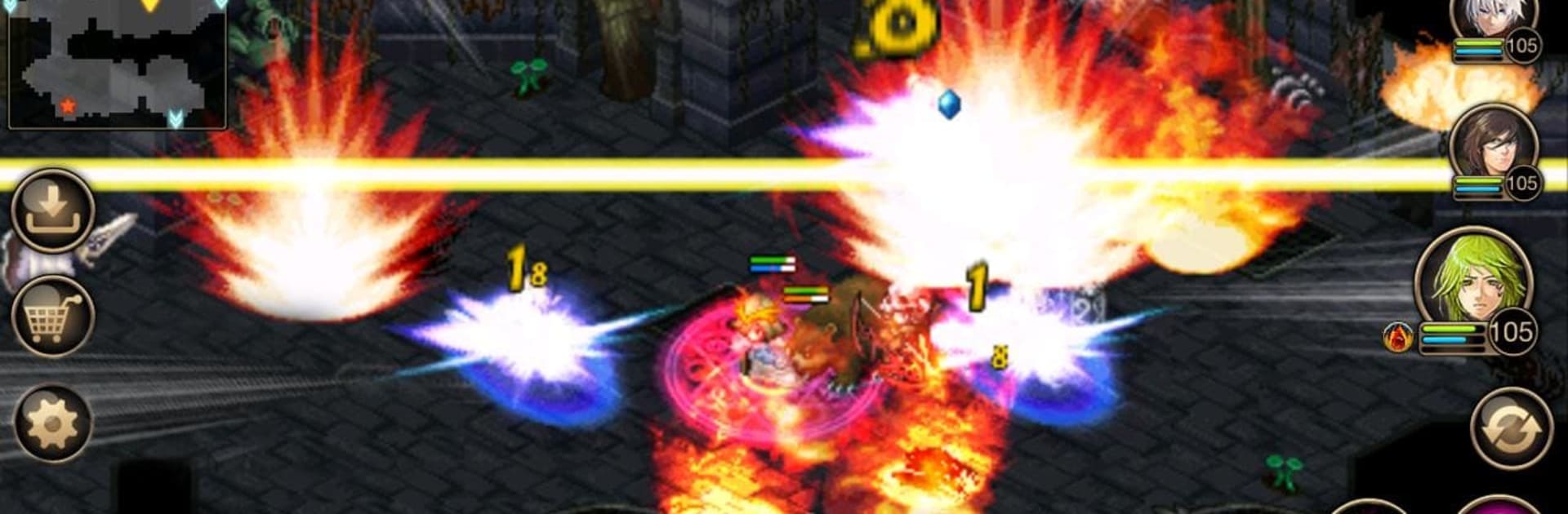
Inotia 4 by Com2uS is a captivating role-playing experience where you must decide your allegiance as epic forces clash once more. Join Kiyan, the Shadow Tribe’s genius, and Eara, the Channel of Light, as they embark on a vibrant adventure filled with mythical creatures like goblins and orcs. Improved graphics and storytelling take this installment of the Inotia saga to new heights.
Game Features
-
6 Classes, 90 Skills
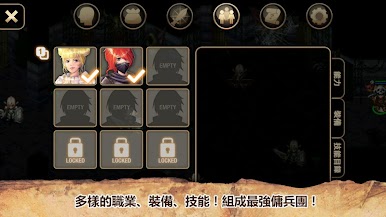
Choose your path as a Black Knight, Assassin, Warlock, Priest, or Ranger, each boasting 15 unique skills. Mix and match to create your ideal party strategy. -
Convenient Party System
Recruit mercenaries anytime, anywhere. With over 20 unique mercenary skills, your journey will never lack excitement. -
Immersive RPG Maps
Traverse through 400 diverse maps, from arid deserts to snow-covered fields, uncovering secrets along the way. -
Compelling Storyline
Experience a heart-pounding narrative of light versus darkness, packed with betrayals, alliances, and unending schemes. -
Exclusive Sub-quests
Beyond the main quest, unravel deeper stories across the Inotian continent for extraordinary rewards. -
Infinite Dungeon for Hardcore Players
Conquer the game’s story and dive into the Infinite Dungeon, where past battles resurface with new challenges.
Enjoy a rollicking RPG adventure with Inotia 4 via BlueStacks!
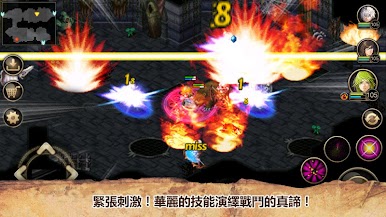
Make your gaming sessions memorable with precise controls that give you an edge in close combats and visuals that pop up, bringing every character to life.
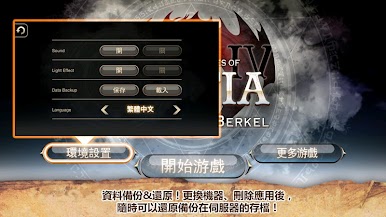
在電腦上遊玩艾諾迪亞4 (Inotia 4) . 輕易上手.
-
在您的電腦上下載並安裝BlueStacks
-
完成Google登入後即可訪問Play商店,或等你需要訪問Play商店十再登入
-
在右上角的搜索欄中尋找 艾諾迪亞4 (Inotia 4)
-
點擊以從搜索結果中安裝 艾諾迪亞4 (Inotia 4)
-
完成Google登入(如果您跳過了步驟2),以安裝 艾諾迪亞4 (Inotia 4)
-
在首頁畫面中點擊 艾諾迪亞4 (Inotia 4) 圖標來啟動遊戲

