


Writeaday - diário, jornal
Jogue no PC com BlueStacks - A Plataforma de Jogos Android, confiada por mais de 500 milhões de jogadores.

Página modificada em: Feb 11, 2024
Play Writeaday - AI Journal on PC
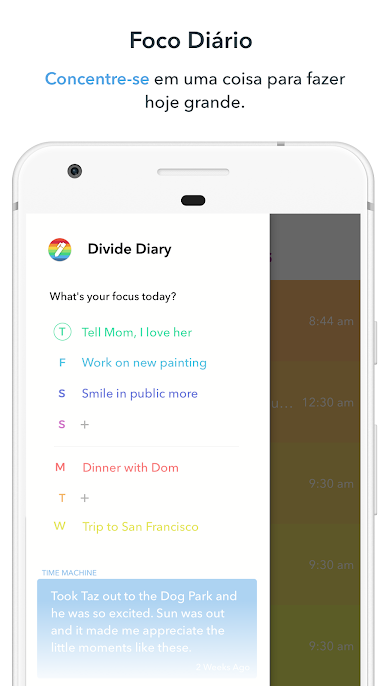
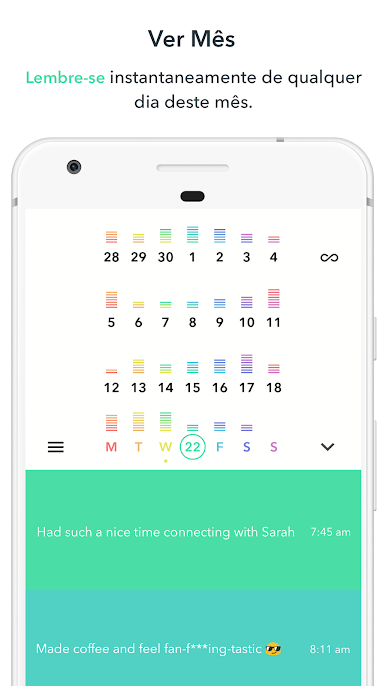
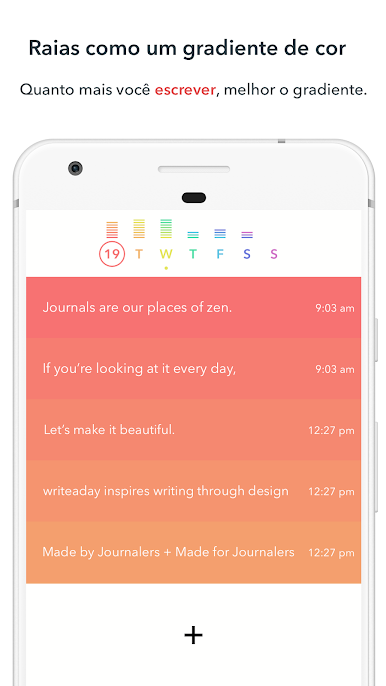
⚡ Write easily - with a single tap. There is no quicker app for writing.
💭 Remember memories - with a random entry pulled from your past.
🗣️ Reflect on your life - with an AI Therapist that's available at the press of a button.
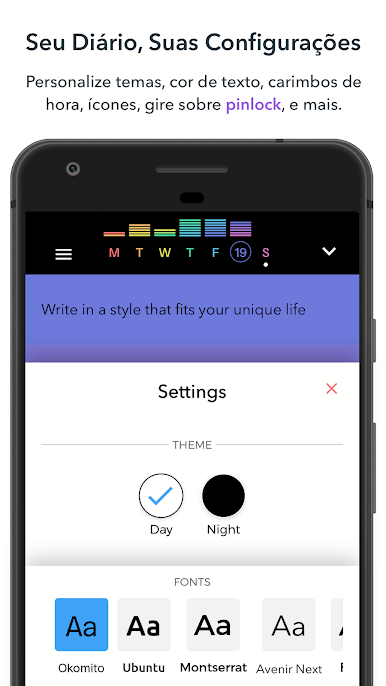
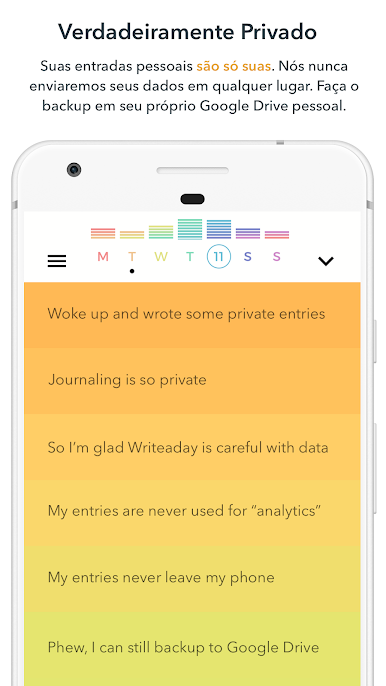
Other features - include a 5 minute gratitude journal, multiple app themes and entry backgrounds, rotating inspirational quotes, search, hashtags, pincode, fingerprint lock, and Google Drive backup.
Writeaday is only 1% there
We will continue to improve Writeaday. Reach out with feedback so that we can continue to build a better way to live, remember, and reflect.
✉️ Email me: writeaday.app@gmail.com
🐦 Message me on Twitter: @writeaday
🙇♂️ Support me on Patreon: patreon/writeaday
Jogue Writeaday - diário, jornal no PC. É fácil começar.
-
Baixe e instale o BlueStacks no seu PC
-
Conclua o login do Google para acessar a Play Store ou faça isso mais tarde
-
Procure por Writeaday - diário, jornal na barra de pesquisa no canto superior direito
-
Clique para instalar Writeaday - diário, jornal a partir dos resultados da pesquisa
-
Conclua o login do Google (caso você pulou a etapa 2) para instalar o Writeaday - diário, jornal
-
Clique no ícone do Writeaday - diário, jornal na tela inicial para começar a jogar

