


Rogue Idle RPG: Epic Dungeon Battle
Jogue no PC com BlueStacks - A Plataforma de Jogos Android, confiada por mais de 500 milhões de jogadores.

Página modificada em: Dec 05, 2025
Visão Geral
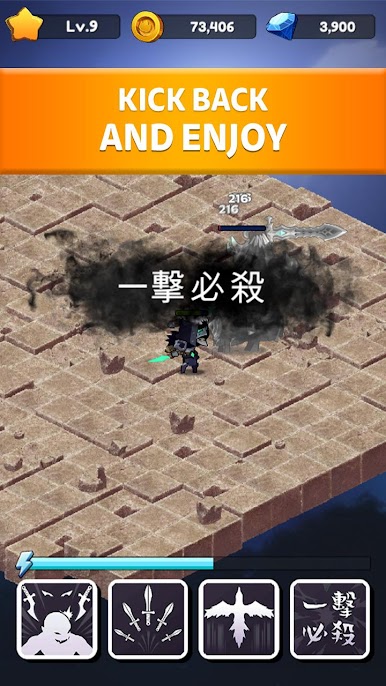
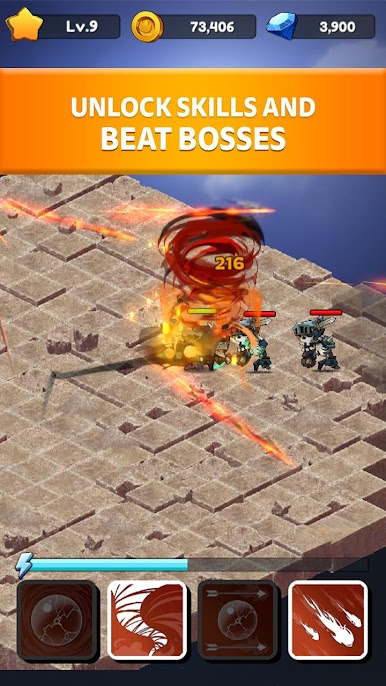
Fight dungeon boss monsters and end the reign of the Dark in Endless Frontier!
Brave Adventurers, there has to be someone to be the leader.
Game Features
🔥 Idle RPG Fantasy Games
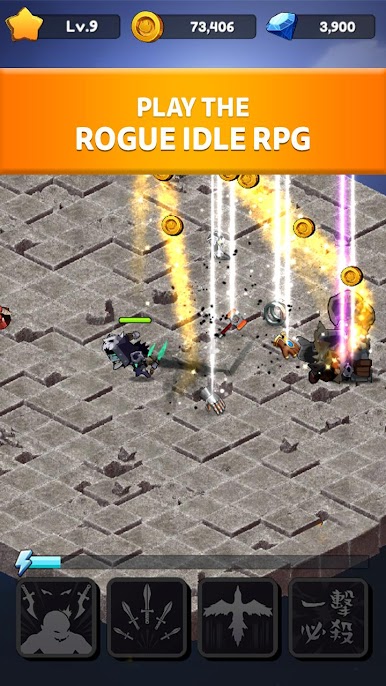
Set your heroes training while you’re away. When you return to your phone, they will be stronger, gained new abilities, and ready for battle.
🔥 Easy to play
Whether you are an experienced gamer or not, you’ll be able to have fun with the game right off the bat!
🔥 Incredible Content
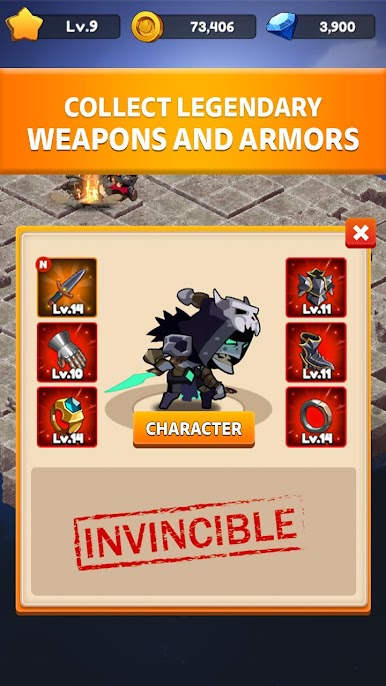
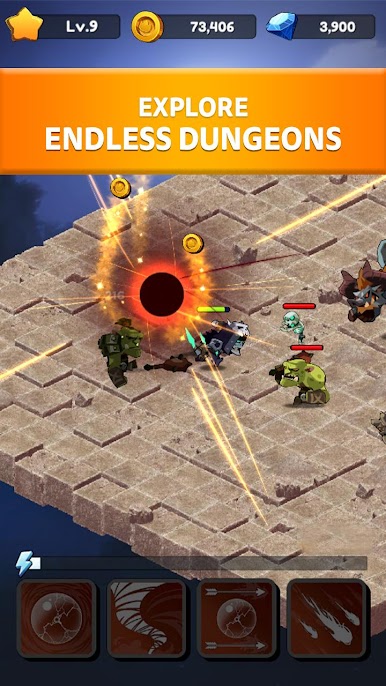
Raid Raid Raid! Endless dungeons allow you to collect legendary gears!
🔥 Strategic Gameplay
Choose whether to use melee or ranged weapons!
🔥 Power Up
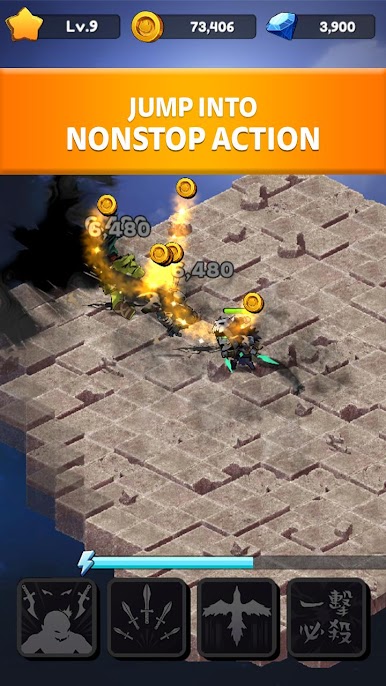
Power up your heroes by defeating the fiercest monsters and bosses in the Dungeon!
*Rogue Idle saves your progress on your device, and data will be reset if you delete the app or change your device.*
✨DEVELOPER INFO✨
Are you game lover? Bubble shooter? CookApps Playgrounds fan?
Join us on Facebook for updates and news about your favorite games!
https://www.facebook.com/PlaygroundsTeam/


Jogue Rogue Idle RPG: Epic Dungeon Battle no PC. É fácil começar.
-
Baixe e instale o BlueStacks no seu PC
-
Conclua o login do Google para acessar a Play Store ou faça isso mais tarde
-
Procure por Rogue Idle RPG: Epic Dungeon Battle na barra de pesquisa no canto superior direito
-
Clique para instalar Rogue Idle RPG: Epic Dungeon Battle a partir dos resultados da pesquisa
-
Conclua o login do Google (caso você pulou a etapa 2) para instalar o Rogue Idle RPG: Epic Dungeon Battle
-
Clique no ícone do Rogue Idle RPG: Epic Dungeon Battle na tela inicial para começar a jogar

