


Crispy Icon Pack
맞춤 설정 | FLATEDGE
5억명 이상의 게이머가 신뢰하는 안드로이드 게임 플랫폼 BlueStacks으로 PC에서 플레이하세요.

Play Crispy Icon Pack on PC
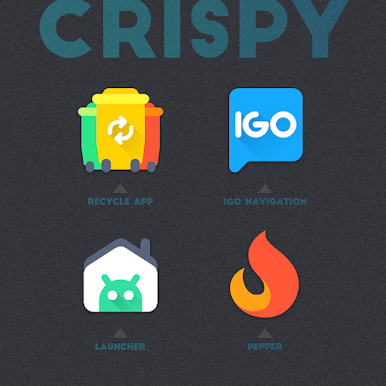
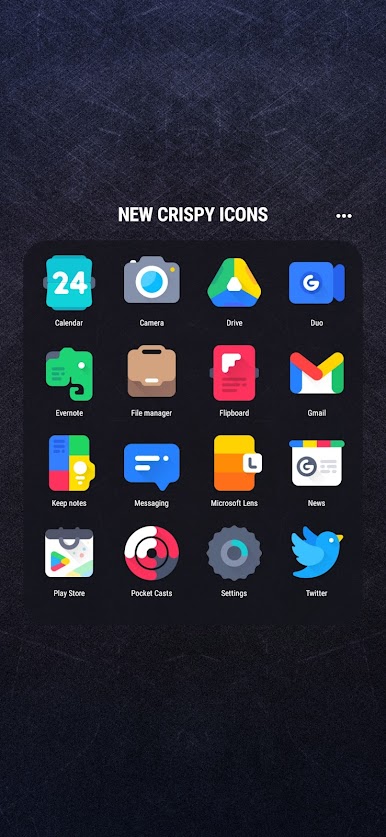
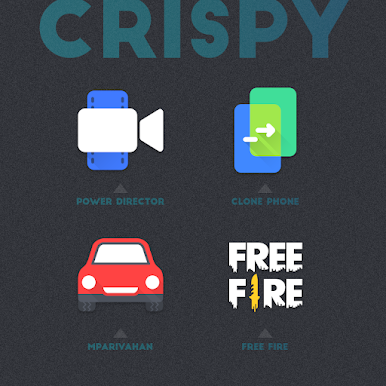
Crispy. Shapeless. Unique. Vibrant.
FEATURES
▸ 4000+ icons
▸ Regular Updates
▸ Dock icons
▸ Alternative icons
▸ Custom folders icons
▸ Cloud based wallpapers
▸ Dynamic Calendar support
▸ Icon request tool
▸ Material Dashboard
▸ Premium icon request support
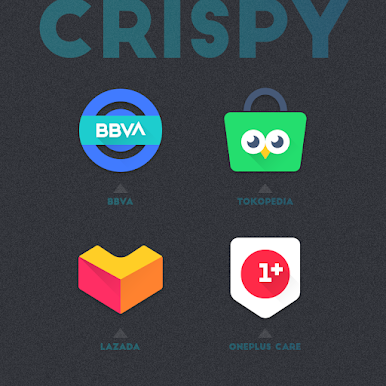
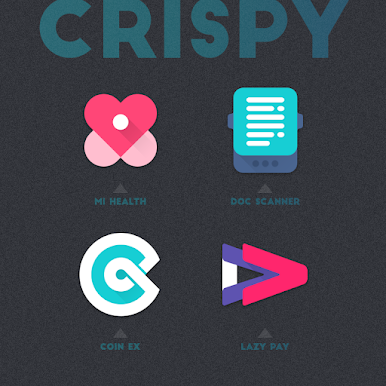
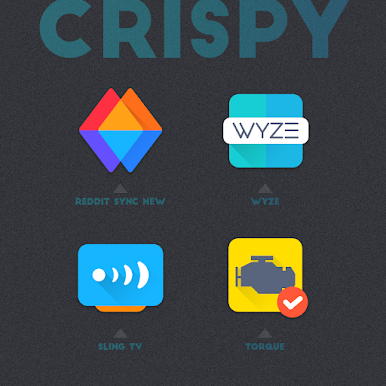
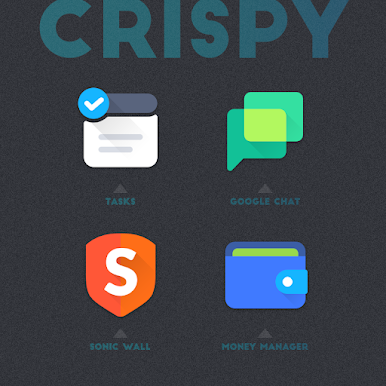
Crispy icon pack with unique shapeless icons gives your android device home screen beautiful look and extra special icons let you add your personal touch to your liking.
How to use this Icon pack?
▸ Install the supported Launcher
▸ Open Crispy Icon Pack and Go to Apply section and Select Launcher to apply.
If your launcher is not in the list then apply manually from the launcher settings section.
BEFORE YOU GO
• Icon pack requires a supported launcher
• App's help section holds FAQ and answers
RECOMMENDED LAUNCHER AND SETTINGS
▸ Use NOVA Launcher
▸ Set Icon Normalization Off From the Nova Launcher Settings
▸ Set Icon Size to 110% - 130%
SUPPORTED LAUNCHERS
• Nova Launcher(recommended) • Lawnchair Launcher • Microsoft Launcher • Smart Launcher • ADW Launcher • Action Launcher • Apex Launcher • Go Launcher • Poco Launcher • Evie Launcher
• Next Launcher • Solo Launcher • Hyperion Launcher • Niagara Launcher • Total Launcher • CM Theme Engine
This pack may supports other launchers which are not listed in the apply section of the app and supported launchers.
STAY IN TOUCH!
https://twitter.com/FLATEDGE1418
https://mewe.com/i/flatedge
Any Help?
Mail me @ flatedge18@gmail.com
FEATURES
▸ 4000+ icons
▸ Regular Updates
▸ Dock icons
▸ Alternative icons
▸ Custom folders icons
▸ Cloud based wallpapers
▸ Dynamic Calendar support
▸ Icon request tool
▸ Material Dashboard
▸ Premium icon request support
Crispy icon pack with unique shapeless icons gives your android device home screen beautiful look and extra special icons let you add your personal touch to your liking.
How to use this Icon pack?
▸ Install the supported Launcher
▸ Open Crispy Icon Pack and Go to Apply section and Select Launcher to apply.
If your launcher is not in the list then apply manually from the launcher settings section.
BEFORE YOU GO
• Icon pack requires a supported launcher
• App's help section holds FAQ and answers
RECOMMENDED LAUNCHER AND SETTINGS
▸ Use NOVA Launcher
▸ Set Icon Normalization Off From the Nova Launcher Settings
▸ Set Icon Size to 110% - 130%
SUPPORTED LAUNCHERS
• Nova Launcher(recommended) • Lawnchair Launcher • Microsoft Launcher • Smart Launcher • ADW Launcher • Action Launcher • Apex Launcher • Go Launcher • Poco Launcher • Evie Launcher
• Next Launcher • Solo Launcher • Hyperion Launcher • Niagara Launcher • Total Launcher • CM Theme Engine
This pack may supports other launchers which are not listed in the apply section of the app and supported launchers.
STAY IN TOUCH!
https://twitter.com/FLATEDGE1418
https://mewe.com/i/flatedge
Any Help?
Mail me @ flatedge18@gmail.com
PC에서 Crispy Icon Pack 플레이해보세요.
-
BlueStacks 다운로드하고 설치
-
Google Play 스토어에 로그인 하기(나중에 진행가능)
-
오른쪽 상단 코너에 Crispy Icon Pack 검색
-
검색 결과 중 Crispy Icon Pack 선택하여 설치
-
구글 로그인 진행(만약 2단계를 지나갔을 경우) 후 Crispy Icon Pack 설치
-
메인 홈화면에서 Crispy Icon Pack 선택하여 실행

