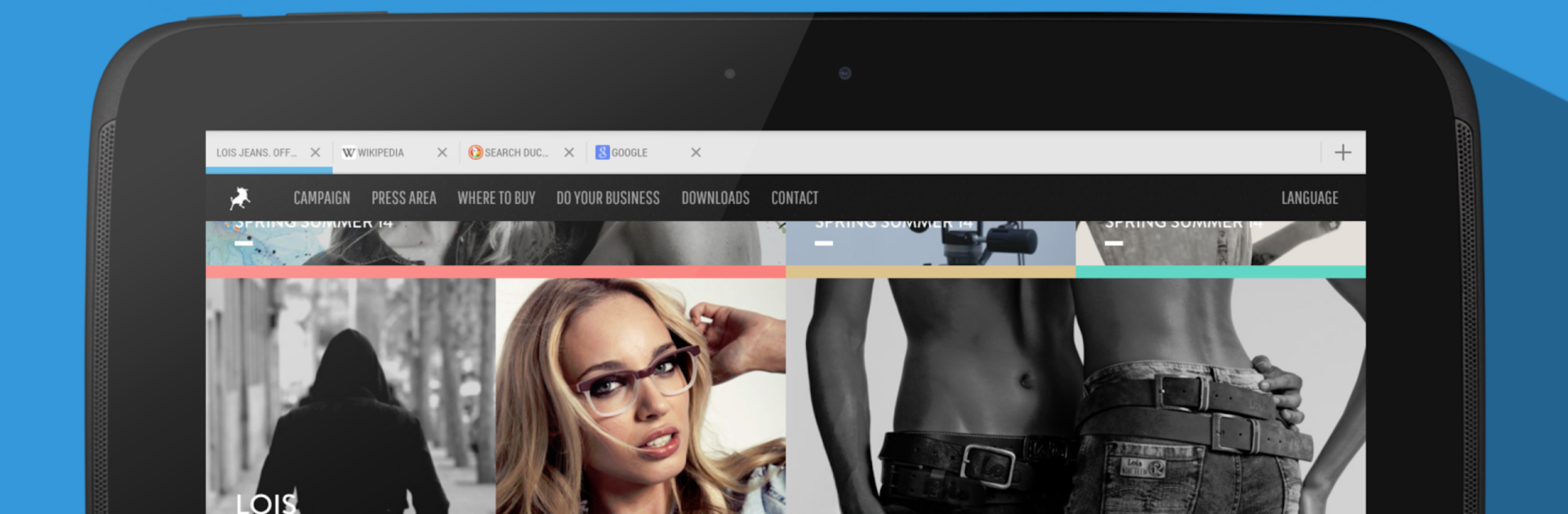

Frost - Private Browser
Jogue no PC com BlueStacks - A Plataforma de Jogos Android, confiada por mais de 500 milhões de jogadores.

Página modificada em: 29 de setembro de 2019
Run Frost - Private Browser on PC or Mac
Let BlueStacks turn your PC, Mac, or laptop into the perfect home for Frost – Private Browser, a fun Communication app from Crowbar Solutions.
About the App
Want a browser that truly respects your privacy? Frost – Private Browser from Crowbar Solutions gives you a smooth and private web experience you can trust. It’s designed for people who want quick browsing without leaving traces behind—and if you’ve got files or bookmarks you’d like to keep just for yourself, Frost has you covered. With a clean look and a focus on keeping your stuff private, this app is all about staying secure and making things simple. Expect fast browsing, hidden storage, and an easy-to-use vibe right from the start.
App Features
-
Tabbed Browsing, Done Right
Jump between sites without losing your spot. Multiple tabs, smooth video support, a pop-up blocker, and the handy ability to switch how websites see your browser are all built in. -
No-Nonsense Ad Blocking
Say goodbye to annoying ads. Pages load faster and use less data since clutter and trackers get stopped at the door. -
One-Click Privacy Protection
Every time you close Frost, all your browsing history disappears automatically. No worries about anyone snooping through your tabs later. -
Private Image & Bookmark Vault
Download images or save bookmarks, then stash them away in a hidden vault that’s locked with your own password. Nobody else gets to see your private picks. -
Import and Export Photos
Move pictures between your device and the secure vault anytime you want—import, export, it’s your call. -
Stealth Mode for Extra Security
On the surface, Frost looks and works just like your regular browser. But enter your password in the address bar, and your secret vaults quietly unlock. -
Vault That Stays Hidden
Your stored files are invisible to other apps—even if you connect your device to a computer, what’s private stays private. -
Built-In Image Gallery and Viewer
Browse all your stashed pics right inside the vault, complete with zoom, slideshows, and easy-to-navigate folders. -
Organize Your Vaults
Tidy up by sorting your secret images and bookmarks into folders, so you always know where to find things. -
Polished, Simple Design
Frost keeps distractions to a minimum with a straightforward layout that looks good and works well, whether you’re on your phone or a tablet.
You can even enjoy using Frost – Private Browser on a bigger screen with BlueStacks if you feel like giving it a try beyond your mobile device.
Genre: Communication
Developer: Crowbar Solutions
Big screen. Bigger performance. Use BlueStacks on your PC or Mac to run your favorite apps.


Jogue Frost - Private Browser no PC. É fácil começar.
-
Baixe e instale o BlueStacks no seu PC
-
Conclua o login do Google para acessar a Play Store ou faça isso mais tarde
-
Procure por Frost - Private Browser na barra de pesquisa no canto superior direito
-
Clique para instalar Frost - Private Browser a partir dos resultados da pesquisa
-
Conclua o login do Google (caso você pulou a etapa 2) para instalar o Frost - Private Browser
-
Clique no ícone do Frost - Private Browser na tela inicial para começar a jogar