


CubaMessenger
5억명 이상의 게이머가 신뢰하는 안드로이드 게임 플랫폼 BlueStacks으로 PC에서 플레이하세요.

Run CubaMessenger on PC or Mac
What’s better than using CubaMessenger by CubaMessenger? Well, try it on a big screen, on your PC or Mac, with BlueStacks to see the difference.
About the App
CubaMessenger is your go-to app for chatting with friends and family in Cuba—no internet required for folks on the island. If you’ve struggled to stay in touch because of spotty connections or high costs, this app changes the game. Whether you want to send a quick message, a funny picture, or even your voice, CubaMessenger makes it simple and accessible for everyone.
App Features
-
Effortless Messaging
Text, send photos, share voice notes, videos, or files—all through a sleek chat interface. It works even when the person in Cuba isn’t connected to the internet. -
Smart Data Handling
CubaMessenger shrinks the size of anything you send, which is a huge help on slow or expensive data networks. Sharing stuff stays fast, simple, and doesn’t eat up your data. -
Recharge Mobile Phones in Cuba
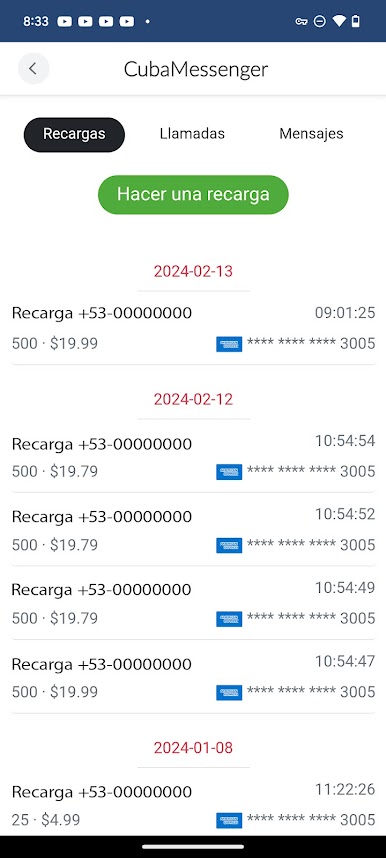
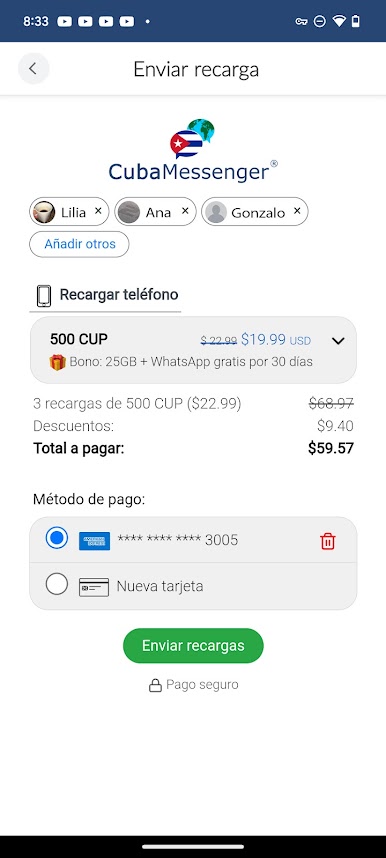
Want to top up a loved one’s phone? The app offers easy mobile recharges, so you can keep the conversation going without a hitch. -
Call Landlines and Mobiles
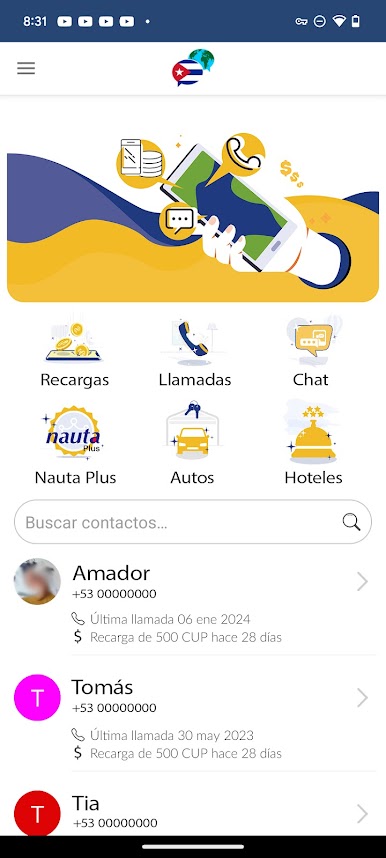
Place calls to both cell phones and landlines in Cuba right from the app. Sometimes a call says what a hundred texts can’t. -
Designed with Cubans in Mind
Everything about CubaMessenger is made to work with Cuba’s unique network situation, making it ideal for cross-border communication. -
Works Great on BlueStacks
If you prefer using your computer, just open CubaMessenger on BlueStacks for bigger screens and all the same features—no fuss.
BlueStacks gives you the much-needed freedom to experience your favorite apps on a bigger screen. Get it now.

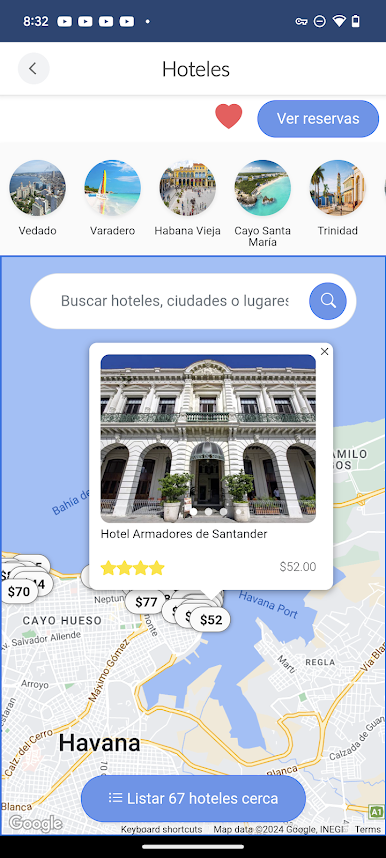
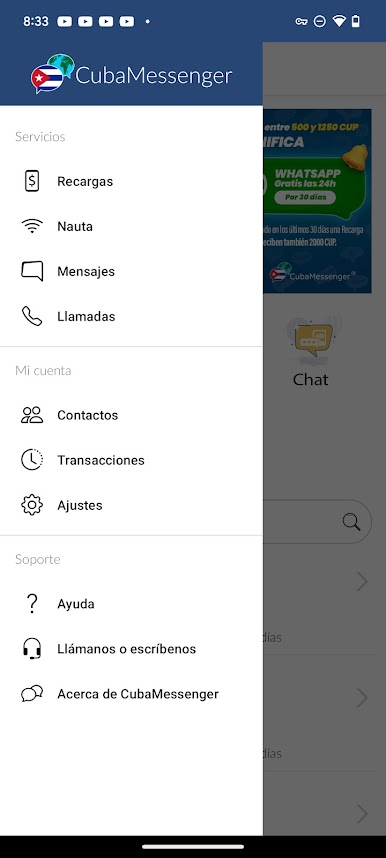
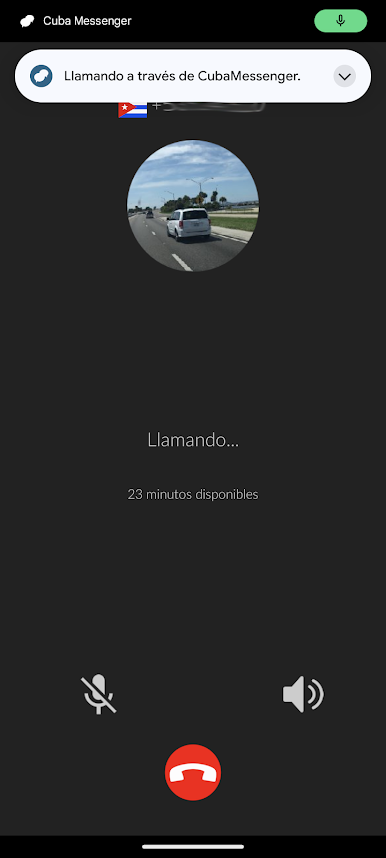
PC에서 CubaMessenger 플레이해보세요.
-
BlueStacks 다운로드하고 설치
-
Google Play 스토어에 로그인 하기(나중에 진행가능)
-
오른쪽 상단 코너에 CubaMessenger 검색
-
검색 결과 중 CubaMessenger 선택하여 설치
-
구글 로그인 진행(만약 2단계를 지나갔을 경우) 후 CubaMessenger 설치
-
메인 홈화면에서 CubaMessenger 선택하여 실행

