


Minesweeper Classic Plus
Jogue no PC com BlueStacks - A Plataforma de Jogos Android, confiada por mais de 500 milhões de jogadores.

Página modificada em: Dec 30, 2025
Jogue Minesweeper Classic Plus para PC
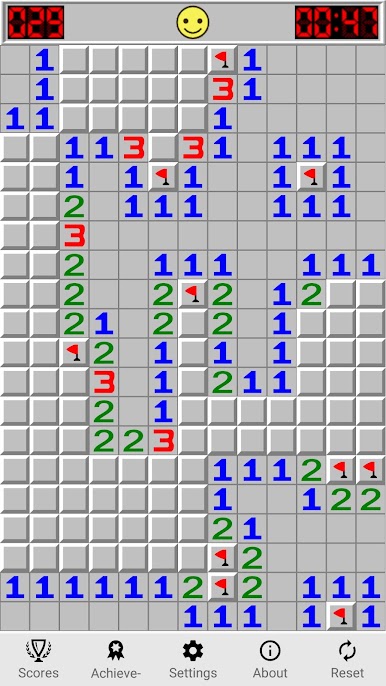
Minesweeper game starts when a you tap on a cell. The first click is always safe and reveals a number or an opening surrounded by numbers.
Each number tells you how many mines touch the cell.
You can mark a mine by putting a flag on it with the long tap. If all the mines touching a number are flagged, you can press both buttons on that number to clear the remaining adjacent squares.
Features
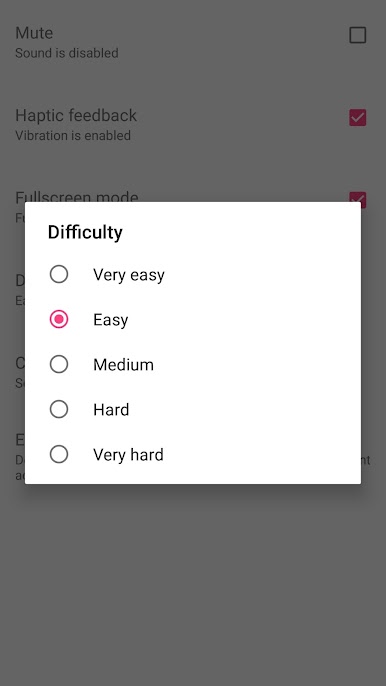
• You can change difficulty (% of mines on map).
• Zoomable map (cells / squares size).
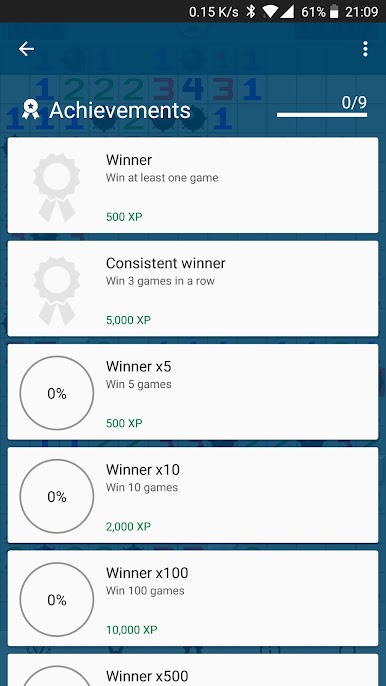
• Google Play Games achievements and leaderboards (optional).
• Can be played offline!
Controls:
• Tap on closed cell to reveal it.
• Tap and hold (long tab) on closed cell to flag it.
• Tap on opened cell to reveal possible mines (hint).
Enjoy the pop-up ads free version of the original classic minesweeper game.

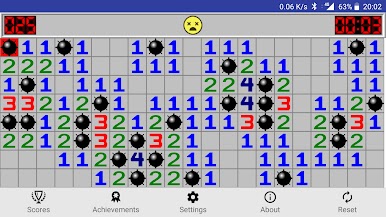
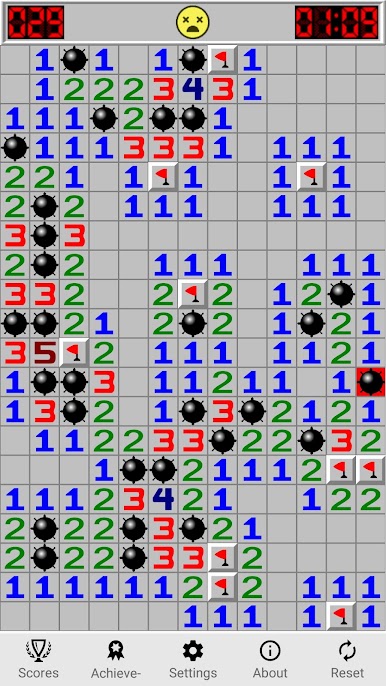
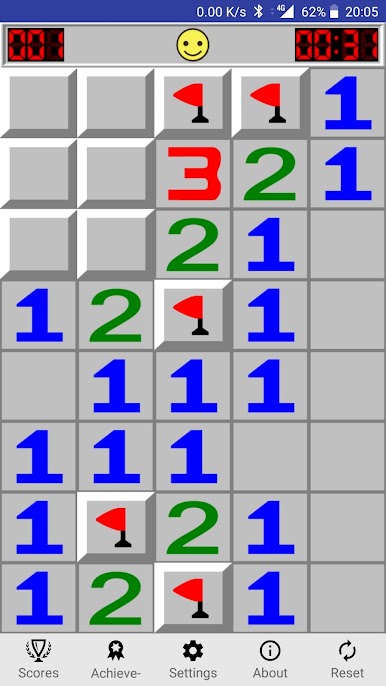
Jogue Minesweeper Classic Plus no PC. É fácil começar.
-
Baixe e instale o BlueStacks no seu PC
-
Conclua o login do Google para acessar a Play Store ou faça isso mais tarde
-
Procure por Minesweeper Classic Plus na barra de pesquisa no canto superior direito
-
Clique para instalar Minesweeper Classic Plus a partir dos resultados da pesquisa
-
Conclua o login do Google (caso você pulou a etapa 2) para instalar o Minesweeper Classic Plus
-
Clique no ícone do Minesweeper Classic Plus na tela inicial para começar a jogar

