

Fraction Challenge: Math games
5억명 이상의 게이머가 신뢰하는 안드로이드 게임 플랫폼 BlueStacks으로 PC에서 플레이하세요.

Play Fraction Challenge: Math games on PC or Mac
Join millions to experience Fraction Challenge: Math games, an exciting Educational game from Didactoons. With BlueStacks App Player, you are always a step ahead of your opponent, ready to outplay them with faster gameplay and better control with the mouse and keyboard on your PC or Mac.
About the Game
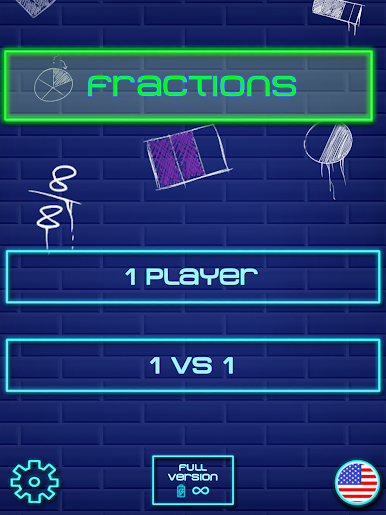
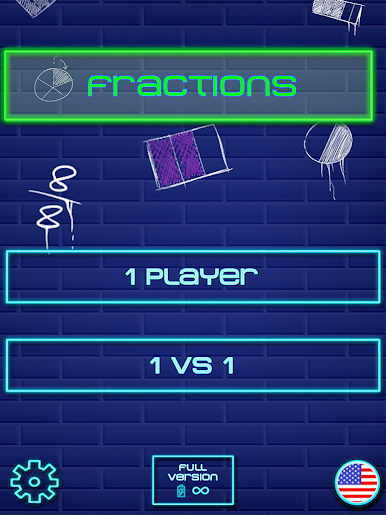
Fraction Challenge: Math games turns those “ugh, fractions” moments into quick, satisfying wins. This Educational title from Didactoons mixes fast-paced challenges with clean visuals, helping learners build real number sense while having fun. Play solo for focused practice or go head‑to‑head for a speedy showdown—either way, you’ll feel your mental math getting sharper.
Game Features
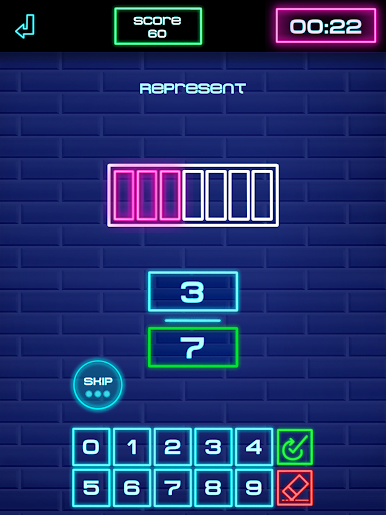
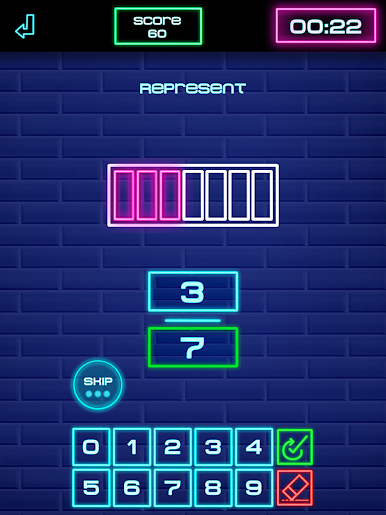
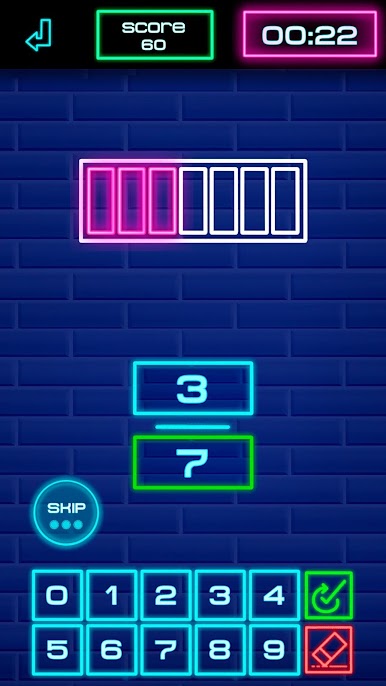
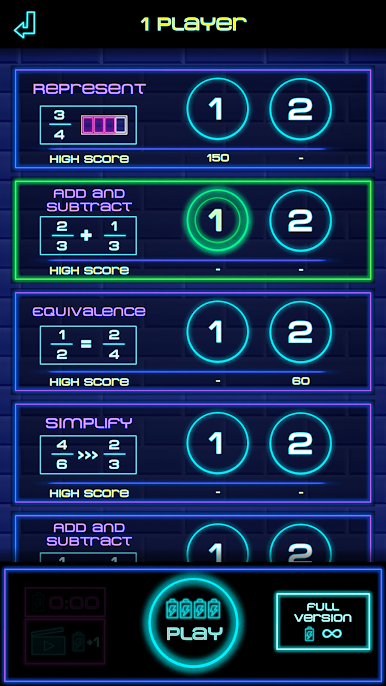
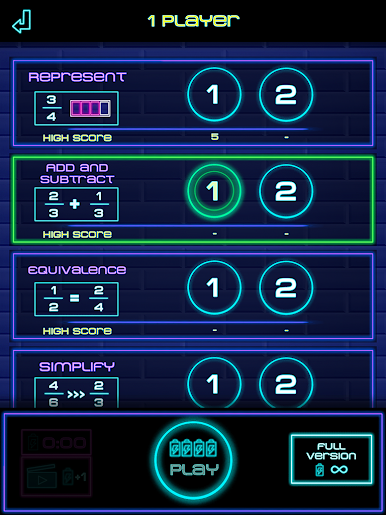
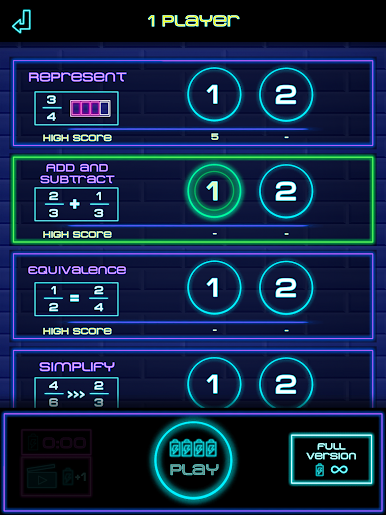
- Fraction basics made clear: Get comfy reading and representing fractions with visual models that make numerators and denominators click.
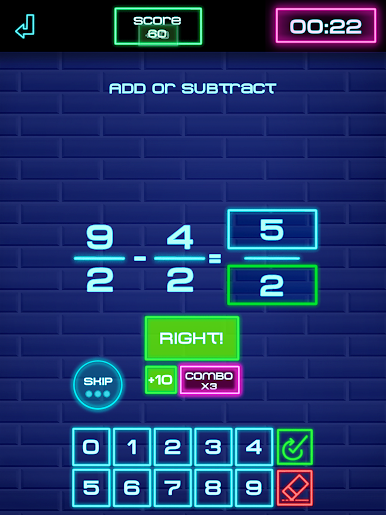
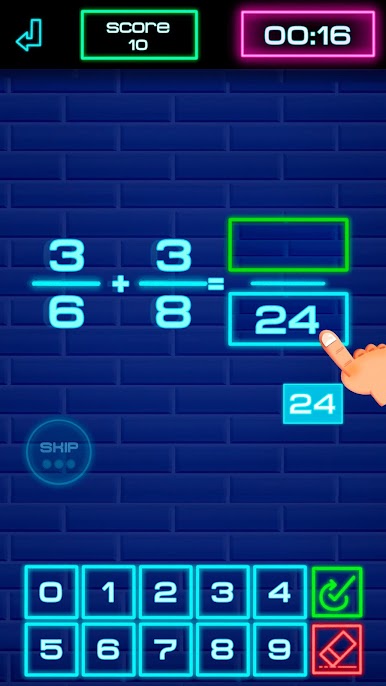
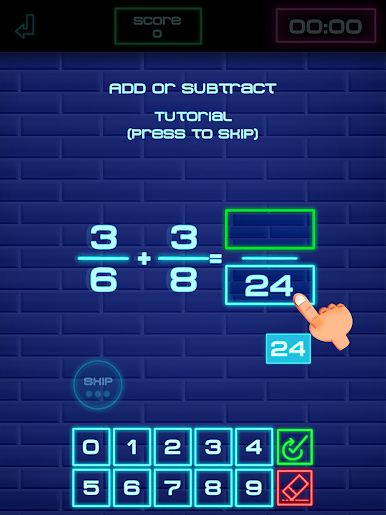
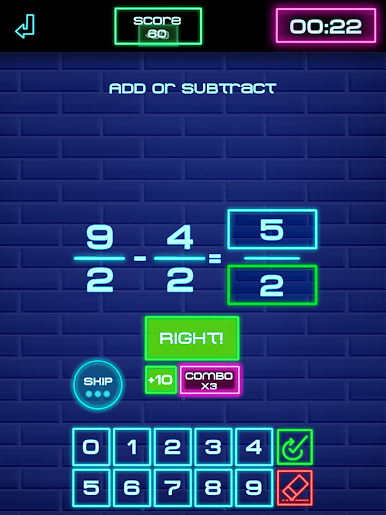
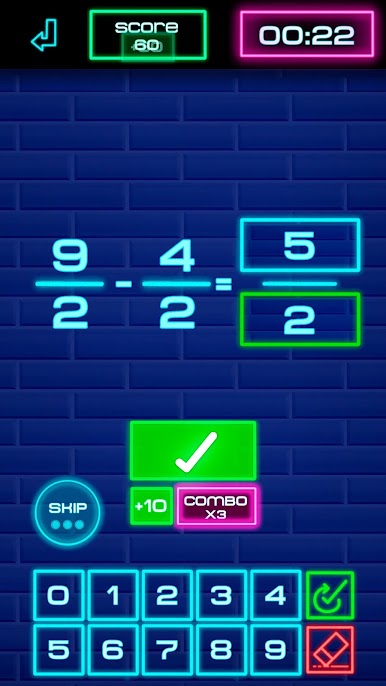
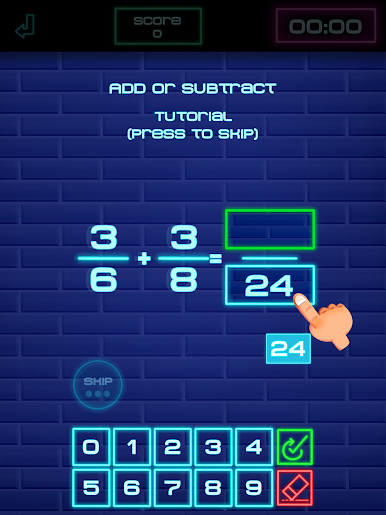
- Add and subtract, any denominator: Practice with common denominators first, then tackle different ones to build confidence step by step.
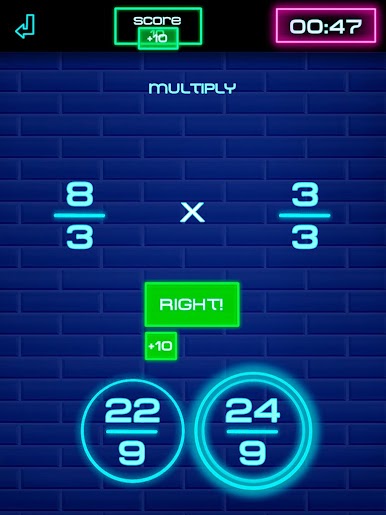
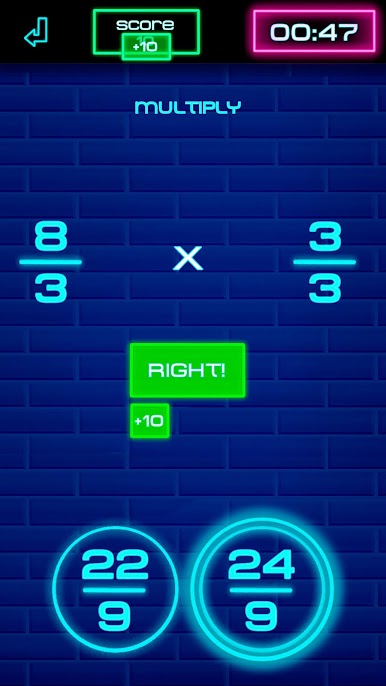
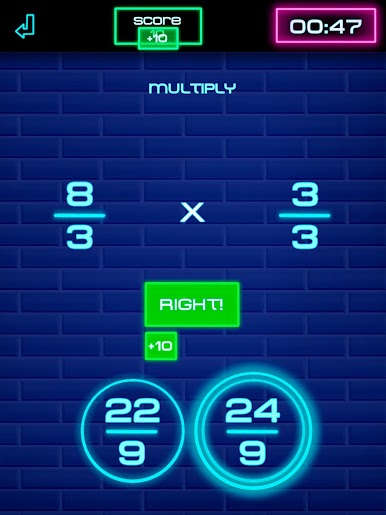
- Multiply and divide with purpose: Short, focused rounds help you understand what’s happening to the parts, not just chase the answer.
- Equivalent and simplified forms: Learn to spot equivalent fractions quickly and reduce results to their simplest form without guesswork.
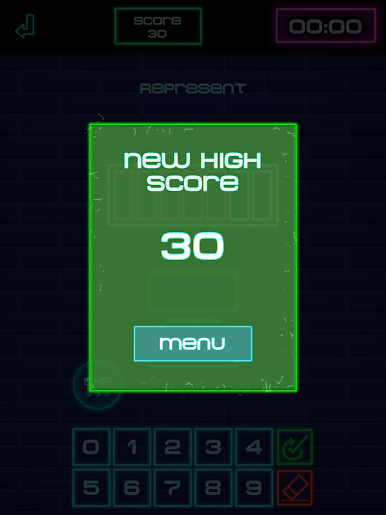
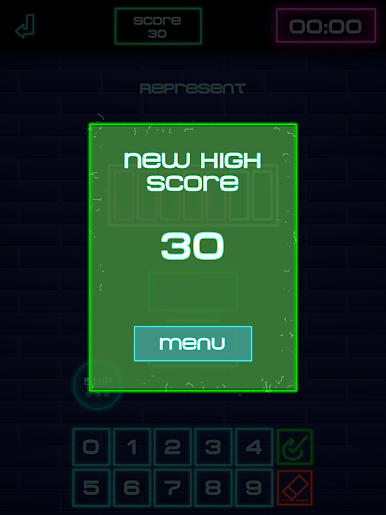
- Fast rounds, real progress: Bite-size exercises, streaks, and personal bests keep practice sessions short, effective, and kind of addictive.
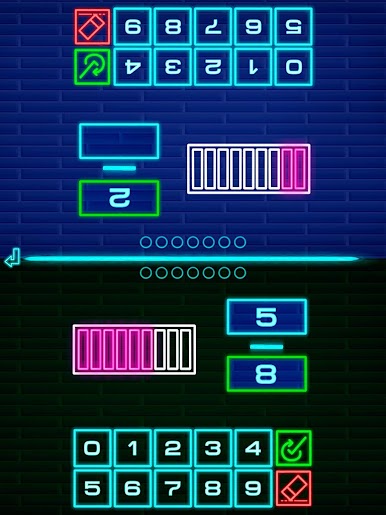
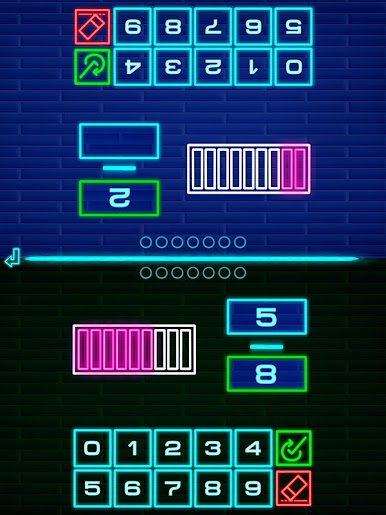
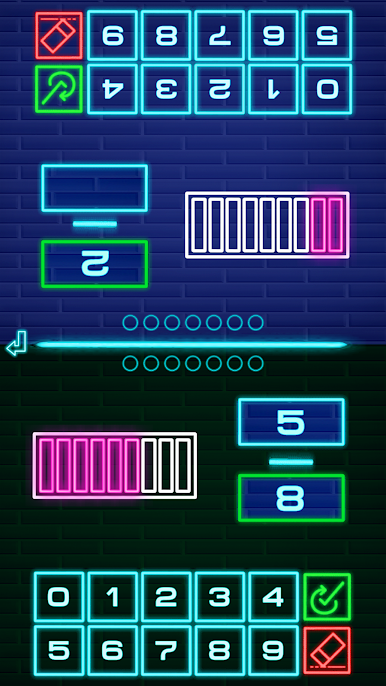
- Multiplayer duels: Challenge a classmate, sibling, or friend and race to solve problems first—perfect for friendly rivalry.
- Smart difficulty ramps: Designed for learners roughly 7–16, with gradual complexity that supports both beginners and quick thinkers.
- Visual hints when needed: Clear examples and guided steps pop in at the right time, so frustration stays low and learning sticks.
- Great for school or home: Fits into classroom stations, homework routines, or quick refreshers before a test.
- Optional big-screen play: Prefer keyboard and a larger display? You can play on your PC using BlueStacks.
Make your gaming sessions memorable with precise controls that give you an edge in close combats and visuals that pop up, bringing every character to life.
PC에서 Fraction Challenge: Math games 플레이해보세요.
-
BlueStacks 다운로드하고 설치
-
Google Play 스토어에 로그인 하기(나중에 진행가능)
-
오른쪽 상단 코너에 Fraction Challenge: Math games 검색
-
검색 결과 중 Fraction Challenge: Math games 선택하여 설치
-
구글 로그인 진행(만약 2단계를 지나갔을 경우) 후 Fraction Challenge: Math games 설치
-
메인 홈화면에서 Fraction Challenge: Math games 선택하여 실행

