

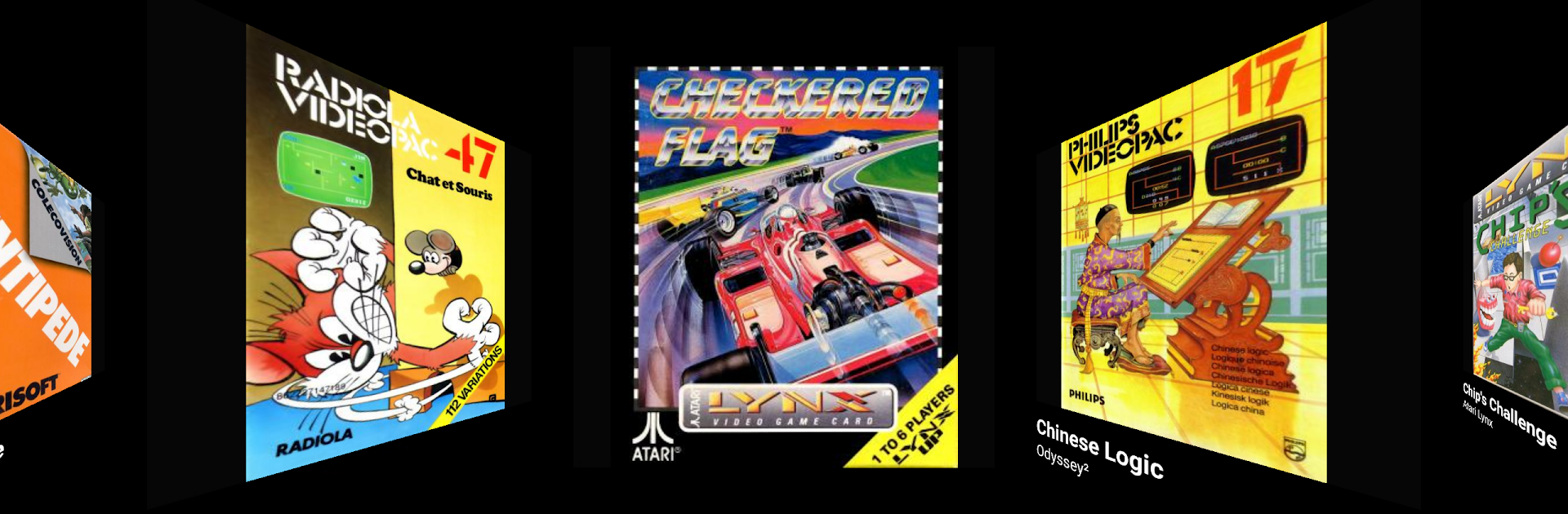
Dig - Emulator Front-End
العب على الكمبيوتر الشخصي مع BlueStacks - نظام أندرويد للألعاب ، موثوق به من قبل أكثر من 500 مليون لاعب.

Run Dig - Emulator Front-End on PC or Mac
Multitask effortlessly on your PC or Mac as you try out Dig – Emulator Front-End, a Entertainment app by Dig Games on BlueStacks.
About the App
If you’ve got a passion for retro gaming and a digital library that needs a little direction, Dig – Emulator Front-End from Dig Games is here to help. Picture having all your classic games neatly organized and ready to play, right at your fingertips. This app doesn’t play games itself, but it does make managing your collection a whole lot easier—and honestly, a lot more fun. Think of it as your retro game shelf, revamped for the digital age.
App Features
-
Automatic Game Detecting
No need for endless searching—Dig – Emulator Front-End scans your device to find your games for you. Let it do the heavy lifting so you can play more and tinker less. -
Cover Art Downloads
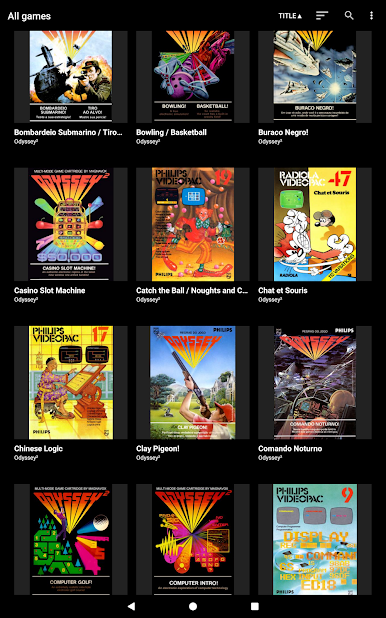
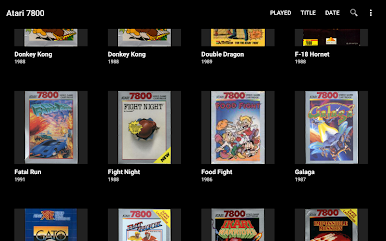
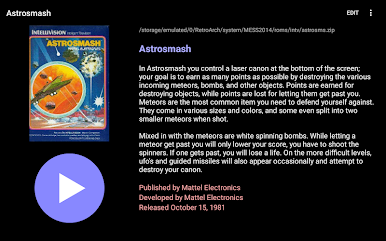
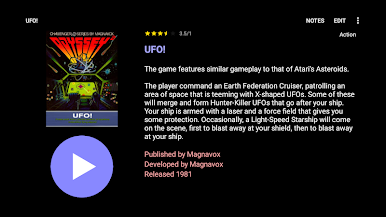
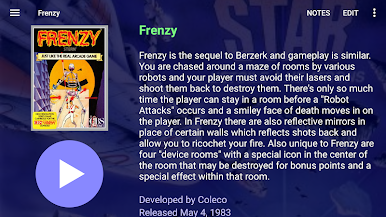
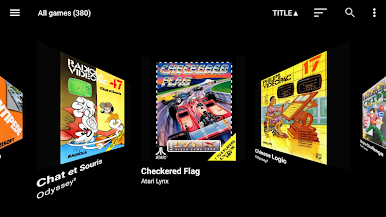
Who wants a boring list of filenames? The app automatically grabs artwork for your games, making your library look just as slick as it feels to use. -
Supports Tons of Systems
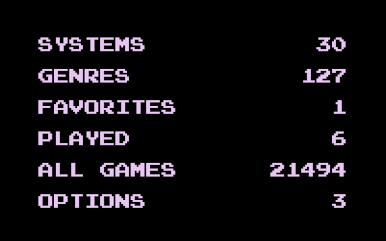
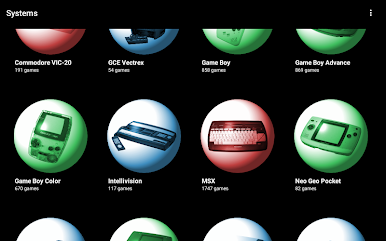
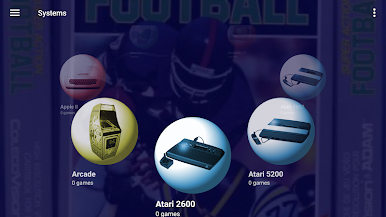
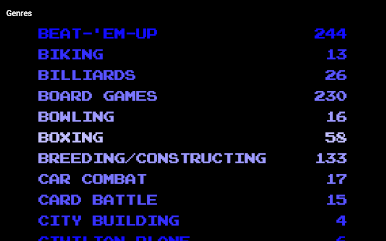
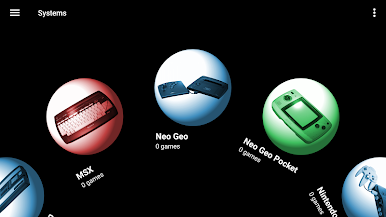
From old-school favorites to obscure gems, the app works with a whopping 83 systems (and still growing). Your full retro collection is more than welcome here. -
Merged Game Sets
Got different versions of the same game? Dig simplifies your list by merging them together—no more scrolling through repeats. -
Quick Launch from Homescreen
Want to jump into a game quickly? Add your favorites right to your Android home screen and launch them straight from there. -
Flexible Game Views
Whether you like cover grids or detailed lists, you can switch between six different game view styles to match your vibe. -
Customizable Themes
Set the mood however you want with custom themes, background videos, music, or even sound effects. Make your collection feel truly yours. -
Voice Search
Lost in your library? Just use your voice to find what you’re after, hands-free. -
Zip Support for CD Games
No need to unzip those big, classic CD images—Dig works with zipped files right out of the box.
And if you’re running things on BlueStacks, your collection gets that same streamlined experience with all these features included.
BlueStacks brings your apps to life on a bigger screen—seamless and straightforward.
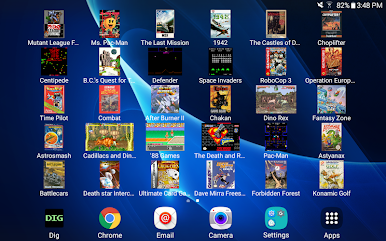
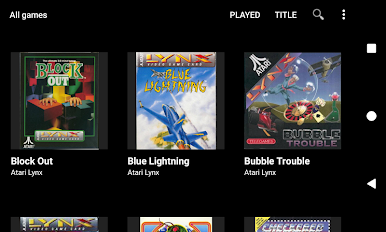
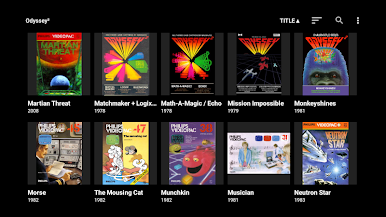
العب Dig - Emulator Front-End على جهاز الكمبيوتر. من السهل البدء.
-
قم بتنزيل BlueStacks وتثبيته على جهاز الكمبيوتر الخاص بك
-
أكمل تسجيل الدخول إلى Google للوصول إلى متجر Play ، أو قم بذلك لاحقًا
-
ابحث عن Dig - Emulator Front-End في شريط البحث أعلى الزاوية اليمنى
-
انقر لتثبيت Dig - Emulator Front-End من نتائج البحث
-
أكمل تسجيل الدخول إلى Google (إذا تخطيت الخطوة 2) لتثبيت Dig - Emulator Front-End
-
انقر على أيقونة Dig - Emulator Front-End على الشاشة الرئيسية لبدء اللعب

