


Calculadora Plus - Calculator
Jogue no PC com BlueStacks - A Plataforma de Jogos Android, confiada por mais de 500 milhões de jogadores.

Página modificada em: Dec 11, 2025
Run Calculator Plus with History on PC or Mac
What’s better than using Calculator Plus with History by Digitalchemy, LLC? Well, try it on a big screen, on your PC or Mac, with BlueStacks to see the difference.
About the App
Calculator Plus with History isn’t just any old calculator—it’s your go-to tool every time you need to crunch numbers, figure out a tip, or double-check your latest store receipt. Designed by Digitalchemy, LLC, this popular Tools app offers a clean, straightforward experience that’s simple enough for quick totals but powerful enough for bigger number problems. Whether you’re tracking everyday expenses, sorting out discounts, or just tidying up your math, you’ll find it handy and reliable. If you’re using BlueStacks, things get even more comfortable with easy access from your computer.
App Features
-
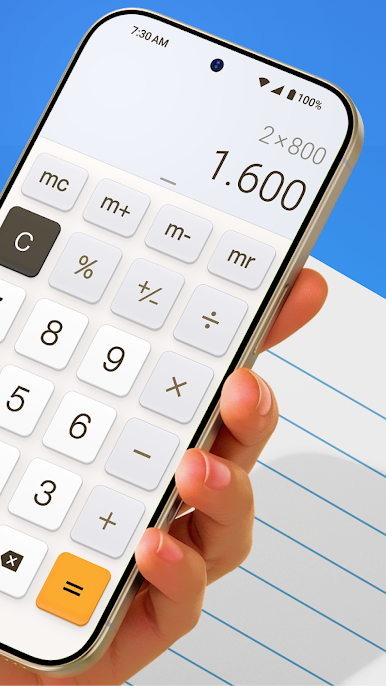
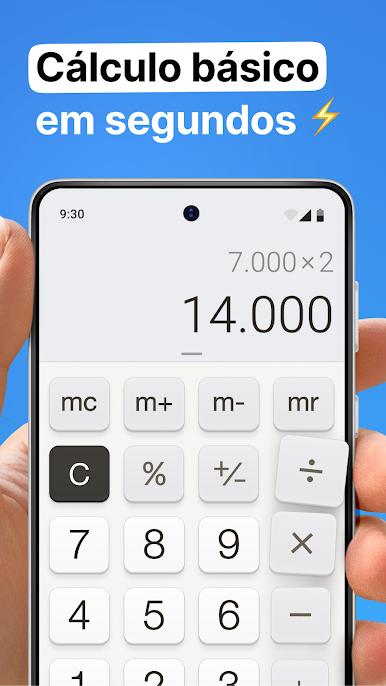
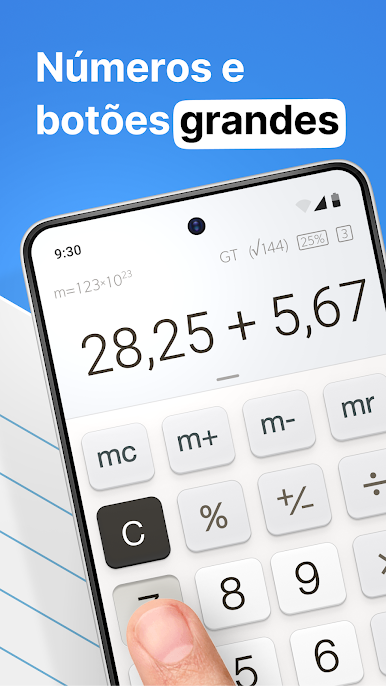
Big, Easy-To-Use Buttons
Large, clearly labeled buttons mean no more mis-taps or squinting—just tap, calculate, and move on. -
Super Clear Display
See numbers and past equations at a glance. Figuring out where you left off (or if you made a typo) is a breeze. -
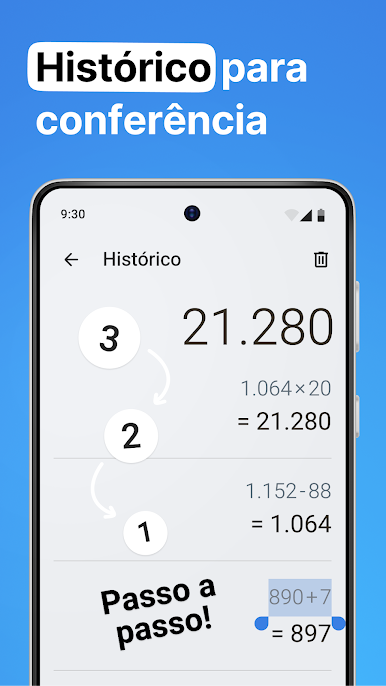
Calculation History
Not sure if you entered that discount correctly? Scroll through your past calculations anytime to double-check and avoid mistakes. -
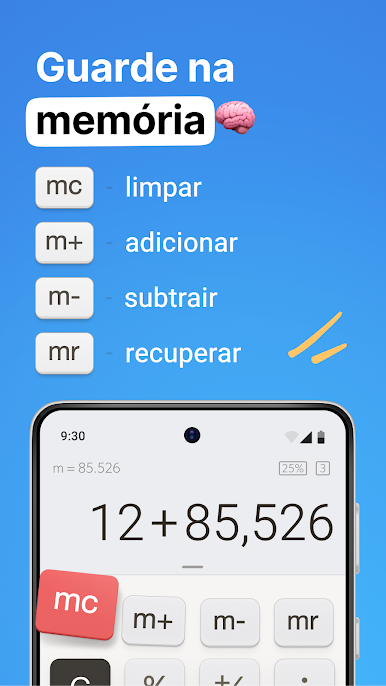
Built-In Memory Functions
Store results as you go and pull them back up whenever you need—no mental math or notes required. -
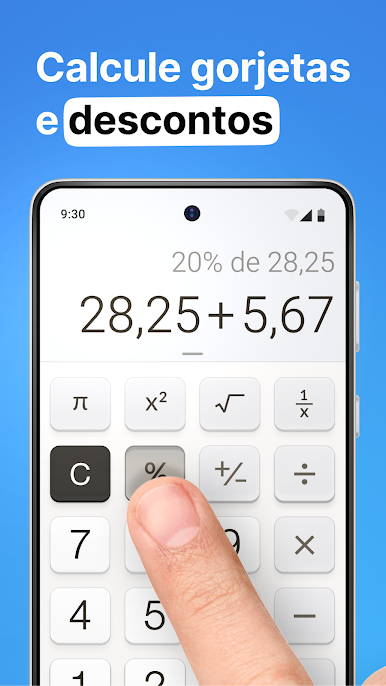
Quick Percentage Calculations
Crunching tips, markdowns, or ratios isn’t a chore anymore—the percentage tool makes it fast and painless. -
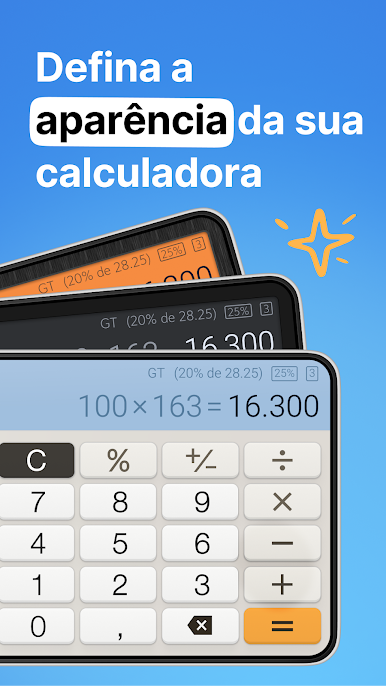
Customizable Themes
Change up the look whenever you feel like it. Different themes let you pick a style that suits your mood. -
Multi-Window Support
Use two calculators at once if you’re juggling lots of totals or comparing numbers side by side. -
Handy Widget (Pro Feature)
Add the calculator right to your home screen for instant access. No need to open the full app for quick math. -
Grand Total Button (Pro Feature)
Finish a series of calculations and get the grand total all at once—perfect if you’re working up invoices or long receipts. -
Tax & Notation Tools (Pro Feature)
Easily add or subtract tax from a number or tag notes onto your calculations so you can keep track of what’s what in your history.
No matter if you just need a basic calculator with extra features or want all your math work organized in one spot, Calculator Plus with History keeps things straightforward and stress-free. And if you prefer working from a bigger screen, BlueStacks helps you bring the whole experience to your computer.
Big screen. Bigger performance. Use BlueStacks on your PC or Mac to run your favorite apps.

Jogue Calculadora Plus - Calculator no PC. É fácil começar.
-
Baixe e instale o BlueStacks no seu PC
-
Conclua o login do Google para acessar a Play Store ou faça isso mais tarde
-
Procure por Calculadora Plus - Calculator na barra de pesquisa no canto superior direito
-
Clique para instalar Calculadora Plus - Calculator a partir dos resultados da pesquisa
-
Conclua o login do Google (caso você pulou a etapa 2) para instalar o Calculadora Plus - Calculator
-
Clique no ícone do Calculadora Plus - Calculator na tela inicial para começar a jogar

