Item shop
在電腦上使用BlueStacks –受到5億以上的遊戲玩家所信任的Android遊戲平台。
Play Item shop on PC or Mac
Item shop brings the Simulation genre to life, and throws up exciting challenges for gamers. Developed by Digital Gene, this Android game is best experienced on BlueStacks, the World’s #1 app player for PC and Mac users.
About the Game
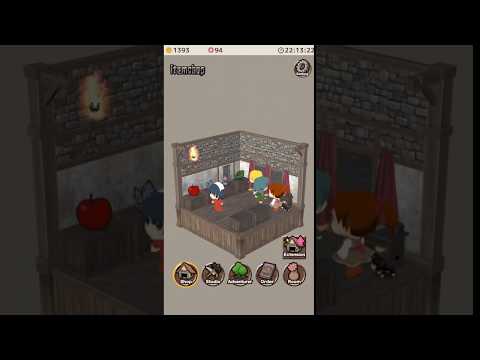
Item shop is a cozy, hands-on Simulation about running a small store with big dreams. You’ll stock a counter, chat with quirky customers, and turn simple finds into must-have goods. It’s relaxed, a little strategic, and surprisingly addictive. Prefer a bigger screen? It plays nicely on BlueStacks.
Game Features
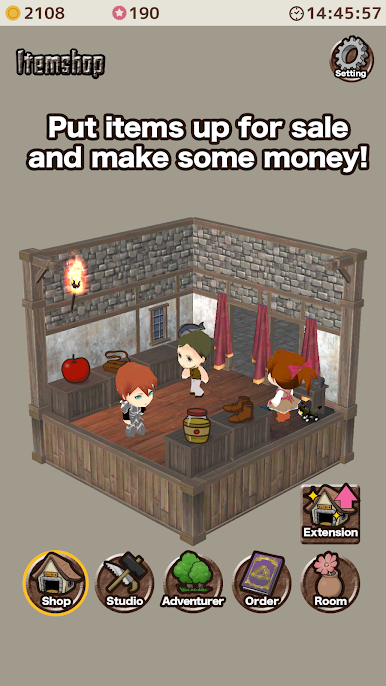
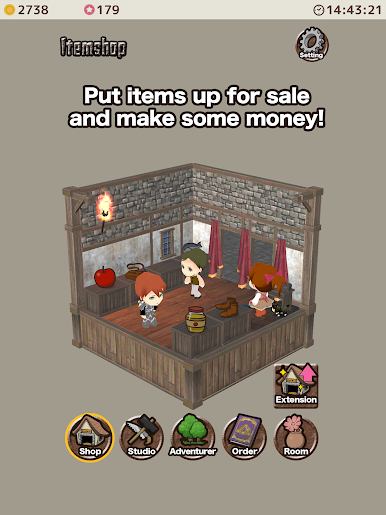
- Run the counter: Put items out for sale, watch shoppers browse, and handle the occasional “Do you have this specific thing?” request without breaking a sweat.
- Mimi’s got your back: Step away and your feline assistant, Mimi, keeps the register humming so your sales don’t stall.
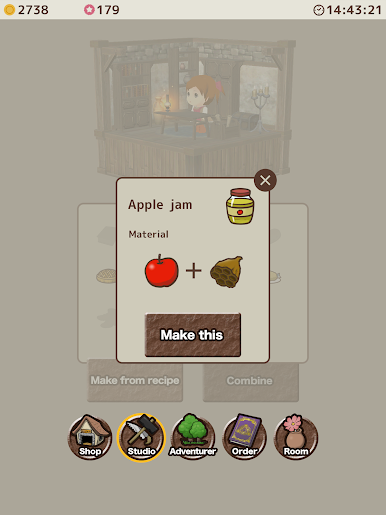
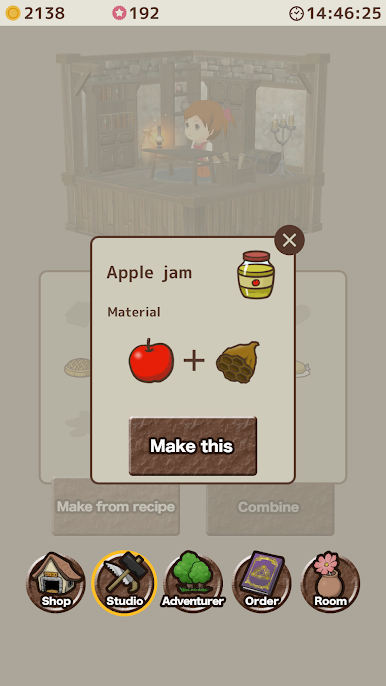
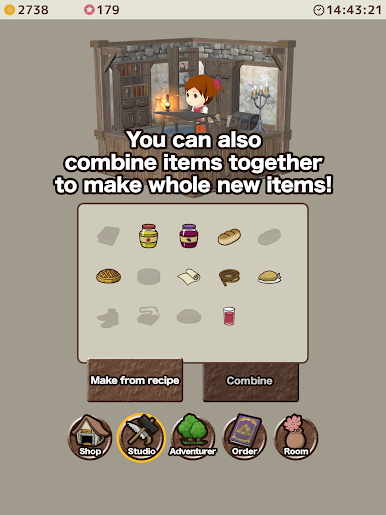
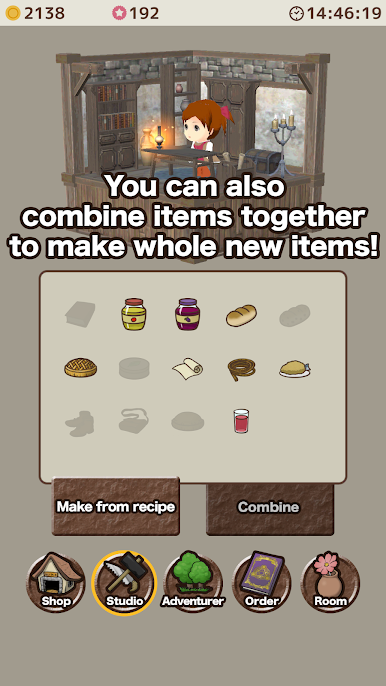
- Mix and craft: Combine two items to create something new. Nail the right pairing and you’ve got a hot seller; miss the mark and, well, it might turn into trash. Risk, meet reward.
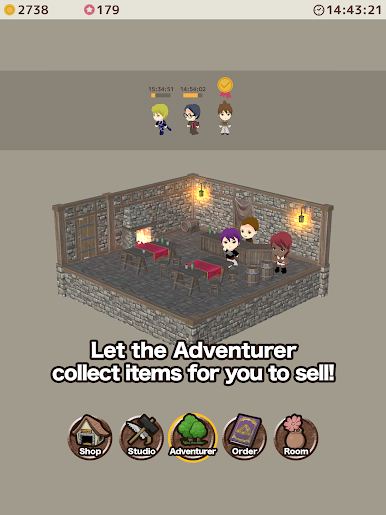
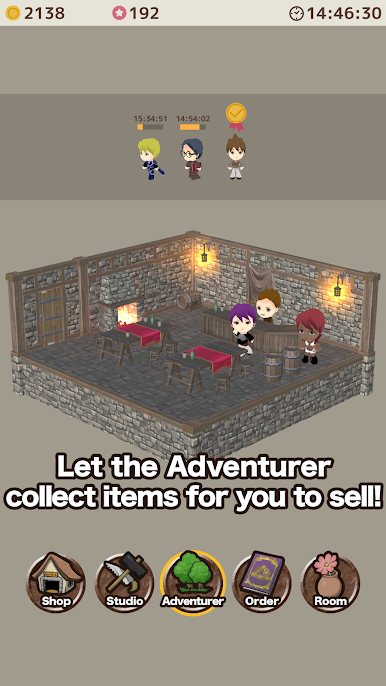
- Send adventurers out: Head to the bar to ask adventurers to gather materials and goods you want to stock. You’ll start with a small crew, then bring more on board as your fame grows.
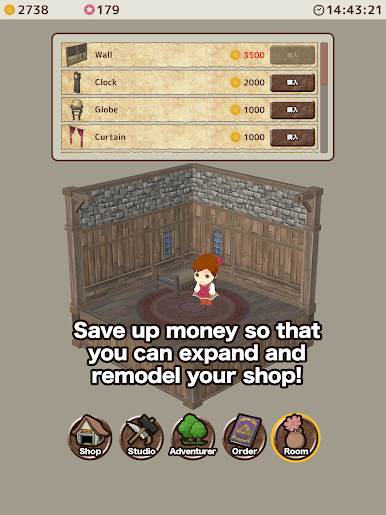
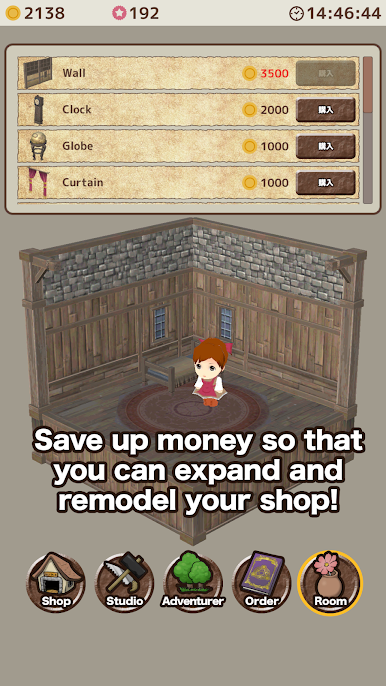
- Grow the business: Save profits to expand the floor, open up room for more displays, and remodel your space the way you like it.
- Play at your pace: Short sessions to restock or longer stretches to plan, craft, and manage—Item shop by Digital Gene fits whatever mood you’re in.
Ready to top the leaderboard? We bet you do. Let precise controls and sharp visuals optimized on BlueStacks lead you to victory.
在電腦上遊玩Item shop . 輕易上手.
-
在您的電腦上下載並安裝BlueStacks
-
完成Google登入後即可訪問Play商店,或等你需要訪問Play商店十再登入
-
在右上角的搜索欄中尋找 Item shop
-
點擊以從搜索結果中安裝 Item shop
-
完成Google登入(如果您跳過了步驟2),以安裝 Item shop
-
在首頁畫面中點擊 Item shop 圖標來啟動遊戲