


Digiturk Play Yurtdışı
在電腦上使用BlueStacks –受到5億以上的遊戲玩家所信任的Android遊戲平台。

Run Digiturk Play Yurtdışı on PC or Mac
Get freedom from your phone’s obvious limitations. Use Digiturk Play Yurtdışı, made by Digiturk, a Entertainment app on your PC or Mac with BlueStacks, and level up your experience.
About the App
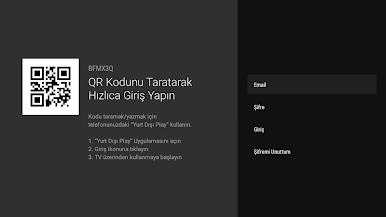
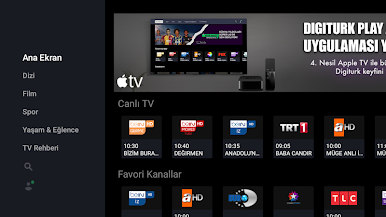
Traveling or living outside Turkey but still want your favorite Turkish TV, series, and live sports? Digiturk Play Yurtdışı from Digiturk brings a familiar TV experience wherever you are, with tons of live channels, catch-up shows, and movies on demand. It’s an Entertainment app built for watching on the go—phone, tablet, or even on your PC using BlueStacks if you prefer a bigger screen.
App Features
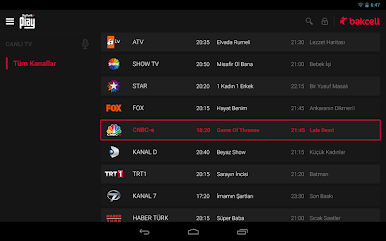
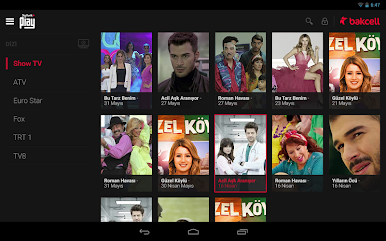
- Live TV, worldwide: Stream up to 80 live TV channels and jump between news, dramas, music, and more—right from your device, wherever you happen to be.
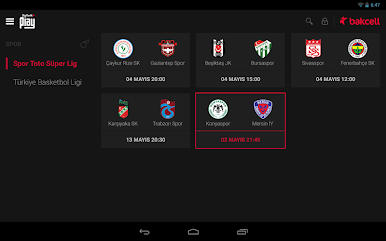
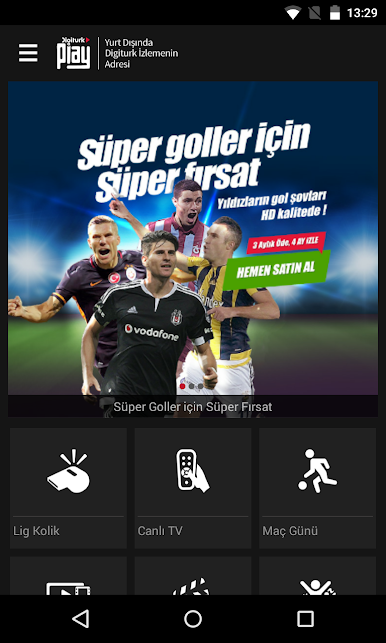
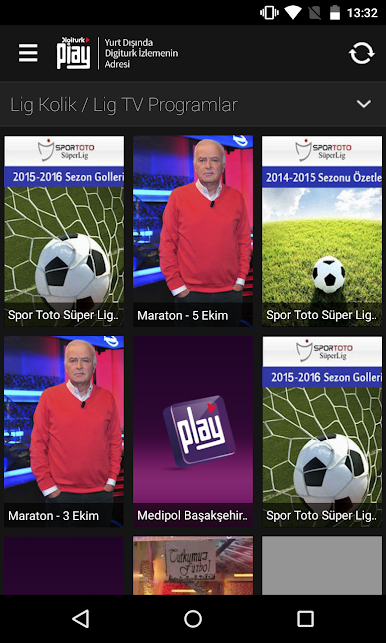
- Big games, live: Outside Turkey and Northern Cyprus, this is where you can watch live Super League and TFF 1. Lig matches on mobile and tablet. Game day travels with you.
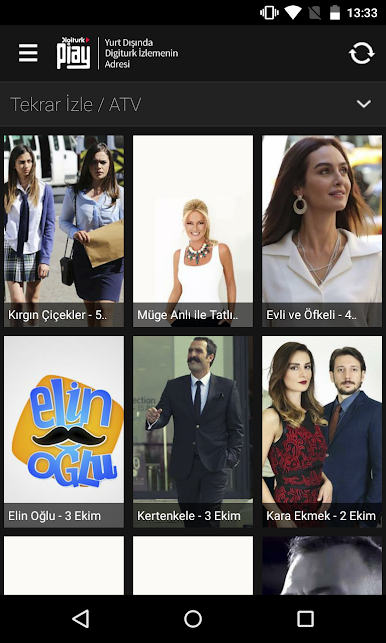
- Catch-up for missed episodes: Missed last night’s episode? Catch-up TV lets you rewind time and get back on track without spoilers.
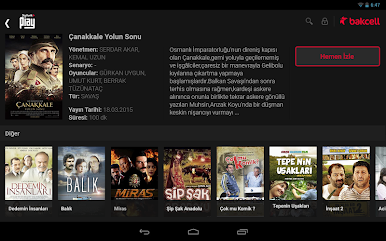
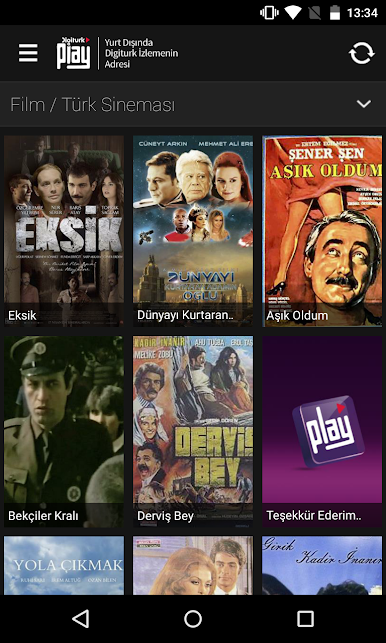
- Turkish movies on demand: Browse a growing library of Turkish films and press play anytime. No schedule, no waiting.
- One login, you’re in: Already subscribed? Sign in once and start watching immediately. Your account travels with you.
- Smooth on your terms: Stream at home, at work, or on the road. Prefer a larger display? Run the app on your computer with BlueStacks for a comfortable viewing setup.
- Heads-up on availability: Due to content rights, some channels or programs may not be available in certain regions. If something’s missing, that’s why—not your device.
Ready to experience Digiturk Play Yurtdışı on a bigger screen, in all its glory? Download BlueStacks now.



在電腦上遊玩Digiturk Play Yurtdışı . 輕易上手.
-
在您的電腦上下載並安裝BlueStacks
-
完成Google登入後即可訪問Play商店,或等你需要訪問Play商店十再登入
-
在右上角的搜索欄中尋找 Digiturk Play Yurtdışı
-
點擊以從搜索結果中安裝 Digiturk Play Yurtdışı
-
完成Google登入(如果您跳過了步驟2),以安裝 Digiturk Play Yurtdışı
-
在首頁畫面中點擊 Digiturk Play Yurtdışı 圖標來啟動遊戲

