


Divoom: pixel art editor
Jogue no PC com BlueStacks - A Plataforma de Jogos Android, confiada por mais de 500 milhões de jogadores.

Página modificada em: Nov 23, 2025
Play Divoom: pixel art editor on PC
We support layers and animations and have a ton of useful tools.
[Pixel Art Editor]
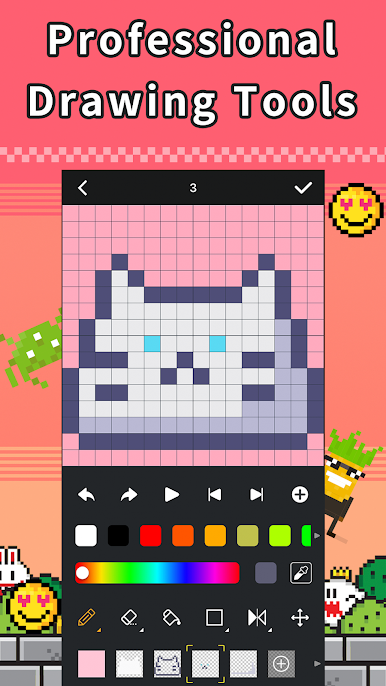
*Professional drawing & animations tools, including: multiple layers, color canvas, text editors etc...
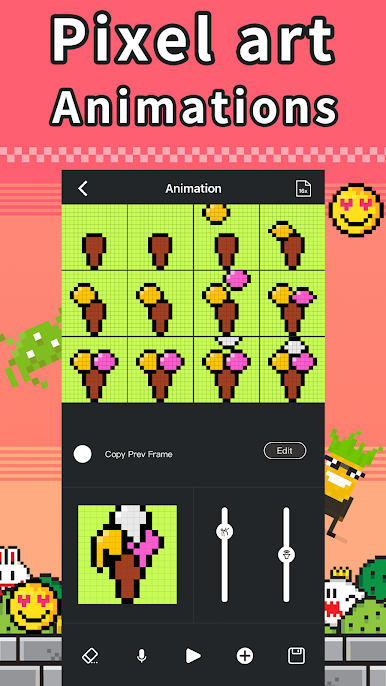
*Support animation creation, duplicate, merge, bgm recording function.
*Painting canvas with full RGB coloring support
*Support area selection, duplicate, move. Support layers duplicate, move, combine, hidden function.
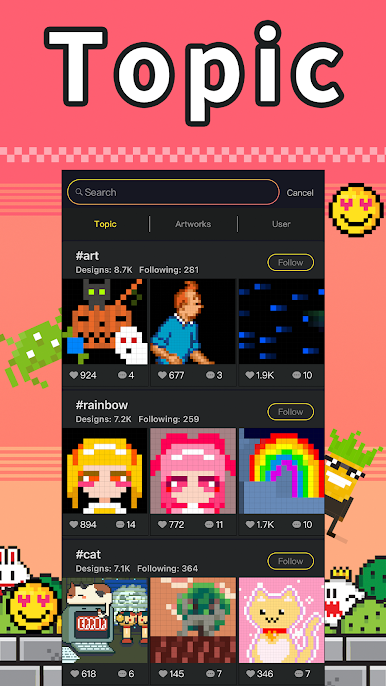
[Pixel Art community]
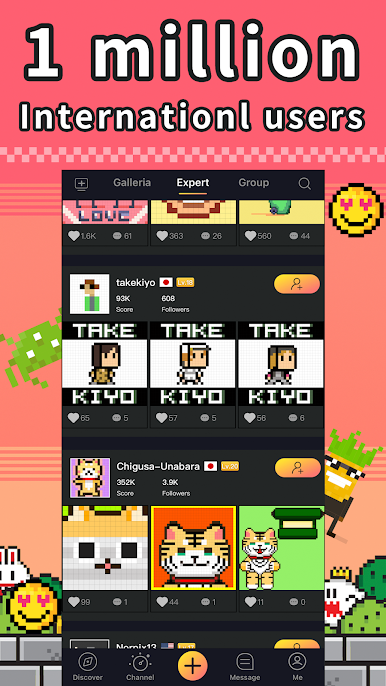
*Over 700 thousands pixel art designs and 1 million users community. Communicate and interact with fellow community members.
*More than 12 categories, and hashtag your design with selected topic
*Professional moderator team for the community, recommend animation by AI.
[Point redemption program]
*Recommend animation will receive additional points, which can be redeem into free products.
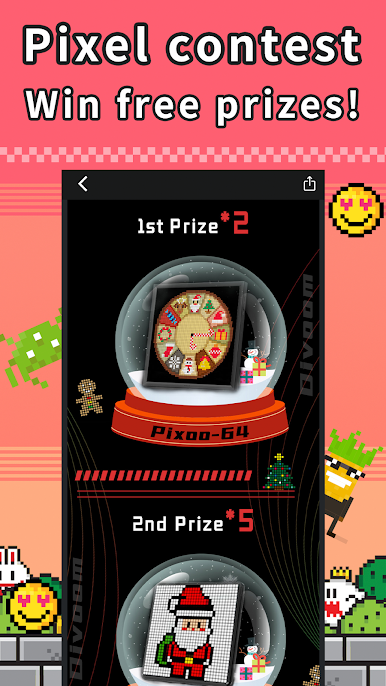
[Pixel Art Drawing Contest]
*Monthly drawing contest, submit contest themed design for a chance to win free prizes
[Import & Export]
*Import and convert picture/GIF/animation into design, Add music to your animations and export videos to MP4. and export your designs to share them on the social media platform
[Gif & Video]
*Convert GIF and video into pixel art animations*
[Color by Number]
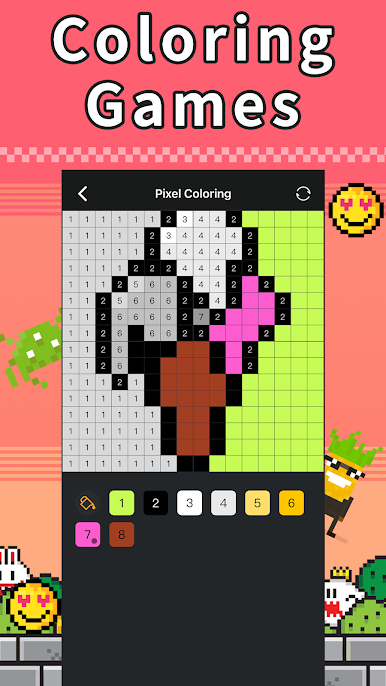
*Free Color by Number games.
[Message]
*Like, comments, follows notification. Support in-app instant messaging.

Jogue Divoom: pixel art editor no PC. É fácil começar.
-
Baixe e instale o BlueStacks no seu PC
-
Conclua o login do Google para acessar a Play Store ou faça isso mais tarde
-
Procure por Divoom: pixel art editor na barra de pesquisa no canto superior direito
-
Clique para instalar Divoom: pixel art editor a partir dos resultados da pesquisa
-
Conclua o login do Google (caso você pulou a etapa 2) para instalar o Divoom: pixel art editor
-
Clique no ícone do Divoom: pixel art editor na tela inicial para começar a jogar

