


Bass Booster - Music Sound EQ
在電腦上使用BlueStacks –受到5億以上的遊戲玩家所信任的Android遊戲平台。

Run Bass Booster - Music Sound EQ on PC or Mac
What’s better than using Bass Booster – Music Sound EQ by MWM – Free music and audio apps for Android? Well, try it on a big screen, on your PC or Mac, with BlueStacks to see the difference.
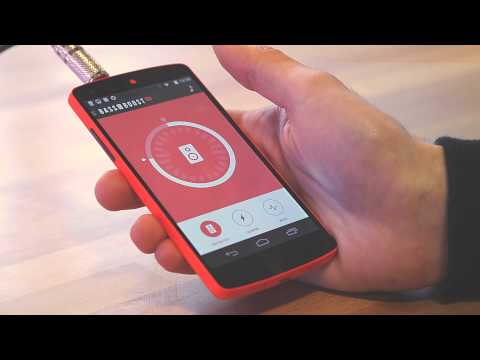
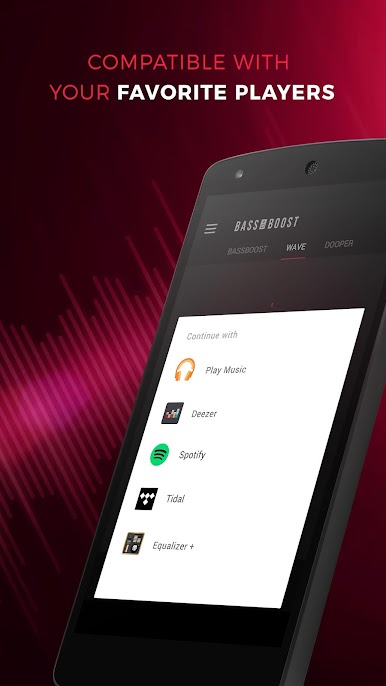
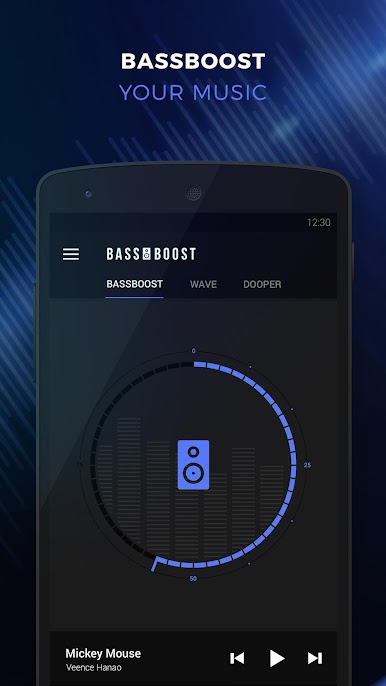
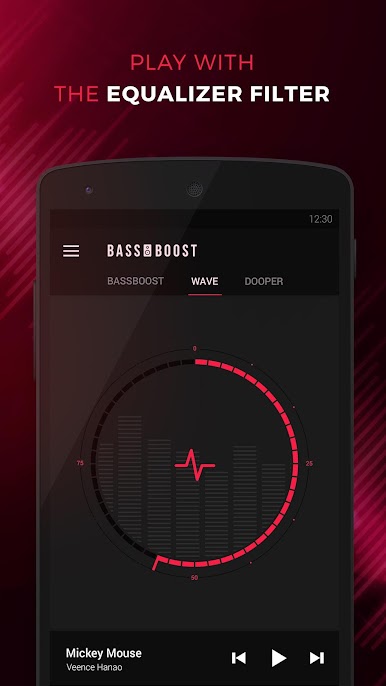
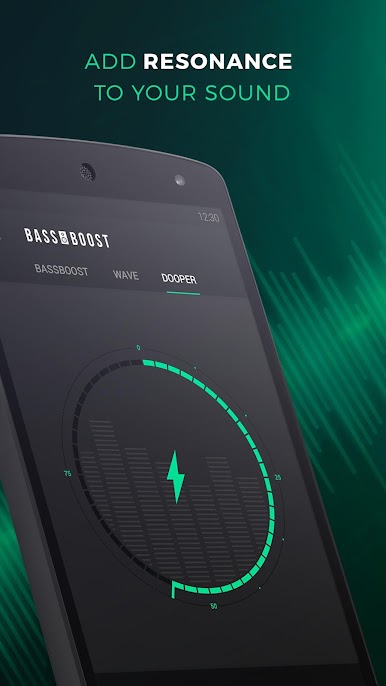
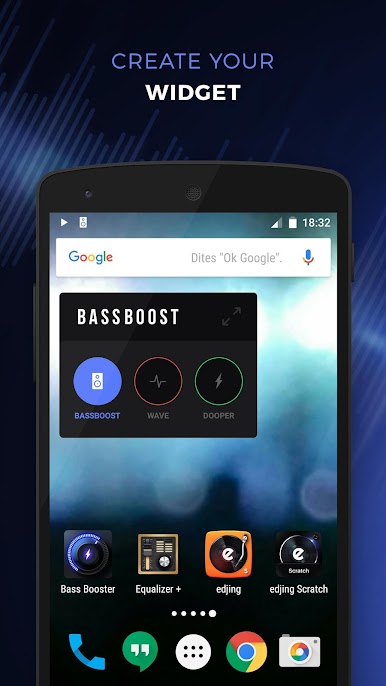
So Bass Booster is one of those apps that does exactly what the name says — it makes your music sound way bassier and kinda “fuller.” The setup is simple: you’ve got whatever music you want playing, then just open up Bass Booster alongside it. There’s this easy slider for dialing the bass up or down, and the difference can be pretty noticeable, especially if you’re using decent headphones or speakers. It isn’t just bass either; there are a couple of extra features that stand out, like a “virtualizer” to make your tracks sound bigger, almost concert-like, and an equalizer if you want to fine-tune lows or highs. A lot of that extra stuff is locked behind an in-app purchase, but the basic controls are right up front and easy to use.
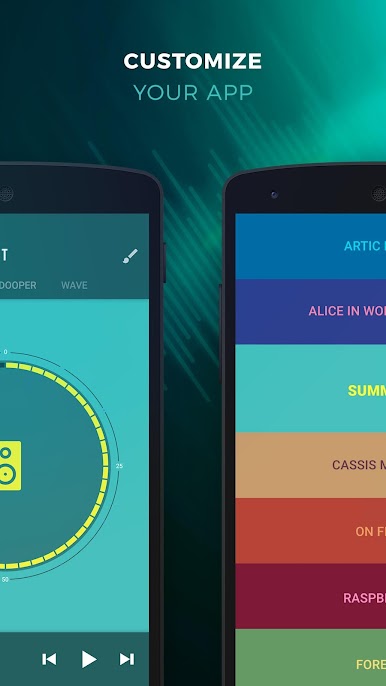
What’s kind of fun is that you can mess around with the look too — switching up the background color or even making your own, so it’s a bit more personal if you want it to match your style. Everything’s designed to be super straightforward, not much fussing. It also works in the background, so you don’t have to have it open all the time, which is convenient if you’re using it through BlueStacks on your PC with other programs running. Just a heads up — it should be used with some restraint since pushing the audio way too high for long might risk your ears or your speakers. But for anyone who feels like their music sounds a bit flat or just wants some extra kick, this app makes it really easy to tweak things to what sounds best.
BlueStacks gives you the much-needed freedom to experience your favorite apps on a bigger screen. Get it now.
在電腦上遊玩Bass Booster - Music Sound EQ . 輕易上手.
-
在您的電腦上下載並安裝BlueStacks
-
完成Google登入後即可訪問Play商店,或等你需要訪問Play商店十再登入
-
在右上角的搜索欄中尋找 Bass Booster - Music Sound EQ
-
點擊以從搜索結果中安裝 Bass Booster - Music Sound EQ
-
完成Google登入(如果您跳過了步驟2),以安裝 Bass Booster - Music Sound EQ
-
在首頁畫面中點擊 Bass Booster - Music Sound EQ 圖標來啟動遊戲

